**Logitech Brio MX webcam (angle) control under Linux Mint**

TL;DR

Webcams (at least 2 Logitech’s I tested) just work under Linux Mint (plug&play). I was looking for a software to adjust the angle of the webcam and Cameractrls just work, too.

What was the issue – the angle

The built-in webcam in my Lenovo Yoga is just … garbage, so I was using / occasionally borrowing my sons Logitech Streamcam for videoconferencing. While Streamcam works just great for videoconferencing, I received strong hints from him: just buy your own webcam, old man.

So I did. I didn’t research much, I just choose Logitech Brio MX. I was a bit skeptical because of some forum posts that it has issues under Linux.

But it worked right away as I plugged it in. Nice picture, even a bit better as Streamcam’s, but there was an issue. The angle of the picture was too wide. It captured me and half of the room. I didn’t want that.

I read the cam allows adjusting the view angle, but only using Logitech’s software, which does not run under Linux.

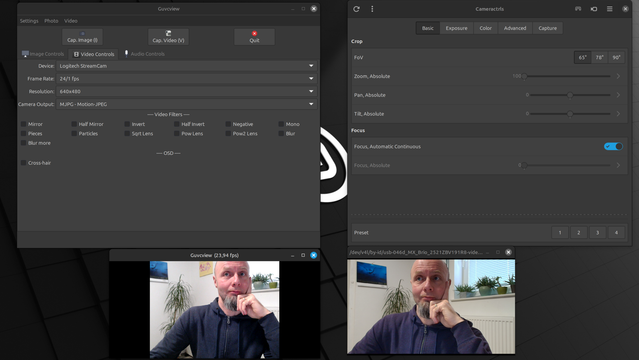
After a bit of searching, I found 2 programs that can be used to adjust webcam settings: Guvcview and Cameractrls. The picture below shows them side-by-side:

As you can see in the right window, Cameractrls allow adjusting the view angle (60-78-90 for my cam).

Great.

What’s even better, the settings persist across the OS – when I fired up Element, Teams (yeah, I know) or Meet video conferencing program, it kept the settings from CameraCtrls.

The best thing is I didn’t need to mess with drivers or Logitech’s bloatware. Another win for Linux.

https://blog.rozman.info/webcam-angle-control-under-linux-mint/ #cameractrls #guvcview #Linux #logitech #Mint #webcam

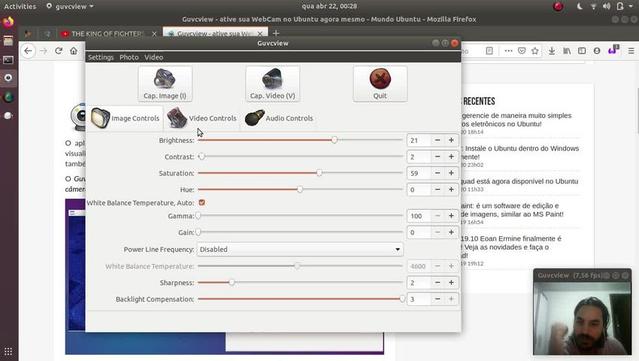
13 Best Free and Open Source #Linux #Webcam #Tools (2/3)
Source: https://www.linuxlinks.com/webcam/

5) #Kerberos.io : Video surveillance solution. https://kerberos.io

6) #Clight : Webcam becomes light sensor. https://github.com/FedeDP/Clight

7) #Guvcview : Full-featured video grabber. https://guvcview.sourceforge.net

8) #Cheese : Take pictures and videos from your webcam. https://wiki.gnome.org/Apps/Cheese

9) #webcamize : Use your camera as a webcam. https://github.com/weebney/webcamize

13 Best Free and Open Source Linux Webcam Tools - LinuxLinks

Our favorite free Linux tools which enable webcams to capture images and video, and to act as a video surveillance device.

LinuxLinks
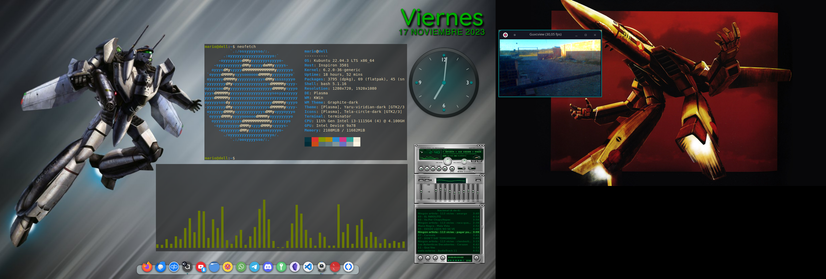
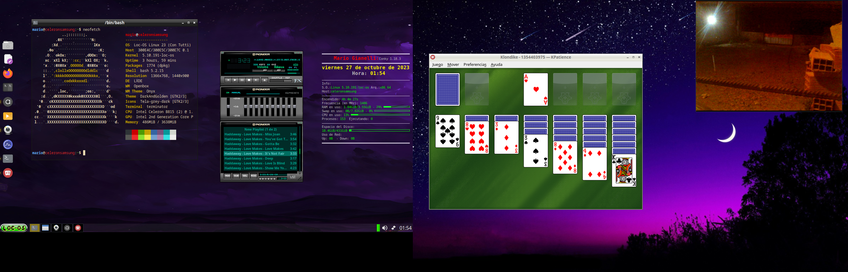
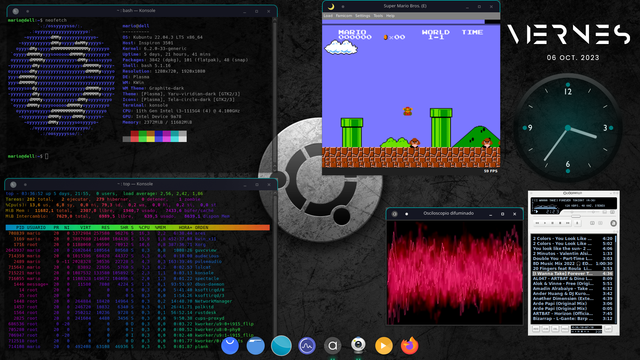
Seguimos con la misma Distribución en esta Pc, #ViernesDeEscritorio #GNU_Linux #Ubuntu #KDE #Plasma #terminator (emulador de termianl) + #fastfetch #audacious #guvcview #latte (dock)

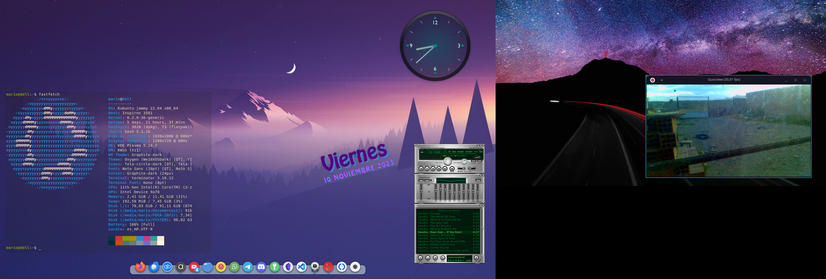
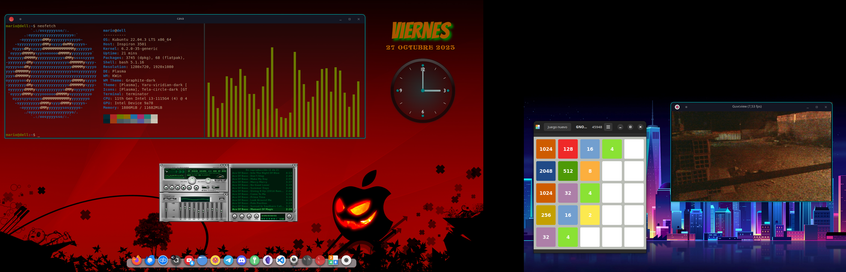
Mis 2 PC para este #ViernesDeEscritorio con #GNU_Linux
- La mas viejita del año 2008 con #Loc-OS_23 #OpenBox y #LXDE .
- La otra de principios de 2022 con #Ubuntu y #KDE .

Los programas: #neofetch #audacious #cava #guvcview #gnome-2048 #kpatience #conky

Which packages are the 5% missing on #RISCV, what efforts are currently made and what need to be done:
https://lists.riscv.org/g/software/message/174

I would add after 1 or 2 weeks of testing that, Most JIT are missing, not only Lua (there is already a patch for RV32), PCRE, php engine, mb_strings (but they can all be used without it).

Other missing libs: libgsl25 (GNU Scientific Library), needed by Hugin, and Darktable (there is still rawtherapee). #ObsStudio is missing too.

On the sound design part, SuperCollider is missing.

On the (retrocomputer/arcade/console) emulator side missing are: openmsx, but mame, libretro (including bsnes, beetle-psx/vb/pce, desmume, etc...) are here. Missing in libretro are snes9x, and nestopia (closed source)

if Firefox (that already have patchs) and LibreOffice are not in distributions, most productivity tools already have. JHere is a partial list of what is already running on RISC-V:
* GFX: #GIMP, #Krita, #Blender, #Inkscape, #MyPaint,, #Pencil2D, #Glaxnimate, #SynfigSudio, #zopfli, #Imagemagick, #Scribus, #FontForge, #FontMatrix, #Xsane, #LaTeX, #svtAV1 (#av1)
* Audio: #LMMS, #Ardour, #MuseScore, #Fluidsynth, #VMPK, #zynaddsubfx #pipewire #sox, #Audacity, #TuxGuitar, #CheeseCutter, #SfxrQt, #BambooTracker (YM2608/OPNA), #GoatTracker (C64), #HivelyTracker (AHX, HVL), #MilkyTracker
* Photo/Video: #mpv, #pipwire, #mencoder, #ffmpeg, #shotcut, #kdenlive, #pitivi, #vlc, #mlt, #melt, #vokoscreenNG, #RecordMyDesktop, #entangle, #rawtherapee, #guvcview, #UVCcapture, #Cheese
* OS: #qemu, #uae, #DosBox
* Dev: #GCC, #LLVM, #FPGAtools, Geany, #YoSys, #QtCreator, #Fritzing, #WireShark, #GTKWave, #Verilator
* Web services: #nginx, #apache, #php, #python, #lua, #ruby
* Internet clients: #hexchat, #WeeChat, #Gajim, #Xmppc, #TelegramDesktop, #Epihany, #netsurf, #Filezilla,
* Game engines: #tic80, #LÖVE, #PyGame, #Cube2, #Scummvm, #LibRetro
* Map: #Marble, #Stellarium (stars map)
* Games (not depending on a game engine): #SuperTuxKart, #ExtremeTuxRacer, #NeverBall, #bzflag, #Wesnoth...
* SImulation: #FlightGear,
PLCT Roadmap 2022: Porting the remaining 5%

Teste #5

PeerTube