DevWithZachary
Using The Creative Zen Vision:M in 2026 - (Attempting) SD card upgrade
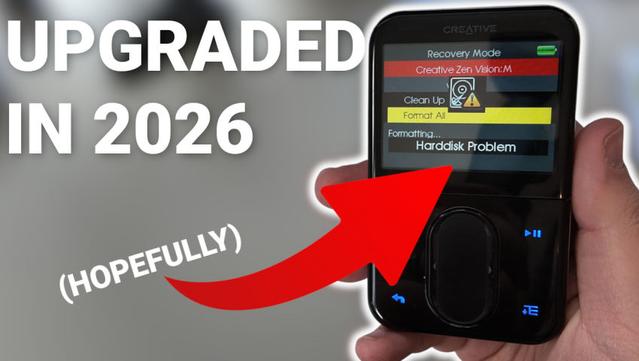
Using The Creative Zen Vision:M in 2026 - (Attempting) SD card upgrade
Operation Slabtop: The second life of the workstation as a satellite in the Zero-Trust architecture
The life cycle of IT equipment can be ruthless. The machine that a few years ago compiled powerful monoliths and enabled the design of micro-service systems without a hitch, today, in the era of local LLMs and distributed artificial intelligence clusters, seems to be running out of breath. But in the world of DevOps and private labs, throwing away functional silicon isn't just wasteful - it's a sin against engineering optimization.
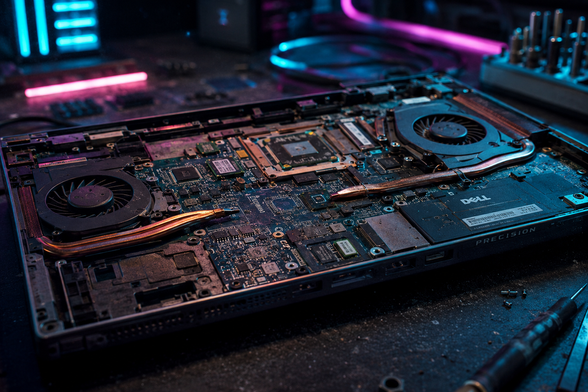
Today, a veteran hits the operating table: Dell Precision 5520. However, instead of condemning it to gathering dust in a closet or being disposed of, we will perform a drastic hardware modification and include it in the home, independent ecosystem as a critical satellite node. We break away from the digital feudalism of public clouds by building infrastructure on our own terms.
Silicon under the microscope: Why this model?
Before we get into the cutting, let's look at the specs. This is not an ordinary consumer laptop limited by the thermals of cheap plastic. The heart of this machine is Intel Xeon E3-1505M v6. This is a key detail.
The presence of Xeon architecture in a mobile workstation is a game changer in the server context. This gives us important advantages:
The Myth of ECC in Slim Workstations (Hardware Warning)
At this point, it is worth debunking a popular myth that many engineers worry about. Although the Xeon E3-1505M v6 processor itself natively supports error correction (ECC), Dell has not implemented this support on the 5520 motherboard. This is a twin case with the XPS 15, where ECC paths were abandoned in favor of miniaturization (unlike the thicker Precision 7520 series). We stay with the proven, maximum 32 GB of fast non-ECC RAM.
There is also an NVIDIA Quadro M1200 chip inside. And although its architecture (Maxwell) is too old (Compute Capability 5.0) to run modern agent or vLLM engines (we delegate these tasks to dedicated nodes of the Blackwell AI cluster), it is still a powerful coprocessor for hardware decoding of video streams (NVDEC) or running smaller, local computer vision models (Computer Vision).
Cyberpunk Surgery, or the construction of "Slabtop"
A laptop as a server has a phenomenal power to current ratio and a built-in "UPS" in the form of a battery. However, a lithium-ion battery locked in a rack cabinet and connected to the power supply 24/7 is a ticking firebomb (so-called spicy pillow).
So we create Slabtop (flat screenless server). The procedure is simple but brutal:
AC Recovery to Power On, ignore keyboard and matrix missing errors during POST.In this way, we get a perfectly flat, one-piece computing node in the fractional 1U format, which consumes only a few or a dozen or so watts at idle.
Architecture: Where to connect Xeon in a modern lab?
With the main orchestrator and firewall in the network (e.g. an R3930 class machine) and heavy nodes accelerated by modern GPUs, our Slabtop 5520 should not fight for the title of the main server. Its strength lies in its asymmetry and isolation. It becomes a satellite machine.
Here are two ideal roles for this machine, managed entirely by code (Ansible + Docker Compose):
Role 1: SecOps and Observability Bastion (Out-of-band Monitoring)
The golden rule of infrastructure is: never keep monitoring systems on the same machine you are monitoring. When your main cluster fails under load or due to a network configuration error, you need to know why.
Role 2: "Knowledge OS" Engine
Instead of relying on external cloud services, Slabtop becomes the guardian of your private knowledge management system.
git push, compiles a static blog (Hugo) from the latest architectural notes and replicates it securely to an external proxy.Summary: Code, Silicon and Control
This project is proof that in the world of "Infrastructure as Code" hardware never dies - it simply changes its role. The Dell Precision 5520 with a Xeon processor and built-in out-of-band management, reduced to raw silicon and aluminum, is the perfect, silent security node.
Instead of adding another point of failure in the cloud, we closed the circuit in our own lab. Pure pragmatism, full control over data and an infrastructure that works for us, not us for it. And all this without a subscription.
#homelab #slabtop #ITUpcycling #HardwareRecycling #HardwareModding
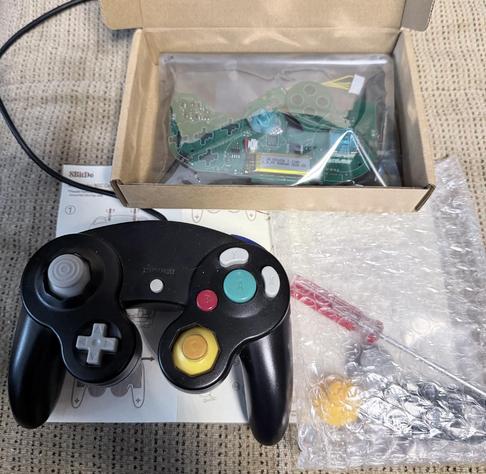
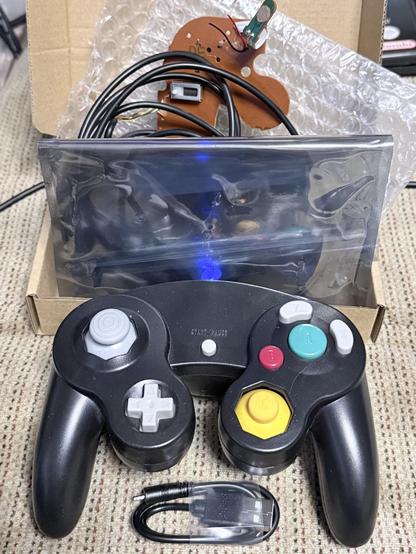
Vorher vs Nachher
Oder mit Kabel, ohne Kabel, mit Ladekabel.
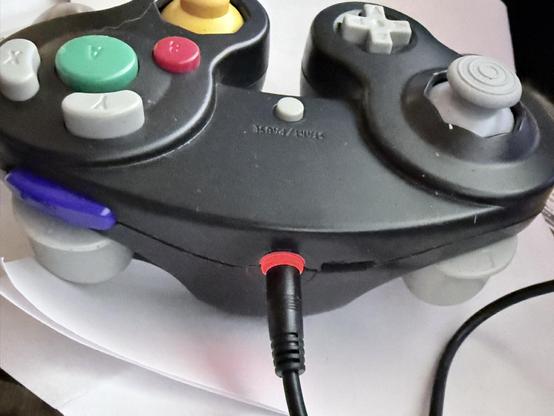
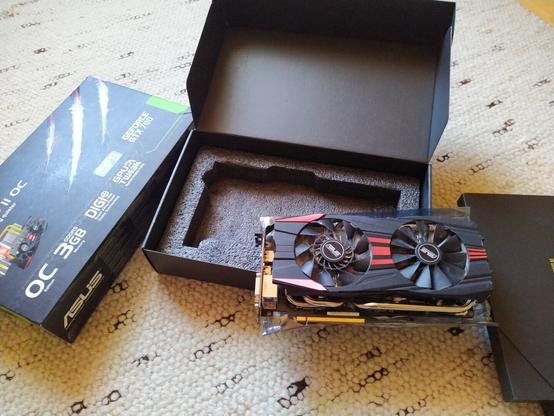


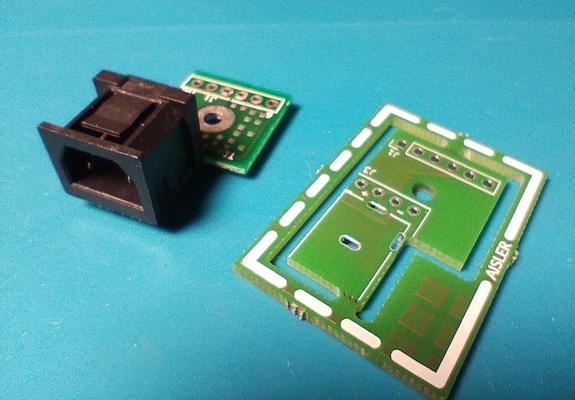
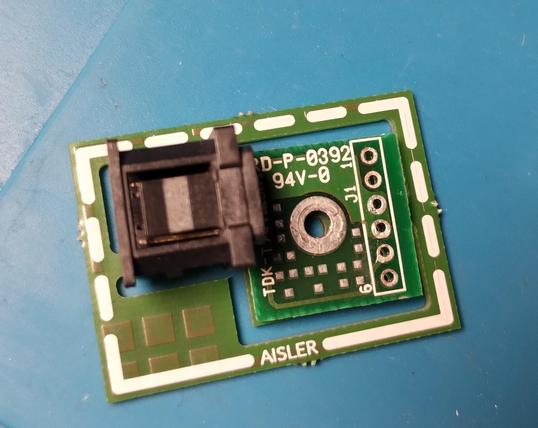
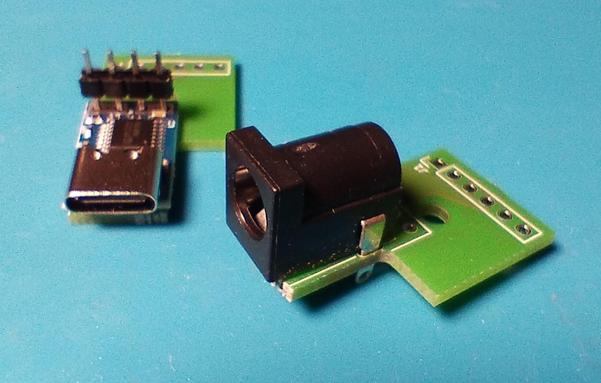
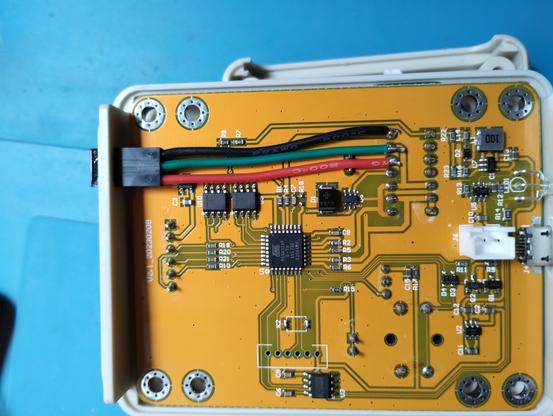
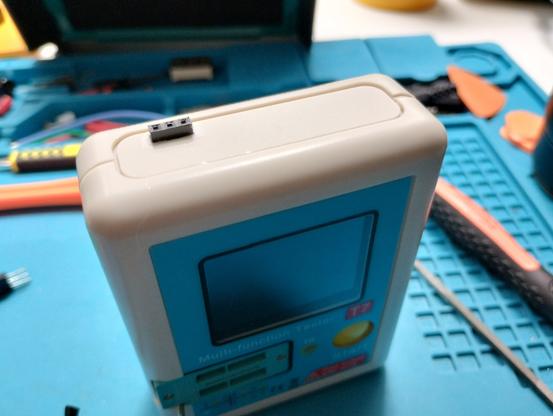
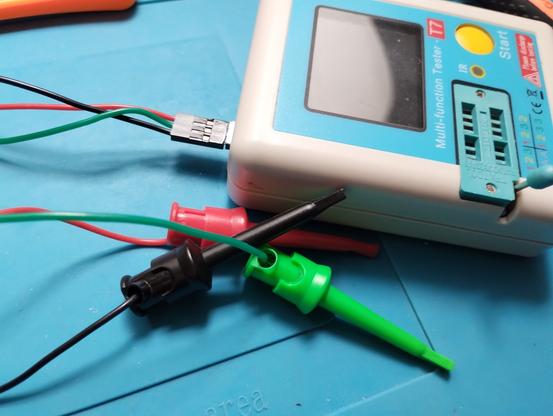
Detailverliebte Restauration eines Bildschirms aus den Achtzigern, inklusive einer Modernisierung des ursprünglichen Lautsprecher-Mods.
https://www.youtube.com/watch?v=9xYQU5SldcA (39 min)
(via https://chaos.social/@layered/114574483270587664)
#80s #CRT #monitor #restoration #polymatt #modding #hardwareModding #vintage

I managed, to only burn my fingers, ONCE!
But I did it. I HF-modded a UV-K5. Furthermore, I did it without magnificaion, and without the correct sized soldering iron tip. Who wants to bet how long before it detonates?
I am 90% certain that the capacitor you have to replace is 0201 footprint.
#AmateurRadio #HamRadio #Soldering #Electronics #HardwareModding #QuanshengUVK5
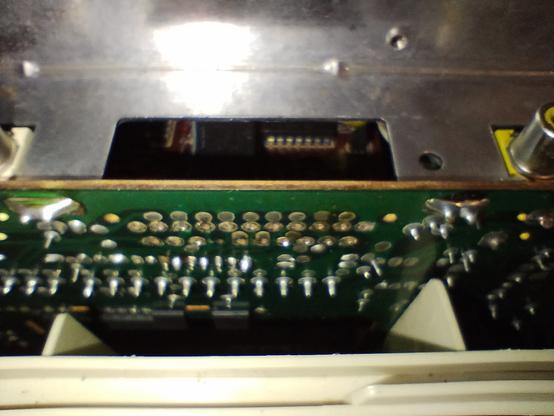
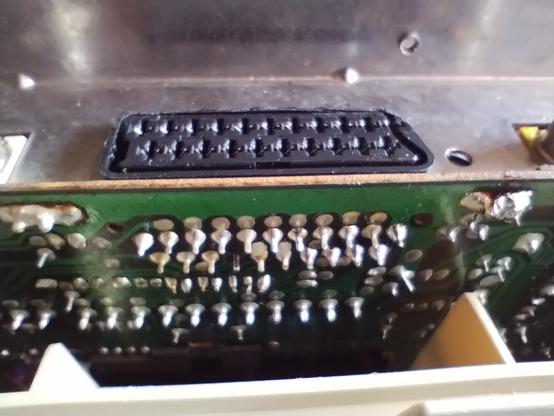
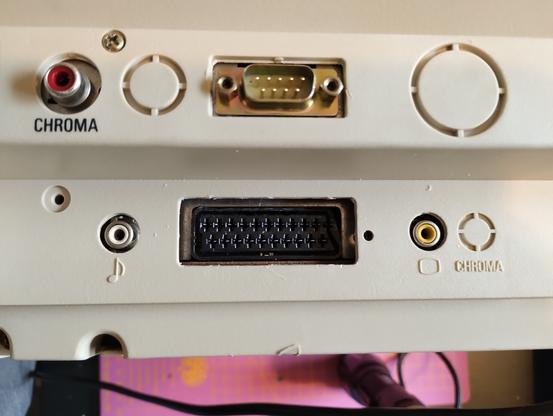
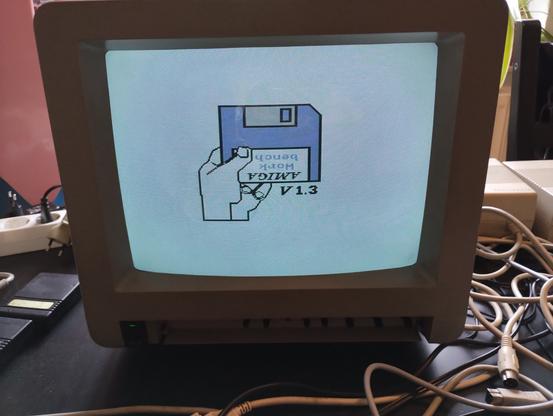


Attached: 2 images First Part of the 2nd Prototype of the #SteamDSOled My brother helped me design and 3d print this display frame. Next we need to design a clamp to attach it to the deck #SteamDeck #HardwareModding #SteamDeckAddon
 MaSi
MaSi Tatzel_wurm
 PsychoticSheep
 Rommudoh
 scy
scy Teknikal_Domain
 AvisJay