Scratched an itch that's been bothering me for a while. I created a vpp-pcap tool to serve network engineers working with #VPP who want something akin to #tcpdump.
root@jt-router:~# vpp-pcap -i any --print
2026-05-05 02:27:16.544645919 lan Inbound 192.168.37.1 → 224.0.0.251  MDNS 212 Standard query response 0x0000 SRV, cache flush 0 0 44677 lgwebostv.local NSEC, cache flush lgwebostv.local NSEC, cache flush LG webOS Projector 3D93._hap._tcp.local AAAA, cache flush 2604:2940:4001:172:32b1:b5ff:feb9:232e A, cache flush 10.11.64.235
2026-05-05 02:27:16.568789127 lan Inbound 2602:f90e:10:0:18ff:7059:2bb8:3aac → 2602:f90e:10:0:ffff:ffff:ffff:fffe ICMPv6 90 Neighbor Solicitation for 2602:f90e:10:0:ffff:ffff:ffff:fffe from 16:59:1d:c2:0d:c7
2026-05-05 02:27:16.568827057 bvi100 Outbound 2602:f90e:10:0:ffff:ffff:ffff:fffe → 2602:f90e:10:0:18ff:7059:2bb8:3aac ICMPv6 86 Neighbor Advertisement 2602:f90e:10:0:ffff:ffff:ffff:fffe (rtr, sol, ovr) is at de:ad:00:00:00:64
2026-05-05 02:27:16.568834557 lan.30 Outbound 2602:f90e:10:0:ffff:ffff:ffff:fffe → 2602:f90e:10:0:18ff:7059:2bb8:3aac ICMPv6 90 Neighbor Advertisement 2602:f90e:10:0:ffff:ffff:ffff:fffe (rtr, sol, ovr) is at de:ad:00:00:00:64
2026-05-05 02:27:16.568929957 lan Inbound 2602:f90e:10:0:18ff:7059:2bb8:3aac → 2602:f90e:10:0:ffff:ffff:ffff:fffe ICMPv6 90 Neighbor Solicitation for 2602:f90e:10:0:ffff:ffff:ffff:fffe from 16:59:1d:c2:0d:c7
2026-05-05 02:27:16.568934037 bvi100 Outbound 2602:f90e:10:0:ffff:ffff:ffff:fffe → 2602:f90e:10:0:18ff:7059:2bb8:3aac ICMPv6 86 Neighbor Advertisement 2602:f90e:10:0:ffff:ffff:ffff:fffe (rtr, sol, ovr) is at de:ad:00:00:00:64
2026-05-05 02:27:16.568935527 lan.30 Outbound 2602:f90e:10:0:ffff:ffff:ffff:fffe → 2602:f90e:10:0:18ff:7059:2bb8:3aac ICMPv6 90 Neighbor Advertisement 2602:f90e:10:0:ffff:ffff:ffff:fffe (rtr, sol, ovr) is at de:ad:00:00:00:64
VPP has some very rich tracing tools, but I find them ergonomically challenging to use. I came up as a network engineer in the late 90s and early 2000s - this feels much more natural to me.
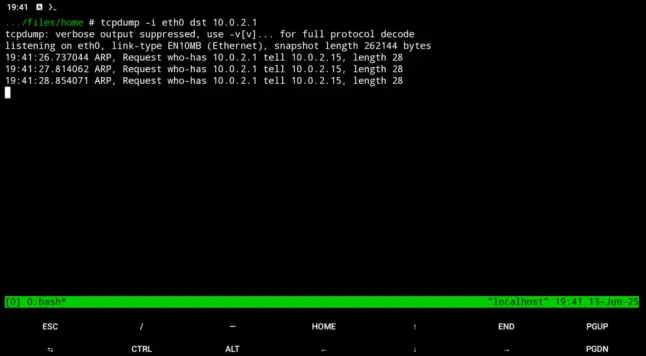
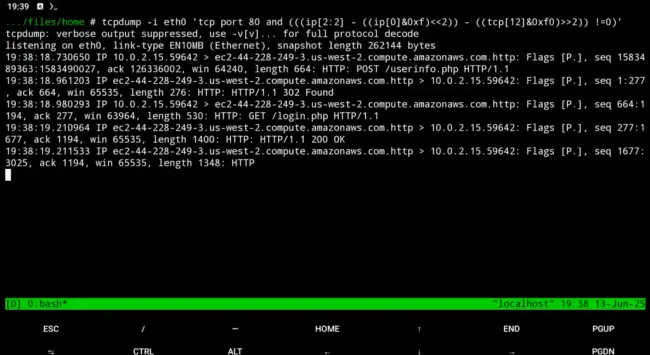
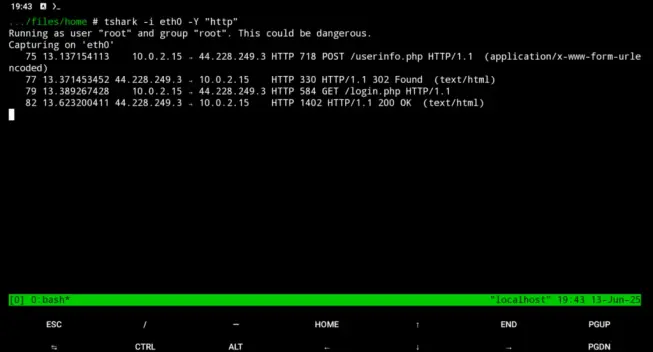
The repository is on GitHub. Both a plugin and a small Rust utility are used to provide live access to data passing through the VPP dataplane. It can also be chained with tcpdump, tshark, or wireshark to use those familiar interfaces. Usage details are in the GitHub README.
License is Apache 2.0, so use it as you'd like.
 Robin Palotai
 halil deniz
 N-gated Hacker News
 Tarnkappe.info
 Justin Thomas
 NETRESEC - Network Forensics and Network Security Monitoring [Unofficial]
 KMJ 🇦🇹
 DrScriptt