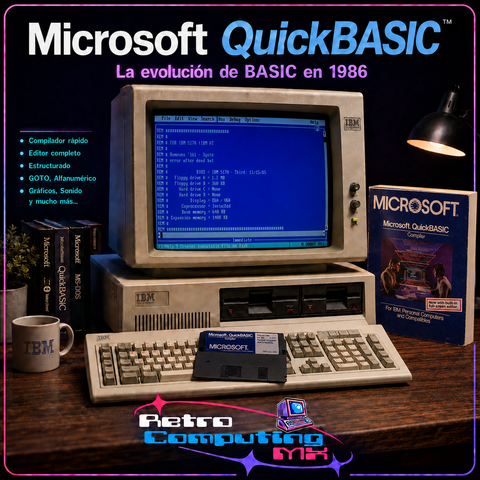
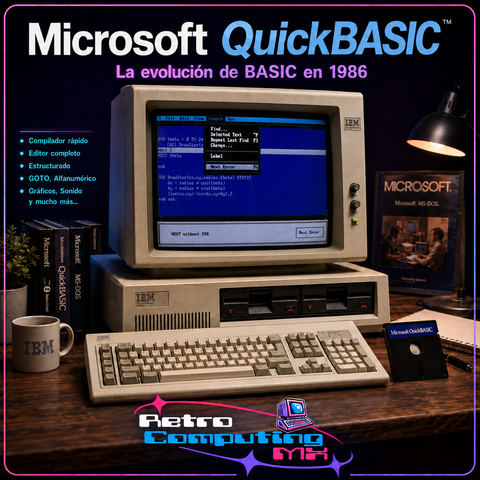
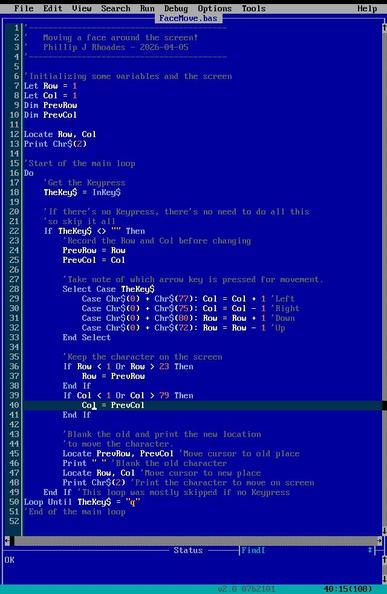
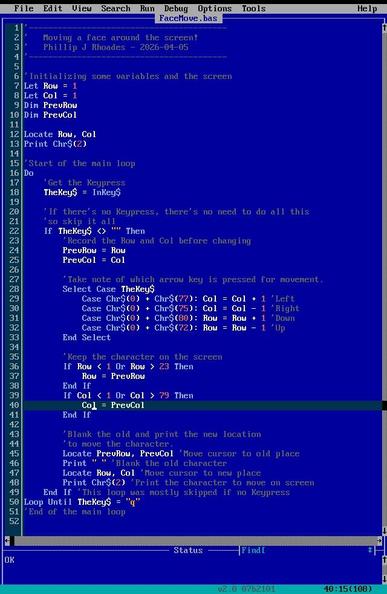
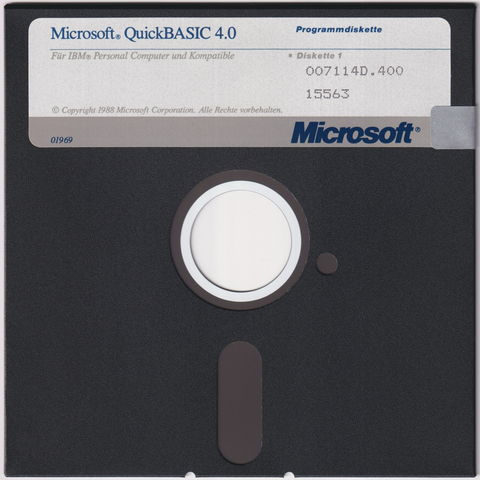
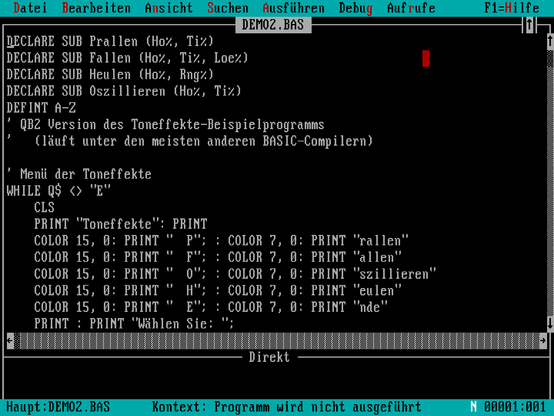
Für die alten Programmierhasen unter euch hab ich gerade noch was ganz Spezielles ins Internet Archive gestellt. Microsoft's QuickBASIC 4.0 für MS-DOS aus dem Jahre 1988. Deutsche Fassung auf 4 x 360KB 5,25 Zoll DD-Disketten.

Disketten: https://archive.org/details/quickbasic40_de
Referenzkarte: https://archive.org/details/quickbasic40_de_referenzkarte

Viel Spaß beim Coden!

#QuickBASIC #Basic #Programmieren #Programmiersprache #Microsoft #MSDOS #RetroComputing #Retro #80er #80s #DOS #FloppyDisk #KryoFlux #Diskette

Рубрика ебануццо
В 2004 году один датчанин написал полнофункциональный GUI для DOS для машин класса XT на — держитесь — #QuickBasic. Иконки, запуск других программ итп. Минимум просит 200k. Называется #costaGUI, сорцы открыты

#retrocomputing

Кто угодно может пнуть мёртвого льва

Кто угодно может пнуть мёртвого льва. Мёртвый лев не рыкнет на наглеца. Мёртвый лев не откусит ему ногу «по самое не хочу», хотя стоило бы. Лев мёртв, и теперь его может пнуть каждый ишак, что конечно же не показывает превосходство ишака над львом. Эта статья будет полна негодования и ненависти. Кровь ещё закончила кипеть от негодования. Но, разумеется, помимо эмоций будут и сухие объективные факты, немножко исследования и расстановка точек над i. В интернете кто-то не прав... опять... Существует целый ряд инструментов, технологий и вообще вещей, которым по какой-то непонятной вселенской несправедливости не повезло : нашлась масса непонятных людей, которые по какой-то необъяснимой причине начали распускать про эти инструменты/технологии/вещи разные небылицы, идиотские фейки, слухи и прочий порочащий репутацию «компромат». Можно не переживать, если речь идёт о технологии, которая находится «на пике» — у неё будет большое community и правда восторжествует. Совсем другое дело, когда речь идёт о чём-то, что далеко не на пике, чья минута славы в прошлом (возможно даже давно в прошлом) — здесь мёртвый «лев» не может дать сдачи, и что самое обидное, что в какой-то степени «лев» сейчас мёртв отчасти и потому, что ещё при его жизни началось необоснованное распространение всяких бредовых поверий и мифов про него. И сегодня речь пойдёт об одном из таких случаев.

https://habr.com/ru/articles/973594/

#Basic #QuickBasic #Visual_Basic #интерпретатор #трансляция #x86 #фейки

Кто угодно может пнуть мёртвого льва

Кто угодно может пнуть мёртвого льва. Мёртвый лев не рыкнет на наглеца. Мёртвый лев не откусит ему ногу «по самое не хочу», хотя стоило бы. Лев мёртв, и теперь его может пнуть каждый ишак, что конечно...

Хабр
FYI: QB64: Why This Community Keeps Building! #shorts: QB64's community thrives despite setbacks, finding lost materials and rewriting code. It offers early internet vibes and an easy learning curve. See fast results across Windows, MacOS, and Linux, with backwards compatible innovation. #QB64 #QuickBasic #community #coding #retrocomputing https://www.youtube.com/shorts/nxYuVzHDLLc
ICYMI: QB64: Why This Community Keeps Building! #shorts: QB64's community thrives despite setbacks, finding lost materials and rewriting code. It offers early internet vibes and an easy learning curve. See fast results across Windows, MacOS, and Linux, with backwards compatible innovation. #QB64 #QuickBasic #community #coding #retrocomputing https://www.youtube.com/shorts/nxYuVzHDLLc
QB64: Why This Community Keeps Building! #shorts: QB64's community thrives despite setbacks, finding lost materials and rewriting code. It offers early internet vibes and an easy learning curve. See fast results across Windows, MacOS, and Linux, with backwards compatible innovation. #QB64 #QuickBasic #community #coding #retrocomputing https://www.youtube.com/shorts/nxYuVzHDLLc
Repórter Retro 118 - Retrópolis

Este é o Repórter Retro 118, produzido pela A.R.N.O. (Agência Retropolitana de Notícias)! MP3 para ouvir offline Escute no YouTube Do que falamos? O fim definitivo da Era Clássica: 30 anos do Windows 95 40 anos do QuickBASIC A Microsoft Life, o livro 45 anos da Novell... ...que (vocês não sabiam dessa) começou fabricando computador

Retrópolis - A cidade dos clássicos

I know there are many #DOS gamers here and those who simply love #retroComputing and #technology . But are there any serious DOS #programmers here as well? If so, in which language/s do you write? (I want to learn #QuickBasic , but I am at the very beginning, and it's not advanced enough for what I need.) Does anyone here work on the development of #FreeDOS ? Assuming any of the above is true, do any of you know about #accessibility and #ScreenReaders ? I am totally #blind and have loved DOS since I was a teenager. I am now forty-one. I am aware of the many updates to the system over the years, but have been unable to take advantage of them due to the fact that no new or updated #AdaptiveTechnology is being developed for it. Everyone seems to love Linux. I don't. Neither do I like Mac OS. I love Windows XP and 7, but 11 drives me mad. I think we deserve another alternative to all of these, and I also think that DOS can be it if a few things are added to it, including a talking installer, an updated screen reader and good software speech synthesis. For those of you who think DOS only equals dialup modems and floppies, you may wish to read this, or at least skim through it.

http://www.chebucto.ns.ca/~ak621/DOS/DOS-Fal.html

DOS Fallacies -- A Doctor DOS Discussion

Gives DOS Operating System Fallacies and Discusses Why they are Untrue

I am trying to learn QuickBasic 4.5. I am using the files that I found here.

https://qbasic.net/en/top-ten-downloads/

I am learning from this tutorial.

https://www.pcjs.org/documents/books/mspl13/basic/qblearn/

Unfortunately, I don't have any of my real DOS machines or synthesizers available at the moment, so I am using Talking Dosbox. While I am familiar with VocalEyes, at the moment, I am using Flipper, since it comes with built-in speech and is quick. At any rate, the menu system looks like standard menus in Windows, and for that matter, in edit.exe. I can access them normally with the alt key, alt+f, then use the arrows and enter. I am trying to open qcards.bas. I have tried both entering it via the full path "c:\qb45\inc\qcards.bas", and looking for the file list as instructed by the tutorial. But how do I get to the file list? I tried tabbing as I would do in Windows, but that didn't work. Then, I saw "okay, cancel, help", but again, I couldn't activate either one. I tried the first letter of each with no success and tried using the arrow keys and enter, all to no avail.

Perhaps, it's just because I don't know how to use this particular screen reader very well, since I haven't yet read the manual for it. This machine also has ASAP and JAWS installed, and I do have a demo of VocalEyes that I can use if worse comes to worst, but I am very surprised that this isn't working, considering that it's all text-based!

I could skip this section and go straight to writing my first lines of code, but I really want to know how this works. I also know of Quickbasic 7.1, and even a 64-bit version, but I have no idea if they are accessible or how different from 4.5 they are. Any help would be appreciated, particularly from my blind peers. No, I have no interest in programming for Linux. I also prefer procedural-based languages and text-based programs, not graphical ones. If I programmed for Windows, it would be 32-bit XP or 7.

#accessibility #ASAP #blind #DOS #Flipper #JAWS #programming #QuickBasic #VocalEyes

Qbasic Download - Most popular Downloads

Qbasic Download - Tools, Tutorials, Compiler, Games, Libraries: QBasic Top 10 Downloads

I just found the fullversion of QuickBasic 4.5, including all of the demonstration programs that I need to use with the tutorial! Plus, there is a version configured for Dosbox! Both can be found here.

https://qbasic.net/en/top-ten-downloads/

#Basic #computing #DOS #MS-DOS #learning #programming #QuickBasic #technology #tutorials

Qbasic Download - Most popular Downloads

Qbasic Download - Tools, Tutorials, Compiler, Games, Libraries: QBasic Top 10 Downloads