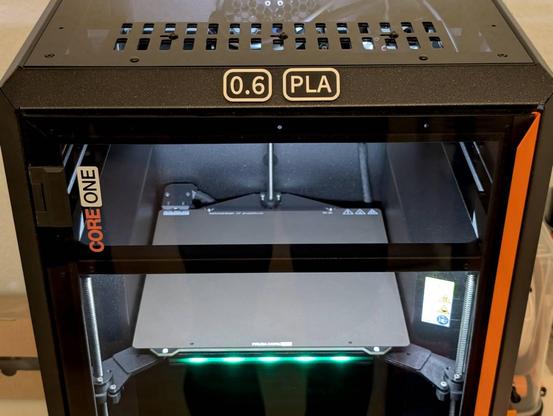
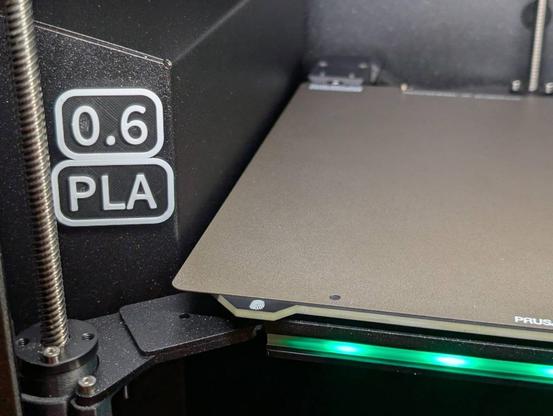
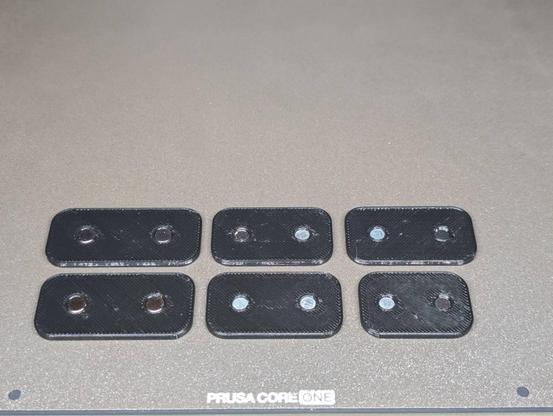
It's another #FreeCADFriday and I share another printable design created with @freecad!

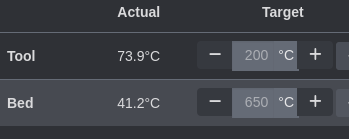
I made magnetic tags to label the printer configuration. This is an easy way to prevent material or nozzle size mixups.
I place them where they are visible through the camera so that they can be seen via #OctoPrint.

#FreeCAD #CAD #3DPrinting #3DPrint #PrusaCOREOne #COREOne

https://www.printables.com/model/1745304

Es gibt so Software, die ist einfach nur geil!

#Homeassistant und #Proxmox gehören dazu.

Hab jetzt meine Proxmox-Container im Homeassistant eingebunden und kann jetzt #Octoprint hochfahren wenn ich den #3ddrucker starte.

Und wenn der Drucker mit drucken fertig ist fährt er sich und Octoprint runter.

*breit grinsend gesendet*

While we’re on the topic of past me, I was frustrated yesterday by my inability to find the #freecad file for a part that I’ve made multiple times. I even filtered for all FreeCAD files across all project subfolders in my #3dprinting folder.

Be careful how you name your files such that you won’t think: “I definitely wouldn’t have named it *that*.” and ignore the correct file that’s right in front of you.

Weirdly, I discovered the name of the correct file because of the gcode file from 3 years ago in the project folder on #octoprint. This, after recreating the model in FreeCAD by measuring one of the parts I had on hand, and getting ready to upload the new gcode file to OctoPrint… 🤦‍♂️

I’ve been running #octoprint since 2016, and I maybe flashed a new version of OctoPi once since then, perhaps when I got my Prusa in 2019.

I finally needed to reflash the OS to upgrade my Python installation. That meant I actually used the Backup plugin for the first time yesterday to download all of my settings and data. However, that file was 1.4GB, which is too large to restore using the plugin. (No timelapses even!)

So, thanks to excellent instructions written by @foosel in 2018, it was super easy for me to use SCP to upload the file directly to my poor, slow, Pi2, and then run the restore function via SSH to get everything back to normal.

I honestly avoid the command line as much as I can. So, I’m grateful for well documented FOSS projects like OctoPrint that help me when I have to do it the hard way.
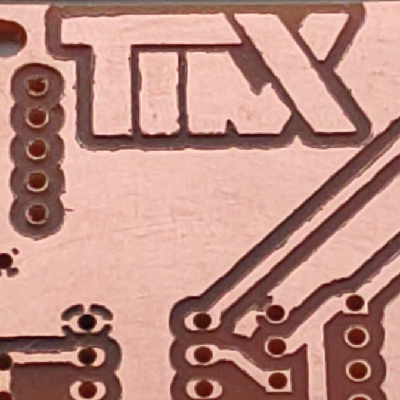
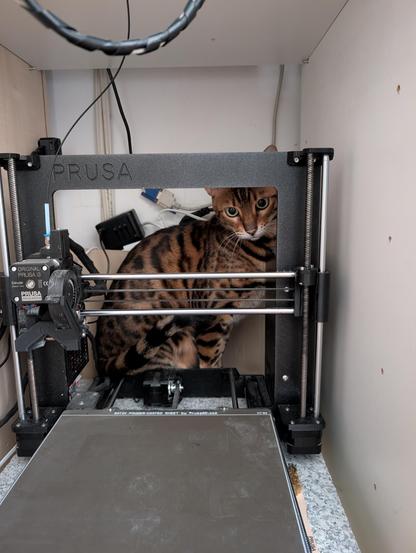
#Kater steigt ungefragt beim #Prusa ein... Resultat: 3h lange Fehlersuche warum der #octopi mit #octoprint den #3ddrucker nicht mehr erkennt. Das HAT-Board war wohl durch zu viel Katzengewakle relativ zum #raspberrypi verrutscht 🙄🙄🙄 #fml

Crazy typo

#octoprint

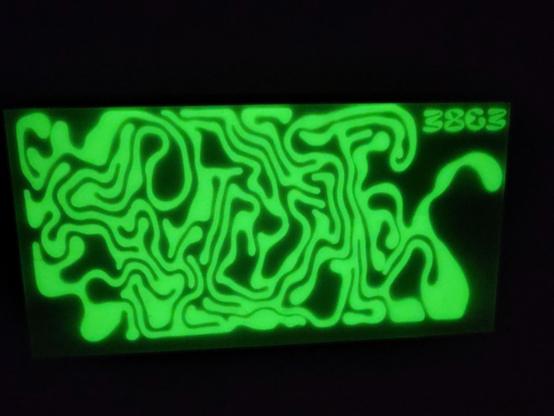
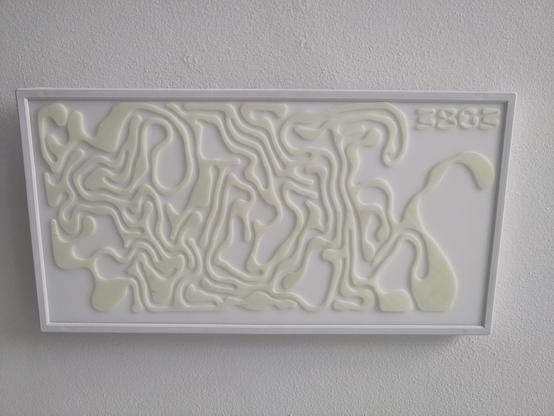
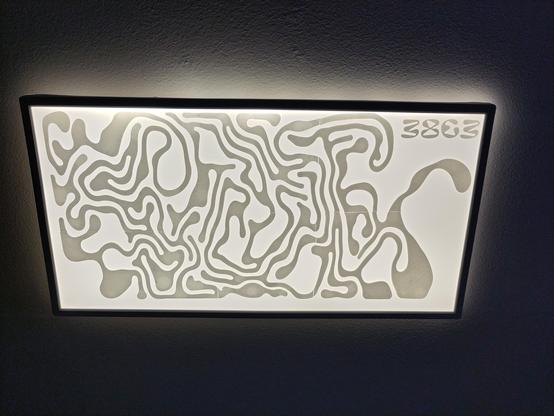
#38c3 #3dprinting #lamp #phosphorescence
The lamp in our bathroom got an upgrade
made with #inkscape #freecad and #octoprint
lol @foosel yes it has been! #octoprint #octopi

Happy Birthday und herzlichen Glückwunsch zum Geburtstag @foosel 🥳

OctoPrint is a snitch... 😉

#OctoPrint

Anyone know what all of this red colouring in #OctoPrint means?
Why does it scribble all over the layer in red?

I feel like this should tell me something, but what?