@nixCraft @lisamelton

I miss the days when the kids were small and my favorite gaming buddies. Now they’ve unlocked both 7+ coolness and I’m back to single-player mode.

50+ gaming routine:
✓ Build a Batocera Linux retro machine
✓ Tweak everything for hours
✓ Launch a game
✓ Smile at the menu
✓ Play 10 minutes
✓ Fall asleep

100% with you on this. 🎮😴

#Batocera #LinuxGaming #RetroGaming #DadGamer #GamingAfter50 #Adulting #Emulation #StillLoading #FPSPerNap #RetroFeels #GamingDad

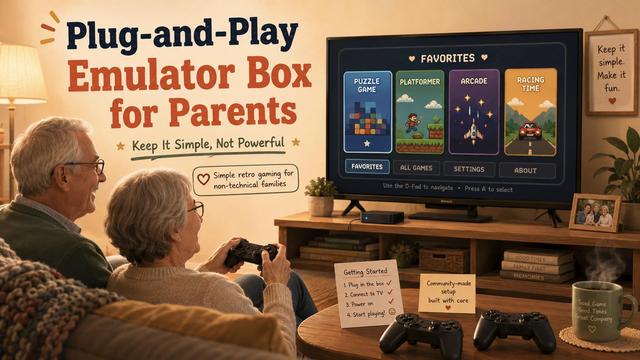
A retro emulation setup for a non-technical user should be designed differently.

The goal is not maximum systems, maximum shaders, or a giant game library.

The goal is:
- simple menu
- simple controller
- short favorites list
- safe power on/off
- no maintenance feeling

We wrote a practical guide:
https://newclassicgaming.com/d/96-plug-and-play-emulator-box-for-parents-keep-it-simple-not-powerful

#RetroGaming #Emulation #ClassicGames #Batocera #RetroPie #GamePreservation
🐧 Hai installato Linux e non sai cos’è GRUB?

Ho pubblicato una guida semplice e completa per capire dual boot, UEFI, update-grub, ripristino del boot loader e configurazioni con Windows e Batocera 👀

👉 https://incastro.altervista.org/grub-linux-guida-completa-dual-boot-update-grub/

#Linux #GRUB #LinuxMint #Ubuntu #DualBoot #Windows11 #Batocera

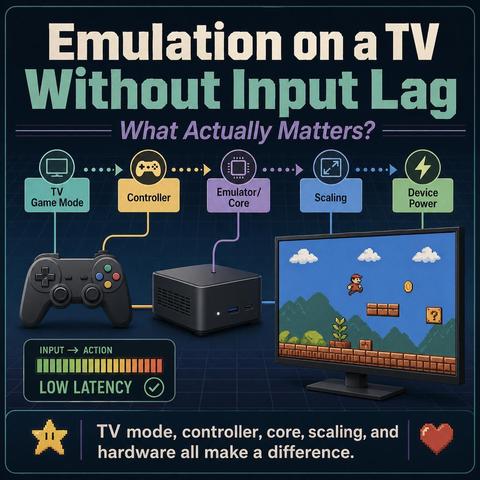
Input lag in emulation is usually a chain, not a single setting:

- TV picture mode
- controller connection
- emulator/core
- scaling
- shaders
- device performance

Before buying a new box, it is worth checking Game Mode and testing a wired controller first.

Full beginner-friendly guide:
https://newclassicgaming.com/d/14-how-to-fix-input-lag-on-modern-tvs-2026-update

#RetroGaming #Emulation #InputLag #Batocera #GamingSetup

A lot of beginner emulation setup questions are really frontend/setup questions.

Playnite, RetroBat and Batocera all make sense — but for different users.

We put together a simple comparison for beginners:
https://newclassicgaming.com/d/94-retrobat-vs-playnite-vs-batocera-which-setup-should-you-choose

#RetroGaming #Emulation #Batocera #RetroBat #Playnite #ClassicGames

RetroBat vs Playnite vs Batocera: Which Setup Should You Choose? - NewClassicGaming

retro & modern emulation

NewClassicGaming
@loicgervais
Tout dépend de la version du raspberry mais une "console de jeux" retrogaming, ça peut se faire aussi ;)
#recalbox, #batocera...

Batocera – The Retro Arcade OS

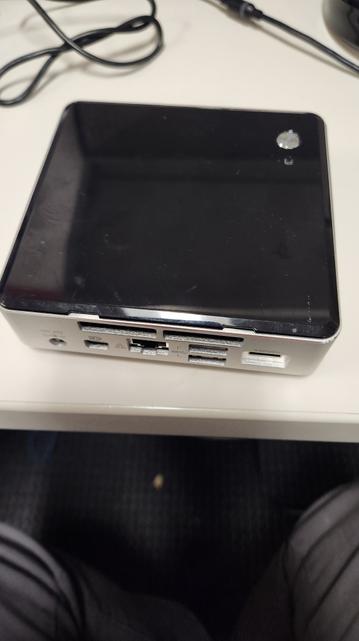
I have a mini-PC that my workplace isn't using so I grabbed it and brought it home. With this home labbing I have been getting into I thought about having a retro video game box. Most people get a Raspberry Pi and install RetroPie on it. The limitations is the micro SD card that the RPi boots off of. I have a mini-PC that uses an M.2 SSD drive to boot the OS off it. So I chose that to host my retro video game box. It only has a 250 GB SSD so I ordered a 512 GB SSD. As for the OS I […]

https://radicalgeek.blog/2026/05/16/batocera-the-retro-arcade-os/

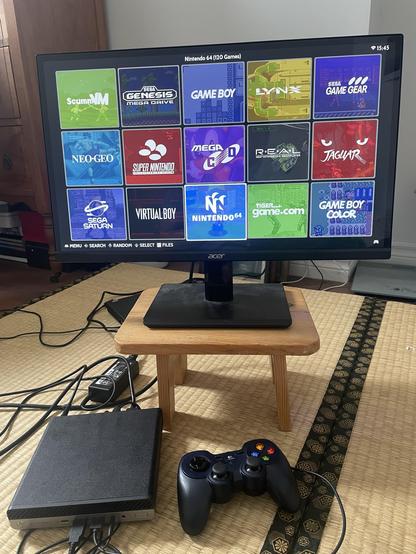
Lazy day today. Updated my mini pc gaming console to Batocera 43. The update didn’t break as many things as I thought it would! And 3DS emulation is much smoother.

The only thing that broke was launching emulators for a certain newer Nintendo console. They crash when launched from EmulationStation, but work when launched from the file browser. Will have to look into this.

#Batocera #RetroGaming

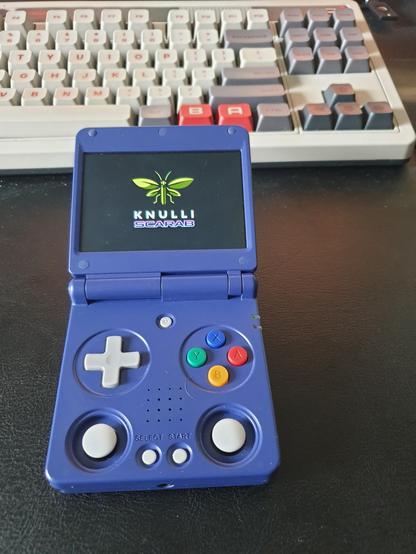
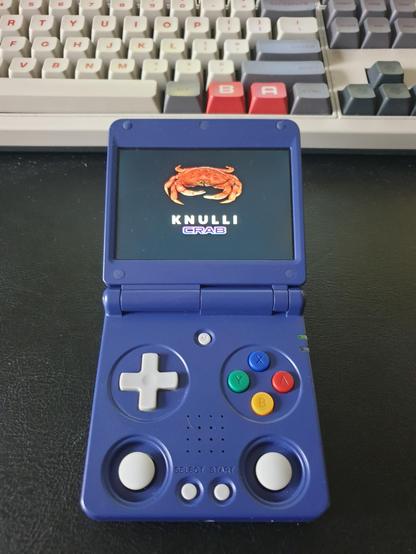
The carcinisation is unavoidable.

#anbernic #knulli #batocera #crab #handheld #emulation

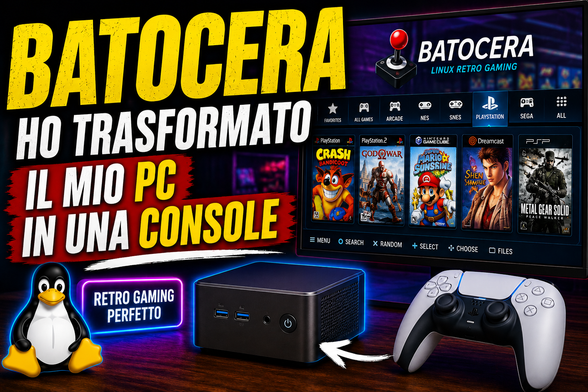
Ho trasformato il mio mini PC Ryzen 5 in una vera console retro con Batocera… e sinceramente non mi aspettavo un risultato così 😳🎮

PS2, PSP, GameCube, controller PS5, ROM facili da scaricare con RGSX e add-on non ufficiali: sembra una console vera.

👉 Recensione completa qui:
https://incastro.altervista.org/batocera-recensione-console-retro-2026/

#Batocera #LinuxGaming #RetroGaming #MiniPC #Retrogaming #PS2 #GameCube #Linux #Emulation #RetroArch #GamingSetup #IncastroPC