 Eniko Fox
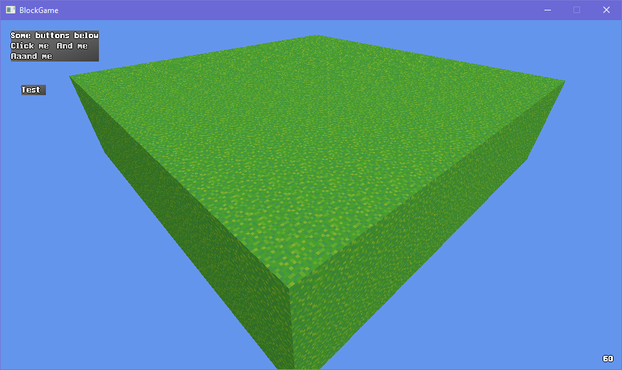
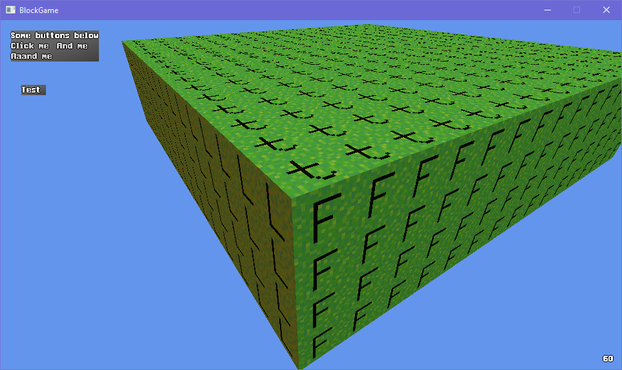
I dont know why but I couldn't stop having -Z be forward so in the end I had to flip the Z axis for any translation and I probably fucked something up somewhere but I couldn't figure it out and i ran out of patience 🙃
Ok I guess I was assuming XNA and DirectX used the same handedness but apparently XNA is right handed even though DirectX is left handed and I'd like to take this opportunity to ask *what the fuck*
So if I want +Z to be forward I have to flip the axis in the renderer? That's obnoxious. But better than -Z being forward in world space since that would confuse the shit out of players
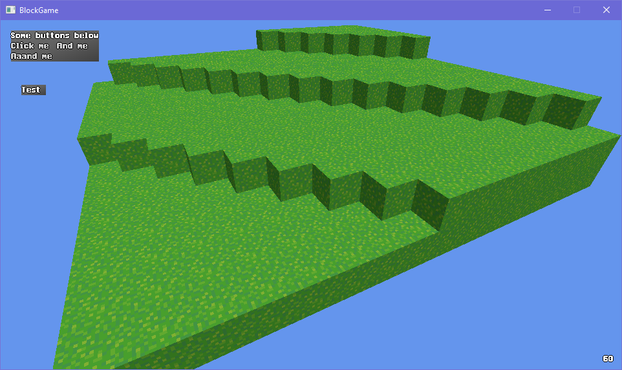
ok one more before i head to bed just to show that it can do more interesting things than just large rectangles made up of smaller cubes
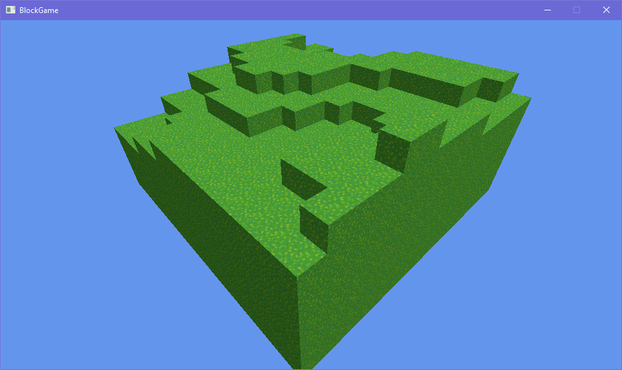
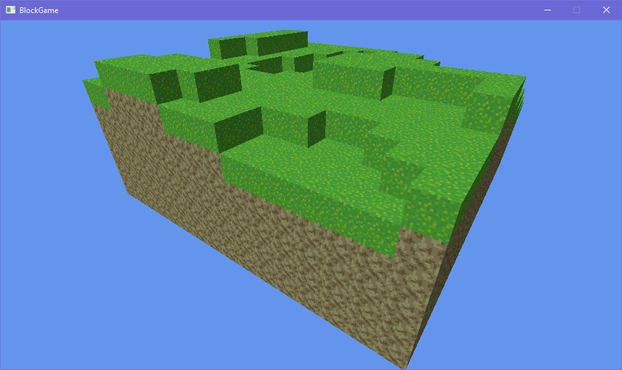
so @Farbs said something about beveling the edges in my block game and that got me thinking and looking at some old 2D terrain art i did
i'm thinking i may stray from minecraft's aesthetics a bit and use this as a sort of style guide
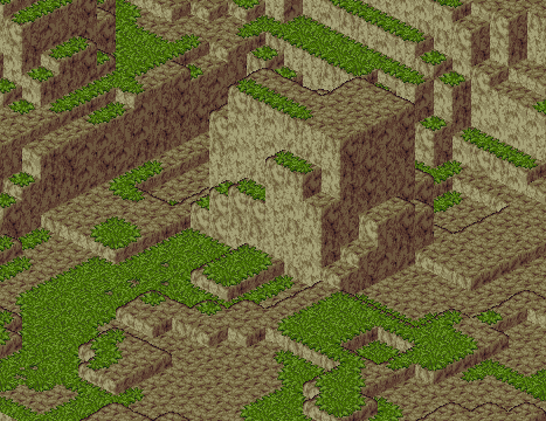
okay so this may seem a little unorthodox but bear with me here
what if
shell texturing in block game
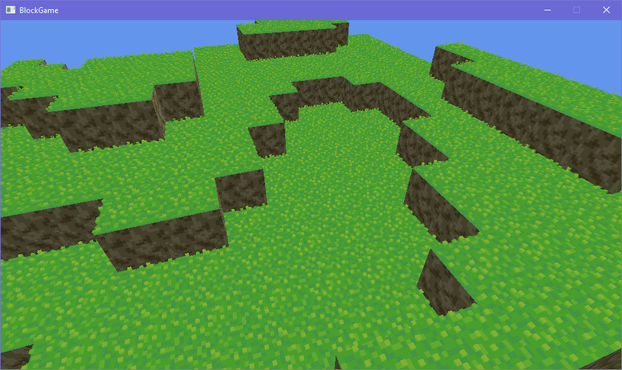
Can't decide if using shell texturing is a great idea or a stupid idea
i feel like i could soften the terrain significantly through no more than normals along the edges of blocks so i made this mockup in photoshop and i think this could actually work?
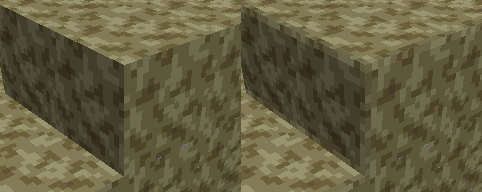
corners would still look kinda pointy but ¯\_(ツ)_/¯
if i kind of artfully place the camera to cut out the cornflower blue void surrounding this tiny chunk of terrain on all sides its almost starting to look like a real game :D
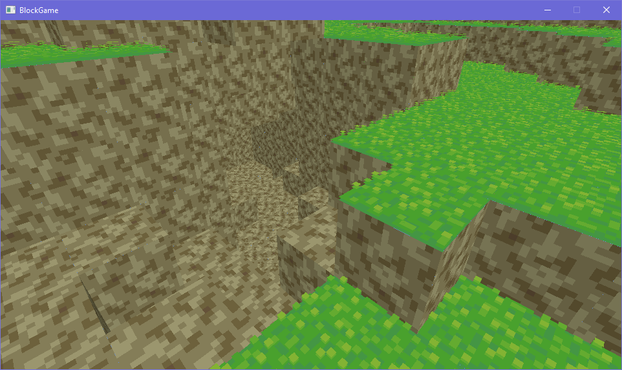
trying to add a faux edge bevel through normals and actual lighting equations is proving extremely challenging and i'm starting to give serious thought to manually baking the lighting into the textures
after endless futzing about and tweaking i think i have something that may just be workable for this faux bevel effect i want
(note that there's a "bevel" between adjacent blocks cause i haven't made the effect dependent on the block's neighbors yet)
I dunno I'm just not feeling the actual lighting model. Its not like minecraft exactly has realistic lighting anyway: blocks are lit from two opposite sides!
But the problem with baked lighting is if you have non symmetrical blocks you have to make 4 versions of each face to get all the lighting. Not that that's super onerous
Also if I made something like a lectern that would be a lot of work to do manually for each orientation
On the other hand when I made isometric games I'd have to make two of everything to get the lighting right and I didn't mind that so much so maybe I'm overthinking it
ok i figured out a reasonable way to fudge the normals so i won't have to manually bake lighting. basically what i do is set the normals of the edges so that they point towards where the adjacent faces are pointing (90 degree bend) and then i lerp from the face's lighting factor to the neighbor's lighting factor
that gives me the result on the left. i tried just having regular, actual normals, but it creates artifacts like on the right (its accurate that it shades it like that but it looks bad)
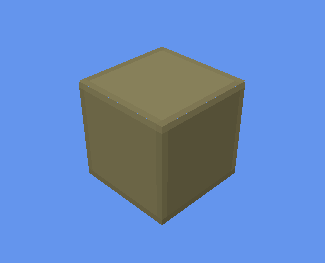
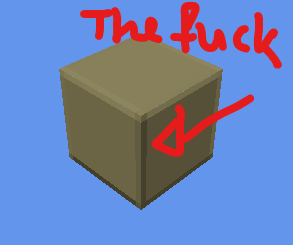
i was worried the corners would look too sharp without modification but honestly the smooth gradient does a great job without blunting the corners
took all day but i've optimized the vertex format for blocks *and* implemented auto-bevelled terrain. shown without textures to make the bevelling clearer
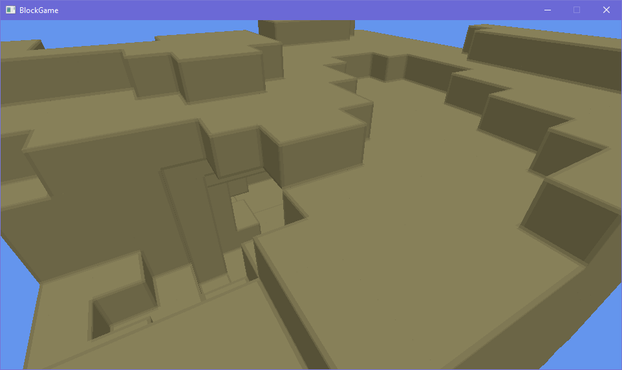
doing a side by side with my style guide i think i'm getting there. i'll probably wanna do some fancier color grading on the lighting though, and i want outlines, but the soft rounded feel of the terrain is definitely there now even though its still all cubes
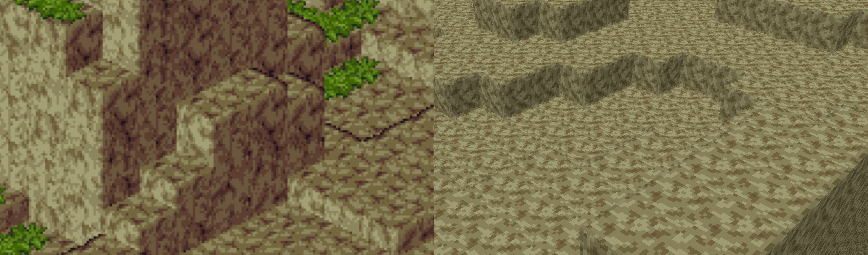
i've brought back the grass, which is actually an obj model
see i made an engine before and appropriated it for this project. it could load obj models (with normal maps) so at first the blocks in my world were actually loaded from obj models
that's why i had to redo a buncha stuff to add the bevelling, since i had to generate the faces myself
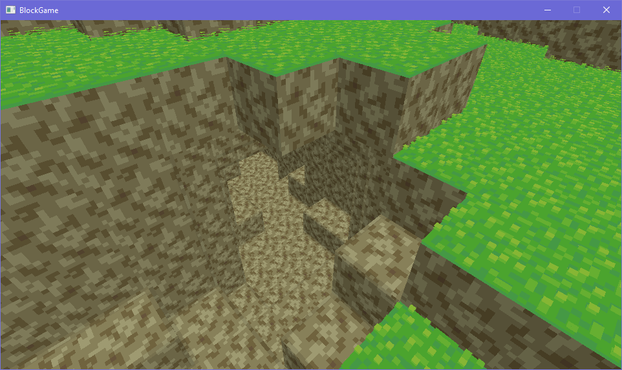
I should probably start linking up chunks before I do much else so I don't wind up having to deal with a ton of "this block's neighbor is in another chunk" situations later
 Gregly
@eniko How are you storing the chunks, if I might ask? Any specific data structure?
 KarakSindru (He/Him)
@eniko I don't have anything constructive, but it's really fun following this progress and seeing things develop.
@karaksindru that's very motivating to hear and thus constructive in its own way 😊
 gkrnours
@eniko remind me of final fantasy tactics advance
 Efi (nap pet) 🦊💤
@eniko simple change, big effect; im impressed
@efi yeah tbh i was worried it wouldn't be noticeable but its honestly pretty dramatic
 EVHaste
@eniko wow, that makes a big difference to the eye
@eniko looks good!
 Ronflaix
@eniko Looks pretty good! 👍
 Simon Rolfmore
@eniko I’m getting Windows 3.1 (positive) vibes from this somehow.
 Nikita Lisitsa
@eniko Looks like a very nice bevel!
 fabiosantoscode
@eniko it looks pretty good! From my experience with normal maps, I expected weird corners but they look fine
@eniko if you use a geometry shader to add the bevel, it's less hard, but slower
@eniko stone time?
 Silly Fae Squiggles
@eniko I love the shell grass style!
@queenofsquiggles that makes me happy to hear! 😊 I was kind of torn on whether it was a good idea or not
 Ishambard
Wow, this is coming along amazingly!
Definitely keeping an eye on how this develops!
 pintozilla
@eniko really fun seeing this come along!
 mouse.sys ▒
@eniko oh that looks good. is one aspect that they have to be escapable without tools (always one spot where jumpin will get you up) or is that incidental?
@0 that's incidental. you can always dig your way out
though i intend to generate dungeon structures that do need an entrance/exit eventually but those will use different more refined procedural generation
 MrL314 💚 (#SMKDX)
@eniko if this doesn’t end up being named some joke on “foxhole” I will riot, especially considering foxhole sounds ridiculously close to “voxel”
 Elton Carvalho
@eniko couldn't tou treat the corners explicitly?
 McMartin
@eniko Reminding me far too much of my old graphics classes here; I definitely recall using this trick to make icosahedrons look more like spheres. The real danger with big blocks like this, IIRC, is that you end up looking less "round" and more "Goraud-shaded lighting on blocks that actually looks OK"
 Krishean Draconis
@eniko could always leave it up to the end user and have a toggle for it, but then you run into the default on or default off conundrum
 Dave?
Dave?@eniko I mean it looks neat but it somewhat adds visual noise.
Can it have flowers or maybe lower grass spots or is that a huge amount of scope creep?
 Oblomov
@eniko sounds pretty stupid to me. Why would you use the shell to provide texturing? Does it offer anything over C#?
 四
四@eniko It’s a great idea until it isn’t, and that time might not come. I’d say run with it a bit.
 sarah tonin
@eniko i think it looks neat
a few of mc mods updating graphics use shell texturing on places like vines or grass, though most just use partial cubes instead, constant face count
 Jen - mangledPixel
@eniko Nice thing about this is that it's the sort of thing that should be easy to ramp off over distance if performance becomes an issue.
@mangled_pixel oh yeah good point!
@eniko overdraw my love
@eniko I think anything making it not look like a Minecraft copy is a good thing. A different art style makes a big difference.
 Adam Cafolla
 Olivier
@fabiosantoscode @Farbs I'm not sure I'd be able to pull off the half blocks in that art, to be fair
 Belghast
@eniko imagining the plonk plonk plonk sounds in my head of placing those