Getting into the WWDC groove by investigating SharePlay support in
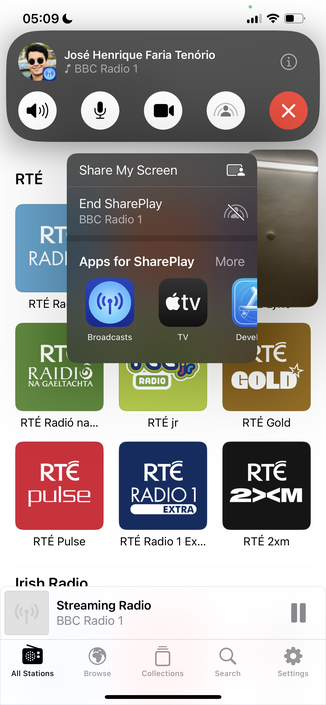
@broadcastsapp. It’s trivially easy to implement, and it seems to just work
Bumped
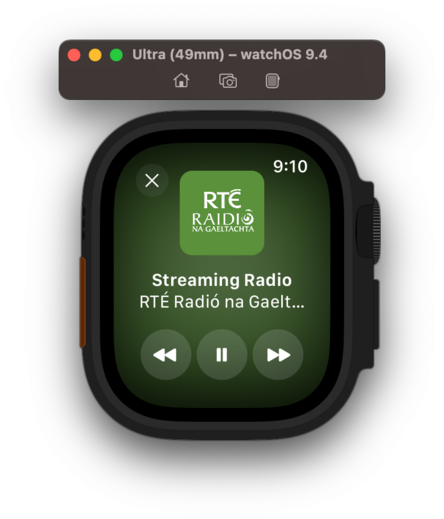
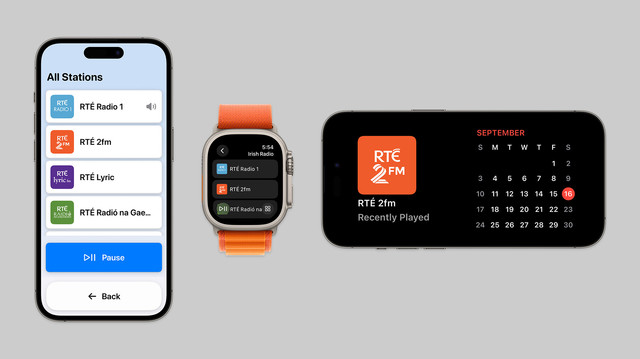
@broadcastsapp to v3.2 to account for the new watch app and SharePlay support, so I can bundle them together. Making sure to keep the scope of this update pretty small, as it's not intended to draw out into an iOS 17 update over the summer
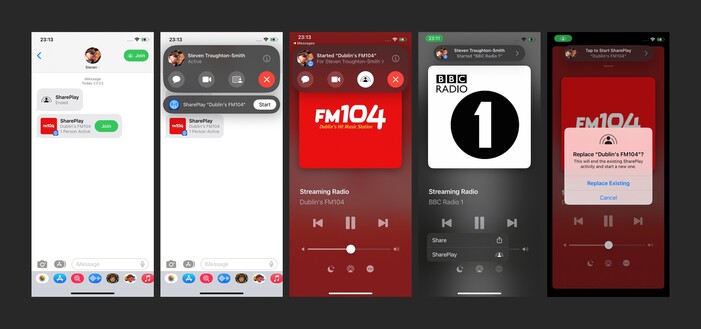
I am still figuring out how other apps implement SharePlay, but I'm reasonably happy with how it works in
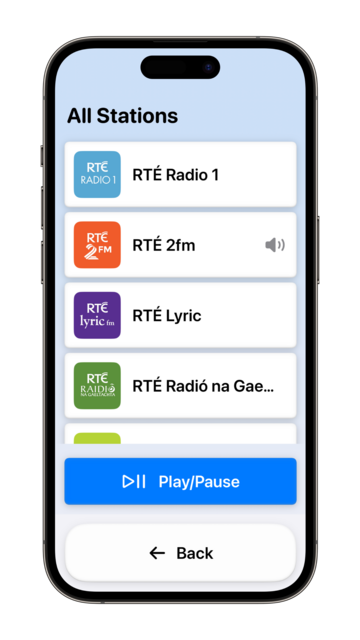
@broadcastsapp now in this initial version. You can start up a session over iMessage, then any participant can start playback of a station. Station name/address/artwork is shared directly through SharePlay, doesn't need to already be in your library. Could make for a fun 'watch party' mode for audio-only streams like podcasts or live events
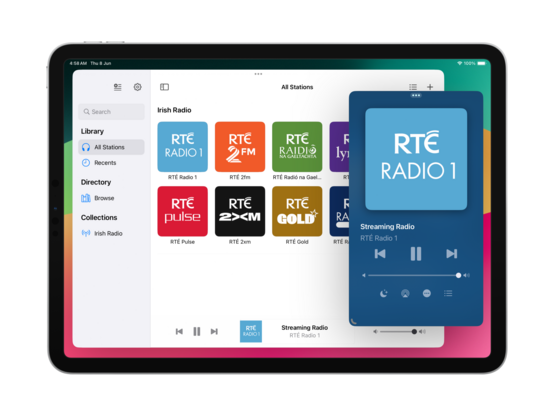
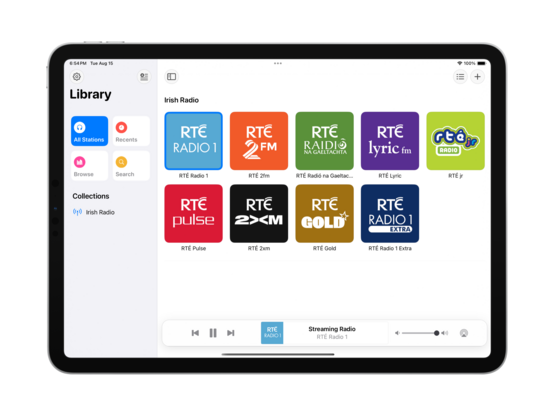
There's no visionOS SDK yet, but I can prepare for the ornaments API by making the
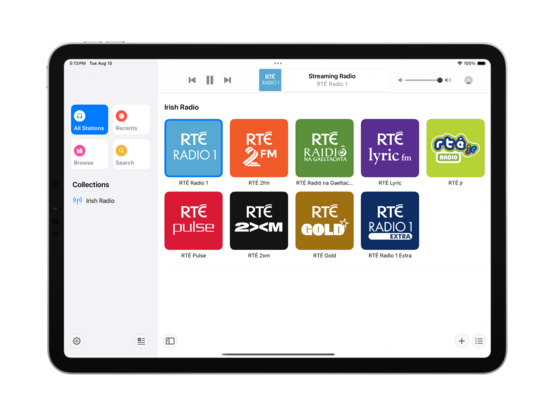
@broadcastsapp layout more flexible. This may lead to bigger UI changes down the road to the iPad version, which I'll probably roll into a v4.0? For now, it's just decoupling some layout elements
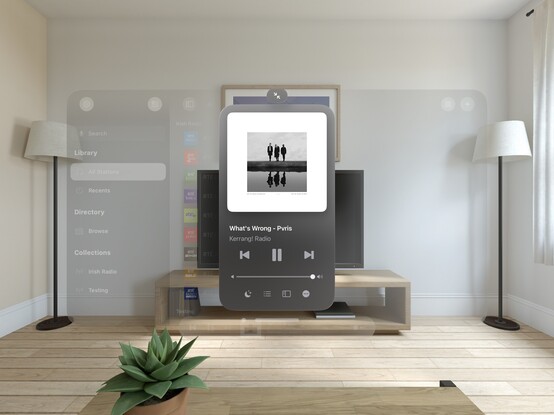
On visionOS, I expect to place the
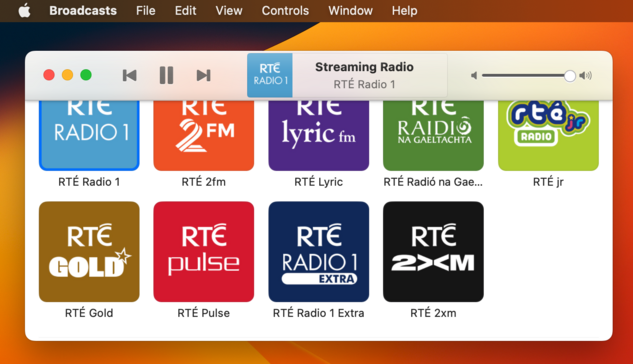
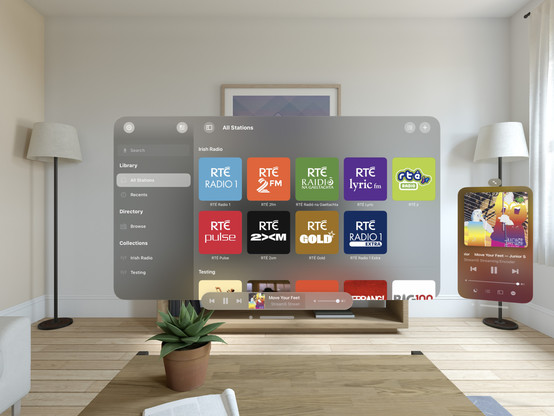
@broadcastsapp playback toolbar in an ornament (simulated at the bottom of the window here instead), and the Now Playing screen to open as a new window — like the Mini Player on macOS. It took just a little bit of rewiring, and expanding code I had for Mac Catalyst, but getting these changes in now should hopefully mean when I build and run upon release of the visionOS SDK that everything ‘just works’
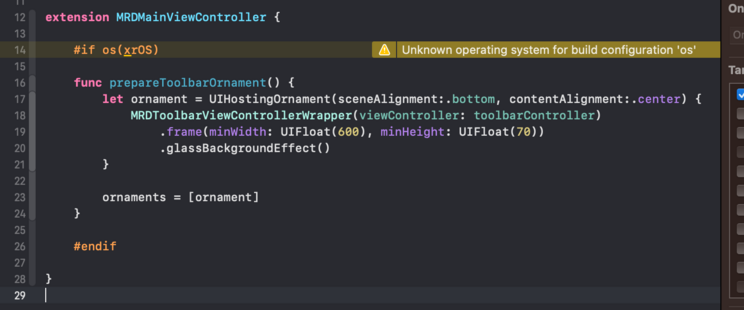
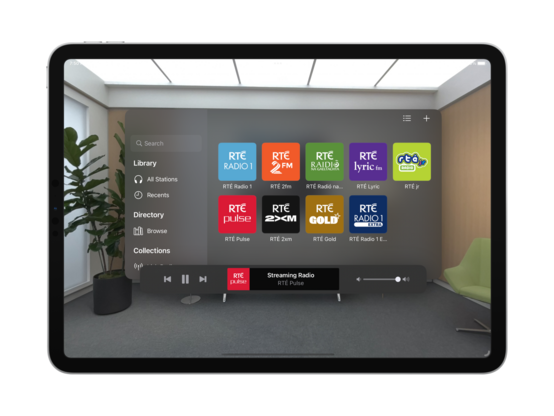
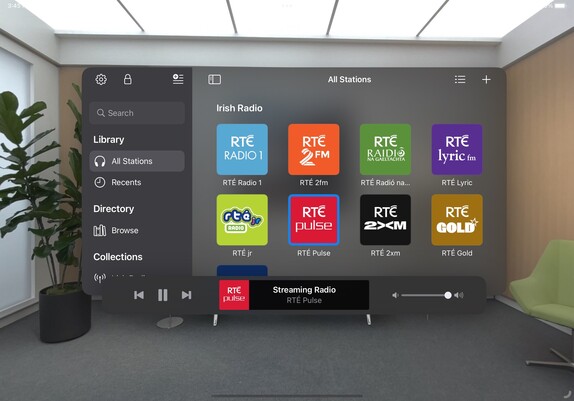
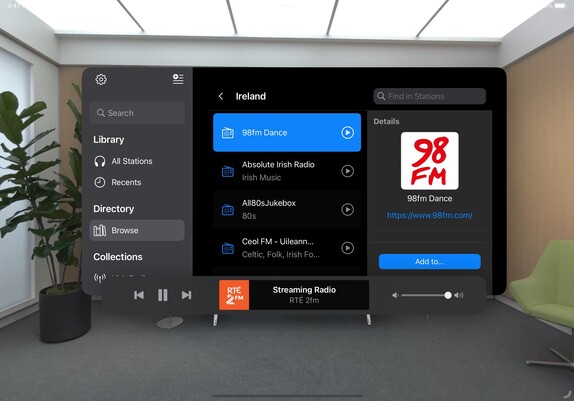
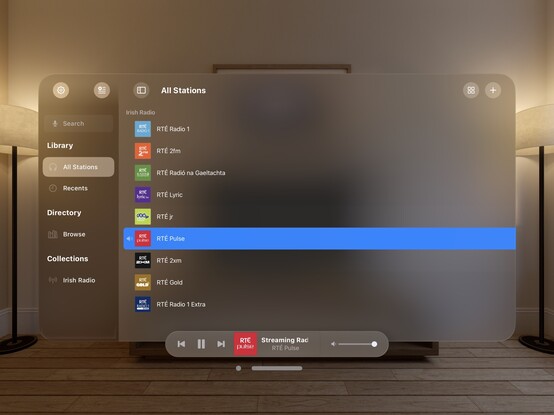
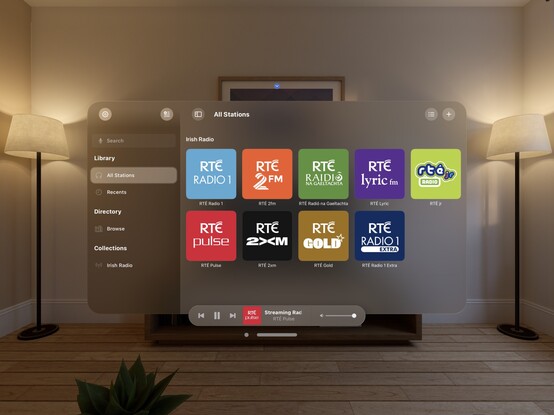
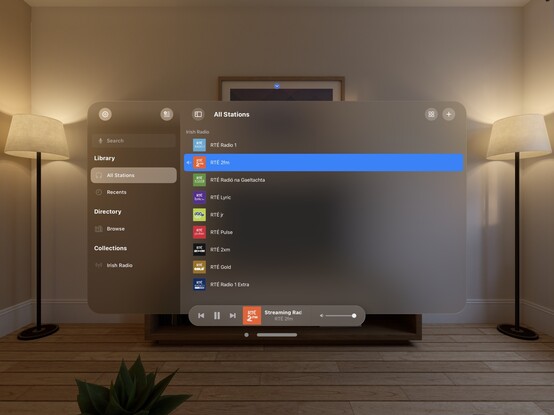
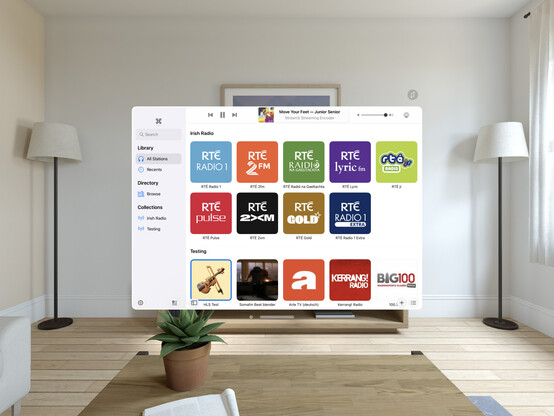
The redesign continues; I added a 'reality' device idiom (that corresponds to iPad) so I can test all my visionOS code paths at will. I'm trying to match what we saw of the visionOS Music app, and predict the navigational layout structure I'll need to light up properly when the SDK launches. I even have my ornaments prepped and ready, just ifdef'd out 😂
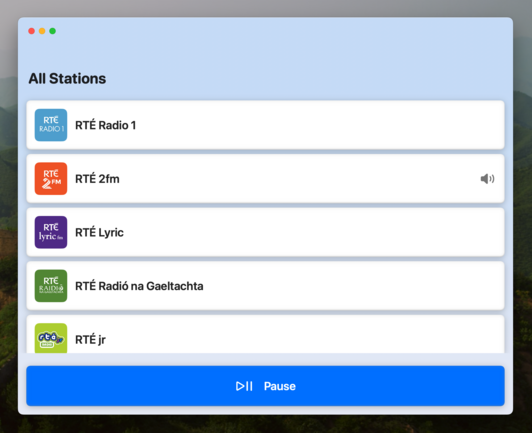
I added an AppKit target to the
@broadcastsapp codebase just to experiment, and of 245 source files only 11 are portable 💀 All the pre-existing SwiftUI code is uncompilable, because even basic things like size classes don't have a macOS equivalent or translation. I continue to believe that the AppKit SwiftUI target is simply a dead end and needs to be rolled into the Universal app platform instead. I don't want to continue with this bringup experiment at all
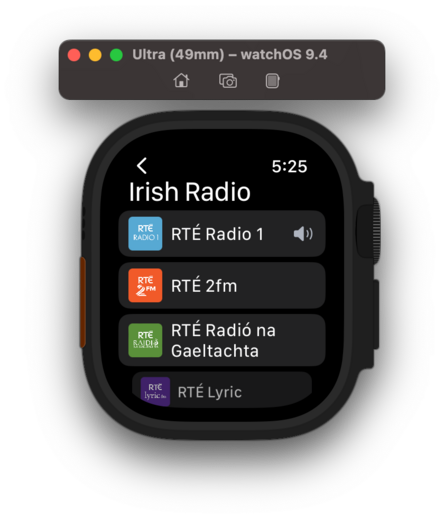
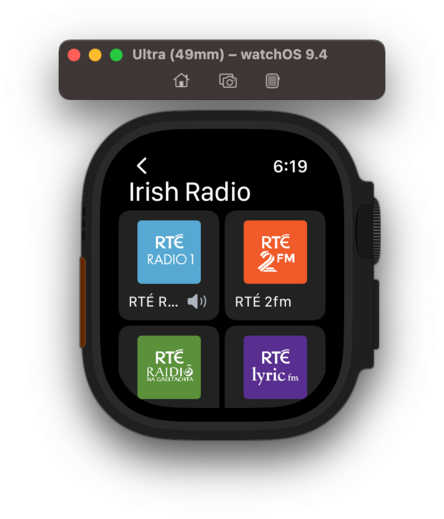
If WWDC had got me thinking about SwiftUI again, even slightly, working on the
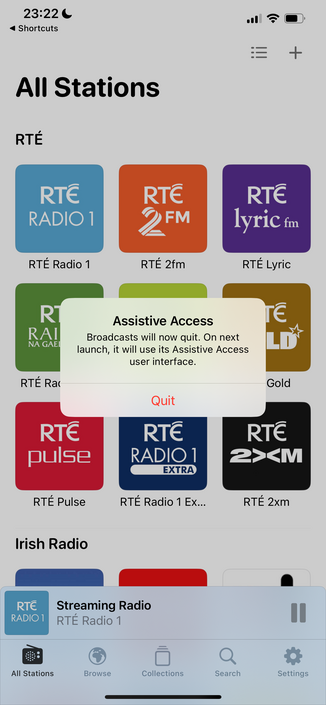
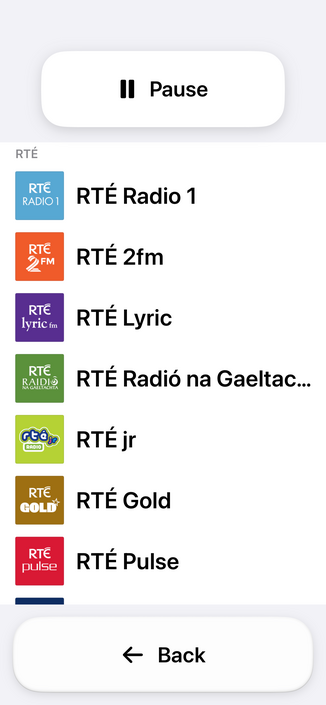
@broadcastsapp watch app has definitively dissuaded me. I'm so unhappy with the development experience that I would discontinue the watch app in a heartbeat if it didn't have users. Every element is a battle, and I've wasted so much time trying to get it to work 'correctly’; if I had UIKit, I would have been done in a day and shipped months ago. Almost at the point where I git revert everything and go back to WatchKit
I think that's what I'm gonna do; shelve the updated watch app for the time being. There are other updates I want to ship and I don't want this holding me back, plus I don't have an actual Watch to do testing on anymore for such a significant revamp so it's probably for the best. Broadcasts v3.2 with SharePlay can continue on without it
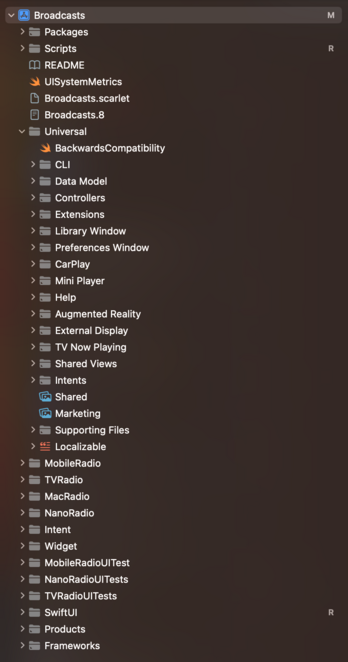
Finally after 4 years I've renamed the Broadcasts Xcode project to 'Broadcasts’, and given the whole project structure a cleanup 😄
Tweaked my xrOS test scene to more closely simulate visionOS, so I can prototype my layouts and make sure the right code paths are firing
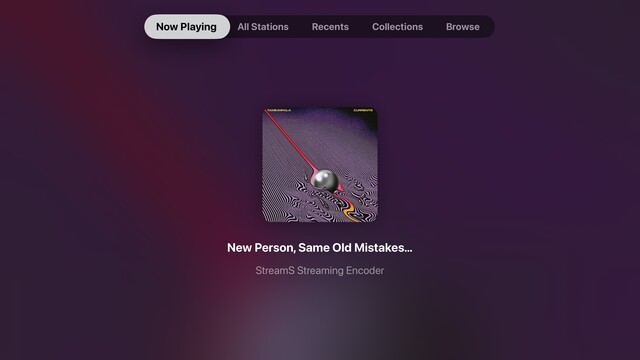
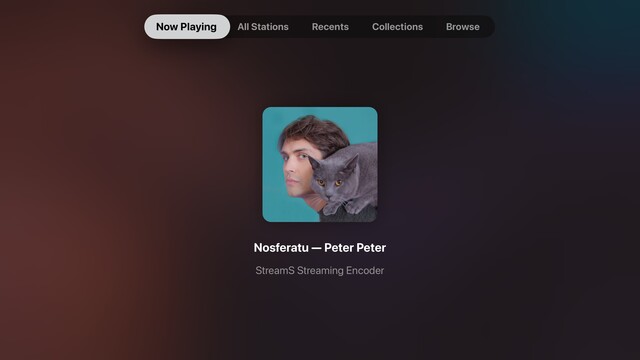
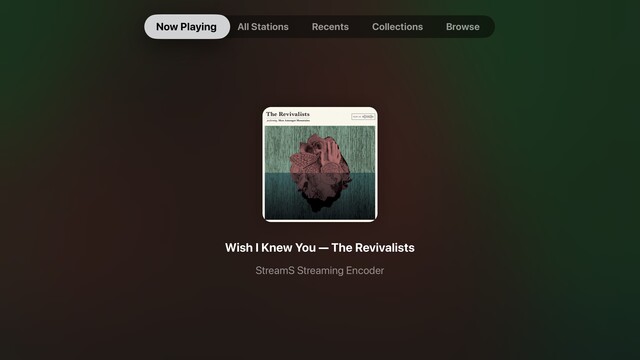
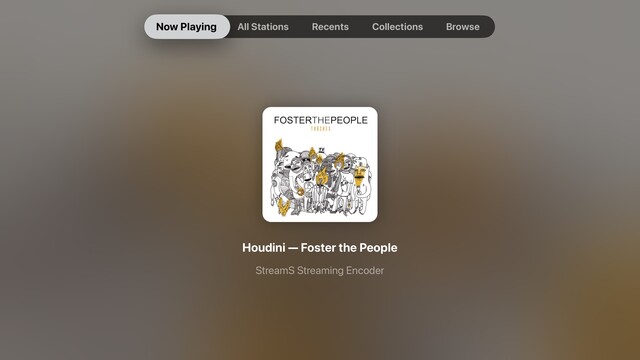
While I have a little downtime, I’m giving the tvOS app a look over to see what more of the Broadcasts experience I can expose. The Station Browser is a tough one, as it has a lot of non-tvOS-safe UI elements, but I'm doing the basics in getting things compiling at the very least. Now Playing though has been a frequent request
Though it's not actually visionOS, my little prototyping view controller is proving invaluable at reminding me which other parts of my UI need to be updated to not use static background colors. It's nice to have a core app structure that is flexible enough to cope with all these changes, for once. Having lived through the dark, painful years of rewriting iOS 6 designs for iOS 7+ and a dozen new device sizes, this is pretty refreshing
I put together this prototype over a year ago, and it's kinda neat that my floating toolbar wasn't too far off what they actually did in visionOS
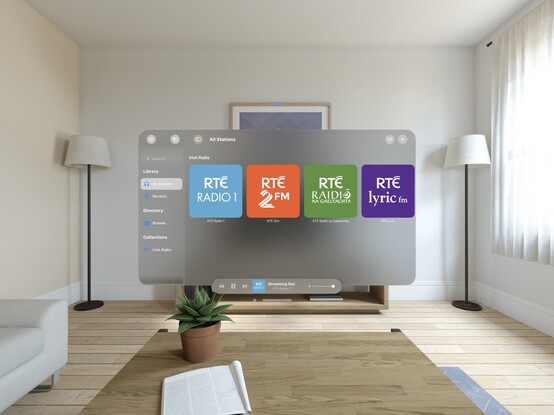
This is a special moment for me, so I'll share it with you too: this is the first launch of @broadcastsapp natively on visionOS. It's alive! 🧟
Lots of work to do, but this is promising
I'd be lying if I said I wasn't completely overwhelmed by how much effort I see before me to try and support visionOS properly across any one of my apps, nevermind all of them 😵💫
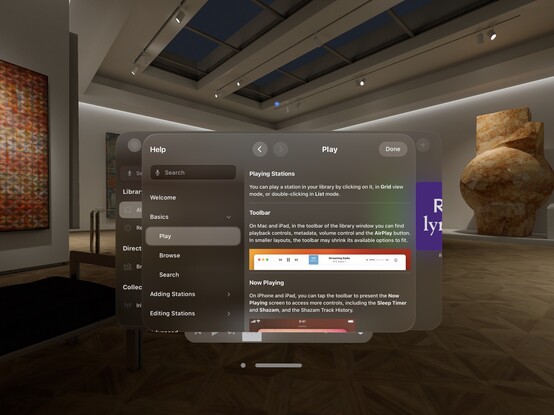
Kinda neat that my Help framework just works out of the box on visionOS 😄
My fun little experimental menu bar view kinda feels like it could work on visionOS. I should stick it into an ornament…
I’m pretty darn glad Vision Pro isn't shipping in September, that's for sure 😅
Even so, I'm pretty happy so far with the bringup process
Now all my codepaths are in order,
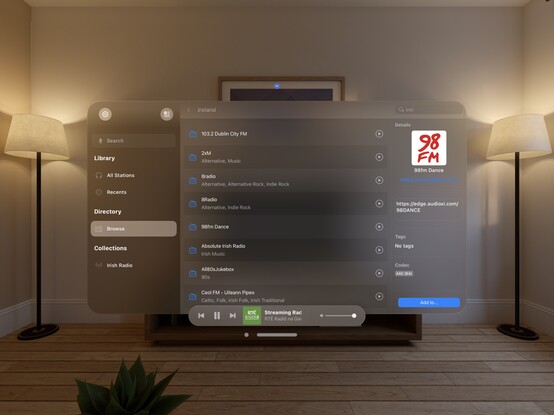
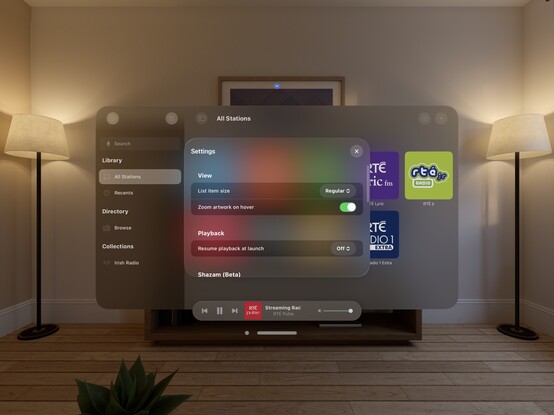
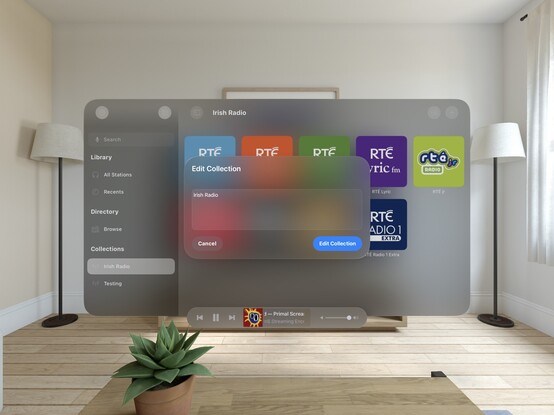
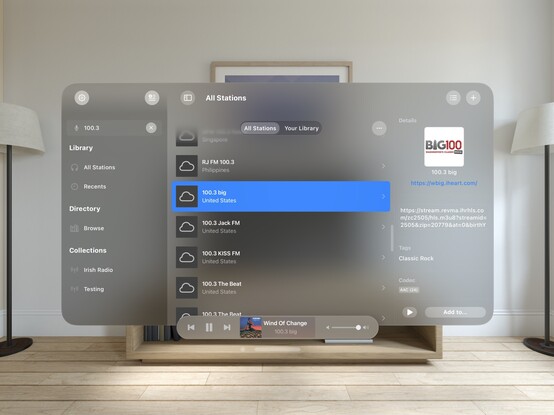
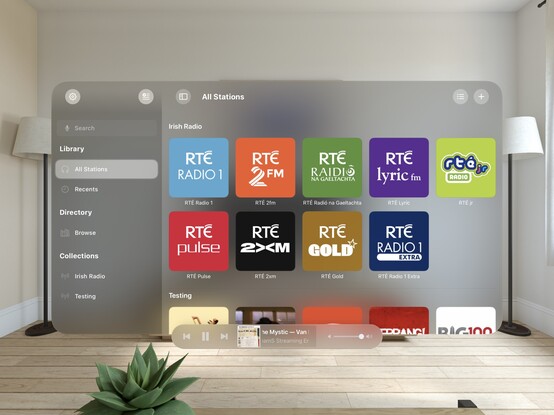
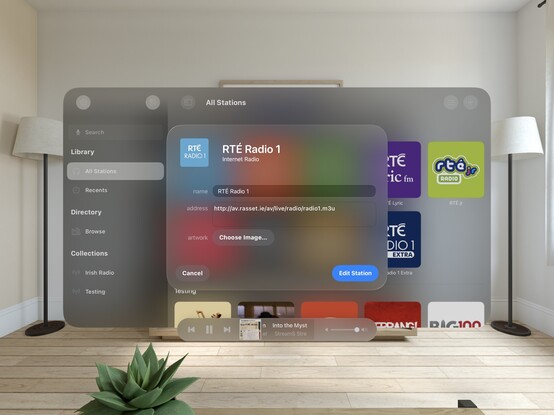
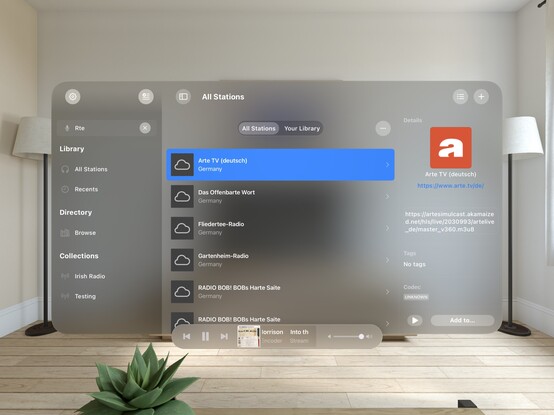
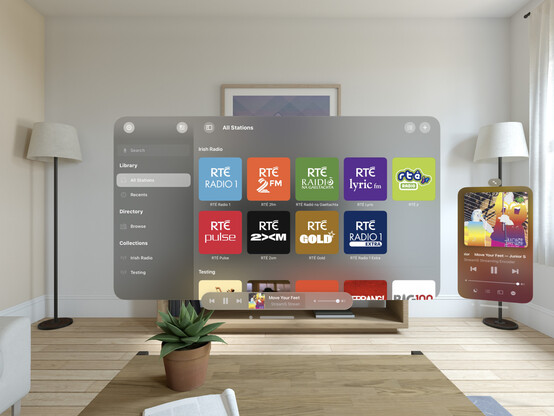
@broadcastsapp is pretty much fully-functional on visionOS. There's still plenty to learn re metrics, control sizes, and best practices, but what you see here is pretty close to what I would expect to ship at launch. It's going to take a while for me to build up a mental model of how visionOS apps work, so this design will evolve over the rest of the year
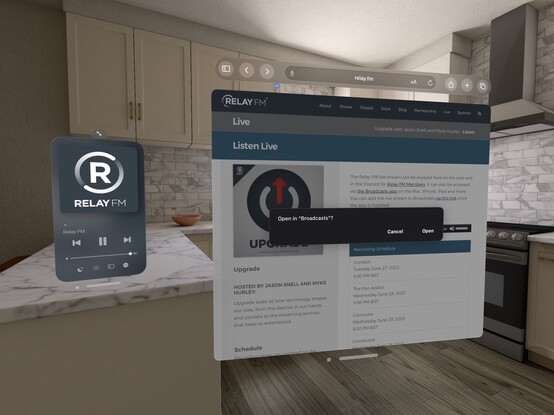
Just quick demonstration of what multi-windowing in
@broadcastsapp might do on visionOS — main UI in one room, mini player in another. It would really be cool if music came from a physical source location, or if I could even have different stations playing in different rooms. In the sim, at least, all audio is piped through the main speakers and seems sourceless 🤔
One neat thing you can do on visionOS is programmatically change the size of the window, so you can make a button that does this:
Here's what it looks like when you place a visionOS window flat on a desk. In this case, the mini player I've built for
@broadcastsappI don't think I showed how I'm spawning the mini player window in
@broadcastsapp, so here’s a quick one. Once you have the window, you can move it anywhere you like
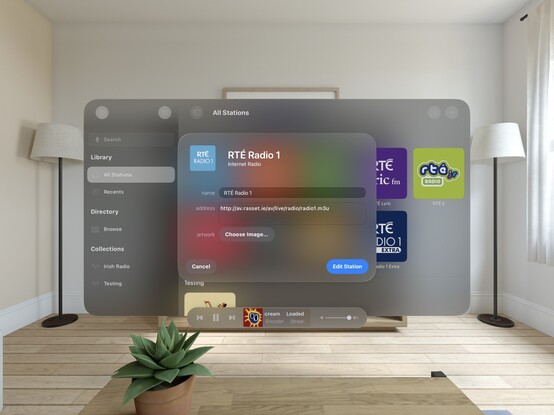
Working on all the auxiliary panels now; new UIKit toolbar is in, and I've given the two editors an initial pass for the new metrics and styles. What I'm finding with visionOS is any layout that doesn't work out of the box suggests more than anything that *I’m* doing it wrong, and I should probably rewrite it for other OSes too. It's good at highlighting focus areas in my apps that need work
Another UI down;
@broadcastsapp's search screen has been visionOSified
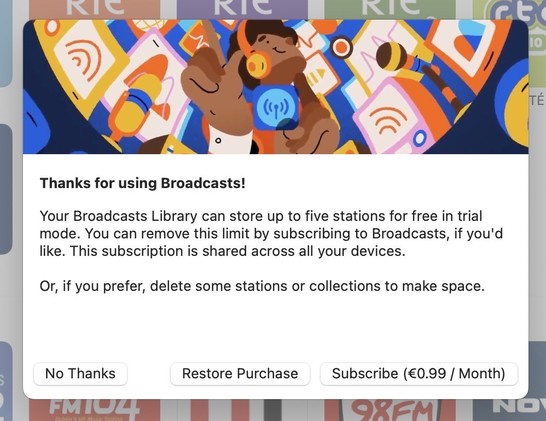
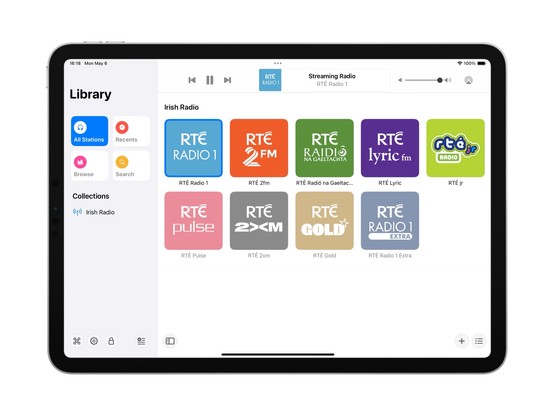
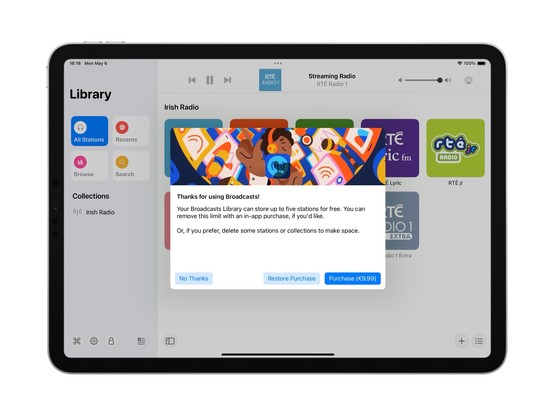
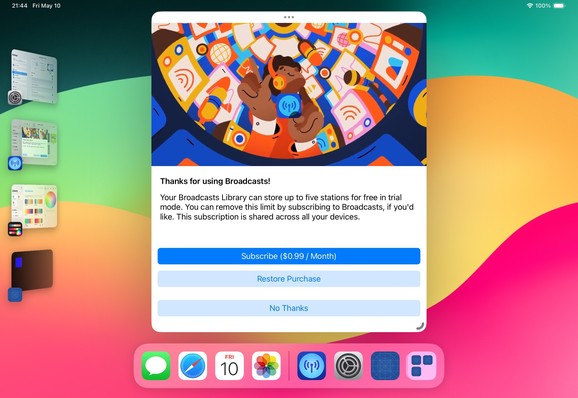
I haven't officially branched yet, but I think what I'm working on now will become Broadcasts v4.0. So that will be Broadcasts for visionOS, plus the revamp I want to perform on the iPad version's UI, and the payment model changes I've talked about before. Maybe the new watchOS app, if everything else goes well. I'm not sure yet if that will mean a minimum OS version bump, as I am loath to cut off hardware
Not sure if I'll go with this, but I did a little experimenting with 3D layering/z-depth in
@broadcastsapp just to see how a real UIKit app might approach this. I think 'sparingly' is the right answer, but unlike many of Apple's platforms, there really are no physical bounds or rules to tell you not to. It’s a lot easier for a SwiftUI app to use 3D transforms and z-depth, so you'll probably see it used/abused much more in indie apps than e.g. Photoshop or Office
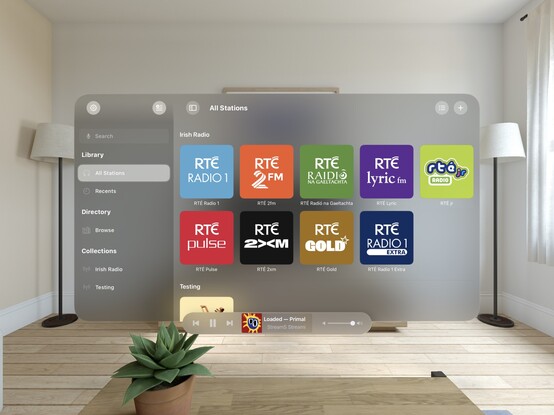
Screenshot roundup for
@broadcastsapp at the end of the first week of the visionOS SDK. Honestly, I'm ready to start testing on actual hardware, which is a very expensive-sounding prospect 🫥
'You're my friend now’ /cc
@jsnellAlso a fun excuse to see how URL handling works in visionOS — and it does!
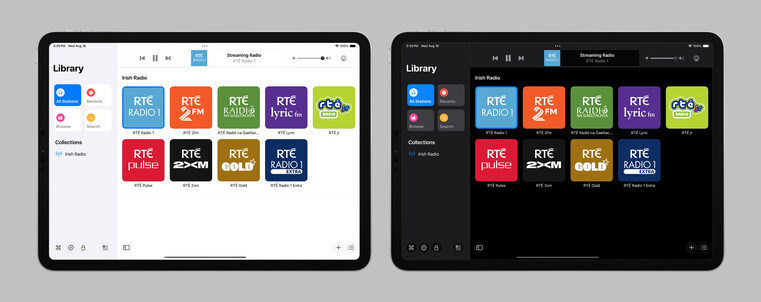
Realized I never posted a picture of the iPad version of Broadcasts running on visionOS, as I went straight for a native app instead. Here's a side by side, just for fun!
Tempted to leave this alternate toolbar style in
@broadcastsapp as an easter egg, to go along with the existing pinstripes setting 👀
Finally wrote a line of iOS 17 code!
…really. That's all it took
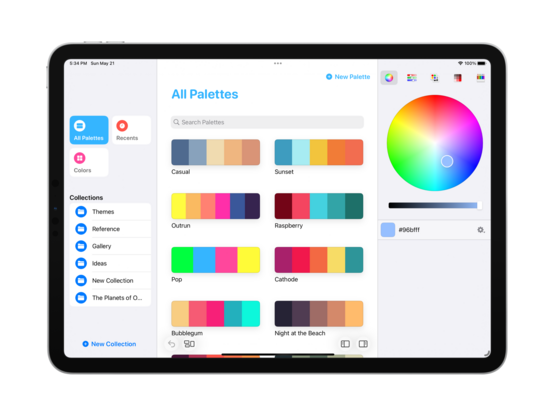
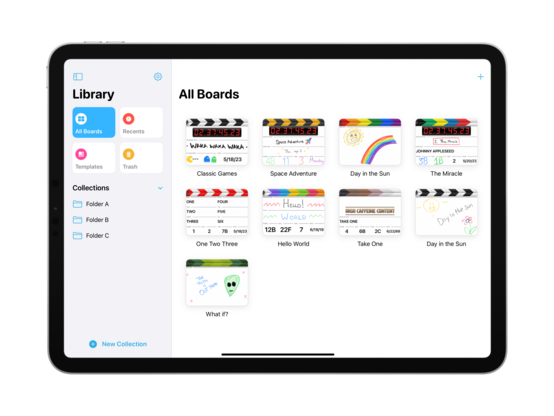
Starting some initial work on unifying
@broadcastsapp's sidebar design language with
@pastelapp and
@takeoneapp by using the Reminders-style group cell. I think this calls for me to create a custom class I can use across all of them — I'll have to put some thought into that. Take One has the best variant so far, so I will probably use that as the template
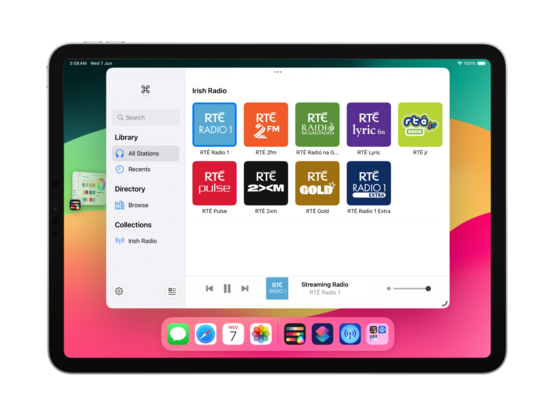
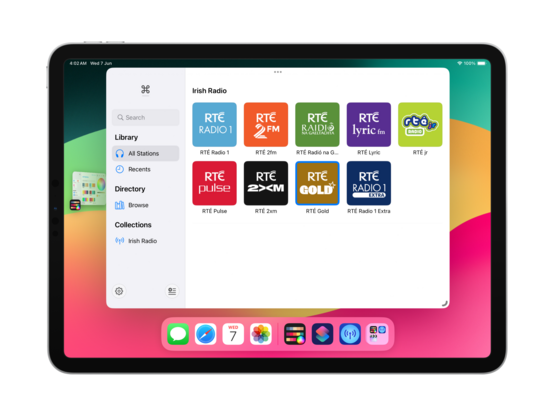
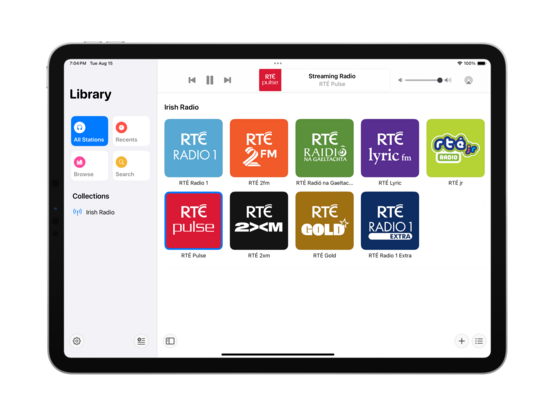
I'm also experimenting with a new bottom-aligned floating toolbar style, but I haven't committed to it yet (I can toggle it while debugging)
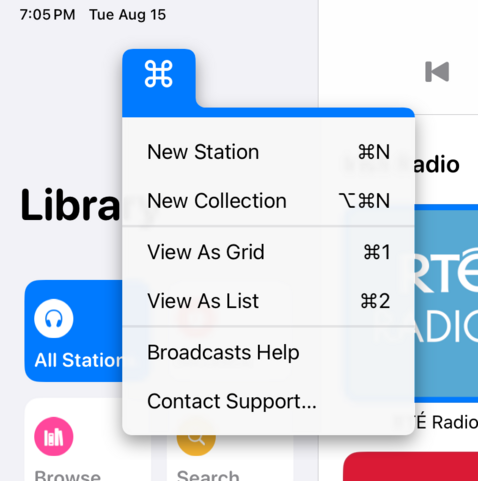
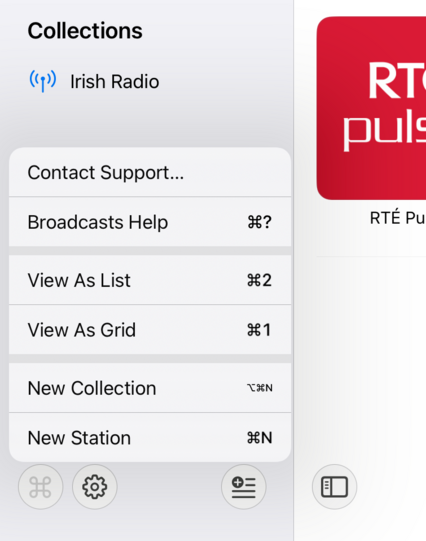
I do currently plan to remove Broadcasts’ command menu. It came about in an era where iPadOS did not have dropdown or context menus, or a system menu panel. It served its purpose, but there are better ways to go about this now
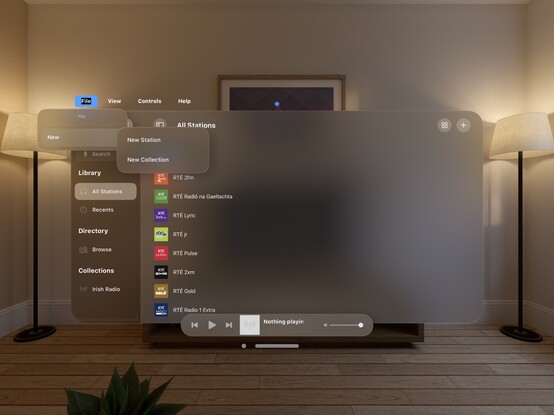
If UIMenu allowed for variable image widths, you could do something like this by rendering the shortcut symbols to an image. The 'New Collection' item is sadly how it works today. I am quite tempted to just not show multi-modifier commands in this menu though, since the effect works great otherwise…
 Steve Troughton-Smith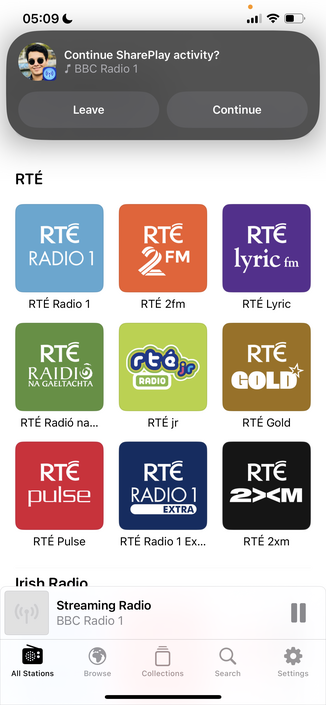


 Maximilian
 Christian Selig
 Joao Dordio
 Albert Kinng
 Steve Sebban, CSI
 Andy
Andy Yuto
Yuto Mike Cane
 savaran
 Dimitri Bouniol
 Emmanuel Crouvisier
 Ingo
Ingo Tom Klaver
 Erik Kramer
 John Davis
 raytraced
 Or (Nathan) Israeli
 Jacob 🫡. Ford
 Broadcasts
 Slade Watkins
 Kais Karim
 Brian Mueller
 Jason Snell
 Ric Santos
 Dominic Hopton
 BenRiceM
 Greg de J
 Davide Di Stefano