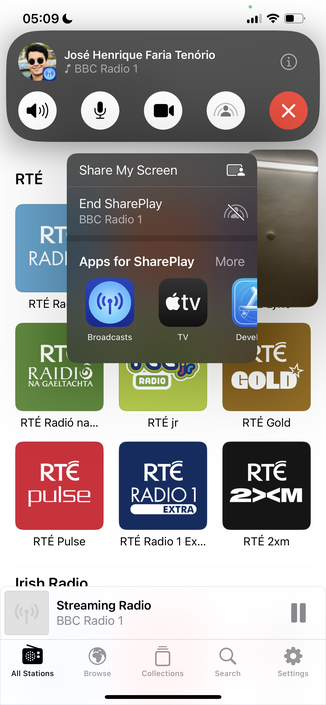
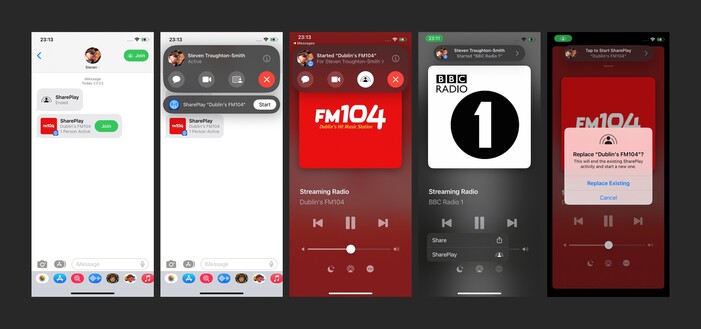
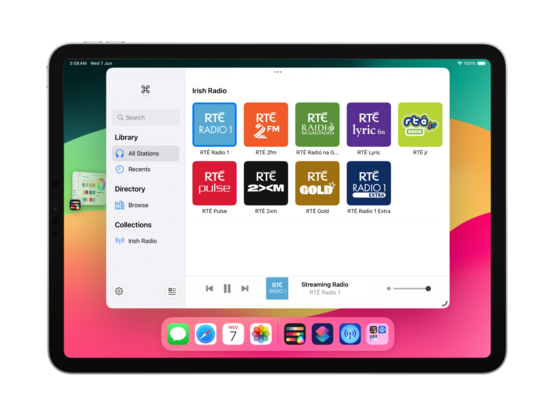
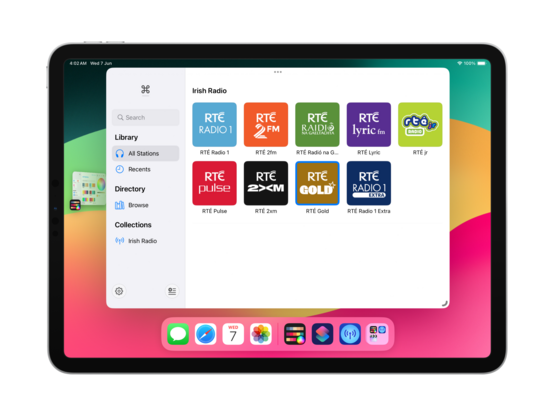
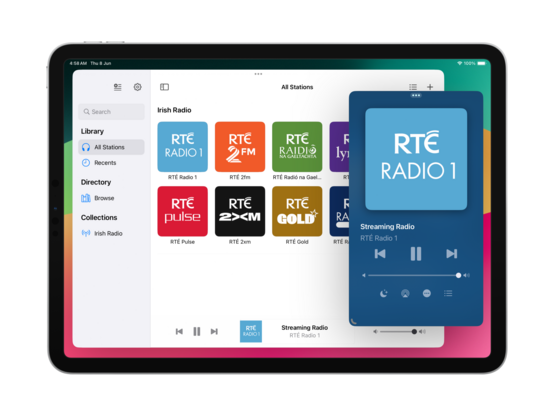
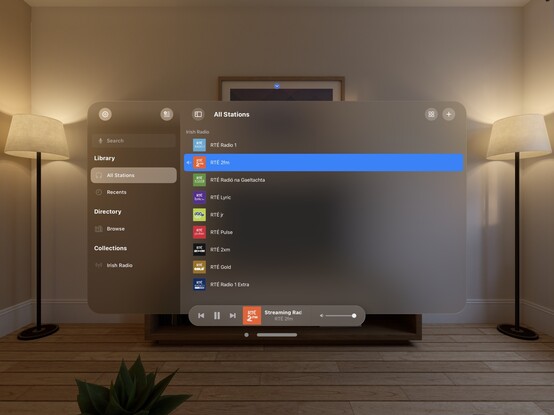
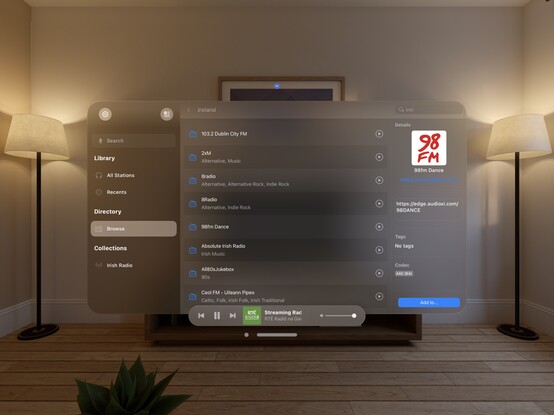
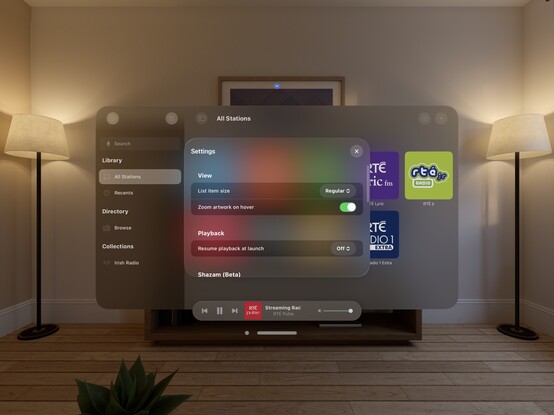
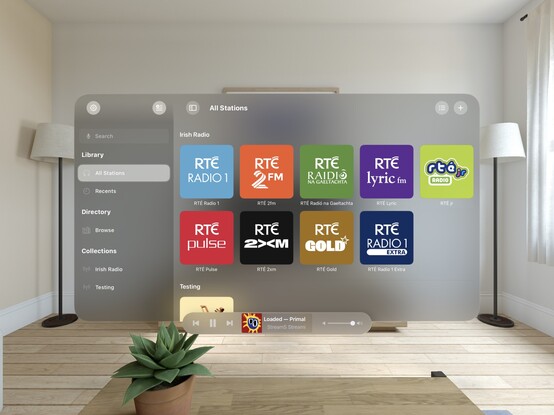
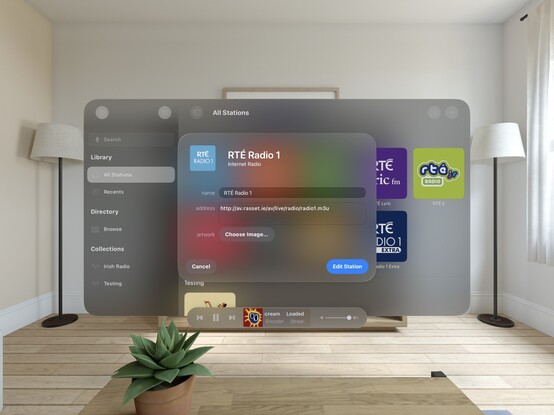
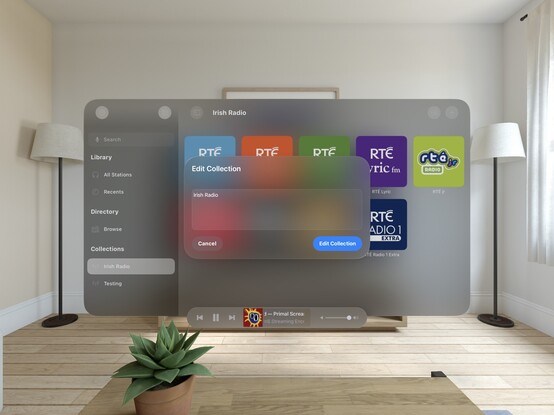
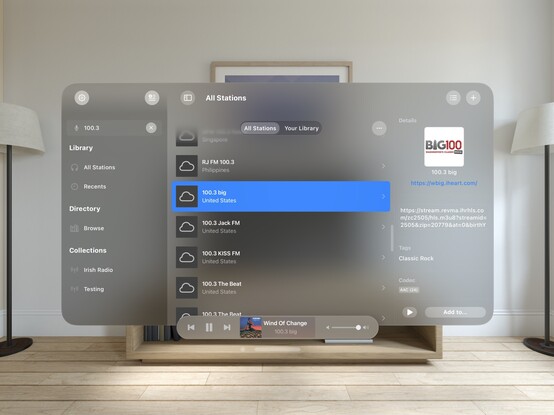
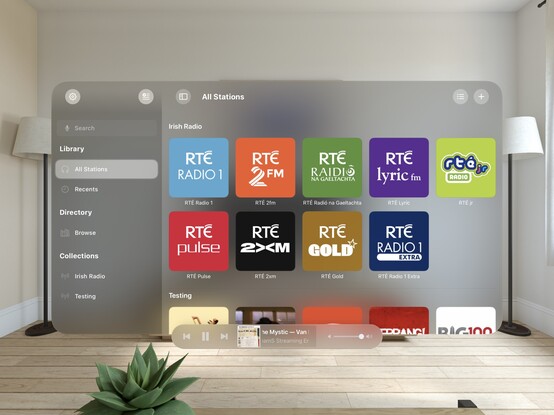
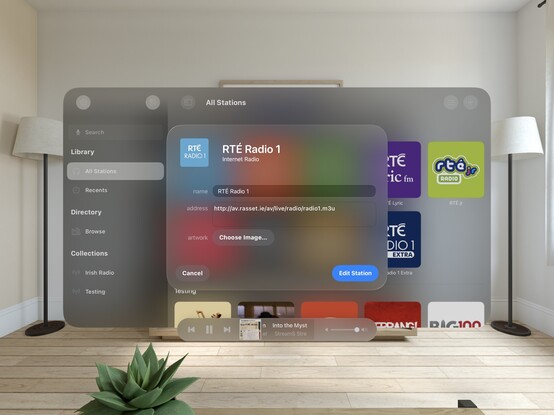
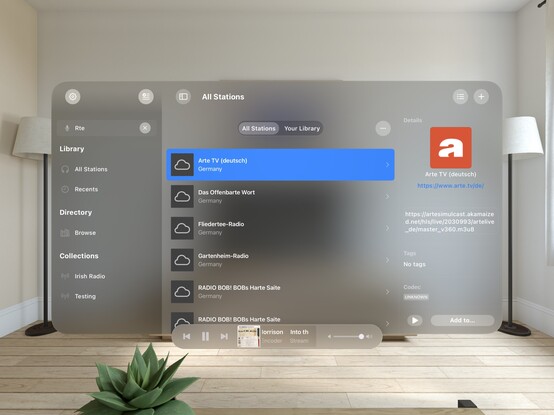
Getting into the WWDC groove by investigating SharePlay support in @broadcastsapp. It’s trivially easy to implement, and it seems to just work
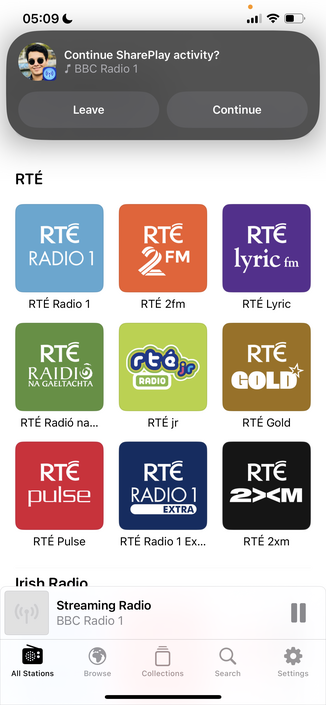
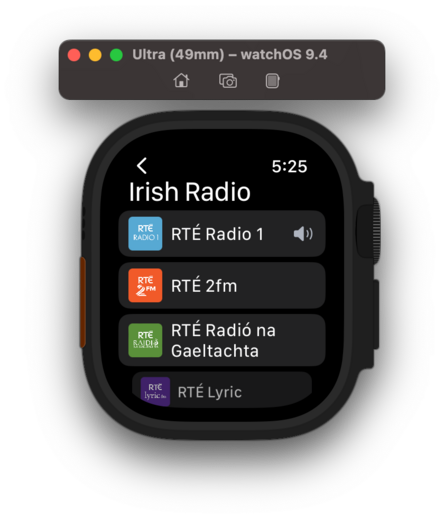
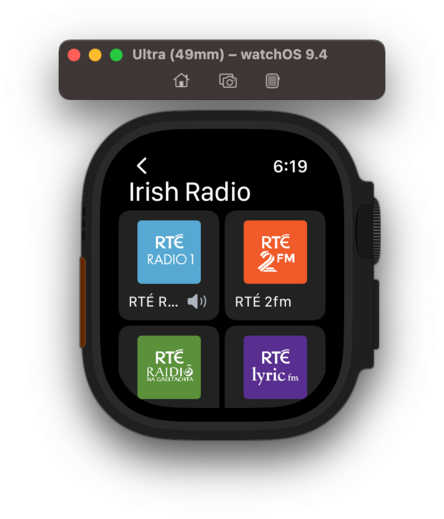
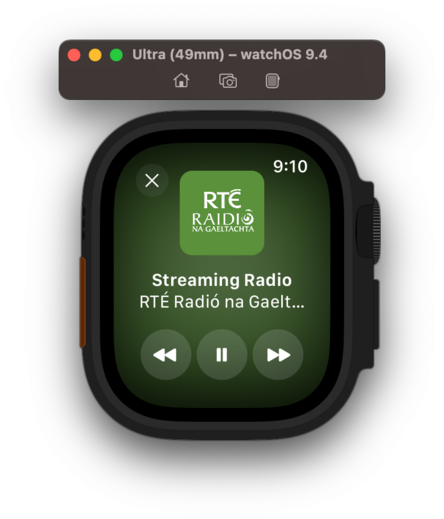
Bumped @broadcastsapp to v3.2 to account for the new watch app and SharePlay support, so I can bundle them together. Making sure to keep the scope of this update pretty small, as it's not intended to draw out into an iOS 17 update over the summer
I am still figuring out how other apps implement SharePlay, but I'm reasonably happy with how it works in @broadcastsapp now in this initial version. You can start up a session over iMessage, then any participant can start playback of a station. Station name/address/artwork is shared directly through SharePlay, doesn't need to already be in your library. Could make for a fun 'watch party' mode for audio-only streams like podcasts or live events
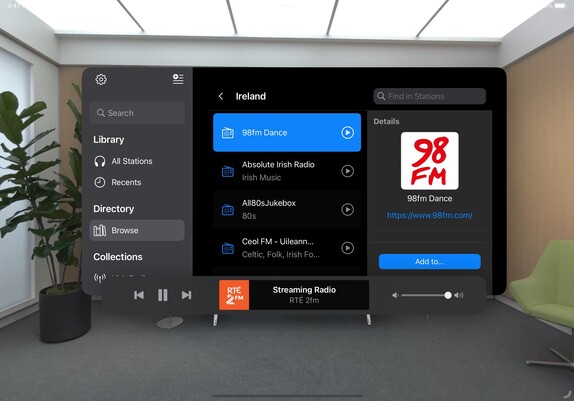
There's no visionOS SDK yet, but I can prepare for the ornaments API by making the @broadcastsapp layout more flexible. This may lead to bigger UI changes down the road to the iPad version, which I'll probably roll into a v4.0? For now, it's just decoupling some layout elements
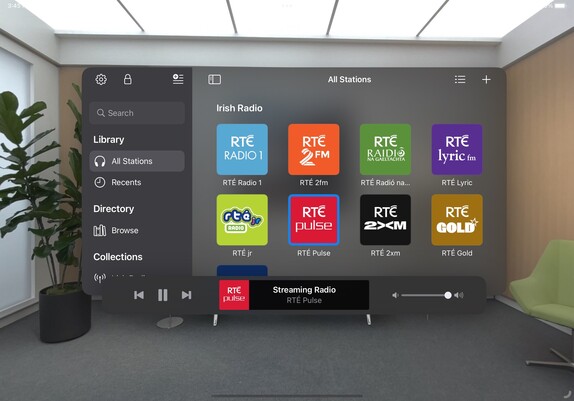
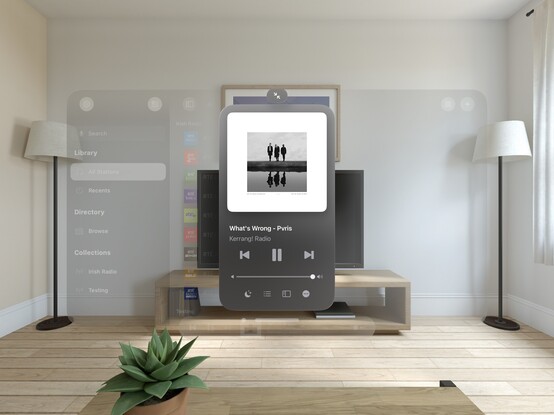
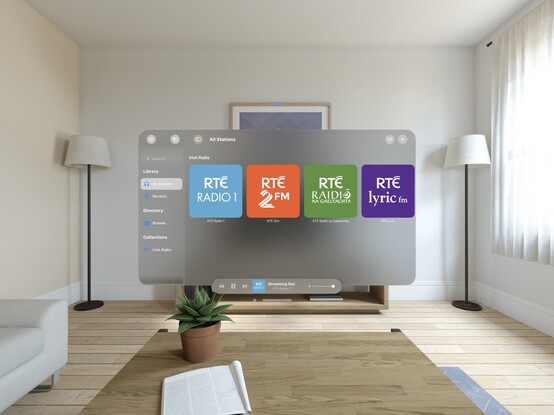
On visionOS, I expect to place the @broadcastsapp playback toolbar in an ornament (simulated at the bottom of the window here instead), and the Now Playing screen to open as a new window — like the Mini Player on macOS. It took just a little bit of rewiring, and expanding code I had for Mac Catalyst, but getting these changes in now should hopefully mean when I build and run upon release of the visionOS SDK that everything ‘just works’
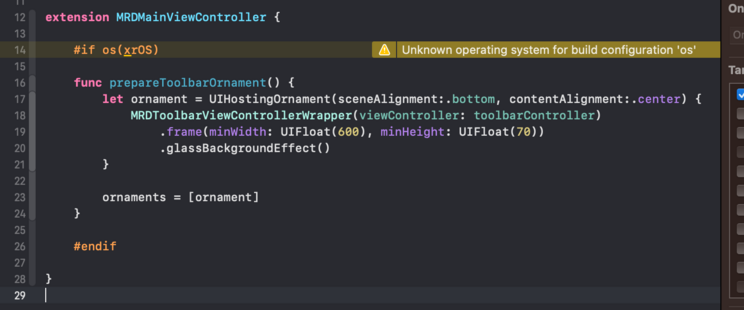
The redesign continues; I added a 'reality' device idiom (that corresponds to iPad) so I can test all my visionOS code paths at will. I'm trying to match what we saw of the visionOS Music app, and predict the navigational layout structure I'll need to light up properly when the SDK launches. I even have my ornaments prepped and ready, just ifdef'd out 😂
I added an AppKit target to the @broadcastsapp codebase just to experiment, and of 245 source files only 11 are portable 💀 All the pre-existing SwiftUI code is uncompilable, because even basic things like size classes don't have a macOS equivalent or translation. I continue to believe that the AppKit SwiftUI target is simply a dead end and needs to be rolled into the Universal app platform instead. I don't want to continue with this bringup experiment at all
If WWDC had got me thinking about SwiftUI again, even slightly, working on the @broadcastsapp watch app has definitively dissuaded me. I'm so unhappy with the development experience that I would discontinue the watch app in a heartbeat if it didn't have users. Every element is a battle, and I've wasted so much time trying to get it to work 'correctly’; if I had UIKit, I would have been done in a day and shipped months ago. Almost at the point where I git revert everything and go back to WatchKit
I think that's what I'm gonna do; shelve the updated watch app for the time being. There are other updates I want to ship and I don't want this holding me back, plus I don't have an actual Watch to do testing on anymore for such a significant revamp so it's probably for the best. Broadcasts v3.2 with SharePlay can continue on without it
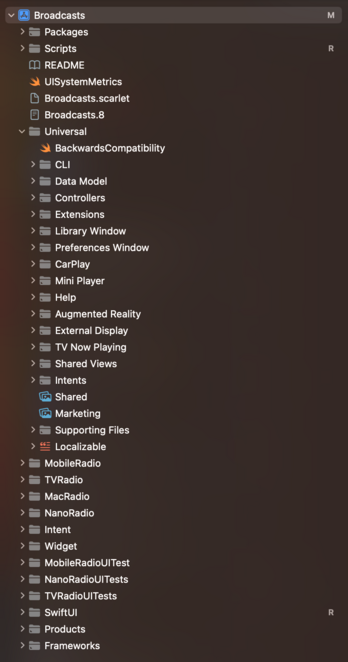
Finally after 4 years I've renamed the Broadcasts Xcode project to 'Broadcasts’, and given the whole project structure a cleanup 😄
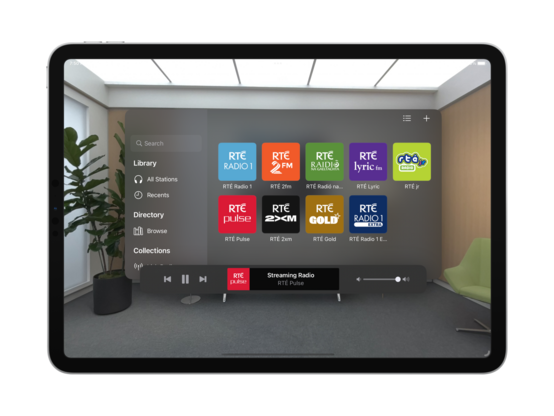
Tweaked my xrOS test scene to more closely simulate visionOS, so I can prototype my layouts and make sure the right code paths are firing
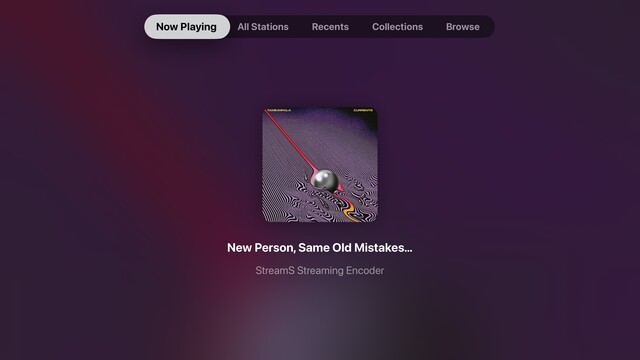
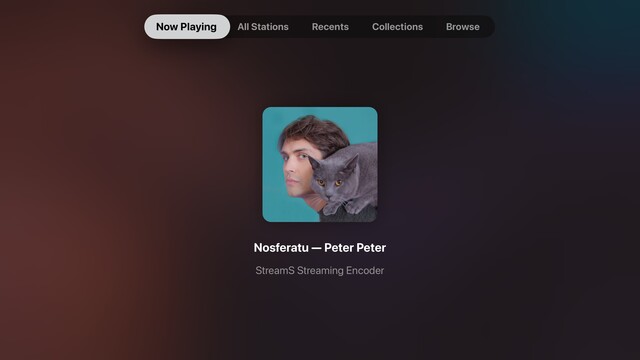
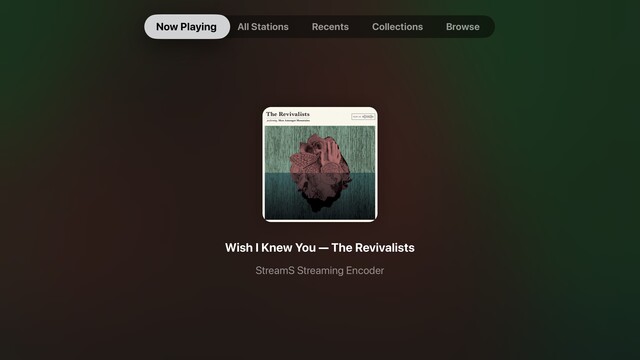
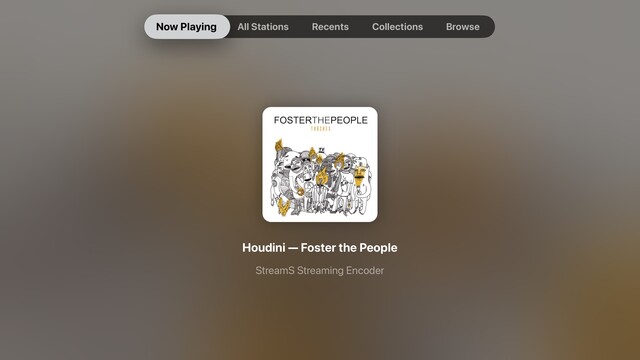
While I have a little downtime, I’m giving the tvOS app a look over to see what more of the Broadcasts experience I can expose. The Station Browser is a tough one, as it has a lot of non-tvOS-safe UI elements, but I'm doing the basics in getting things compiling at the very least. Now Playing though has been a frequent request
Though it's not actually visionOS, my little prototyping view controller is proving invaluable at reminding me which other parts of my UI need to be updated to not use static background colors. It's nice to have a core app structure that is flexible enough to cope with all these changes, for once. Having lived through the dark, painful years of rewriting iOS 6 designs for iOS 7+ and a dozen new device sizes, this is pretty refreshing
I put together this prototype over a year ago, and it's kinda neat that my floating toolbar wasn't too far off what they actually did in visionOS

This is a special moment for me, so I'll share it with you too: this is the first launch of @broadcastsapp natively on visionOS. It's alive! 🧟

Lots of work to do, but this is promising
I'd be lying if I said I wasn't completely overwhelmed by how much effort I see before me to try and support visionOS properly across any one of my apps, nevermind all of them 😵‍💫
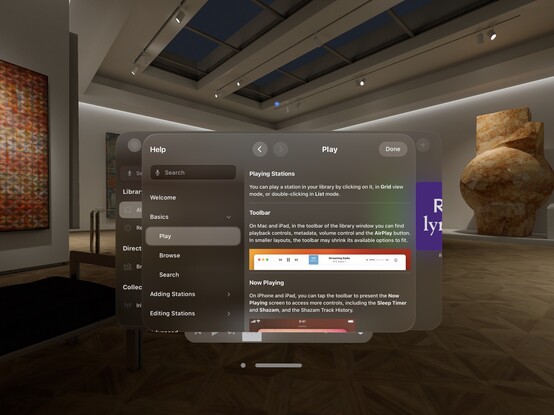
Kinda neat that my Help framework just works out of the box on visionOS 😄
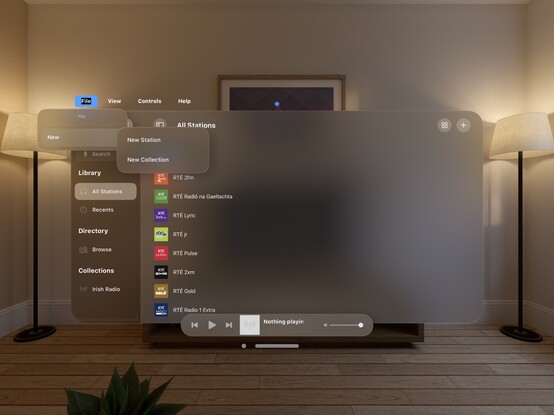
My fun little experimental menu bar view kinda feels like it could work on visionOS. I should stick it into an ornament…

I’m pretty darn glad Vision Pro isn't shipping in September, that's for sure 😅

Even so, I'm pretty happy so far with the bringup process
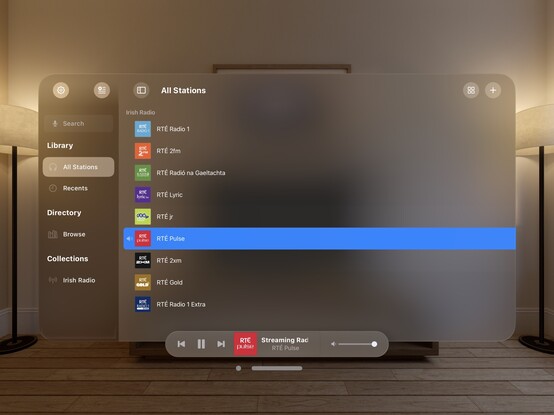
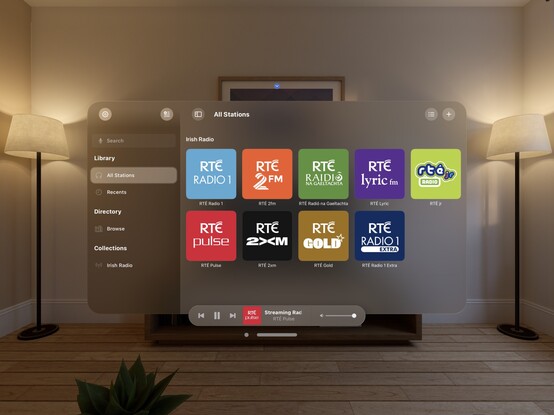
Now all my codepaths are in order, @broadcastsapp is pretty much fully-functional on visionOS. There's still plenty to learn re metrics, control sizes, and best practices, but what you see here is pretty close to what I would expect to ship at launch. It's going to take a while for me to build up a mental model of how visionOS apps work, so this design will evolve over the rest of the year
Just quick demonstration of what multi-windowing in @broadcastsapp might do on visionOS — main UI in one room, mini player in another. It would really be cool if music came from a physical source location, or if I could even have different stations playing in different rooms. In the sim, at least, all audio is piped through the main speakers and seems sourceless 🤔
The miniest player
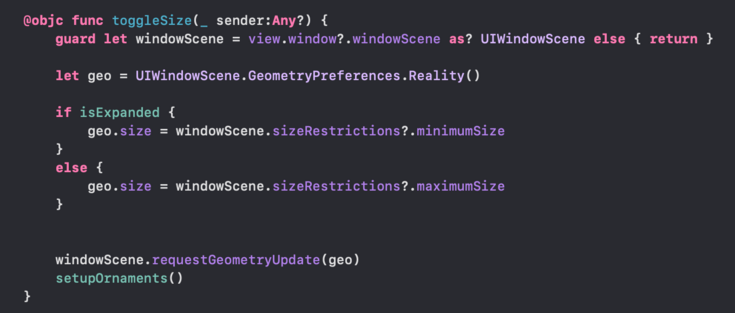
One neat thing you can do on visionOS is programmatically change the size of the window, so you can make a button that does this:
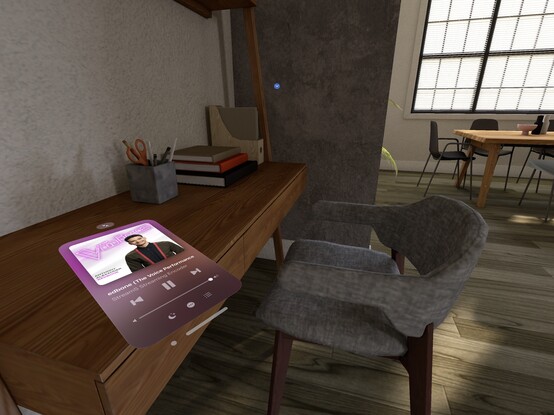
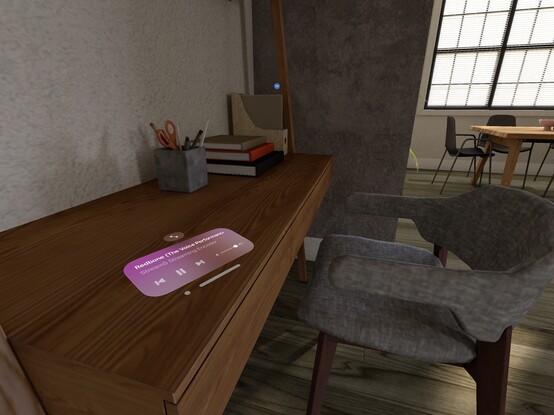
Here's what it looks like when you place a visionOS window flat on a desk. In this case, the mini player I've built for @broadcastsapp
I don't think I showed how I'm spawning the mini player window in @broadcastsapp, so here’s a quick one. Once you have the window, you can move it anywhere you like
Working on all the auxiliary panels now; new UIKit toolbar is in, and I've given the two editors an initial pass for the new metrics and styles. What I'm finding with visionOS is any layout that doesn't work out of the box suggests more than anything that *I’m* doing it wrong, and I should probably rewrite it for other OSes too. It's good at highlighting focus areas in my apps that need work
Another UI down; @broadcastsapp's search screen has been visionOSified
I haven't officially branched yet, but I think what I'm working on now will become Broadcasts v4.0. So that will be Broadcasts for visionOS, plus the revamp I want to perform on the iPad version's UI, and the payment model changes I've talked about before. Maybe the new watchOS app, if everything else goes well. I'm not sure yet if that will mean a minimum OS version bump, as I am loath to cut off hardware
Not sure if I'll go with this, but I did a little experimenting with 3D layering/z-depth in @broadcastsapp just to see how a real UIKit app might approach this. I think 'sparingly' is the right answer, but unlike many of Apple's platforms, there really are no physical bounds or rules to tell you not to. It’s a lot easier for a SwiftUI app to use 3D transforms and z-depth, so you'll probably see it used/abused much more in indie apps than e.g. Photoshop or Office
Screenshot roundup for @broadcastsapp at the end of the first week of the visionOS SDK. Honestly, I'm ready to start testing on actual hardware, which is a very expensive-sounding prospect 🫥

@stroughtonsmith @broadcastsapp
First week of visionOS SDK and already eyeing hardware testing? You, my friend, are the Usain Bolt of coding marathons! 💻🚀

I mean, 'expensive' is just another word for 'worth it', right?

@stroughtonsmith By law I have to like any post that has 80's Super Hits.
@stroughtonsmith How likely in the future do you think we will be able to have virtual sheets of paper on the table under you and using an Apple Pencil like device to interact with it? Guessing this isn’t possible yet in VisionOS? Know there is no pencil like device supported yet.
@tchaten you can approximate much of this today, but dedicated Pencil support would be great
@stroughtonsmith @broadcastsapp I like it, but my brain feel like it wants to see the controls lifted from the surface so that they can “depress”for visual feedback upon pressing them. I suppose much like the virtual keyboard.
@stroughtonsmith @broadcastsapp I’m also curious if. You can punch a hole in the pane and set the album image just behind it.
@stroughtonsmith @broadcastsapp Almost feels like the art needs to have depth too, in addition to being lifted from the main surface.
@stroughtonsmith
Unrelated I am in a different instance and I can’t see the video, hey @nicdex, do you think it’s my network or some instance issue?
@rosorrentino @stroughtonsmith I tried to find out what was not working, but I didn't succeed. I tried forcing the download manually and I get an error, might be a bug somewhere in Mastodon.
@stroughtonsmith Do you have ideas about how to use the immense #visionOS canvas?
@stroughtonsmith @broadcastsapp Have you considered making icons on far left in color? It all just kind of feels a bit gray, you know?
@danedeasy I have to wait and see more of the visionOS system apps, I'm afraid. Some of them use color (which looks awful), and some don’t, so I don't think everybody's on the same page yet. I will follow system convention
@stroughtonsmith @broadcastsapp What I would really love is if you could dismiss the main window “into” the mini player ornament and let that be you main window most of the time
@charliemchapman @stroughtonsmith @broadcastsapp No reason that shouldn’t be possible since you can programmatically resize windows. I bet your fancy responsive sizing for dark noise on Mac will “just work” more or less exactly how you want it to.
@stroughtonsmith Don’t expand it too close to the edge! It’ll tip off and break. I don’t think that’s a covered incident by VisionCare.
@fracai @stroughtonsmith how did you manage to pin it down like that to a horizontal surface?
@stroughtonsmith Will it “snap” to a surface? Or do you just put it where it looks about right?
@stroughtonsmith Your player is also a good use case for something pinned to the user. Meaning that would hang in the air and move with you as you move around the house or office. For example, walking from my office where I’d want my work windows to stay, into the kitchen to get coffee, I’d want the player to follow me so I can still control it. Or a conference call windows so I can mute/unmute
@stroughtonsmith We’re gonna need Find My for our visionOS windows
@stroughtonsmith do you know if it remembers the position of windows/objects between sessions - or is that something that’ll only become clear when the dev kit is in people’s hands?

@stroughtonsmith

Can you do that with attention? So large player when looking at it and something smaller and out of the way when not?

@midnite @stroughtonsmith You cannot, unless the user enables the “look at a button for a long time to click” accessibility feature
@stroughtonsmith wait how in the world did you manage to change the size of the window
@stroughtonsmith ah right, UIKit
@EshuMarneedi @stroughtonsmith I vaguely remember hearing about a SwiftUI option in one of the sessions, but I haven’t found it yet
@brandonhorst @stroughtonsmith It’s .defaultSize (according to Apple’s sample apps) but it doesn’t work yet. I think that’s a bug.
@stroughtonsmith Can you place that window flat on a table or surface?
@aaron_pearce sure, though it's difficult to do in the sim
@stroughtonsmith yeah, I think the sim might be the limiting factor for some ideas. I’m toying with some HomeKit related concepts where placing things down could be good.

@stroughtonsmith now hand track it to a wrist like a watch!

(Kidding aside, looks great. I can start to see how it’ll fit in the real world)

@stroughtonsmith That’s awesome! Is that pinned to the desk with ARKit? Or a regular window shrunk down and manually placed?
@_Davidsmith just a regular window, placed by hand!
@stroughtonsmith 😍 lovely, I love how it just blends into the desk as though it were sitting in the table
@stroughtonsmith So cool! That seriously makes me wish the hologram tech from The Expanse was real.
@stroughtonsmith would that be persistent? Like each time I put on the headset it’s there?
@stroughtonsmith BIG fan of something so MINI

@stroughtonsmith *reaches into his change pocket..*

“Ever wonder what this pocket’s for?”

@stroughtonsmith so cool. I really want to get my hands on one of these but that’s probably years off