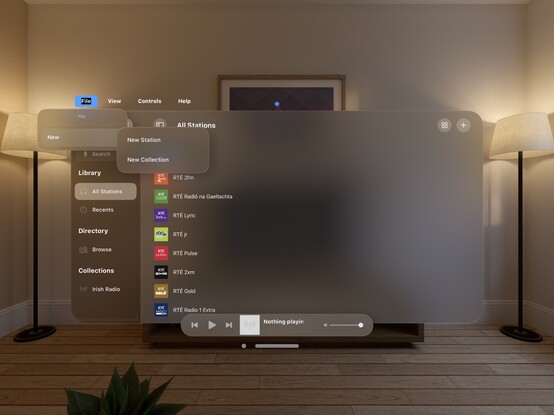
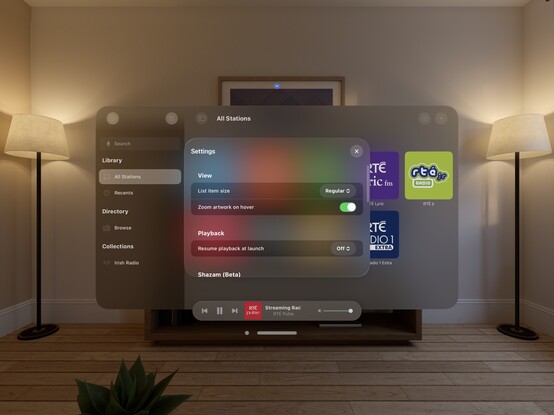
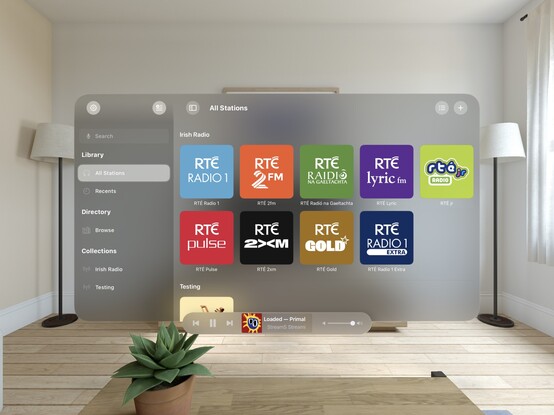
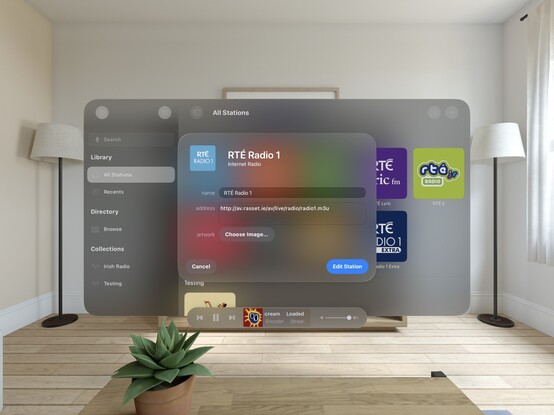
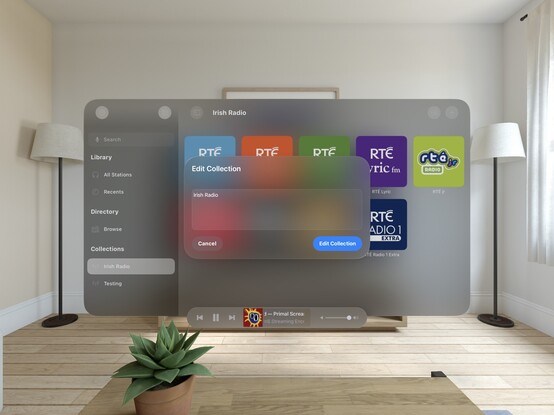
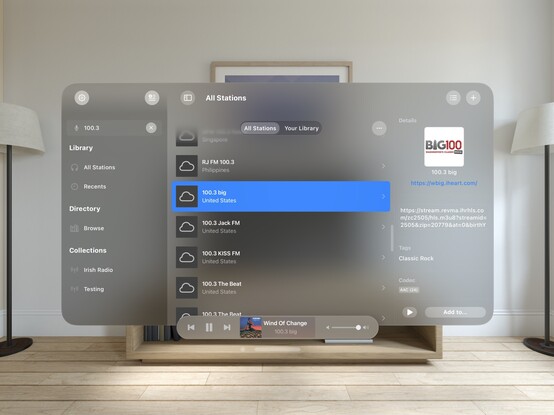
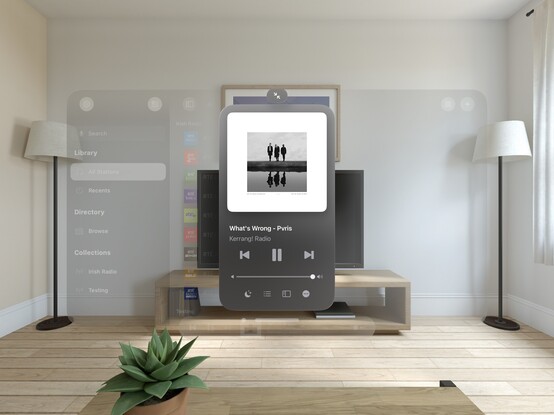
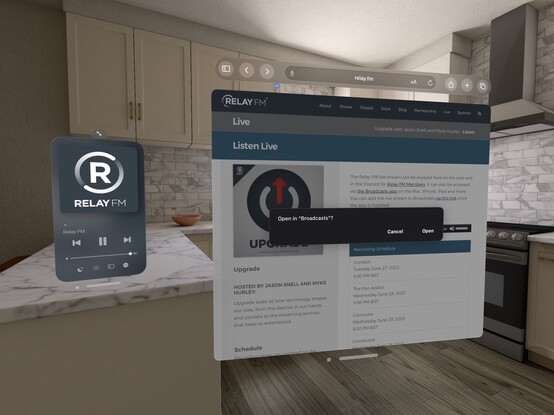
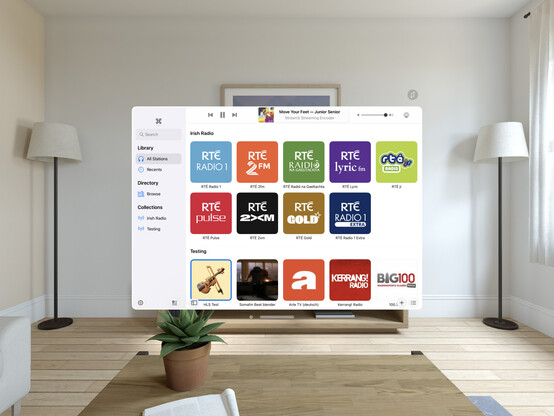
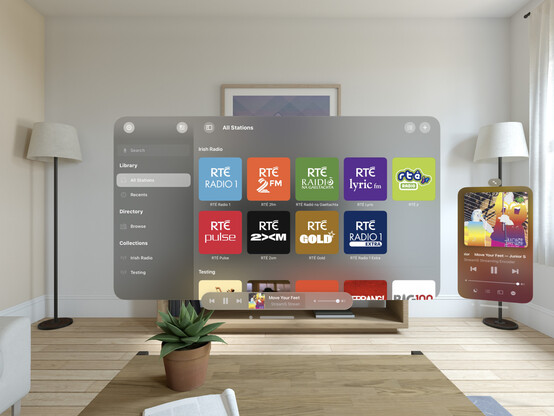
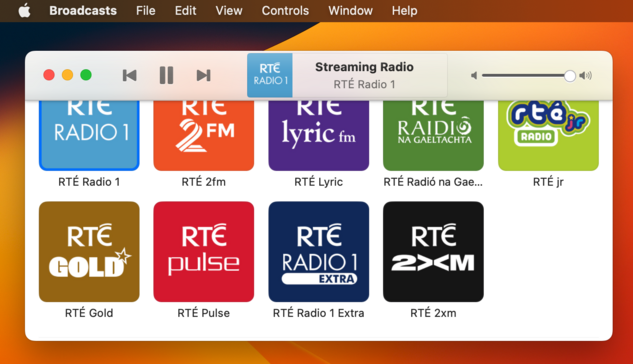
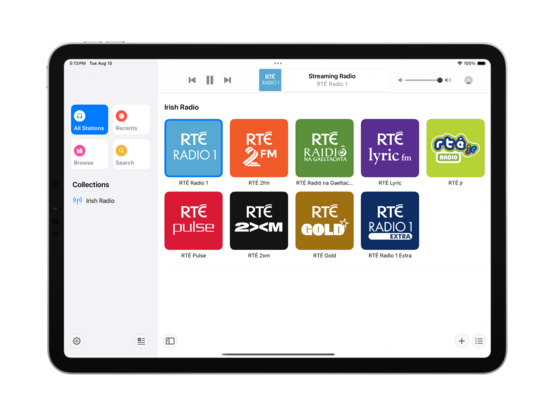
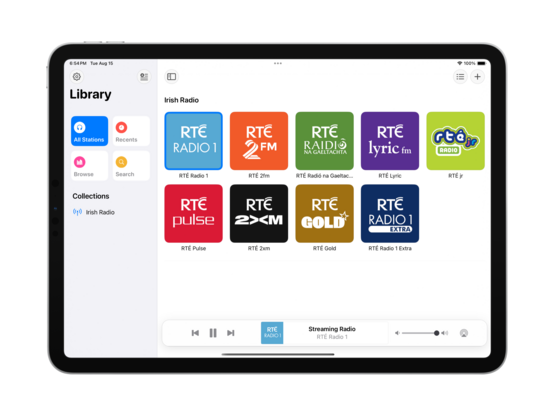
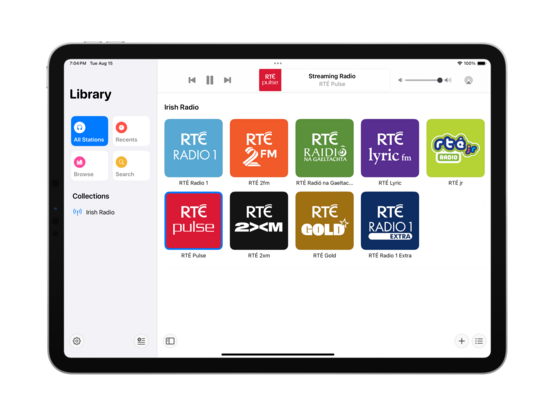
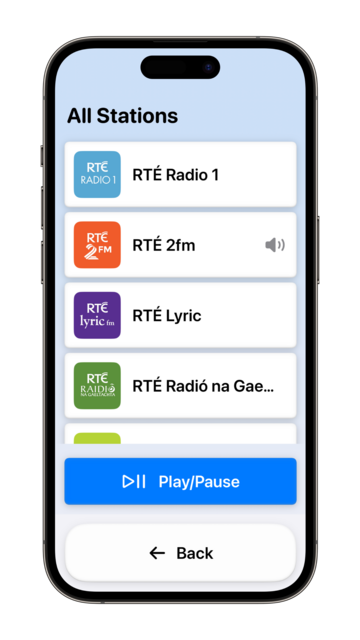
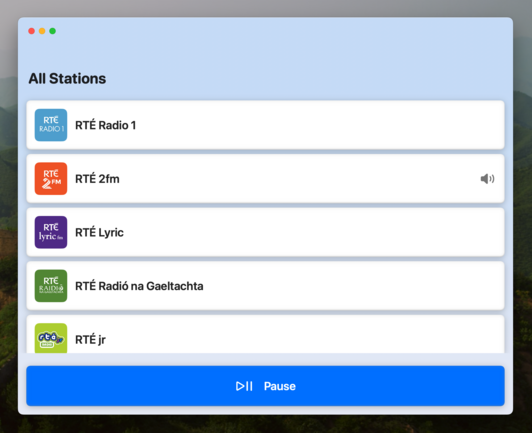
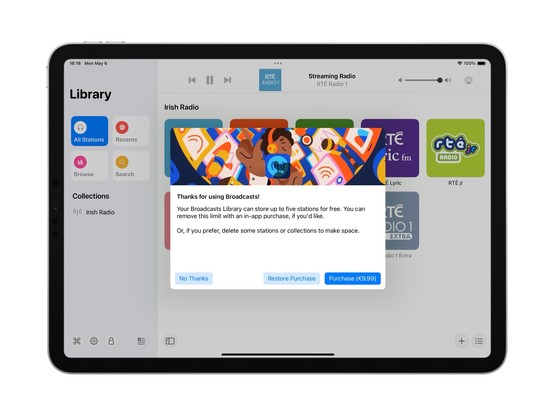
My fun little experimental menu bar view kinda feels like it could work on visionOS. I should stick it into an ornament…

I’m pretty darn glad Vision Pro isn't shipping in September, that's for sure 😅

Even so, I'm pretty happy so far with the bringup process
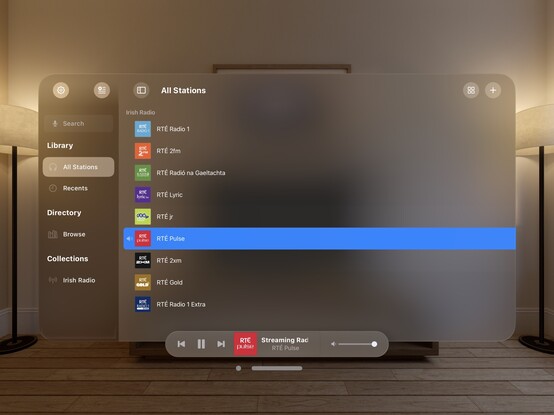
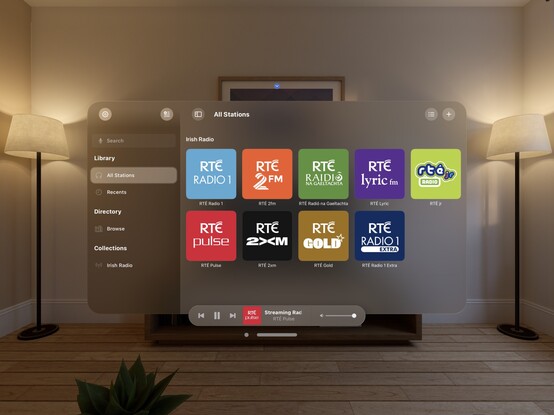
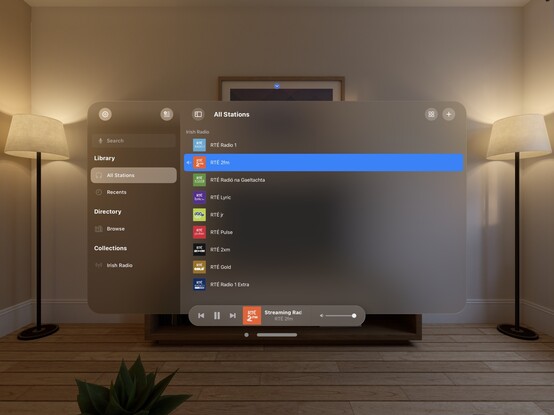
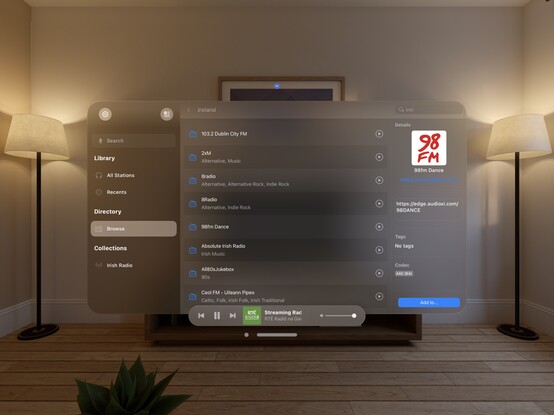
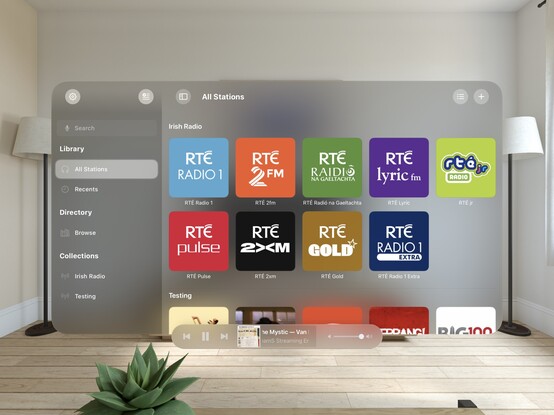
Now all my codepaths are in order, @broadcastsapp is pretty much fully-functional on visionOS. There's still plenty to learn re metrics, control sizes, and best practices, but what you see here is pretty close to what I would expect to ship at launch. It's going to take a while for me to build up a mental model of how visionOS apps work, so this design will evolve over the rest of the year
Just quick demonstration of what multi-windowing in @broadcastsapp might do on visionOS — main UI in one room, mini player in another. It would really be cool if music came from a physical source location, or if I could even have different stations playing in different rooms. In the sim, at least, all audio is piped through the main speakers and seems sourceless 🤔
The miniest player
One neat thing you can do on visionOS is programmatically change the size of the window, so you can make a button that does this:
Here's what it looks like when you place a visionOS window flat on a desk. In this case, the mini player I've built for @broadcastsapp
I don't think I showed how I'm spawning the mini player window in @broadcastsapp, so here’s a quick one. Once you have the window, you can move it anywhere you like
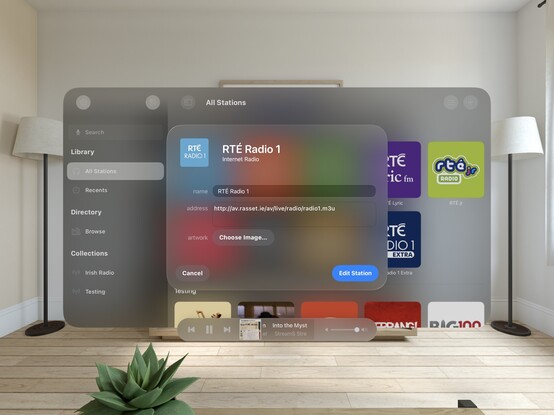
Working on all the auxiliary panels now; new UIKit toolbar is in, and I've given the two editors an initial pass for the new metrics and styles. What I'm finding with visionOS is any layout that doesn't work out of the box suggests more than anything that *I’m* doing it wrong, and I should probably rewrite it for other OSes too. It's good at highlighting focus areas in my apps that need work
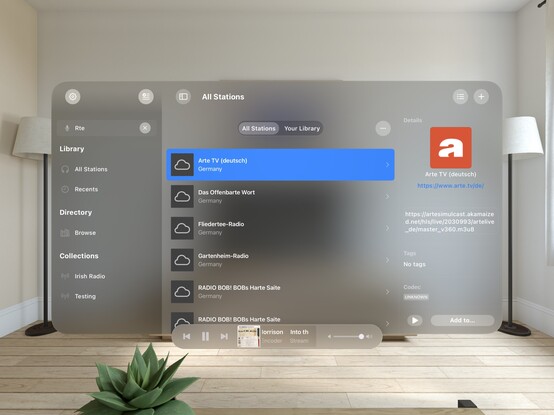
Another UI down; @broadcastsapp's search screen has been visionOSified
I haven't officially branched yet, but I think what I'm working on now will become Broadcasts v4.0. So that will be Broadcasts for visionOS, plus the revamp I want to perform on the iPad version's UI, and the payment model changes I've talked about before. Maybe the new watchOS app, if everything else goes well. I'm not sure yet if that will mean a minimum OS version bump, as I am loath to cut off hardware
Not sure if I'll go with this, but I did a little experimenting with 3D layering/z-depth in @broadcastsapp just to see how a real UIKit app might approach this. I think 'sparingly' is the right answer, but unlike many of Apple's platforms, there really are no physical bounds or rules to tell you not to. It’s a lot easier for a SwiftUI app to use 3D transforms and z-depth, so you'll probably see it used/abused much more in indie apps than e.g. Photoshop or Office
Screenshot roundup for @broadcastsapp at the end of the first week of the visionOS SDK. Honestly, I'm ready to start testing on actual hardware, which is a very expensive-sounding prospect 🫥
'You're my friend now’ /cc @jsnell
Also a fun excuse to see how URL handling works in visionOS — and it does!
Realized I never posted a picture of the iPad version of Broadcasts running on visionOS, as I went straight for a native app instead. Here's a side by side, just for fun!
Tempted to leave this alternate toolbar style in @broadcastsapp as an easter egg, to go along with the existing pinstripes setting 👀

Finally wrote a line of iOS 17 code!

…really. That's all it took

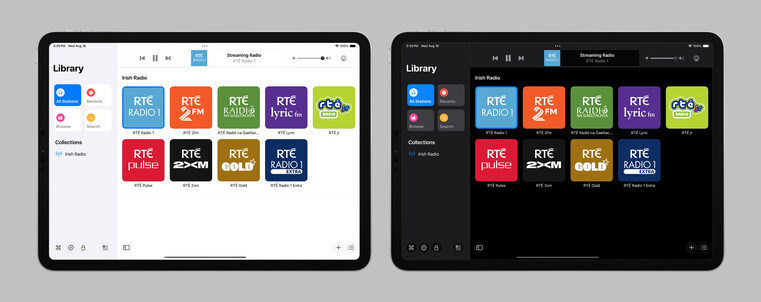
Starting some initial work on unifying @broadcastsapp's sidebar design language with @pastelapp and @takeoneapp by using the Reminders-style group cell. I think this calls for me to create a custom class I can use across all of them — I'll have to put some thought into that. Take One has the best variant so far, so I will probably use that as the template
I'm also experimenting with a new bottom-aligned floating toolbar style, but I haven't committed to it yet (I can toggle it while debugging)
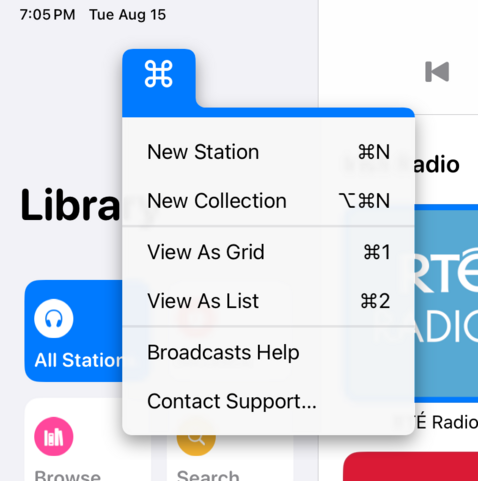
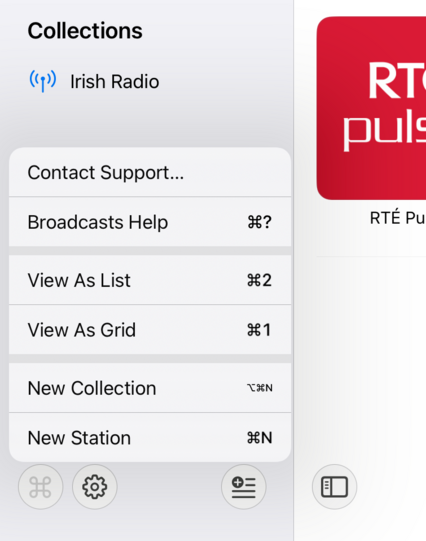
I do currently plan to remove Broadcasts’ command menu. It came about in an era where iPadOS did not have dropdown or context menus, or a system menu panel. It served its purpose, but there are better ways to go about this now
If UIMenu allowed for variable image widths, you could do something like this by rendering the shortcut symbols to an image. The 'New Collection' item is sadly how it works today. I am quite tempted to just not show multi-modifier commands in this menu though, since the effect works great otherwise…
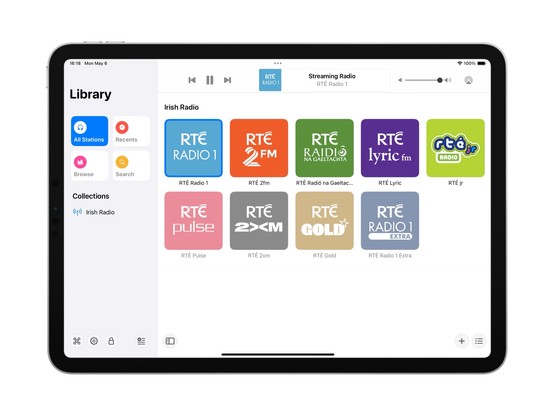
The layout and colors might change a bit, but this is the overall look I'll be going with for the next version of Broadcasts on iPad — a friendlier, more-modern sidebar design
Revisiting the Broadcasts watch app in terms of a watchOS 10 baseline so I can actually use some of the new stuff, like toolbar buttons. Using @_Davidsmith’s technique, on earlier versions of the OS it loads up the existing WatchKit code, and on watchOS 10 it's all SwiftUI. I think I'm much happier going this route than trying to build a SwiftUI interface that works across all the different OS designs. I might actually ship it this time round
SharePlay over AirDrop is very cool, especially with the new ‘bump your phones together’ UI. I wired up @broadcastsapp so that it supports handing off playback between people just like that
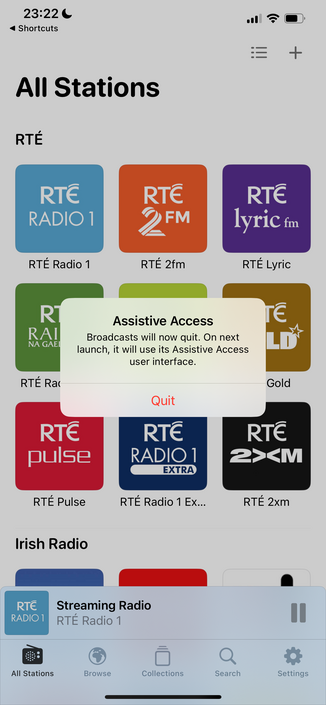
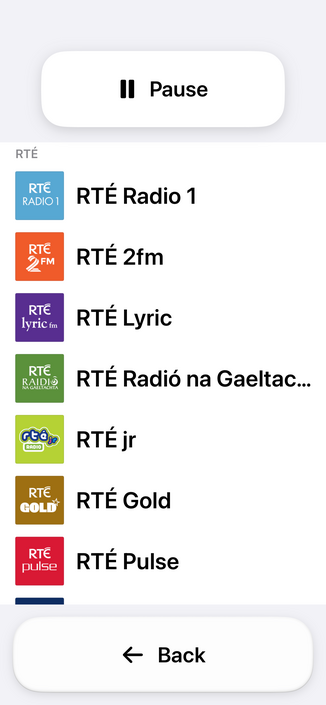
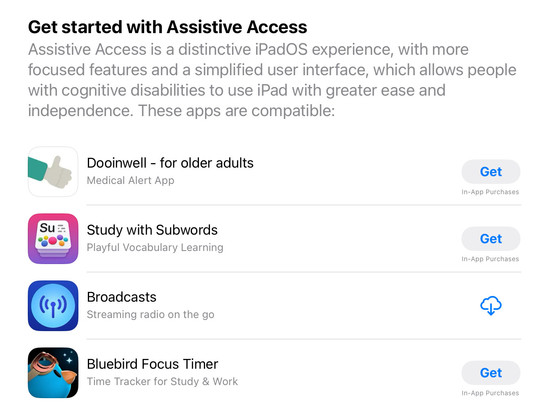
Though there’s no real system support for it, having lived through a similar situation this year I feel like my custom Assistive Access mode is too important to not ship in some form. So I'm going to do the next best thing: a temporary custom URL scheme that can toggle Broadcasts in and out of this mode, until real APIs are available. In Assistive Access mode, Broadcasts just shows a list of stations that can be played, and turns off all other features and UI. No accidental deletions, no nothing
Having spent the day working with the actual Assistive Access SPI (https://mastodon.social/@stroughtonsmith/111072449541807169), I decided to replicate as much of it as I could in SwiftUI directly. In doing so, I ported my new watchOS app code to iOS and used it as the basis of my faux-Clarity UI. It's not perfect, but it kinda works! And this one I can ship
For funsies: on macOS, too 😂

I didn't have a whole lot prepared for iOS 17, just a amorphous collection of features I'd been working on for @broadcastsapp in some form or other over the summer, while the core of the app was revamped quite a bit for visionOS. Nonetheless, they've kinda taken form over the past few days into something I can call v3.3.

I've got:
• Assistive Access mode
• A refreshed app for Apple Watch
• Interactive widgets & Stand By support
• SharePlay via AirDrop
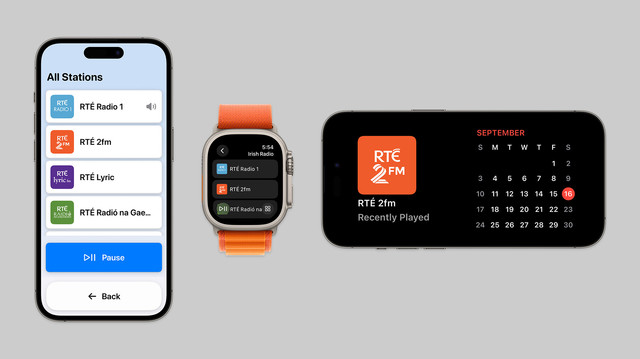
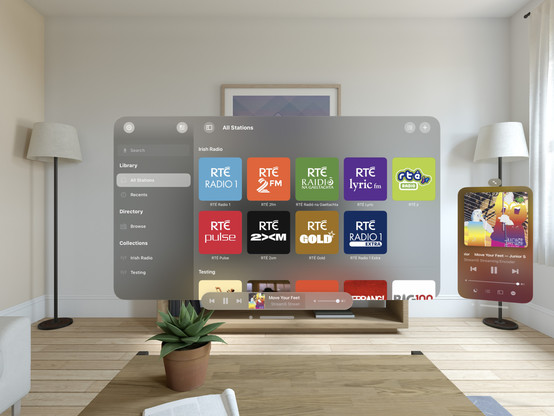
On top of that, Broadcasts has a whole visionOS app pretty much ready to go, but I have no intention of shipping this before I have a device to do final iteration & testing with. A lot has gone into the app over the past few months!
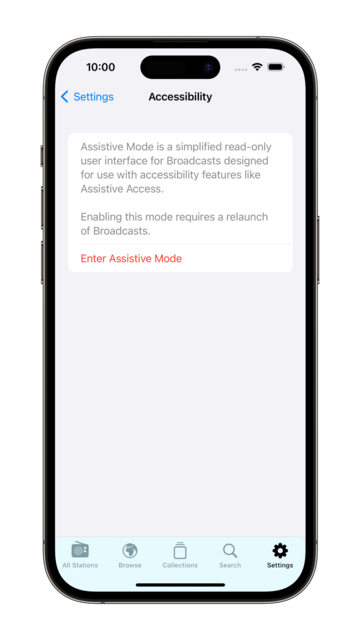
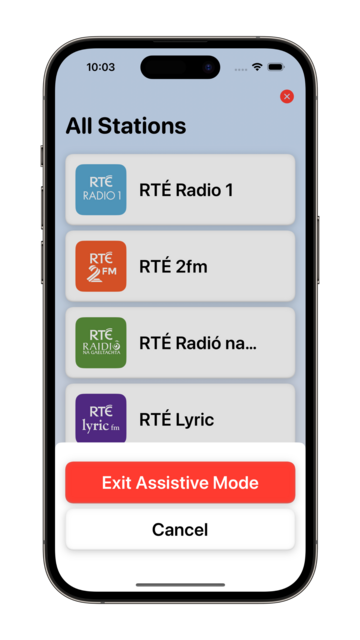
I decided to elevate Broadcasts' Assistive Mode from 'hidden feature' to just 'feature’. There's a new panel in the settings tab that allows you switch to Assistive Mode at will. And now there's a close button that lets you exit Assistive Mode, too. I think this is the right thing to do
I’m calling it on Broadcasts v3.3, anything else is a ‘we'll fix it in post’. To App Review!
Just in time for iOS 17 🫡

I would have to be real silly to be crunching to ship @broadcastsapp for the visionOS launch, huh?

…👀

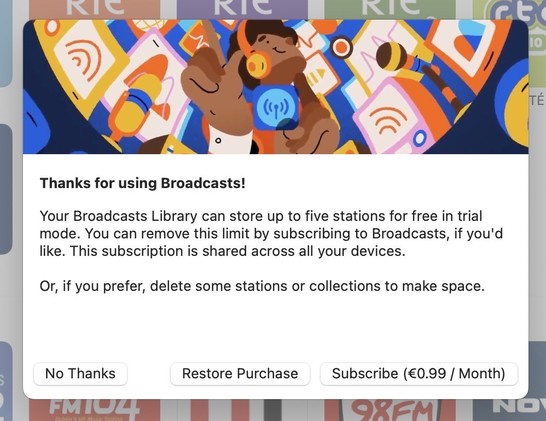
Finally going in and putting together the systems to enable Broadcasts’ switch to a subscription model. Still have a lot of UI to redesign and re-word, but successfully subscribed using my sandbox account so that's a win so far.

As a reminder, existing users won't need to switch to subscription — if you've bought the app, you've bought the app, and that purchase will last for several years to come. New users will be offered subscription pricing
Came across these screenshots from August in my screenshots folder and realized I'd completely forgotten I had a big @broadcastsapp iPad redesign underway before I got distracted with iOS 17 🤦‍♂️

https://mastodon.social/@stroughtonsmith/110899816310922687

Overdue.
I'm going to be streamlining @broadcastsapp’s license flow a little in the next release, shifting where the library cap is exposed from the Add Station panel to the main UI instead — dimming any stations beyond the cap but letting them stay in your library. Tapping a dimmed station presents the IAP panel. It's a little more upfront, and a whole lot less confusing
@stroughtonsmith how do you/ will you handle someone subscribing, adding many broadcasts, then unsubscribing?
@JediMax anything past the first x stations can no longer be played in the current version; I made this change some months ago