I have a #sway and #waybar question for all you #CSS folks.

So I have configure the battery module of the waybar configured. At the top of the file I have the following

#waybar {
background: transparent ;
background-color: alpha(@base, 0.75);
[...]
}

Which makes a nice semi-transparent bar except for...the battery when it is in the warning state, and only during the warning state. Regular and critical state remain semi-transparent, but warning get this ugly black background...

I solved the problem by adding the following lines

#battery.charging {
color: @green;
background: transparent ;
}

#battery.warning:not(.charging) {
color: @yellow;
background: transparent ;
}

#battery.critical:not(.charging) {
color: @red;
}

Notice the critical not changing that does not need background: transparent ;

So I have a working bar, but I really does not know why or how this is giving me a weird behaviour.

Do any one of y'all know what why how where?    

Blogged : #waybar : simple custom module to help you refocus to your task

https://blog.revathskumar.com/2026/06/waybar-custom-module-to-help-you-refocus.html

waybar: custom module to help you refocus

Couple of months ago when I read the post How I hacked my clock to control my focus by Marc Päpper, It quickly became a daily driver for me. This small hack using a shell script helped me to get back to work quickly when ever I get distracted. I quickly realized that I needed something comparable with waybar after moving to Hyprland.

#TIL : You can update the #waybar custom module using signal.

Add `signal: <num>` in the custom module config and update using `pkill -SIGRTMIN+<num> waybar`

It took me a while to figure it out since I was looking in `man waybar` and this is mentioned in `man waybar-custom`.

https://github.com/Alexays/Waybar/wiki/Module:-Custom

Module: Custom

Highly customizable Wayland bar for Sway and Wlroots based compositors. :v: :tada: - Alexays/Waybar

GitHub

A recent update broke my arrow icons in waybar. I use a combination of Font Awesome and Noto Sans for my icons.I needed to change my style.css to use “Noto Sans” to “Noto Sans Mono”.

Ahh... That's better.


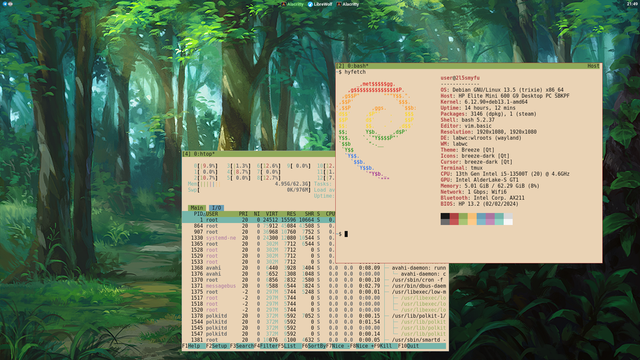
Ich habe mal am Design meines Window-Managers gebastelt. #linux #labwc #waybar #wald
I switched from #waybar to #ironbar few months ago. Still, prefer it. Got things out of the box I used scripts for with Waybar. Still, have some problems with some icons, as some can't be centered, right? Hence some are centered and some are left aligned and moving the volume up and down moves the icon right and left. Do you also have this problem?
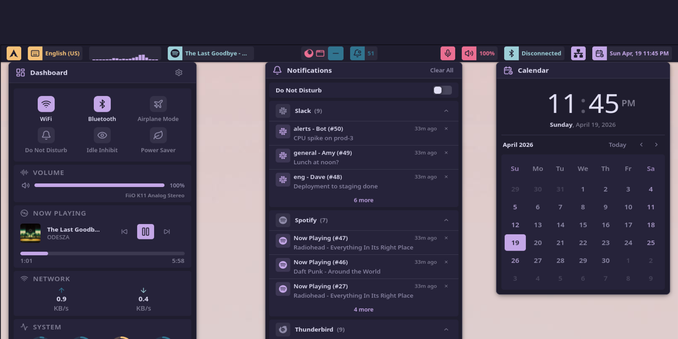
Small update on my Hyprland setup

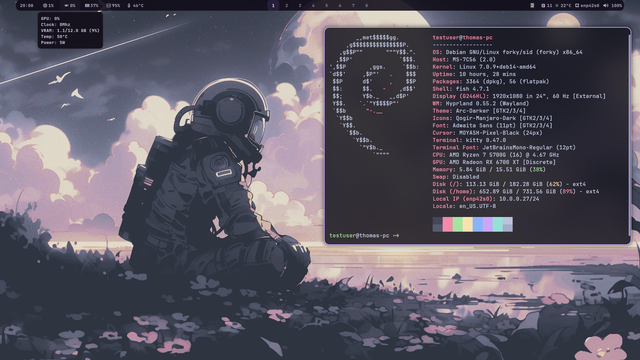
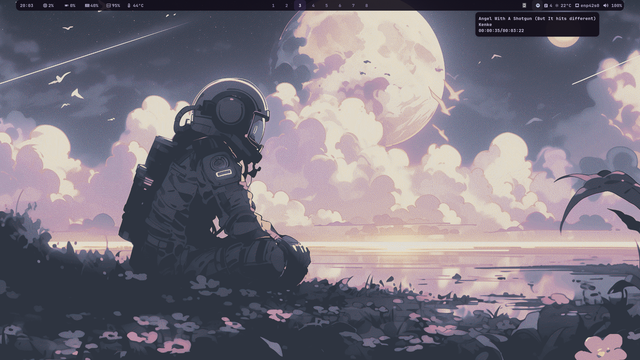
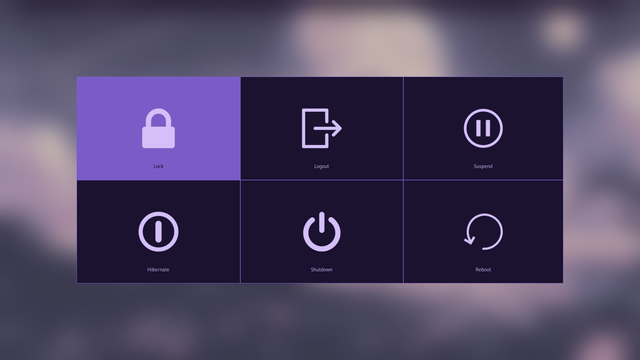
Rewrote parts of my Waybar layout, added new custom applets (GPU monitoring etc.), and finally got blur working in wlogout… that one fought back hard >.<

Dotfiles are up on GitHub now:
https://github.com/sheepfreak221/Hyprland-Dotfiles-for-Debian

#Linux #Debian #Hyprland #Wayland #LinuxRicing #unixporn #Rice #Dotfiles #FOSS #OpenSource #Waybar #KittyTerminal #TilingWM #DesktopSetup #CLI #AestheticDesktop #MyDesktop #DailyDesktop #ShareYourDesktop

Ironbar versus Waybar? Browsing the Arch wiki out of sheer curiosity and procrastination, I stumbled across the ⁠ironbar⁠ package. My PC is currently off, so I cannot test it ... yet. What are the practical differences regarding customisation and resource efficiency?

#archlinux #waybar #wayland #linux #technology #wm

/repositories/home:/yipfluoric/openSUSE_Slowroll - openSUSE Download

Wem #quickshell zum Hals raushängt, hier eine interessante Alternative in #gtk4 / #rust
https://github.com/wayle-rs/wayle

#wayle #waybar #windowtiling

GitHub - wayle-rs/wayle: Wayland Elements - A compositor agnostic shell with extensive customization

Wayland Elements - A compositor agnostic shell with extensive customization - wayle-rs/wayle

GitHub