 Vivaldi Tips
Tip #784
Set up bookmark folders in Vivaldi on Android to efficiently manage your favorite sites.
Dividing your bookmarks in Vivaldi into logically structured folders makes accessing them faster and managing them easier. There are a few ways you can create new bookmark folders in Vivaldi on Android. Find the one that works best for you.
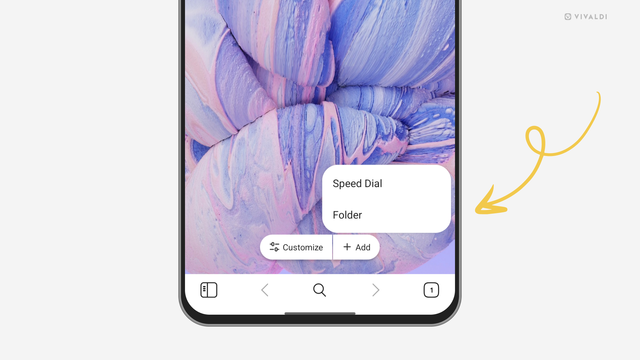
To create a new bookmark folder on the Start Page:
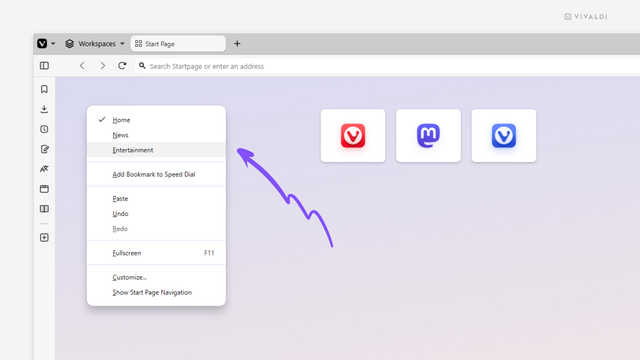
To create a new Speed Dial Group (bookmark folder on the Start Page):
To create a new folder by editing a bookmark:
To create a new folder when adding a new bookmark.
#android #bookmarks #speedDial #startPage #Vivaldi #VivaldiBrowser

 in ♥️ with PDA (and 🐧)


 ThePfromtheO
 Mitex Leo
