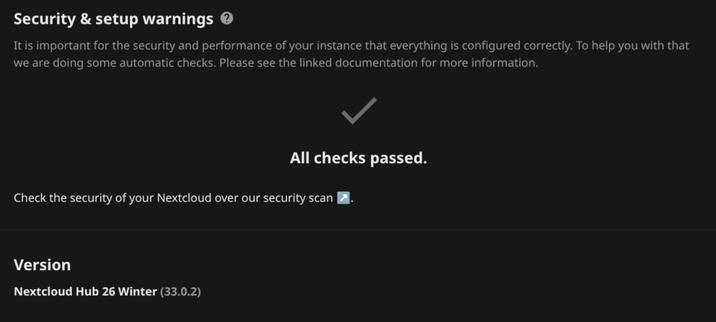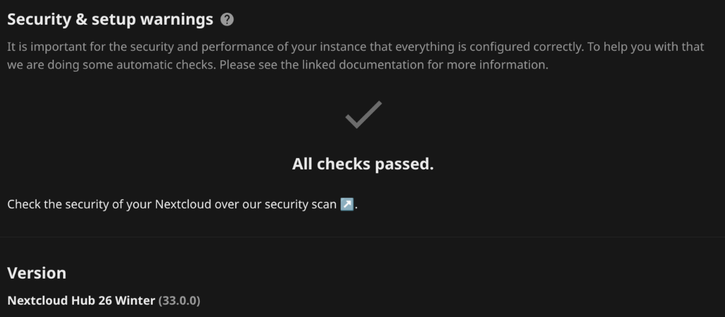
its an easter miracle!!!
> sudo -u www-data php occ maintenance:repair --include-expensive
> sudo -u www-data php occ db:add-missing-indices
> sudo truncate -s 0 nextcloud.log
woooooo!!!
#poly AF #Left leaning (#freedom #equality #humanrights #microplastics #environment)
#moderate #antagonist
#ElderMillenial Bridge #Troll
#webDev #programmer (ish, hobby)
#impostersyndrome #Linux #sysadmin (+#Docker)
./configure && make && make install
#ADHD #AF
#selfhosted #homelab Enthusiast
Life is a spectrum.
que sera, sera, cest la vie (#English only speaker, that's just a lovely pair of quotes)
Punch Up, Not Down
#PLUR #Peace #Love #Unity #Respect
#Buddhist #Buddhism

its an easter miracle!!!
> sudo -u www-data php occ maintenance:repair --include-expensive
> sudo -u www-data php occ db:add-missing-indices
> sudo truncate -s 0 nextcloud.log
woooooo!!!
For a good time call OCC Update...
i don't know who needs to hear this.. but,.. did you know...
Use system cron service to call the cron.php file every 5 minutes.
The cron.php needs to be executed by the system account "www-data".
for a few weeks chrome and code wouldnt update with the software center gui thing #manjaro uses... had to install #yay and #fix some #update #problems
```
sudo pacman -Syu
sudo pacman -S yay
yay -Sy google-chrome
yay -Sy visual-studio-code-bin
```
why did i leave debian for my main desktop awhile ago again? it's ok thought,.. currently getting my backups in order so i can switch back ^>^
oh, right, it might have been some nvidia amd new laptop problems... hmmm... #worthit to try again?
#nextcloud lies, this server id bullshit, just put whatever..
'serverid' => 'goaway',
for the php.ini shit,
opcache.interned_strings_buffer=24
memory_limit = 512M
as always...
sudo truncate -s 0 nextcloud.log
#debian #bookworm to #trixie without issue.. yeet and yolo the update.
#IDGAF was short lived. but really. this whole
sudo -u www-data php occ maintenance:repair --include-expensive
&
sudo -u www-data php occ db:add-missing-indices
i dont know who needs to hear this... but this saved my day
`find . -mindepth 2 -type f -exec mv -n -t . {} + && find . -mindepth 1 -type d -empty -delete`
just flattens a folder, takes alllllll the sub folders and their sub folders and flattens them into the current dir.