Writers: here are ten free and easy ways to add a dash of visual interest to your blog posts without resorting to AI imagery (which signals to readers that your blog post is probably also AI and there’s no need to bother reading it):

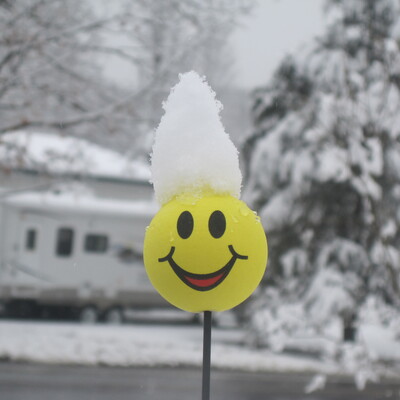
1) A thoughtful photo you’ve taken yourself — a nice sunrise you saw, a cool angle spotted on vacation, your pet curled up on the couch, flowers. Play with your phone photo app’s filter settings to nail the tone. It doesn’t need to be particularly related to the post, it’s related to you as a person.

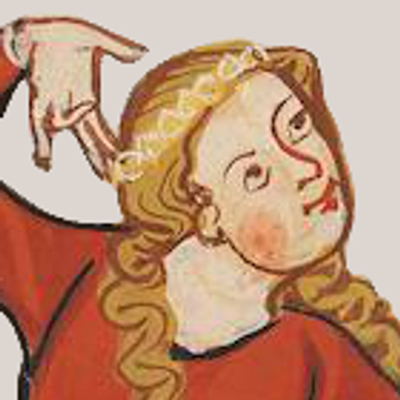
2) An image from Wikimedia Commons that’s somehow related to the subject matter — there are unfathomably many, you can search by keyword. Remember to credit. https://commons.wikimedia.org/wiki/Main_Page

3) A screenshot of a scene you made in a sandbox game such as Minecraft or Animal Crossing

4) A scene you made with toys such as Lego (you can also use free Lego design software such as Bricklink Studio) https://www.bricklink.com/v3/studio/main.page

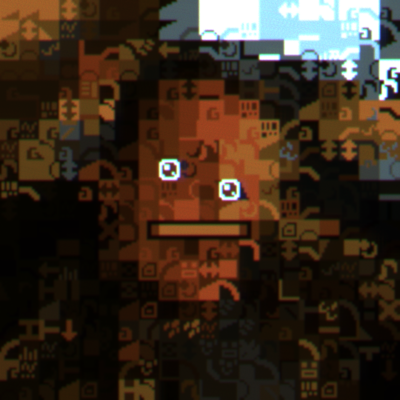
5) Play with the effects in whatever image editor you have access to, using your own photos or free-to-use images, to create something a bit abstract and avant-garde

6) Even if you can’t draw or paint very well, you can probably make some pretty cool abstract or collage imagery with whatever art supplies you have around. Dampen some paper and randomly dip watercolor paint onto it and see what happens

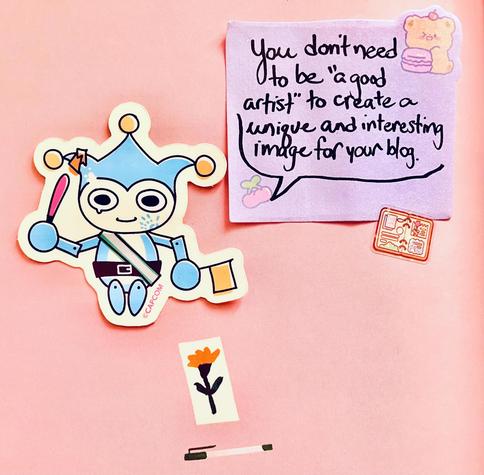
7) Those stickers you stashed and never used? Yeah you can make something with them. If they’re individually cut, you don’t even need to peel them, you’ll still find the One True Way to use them one day, I’m sure

8) Shelfies. None will dare question your competence after they see you have a real paper copy of Subject Matter Tome Volumes 1 through 6

9) You can get a lot of mileage out of compositing pre-made video game assets into an image. A good place to start is Kenney’s free and generously licensed 2D assets: https://www.kenney.nl/assets/category:2D and the Tiled editor which is specifically meant for assembling images out of video game asset tile sheets https://www.mapeditor.org

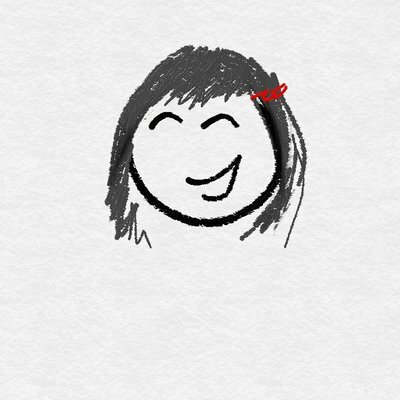
10) the most ridiculously amateurish thing you can scribble on a post-it note or in MS Paint is preferable to AI imagery because it clearly signals a real human cares about the post.
#writing #writingcommunity #collage #blog

@0xabad1dea It is also legal to not have an image on every blog post.

@ratsnakegames Yeah, but many themes/templates are designed around having one these days

@0xabad1dea

@chris_evelyn That's what uploading a small transparent PNG is for
@mjc0961 How does that fill the large, empty space above the posts?
@chris_evelyn I think you're missing the point: let it be blank. An image is not necessary. I'm there to read the words, not look at pictures. It works in books, it'll work on a website.
@chris_evelyn @mjc0961 Are you able to edit the CSS? If so, you can just get rid of that large, empty space. :)

@aetheranne @mjc0961 I was not asking for web design tips for myself, I'm fine on that front.

I commented on the state of things, where people are nudged towards thinking they need an image since it is featured so promently in the designs of blog templates and similar things.

@chris_evelyn @mjc0961 Gotcha. I would hope, though, that people who use templates realize it's (usually) possible to edit out anything that doesn't work for them.
@chris_evelyn well, the people who are nudged now have my formal, written permission to ignore those nudges :)

@ratsnakegames Was just going to say! I don't use images on my blog posts, and hardly any of the bloggers I follow use images either.

@0xabad1dea's suggestions are good, though. Here are some more alternatives: https://www.jordanacosta.co/p/free-to-use-picture-resources

Free-to-use Picture Resources for Writers

You have options other than Generative AI to illustrate your work

The Dispatch by Jordan Acosta

@ratsnakegames @0xabad1dea

THIS THIS THISSITY THIS THIS IS THE WAY

signed, someone who would rather just read your text and not have it interrupted by unnecessary graphical distractions every other paragraph

@ratsnakegames @0xabad1dea

My blog was totally image-free for a long while, but I've started enjoying cooking up header images as a kind of mental appetizer for the post itself.

I usually go for a retro aesthetic, as it both hearkens back to an era I loved, and also saves a lot of space on the images themselves.

@0xabad1dea https://wikiview.net/ is also decent as a Commons search tool
wikiview: a powerful visual explorer for Wikimedia Commons images

Wikiview is a powerful tool that helps you dive into the ocean of imagery for finding exactly what you’re looking for. You can start off with a random search, by uploading a photo or with keywords and colors.

@leona @0xabad1dea wow. I can't figure out that interface on my phone!
@0xabad1dea I'm not a blogger, but I use Pexels.com for reference images sometimes. all 100% free stock. their terms disallow uploading AI imagery (although I'm sure some gets in anyway)
@ghostcatte @0xabad1dea pixabay and unsplash are also options, increasingly AI infected, but get your detection skills up and pick the real stuff (they have imperfect filters)
@0xabad1dea Wait... I should have pictures of my Donald Knuth Computers and Typesetting? Oh wait, I rarely talk about said subject matter. This is really great, I have to say even if you aren't doing a "blog post" but just sharing whatever... Not using AI imagery is a big reason to go for even bad real human art. I've been thinking "how do I get people to stop using AI..." Sort of two people I follow. This may help.
@0xabad1dea this happens in conference talks too, really like this list.
@0xabad1dea 10/10 post no notes
@0xabad1dea You can just draw pictures in PowerPoint.

All you have to do is use a few different types of curves to create a sense of perspective.
@0xabad1dea Or just do what half of Japan does, visit http://irasutoya.com/ and pick out some cute clipart!
かわいいフリー素材集

いらすとやは季節のイベント・動物・子供などのかわいいイラストが沢山見つかるフリー素材サイトです。

@lina thank you for sharing the link!! I used to use this while studying Japanese and had lost the link 

@0xabad1dea Re: 2) there are other image libraries beyond Wikimedia Commons that host images available under various free licenses. A simple starting point is https://search.creativecommons.org/

Some free licenses require naming the source/creator (e.g. all CC-licenses with "BY"). Get acquainted with the license for an image you want to use, and respect the conditions.

Expect that searching for a fitting image (and re-searching its license terms if you're not familiar with it) takes time. It's worth it.

CC Search Portal

@JonasJRichter @0xabad1dea Yeah, just be aware that some of the sites it searches aren't Creative Commons or free licenses at all...Jamendo for example is "royalty free" but still a paid license with strict limits on how and where you can use the licensed content...I don't think a paid license for one track which you can only edit in certain specific ways and can only use in one single project which you can only post on specific platforms is really what most people think of when they think of "Creative Commons"...

@0xabad1dea
Cold take: any scribbles makes you a better artist than a slopfondler, if an artist at all.

Also being one with your cringe and getting rid of notions of suffocating “professionalism” helps.

See attached example of ~10 minutes doodling with a graphical tablet in KolourPaint.

@0xabad1dea seriously though... People that generate ai slop images to save a few mins searching for a good one kinda piss me off the most. Like I'm so glad you had fun burning all that energy unnecessarily 😐
@0xabad1dea
Or just put a picture of a #cat. Any cat will do, thank you.
@0xabad1dea but all of these require some amount of work!
@0xabad1dea is using photos of stickers actually allowed from a copyright perspective? Lots of conferences are getting hammered by copyright trolls and I'm not sure a purchased sticker allows you to use it on your blog/slides?
@discontinuity "I am publishing for commercial purposes and would like to have artwork that is 100% in the clear" is a problem solved by "money" whether paid to artists or paid to copyright lawyers who can hem and haw over whether your collage falls under fair use protections

@0xabad1dea totally fair. In this case the conferences were volunteer run and totally not for profit and nobody was getting paid, so the "commercial purposes" doesn't seem to fit. I agree totally with what you're trying to say it just looks like there's an uptick in jerk law firms doing copyright trolling and idk what I'm comfortable publishing on my (not at all for commercial purposes) personal website anymore :(

Some people have decided to advise conference speakers to only use AI generated images due to this, which I think is crap for the reasons in your first post on the thread. (If you didn't write it, I don't want to read/listen to it.)

Obviously you're both not a lawyer and not a copyright troll and not the Internet's Oracle and I'm in no way asking you to solve this or answer it completely!

Just a data point for folks who might be afraid of copyright troll law firms that this seems to be a real risk.

But I do love your pictures with stickers :)

@0xabad1dea

is that the motherfucker from ace attorney ds

@0xabad1dea as I wanted to have a digital garden (where unfinished notes are published as well), I left out the image and I'm now using a unique colour that gets calculated based on the URL which I then apply to the whole page. This way notes are unique as well and can be easily differentiated.
I think the library for that even checks for words, so i.e. "plants" would result in a green or brown.

@ChristianKrebel @0xabad1dea
> a digital garden (where unfinished notes are published as well)

Now that's an interesting idea, a digital scrubland.

I tried (and am still trying) to get some sort of notes/blog of various subjects that interest me and could interest others, but either I'm spending too much time writing (and never publishing) a properly structured blog article that 10 people will read, or I'm cleaning and elaborating what are supposed to be raw notes because someone else might read it. And in the end I publish almost nothing because I don't want to waste time on that.

I should try to go all in with unfinished, out-of-context, random, disorganized notes.

@0xSim @0xabad1dea yes, that sounds exactly like it would be the solution to that 😄
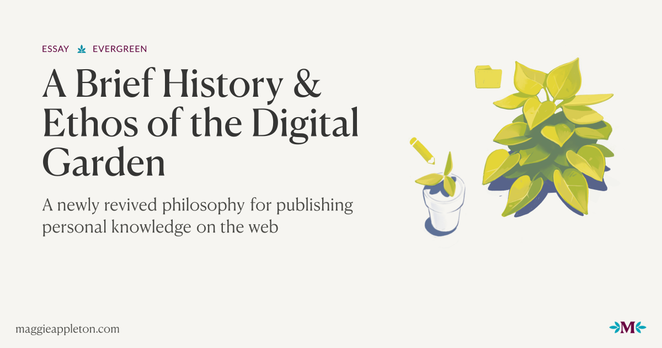
If you need inspiration, @maggie has great content about it: https://maggieappleton.com/garden-history
A Brief History & Ethos of the Digital Garden

A newly revived philosophy for publishing personal knowledge on the web

@0xabad1dea Blue Badger!

Also, bonus tip: you actually don't need any images at all, your blog post can be text only. I have never read a text only post and thought "this would have been better with a bunch of images breaking the pacing"

@mjc0961
I interpreted the point of the post to be that if you want to use an image, here are some alternatives to using AI slop, which was pretty clearly expressed in the first sentence.

@0xabad1dea

@0xabad1dea I absolutely love the definition of the “shelfies” idea! 😹🩷
As for abstract pictures, I have taken photos of water droplets in a bucket, closeups of flowers from ground level, and sometimes a picture will be completely blurry (like a pocket photo) but the gradient of the colors is fantastic! (There are other subjects that are less than artistic until you get the perfect lighting and angle 😹, all by chance in my experience 😹)
@0xabad1dea I use my blogs as an opportunity to learn how to draw. I post once a month, so I draw once a month. I've managed to learn a lot!
@0xabad1dea posting pictures with text in them that isn't distorted ...
@0xabad1dea creativity is hard, that's why we do it.
@0xabad1dea All very good suggestions! I paint but I'm more likely to go with one of these ideas next time I need a banner. Unless I already painted something relevant.

@0xabad1dea

This is some of the best advice I have seen in a long time! Thank you for sharing this.

@0xabad1dea NOOOOO NOT THE BLUE BADGER MASCOT OF THE POLICE FORCE AND HIS ANNOYING SOUNDTRACK 😅
@0xabad1dea 11) Unsplash! Boring, but practical. I get most of my blog header pictures from Unsplash.

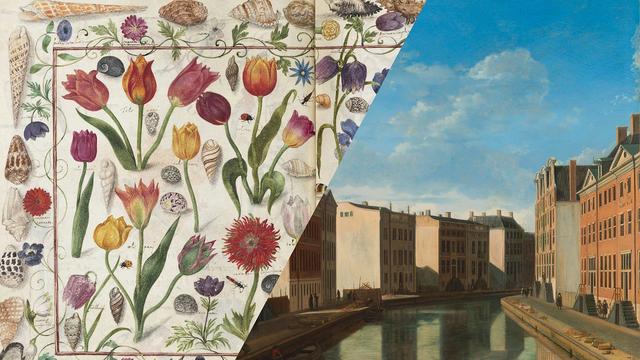
@0xabad1dea public domain images can also often pull up weird and interesting stuff.

And creative Commons searches, making sure that you attribute correctly

@0xabad1dea
I really appreciate these ideas. Thank you! I'll probably use some of them very soon. 😊

@0xabad1dea swooping in with some other easy ideas (and piggyback on @JonasJRichter ‘s wiki commons suggestion). You can search the Internet Archive for pubic domain images (search guide here: https://help.archive.org/help/search-a-basic-guide/ ). You can also fish around other online Archives like hathitrust ( https://www.hathitrust.org/ ) or the California Digital Archive ( https://oac.cdlib.org/ ).

Most online archives have copyright search functions, and if you live in the us most things prior to 1928 are automatically added to the public domain.

Search – A Basic Guide – Internet Archive Help Center

@0xabad1dea

This list is excellent, really good 👏

Thank you for making it!

And yes, the best thing is an image that shows your humanity, it is so much more precious than AI slop.