AskUbuntu
Possible to unlock 1password with Yubikey? #firefox #2604 #firefoxextensions #yubikey

 utzer
utzerKonnte jetzt bei #Paypal den einen #Yubikey als Hardwaresicherheitsschlüssel hinzufügen, den anderen aber nur als OTP Gerät. Paypal scheint keine zwei Yubikeys zuzulassen. Ich kann also auch keinen weiteren Schlüssel hinzufügen. Und Passkey geht nur über den Device Dienst, bei Android gab es einige zur Auswahl (die Yubico App nicht), weil man auf Systemebene mehrere haben kann. Bei Apple nur "Password", was wohl der Nachfolger der Keychain ist.
Schon seltsam sowas.
 Oleksii
@thelinuxEXP Tip about banking app. I like #wise. It works really well in browser with #yubikey #passkey holder.
 Paula Gentle on Friendica
Oh, wait!
Offenbar geht das doch, wenn man sich traut, den Treiber im APK-Format von GitLab zu installieren:
gitlab.com/kunzisoft/android-h…
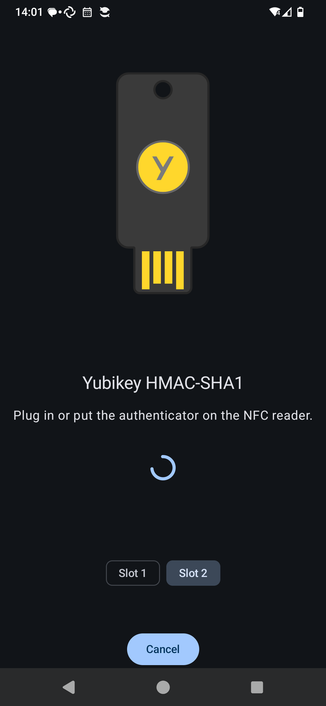
Dann ist es recht easy: In #KeePassDX zum Öffnen der Datenbank das Password als ersten Faktor und 'YubiKey Challenge-Response' als zweiten, dabei den YubiKey hinten an die Rückseite halten. Zack, bin ich drin.
Ich hab das alles mal gemacht, ohne weiter Nachzudenken, was genau ich da tue und wie sicher das ist. Erst mal scheint das zu tun.
 Kemotep
  🔰
🔰I use a YubiKey with Keepassxc for MFA and for my ssh keys. But for some reason the pkg version doesn’t support Yubikeys out of the box. Here are the steps I had to take to get it working:
pkg install libfido2 u2f-devd
cd /usr/ports/security/keepassxc
make config
make install clean
pw group mod u2f -m <user>
Just select the option to add YubiKey support on build. I did defaults for everything else. Sign back in and it should work.
Die ersten Tests gelten dem primären Ziel: weitere Redundanz an sicherem Ort.
Dazu wurde zuerst mal der #YubiKey initialisiert mit HMAC-SHA1 und sichergestellt, dass ich damit auch an mein #KeePassXC ran komme. ✅
Dann wurde der #FIDO2 Hash in dem #LUKS - verschlüsselten #LVM via #systemd abgelegt und testweise damit gebootet. ✅
Die Initialisierung von #TOTP muss ich aufschieben, aber diese Einträge aus KeePassXC zu klonen, hatte ich die Tage erst noch getestet. Das wird klappen.
Bis hierhin sieht es gut aus. Als nächstes kommt #NFC, das ist für mich Neuland...
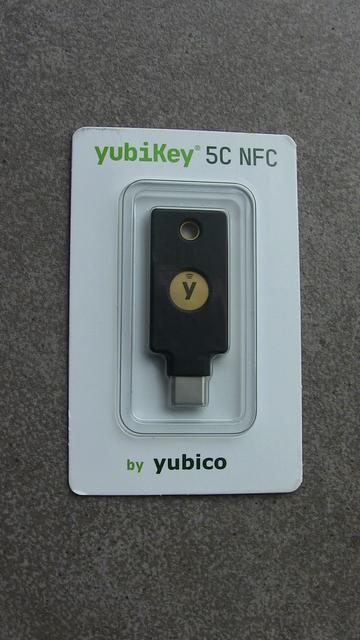
+++ Werbeblock: Nächster Schritt in meiner yubiKey-Journey jetzt mit #NFC +++
Nicht, dass ich schon allzu viel #Hardware mit NFC-Support unter #GNU/Linux hätte, aber auf Dauer wird es wohl auch bei mir kommen. Testphase beginnt jetzt...
 Michiel W. Beijen
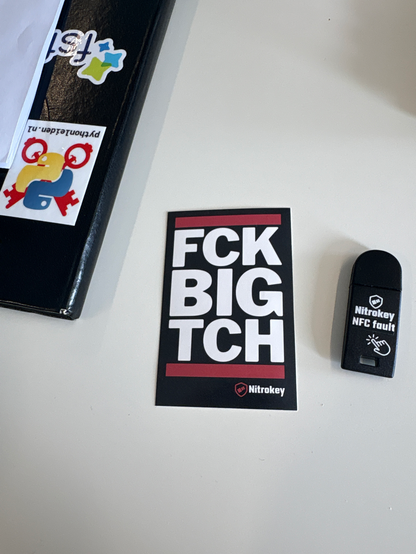
I bought a Nitrokey, a “yubikey alternative” that is fully open source. It came with this complimentary sticker which I totally appreciate. The irony is that I’ll be using the nitrokey to push code to AWS at my day job :-)
Der Zugriff auf #LUKS / #LVM auf meinem primären Notebook klappt nun mit beiden Yubikeys auch beim Booten, aber das war unter #Fedora 44 schon etwas tricky und ist noch nicht perfekt:
root@j20:~# systemd-cryptenroll /dev/nvme0n1p3
SLOT TYPE
   0 fido2
   1 password
   2 password
   3 fido2
   4 recovery
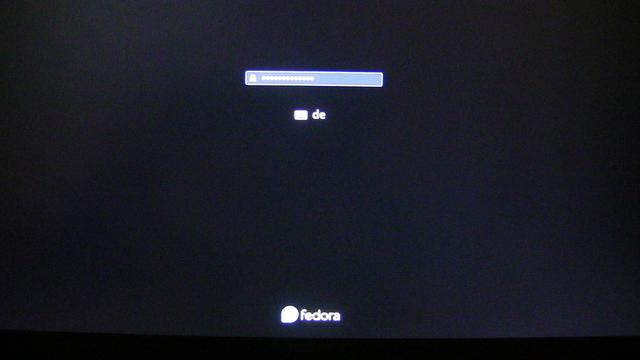
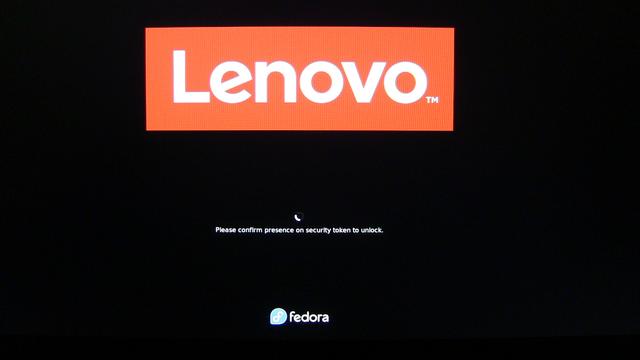
Was noch nicht optimal läuft, ist die Eingabe der Passphrase für den Security Token beim Booten, die zwar funktioniert, aber nicht von der normalen Eingabe zu unterscheiden ist. Erst danach wird man zum Berühren des Tokens aufgefordert.
Kein Schimmer, wie man das noch verbessert. Aber das ist Jammern auf hohem Niveau...