 Ole V. S. Mortense 🇩🇰🇪🇺
#spinrite #teknologi hvorfor er jeg så hype over en repareret af et drev på familiens gamle computer? Det er bare et fejlbehæftet drev. Bare fordi man fixer en sektor burde ikke gøre nogle forskel, men jeg sidder ruller rundt på gulvet i ekstase.☺️😆
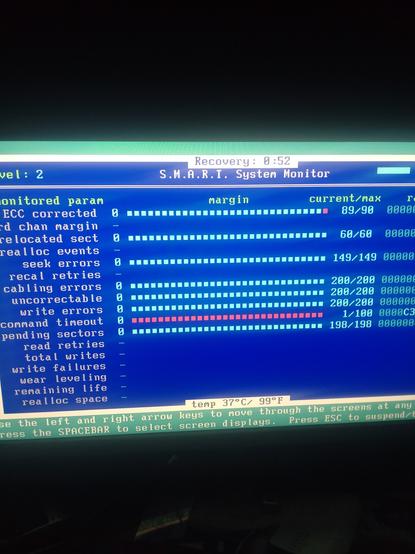
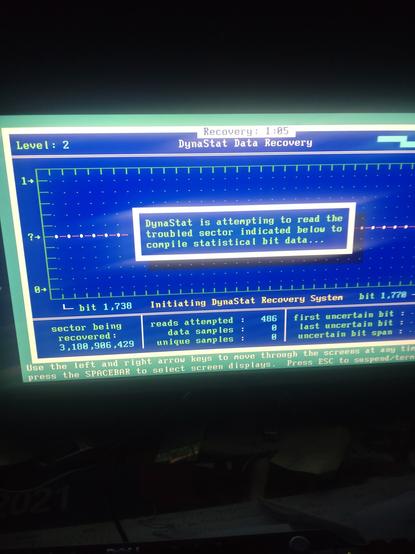
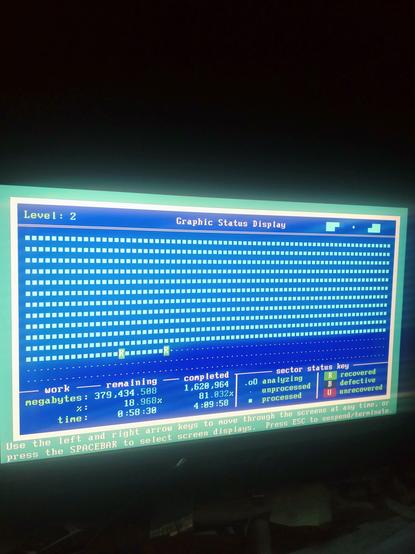
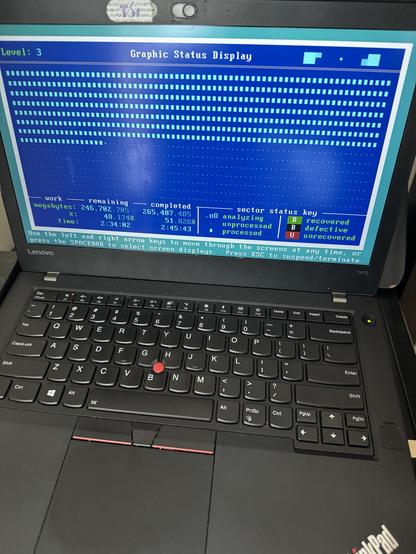
The #Spinrite v6.1 L3 maintenance run took around 2h45m, getting faster as it proceeded, so the initial estimate of over 5h crumbled.
Benchmarking the front part of the #SSD drive now shows it is much faster, jumping from about 100MB/s to a little over 500MB/s.
My laptop is back up and running again, and does seem to be performing a lot better now!
Very pleased with the result ✔️
Over the past few weeks I've been noticing performance declining on my laptop. It is certainly not the #SSD speed demon it used to be!
I decided to let #Spinrite v6.1 take a look at the SSD and it confirmed a significant slow down at the front of the drive. It had an average performance that was about 40% of that of the rest of the drive.
Currently running a Spinrite level 3 read & re-write job, and it is crawling just to get to the 20% mark 😲
Looks like this maintenance really is needed!
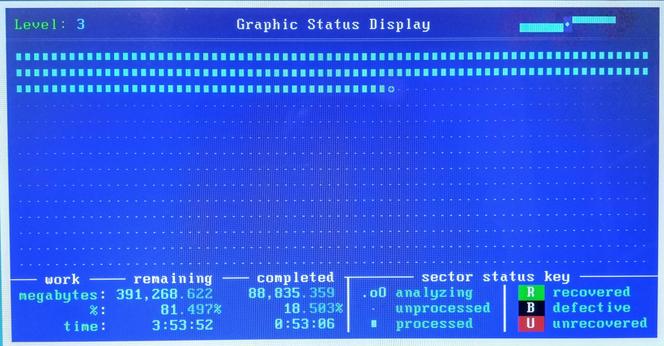
Looks like Spinrite v6.1 has now been officially released by Steve at GRC.
I have a v6.0 license, purchased over 10yrs ago, and I received my free v6.1 upgrade offer yesterday!
Bigger drives, better performance, faster access, more hardware support.
Apparently it is even possible to improve SSD performance as it degrades over time.
Support for floppy drives has been dropped, but that is mitigated by the free access to v5.0 that you get.
Getting my copy now...
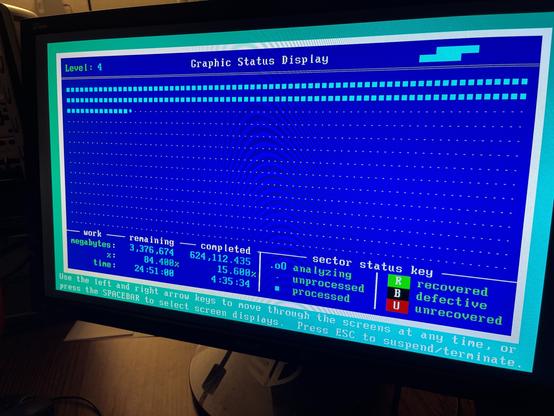
Am I running all my IDE hard drives through spinrite 6.1 while I have a machine with IDE out on the table (A nicely equipped PIV Compaq).
Yes, yes I am.
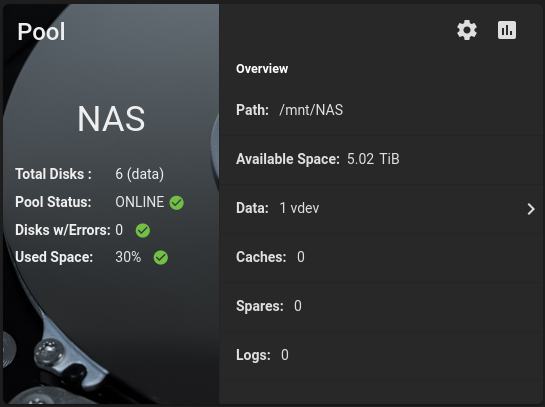
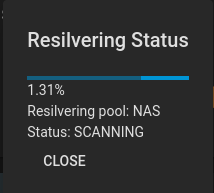
~zpool clear [dev] command fixed my longstanding frustration. One HDD was being reported as degraded for a long time. After running spinrite on it twice, all sectors were reporting healthy. Yet, TruNAS kept reporting it as degraded.
After running the zpool clear command a few days ago, TruNAS shows everything as healthy and it is running well.
 Joe Steinbring
 Ian Neill
 macdude22
 Jeffrey Satkowski
 Colin Cogle