Security Advisory: CVE-2025-70101 - Out-of-Bounds Read in lwext4

When traversing the extent tree of a crafted EXT4 image, lwext4 reads past the valid extent index array in ext4_ext_binsearch_idx() due to missing validation of extent header fields, causing a segmentation fault.

Summary:
ext4_ext_binsearch_idx() in ext4_extent.c performs a binary search over extent index entries using pointers derived from the EXT_FIRST_INDEX and EXT_LAST_INDEX macros. These macros compute bounds directly from the eh_entries and eh_depth fields of the extent header without verifying their consistency. A crafted image can encode zero eh_entries alongside a non-zero eh_depth, causing the macros to return invalid pointers and the binary search at line 815 to read outside the allocated buffer. The fault is triggered during directory iteration via ext4_find_extent() and ultimately ext4_dir_entry_next().

CWE:
CWE-125 - Out-of-Bounds Read

Affected Component:

```
src/ext4_extent.c:815
Function: ext4_ext_binsearch_idx()

src/ext4_extent.c:896
Function: ext4_find_extent()
```

Affected Product:
lwext4 (Lightweight EXT4 filesystem library)

Affected Version:
lwext4 1.0.0, commit 58bcf89a121b72d4fb66334f1693d3b30e4cb9c5. Affects versions based on or equivalent to the 2016-era codebase.

Attack Conditions:
An attacker supplies a specially crafted or corrupted EXT4 image to any application that integrates lwext4 for mounting and directory traversal. No elevated privileges are required; only local access (AV:L) to provide the malicious image is needed.

Impact:
The out-of-bounds read causes an immediate process crash (SEGV on READ at address 0x521000062a28), resulting in a denial of service. No evidence of code execution was observed.

Fix / mitigation status:
The issue is addressed in lwext4 v1.0.1, released by Aladdin-R-D. Users should upgrade to v1.0.1 or apply the corresponding patch.

References

- Issue: https://github.com/gkostka/lwext4/issues/91
- PoC: https://github.com/sigdevel/pocs/blob/main/res/lwext4/3/sig11_lwext4_ext4_extent_815
- Fix: https://github.com/Aladdin-R-D/lwext4/releases/tag/v1.0.1

Credit
Alexander A. Shvedov (@sigdevel) & Daniil Dulov

#fuzzing #infosec #security #afl #revers #cybersecurity #bugbounty #vulnerability #opensource #linux #cve #advisory #EXT4 #lwext4 #filesystem


Security Advisory: CVE-2025-70100 - Divide By Zero in lwext4

When mounting or parsing a specially crafted EXT4 image that encodes a zero logical block size, lwext4 passes the invalid value into ext4_block_set_lb_size(), which performs arithmetic without validation and triggers a divide-by-zero crash.

Summary:
ext4_mount() reads the logical block size from the filesystem superblock and forwards it directly to ext4_block_set_lb_size() in ext4_blockdev.c. ext4_block_set_lb_size() uses lb_size in a division at line 127 without a prior zero-check, so a crafted image that encodes lb_size == 0 causes a Floating Point Exception. The process terminates immediately; under standard builds a SIGFPE is raised, under ASan the signal is intercepted and reported as FPE on address 0x55f254cc29e9.

CWE:
CWE-369 - Divide By Zero

Affected Component:

```
src/ext4_blockdev.c:127
Function: ext4_block_set_lb_size()

src/ext4.c:421
Function: ext4_mount()
```

Affected Product:
lwext4 (Lightweight EXT4 filesystem library)

Affected Version:
lwext4 1.0.0, commit 58bcf89a121b72d4fb66334f1693d3b30e4cb9c5. Affects versions based on or equivalent to the 2016-era codebase.

Attack Conditions:
An attacker supplies a specially crafted or corrupted EXT4 image to any application that integrates lwext4 for mounting or image processing. No elevated privileges are required; only local access (AV:L) to provide the malicious image is needed.

Impact:
The divide-by-zero causes an immediate process crash, resulting in a denial of service. No evidence of code execution was observed.

Fix / mitigation status:
The issue is addressed in lwext4 v1.0.1, released by Aladdin-R-D. Users should upgrade to v1.0.1 or apply the corresponding patch.

References

- Issue: https://github.com/gkostka/lwext4/issues/90
- PoC: https://github.com/sigdevel/pocs/blob/main/res/lwext4/2/sig8_2_lwext4_ext4_blockdev_c_127
- Fix: https://github.com/Aladdin-R-D/lwext4/releases/tag/v1.0.1

Credit
Alexander A. Shvedov (@sigdevel) & Daniil Dulov

#fuzzing #infosec #security #afl #revers #cybersecurity #bugbounty #vulnerability #opensource #linux #cve #advisory #EXT4 #lwext4 #filesystem

Security Advisory: CVE-2025-70099 - NULL Pointer Dereference in lwext4

When parsing a specially crafted EXT4 filesystem image with malformed directory entries, lwext4 dereferences a NULL directory entry pointer in ext4_dir_en_get_name_len(), causing a segmentation fault.

Summary:
The inline helper ext4_dir_en_get_name_len() in ext4_dir.h reads the name_len field from a directory entry struct without first validating that the entry pointer is non-NULL. During directory iteration via ext4_dir_entry_next(), processing of a corrupted EXT4 image can produce a NULL (or near-NULL) entry pointer. The subsequent dereference of en->name_len at line 126 triggers a READ access at address 0x6 and crashes the process.

CWE:
CWE-476 - NULL Pointer Dereference

Affected Component:

```
include/ext4_dir.h:126
Function: ext4_dir_en_get_name_len()

src/ext4.c:3233
Function: ext4_dir_entry_next()
```

Affected Product:
lwext4 (Lightweight EXT4 filesystem library)

Affected Version:
lwext4 1.0.0, commit 58bcf89a121b72d4fb66334f1693d3b30e4cb9c5. Affects versions based on or equivalent to the 2016-era codebase.

Attack Conditions:
An attacker supplies a specially crafted or corrupted EXT4 image to any application that integrates lwext4 for parsing or directory traversal. No elevated privileges are required; only local access (AV:L) to provide the malicious image is needed.

Impact:
The NULL pointer dereference causes an immediate process crash, resulting in a denial of service. No evidence of code execution was observed.

Fix / mitigation status:
The issue is addressed in lwext4 v1.0.1, released by Aladdin-R-D. Users should upgrade to v1.0.1 or apply the corresponding patch.

References

- Issue: https://github.com/gkostka/lwext4/issues/89
- PoC: https://github.com/sigdevel/pocs/blob/main/res/lwext4/1/sig11_2_1_lwext4_ext4_dir_h_126
- Fix: https://github.com/Aladdin-R-D/lwext4/releases/tag/v1.0.1

Credit
Alexander A. Shvedov (@sigdevel) & Daniil Dulov

#fuzzing #infosec #security #afl #revers #cybersecurity #bugbounty #vulnerability #opensource #linux #cve #advisory #EXT4 #lwext4 #filesystem

The author of πfs (https://github.com/philipl/pifs) has struck again with another data-free filesystems which does not store your data on disk.

https://github.com/philipl/inferencefs/

Utterly brilliant, that's bound to raise a quarter trillion of VC.

#AI #PiFS #Filesystem #InferenceFS #Linux

GitHub - philipl/pifs: πfs - the data-free filesystem!

πfs - the data-free filesystem! Contribute to philipl/pifs development by creating an account on GitHub.

GitHub
How we made our OCI filesystem 47× faster - microsandbox

We replaced our user-space filesystem with a real disk image that the VM mounts directly. Here's how we got there, and what fell out along the way.

The more you read this piece of excellent work the more you realize how much energy we, as the Open Source community, the programma's and the users, shall need to put in another to get a proper Balance Again

Read the section here.

Sources:

https://fireborn.mataroa.blog/blog/the-slow-death-of-the-power-user/

https://en.wikipedia.org/wiki/Power_User

#Power #User #Walled #Garden #programming #InfoSec #privilege #feature #parameters #control #OpenSource #against #Meta #FB #Alphabet #Enshittification #Google #Elon #Musk #Twitter #Facebook #WTF

#Death #Vigil #Eulogy #Abstraction #API #IDE #programming #DNS #networking #File #System #FileSystem #sadness #bleak #future #lisp

The agonizing slow death of the power user

This is a fascinating article to read. The facts are nailed to the wall in clear and easy to comprehend jargon, even for the non-grey beards

Some quotes

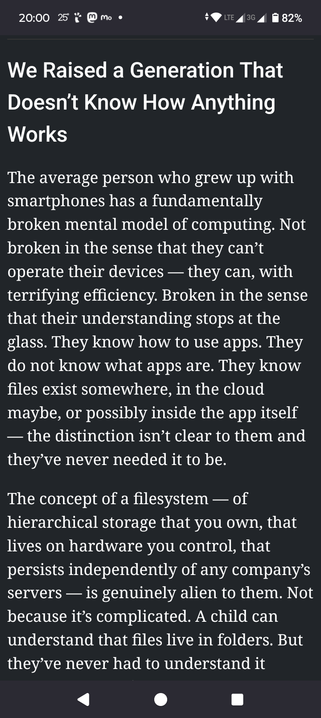
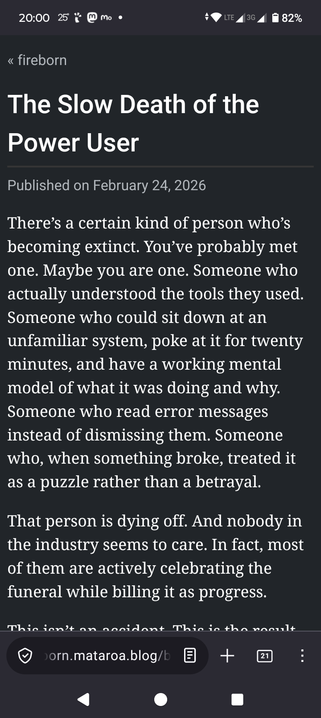
Ask a twenty-two-year-old to connect to a remote server via SSH. Ask them to explain what DNS is at a conceptual level. Ask them to tell you the difference between their router’s public IP and the local IP of their laptop. Ask them to open a terminal and list the contents of a directory. These are not advanced topics. Twenty years ago these were things you learned in the first week of any serious engagement with computers. Today they’re exotic knowledge that even a lot of working software developers don’t have, because you can go a long way in modern development without ever leaving the managed abstractions your platform provides.

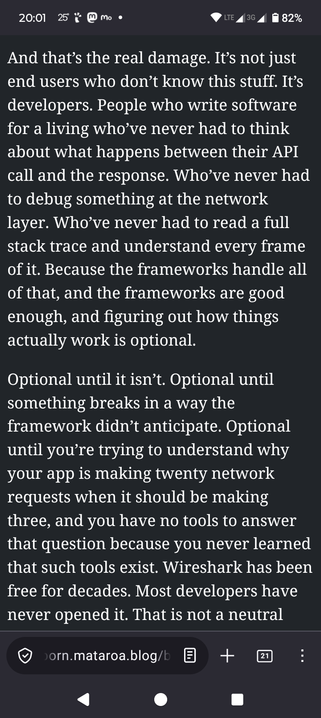
And that’s the real damage. It’s not just end users who don’t know this stuff. It’s developers. People who write software for a living who’ve never had to think about what happens between their API call and the response. Who’ve never had to debug something at the network layer. Who’ve never had to read a full stack trace and understand every frame of it. Because the frameworks handle all of that, and the frameworks are good enough, and figuring out how things actually work is optional.

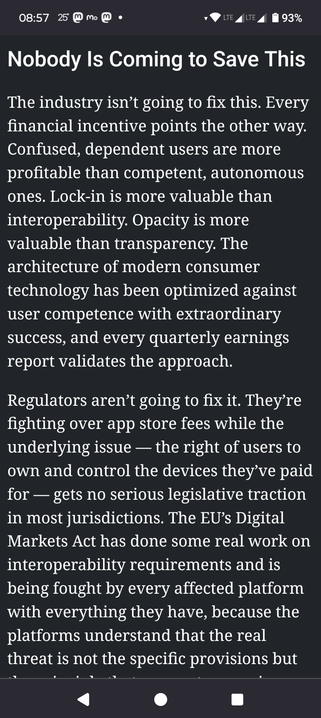
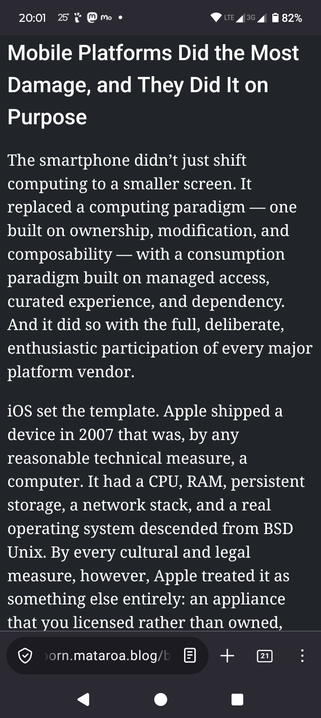
iOS set the template. Apple shipped a device in 2007 that was, by any reasonable technical measure, a computer. It had a CPU, RAM, persistent storage, a network stack, and a real operating system descended from BSD Unix. By every cultural and legal measure, however, Apple treated it as something else entirely: an appliance that you licensed rather than owned, that ran software only Apple approved, that couldn’t be meaningfully modified, and that communicated only through channels Apple controlled. No filesystem access. No inter-app communication beyond what Apple chose to expose. No background processes without explicit, limited, grudging permission. No ability to install software from any source other than the App Store — which Apple created, controls, taxes at thirty percent, and can pull your app from at any time for any reason with no meaningful appeals process.

Some facts

Power User

A power user is a user of computers, software and other electronic devices who uses advanced features of computer hardware,[1][2][3] operating systems,[4] programs, or websites[5] which are not used by the average user. A power user might not have extensive technical knowledge of the systems they use[6] but is rather characterized by competence or desire to make the most intensive use of computer programs or systems.

Term use

The term came into use in the 1980s, as advocates for computing developed special skills for working with or customizing existing hardware and software. Power users knew the best ways to perform common tasks and find advanced information before the arrival of the commercial Internet. On PC platforms, power users read magazines like Byte or PC Magazine, and knew enough about operating systems to create and edit batch files, write short programs in BASIC, and adjust system settings. They tended to customize or "supercharge" existing systems, rather than create new software.[7]

Notes

This is systematically done by the factories of technology. I am baffled that a 41 year old litterate person, with secondary school and partial tertiary school, cant tell the difference between an email account, a FB account, a local machine account, a table, notebook and Android phone, from the basic technological perspective. This happened a couple of hours ago, which makes this article very relevant to me.

This person was born two generations ago!

WTF happened to reading manuals!?

I read all manuals I get with hardware I buy, go online to fetch and read, PRINT IF I HAVE TO!

Power Users are a sub-species of homosapiens which is in the greybeard stage.

Eventually we will drop our current corpus and move on to other energy levels of existence

Power users will become extinct in the next generation or two

A bleak future for those left

Z

sources

https://en.wikipedia.org/wiki/Power_User

https://fireborn.mataroa.blog/blog/the-slow-death-of-the-power-user/

#Power #User #Death #Vigil #Eulogy #Abstraction #API #IDE #programming #DNS #networking #File #System #FileSystem #sadness #bleak #future #lisp

Tilde.run – Agent Sandbox with a Transactional, Versioned Filesystem

https://tilde.run/

#HackerNews #TildeRun #AgentSandbox #Filesystem #Technology #Innovation

tilde.run - Let AI agents loose on production. Without the risk.

Run AI agents and pipelines on real production data. Every run is a transaction you can roll back, with every network call audited and GitHub, S3, and Drive composed as one versioned filesystem.

tilde.run
MinIOからRustFSへの移行:Docker ComposeでのS3互換ストレージ構築ガイド - Qiita

MinIOからRustFSへの移行:Docker ComposeでのS3互換ストレージ構築ガイド はじめに ローカル開発環境でS3互換ストレージを構築する際、長らくMinIOがデファクトスタンダードとして利用されてきました。しかし、関連リポジトリのアーカイブ化やライセン...

Qiita
A new filesystem for pidfds

The pidfd abstraction is a Linux-specific way of referring to processes that avoids the race co [...]

LWN.net