 Craig Michael Patrick
 John Gruber
Perfect MacOS 26 Tahoe screenshot from the Journal app. Apple shipped this.
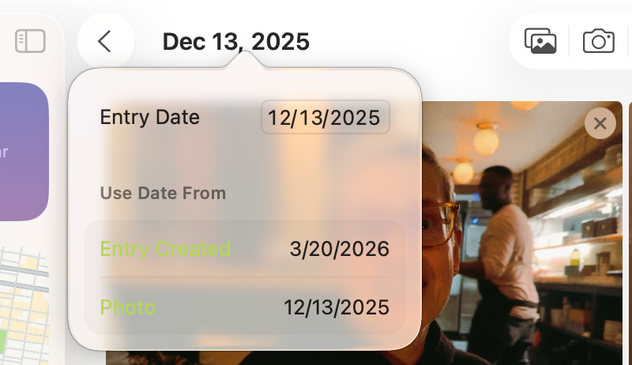
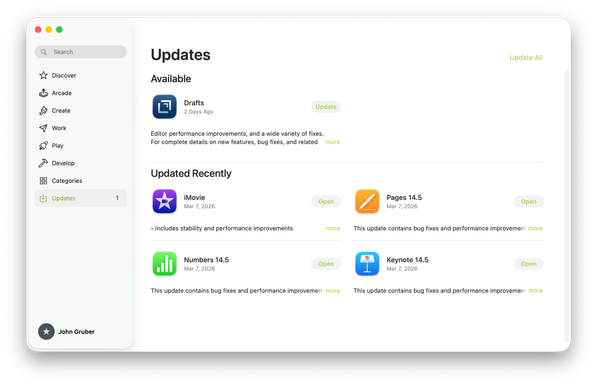
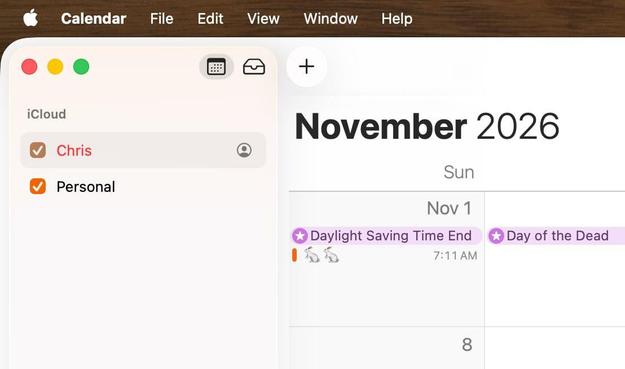
@gruber I think this is the BorderedButtonStyle that has been around on iOS for a few years. It’s definitely not new, though maybe it wasn’t used on macOS before. So, I assume it follows the old iOS rule: it uses the tint color so it’s active. Otherwise it would be desaturated.
Legible? Definitely not.
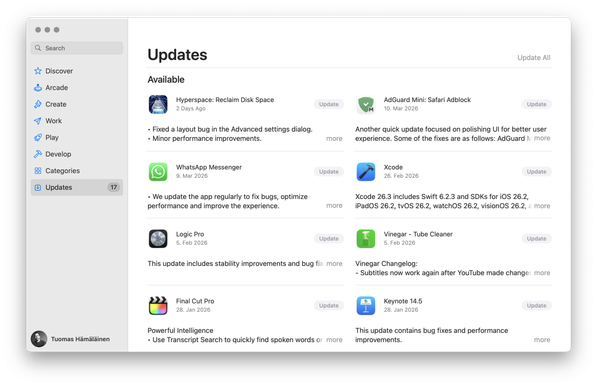
@gruber So many notes. Where to start? Let’s even forget the transparency. I wonder, is it:
- Dec 13, 2025
- 12/13/2025 (with looser letter spacing)
- 12/13/2025 (with tighter letter spacing)
@gruber yesterday, a huge iPhone hack for iOS 18 involving Safari began to be mentioned in the press.
I’ve been unwilling to update to iOS 26, due to all the problems with the new design language.
I was hoping that iOS 27 would fix all of this issues, but it seems that Apple will not be changing Liquid Glass, that they’re quite happy about it.
I think I’ll be forced to move to 26, in all the devices, soon:
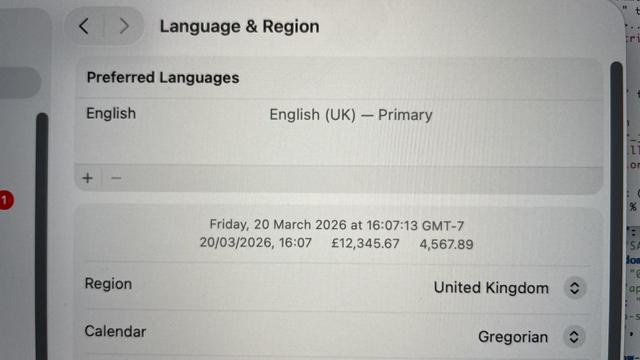
[Perfect image in original post that demonstrates how unreadable Liquid Glass in #Tahoe can be.]
Thank you for posting this! Blinding. Literally. I am mildly visually impaired (#dyslexia & old age). Until there is a transparency slider that can be set to 100% opaque (why doesn't that exist?), #Apple 26.x operating systems are no longer visually accessible. Worse, the read screen options fail to read some websites or just quit intermittently. Does Apple have anyone eating their own dog food (testing accessibility features) any more? I am sure the OS doesn't pass #ADA guidelines necessary for government contracts. Sheesh. So disappointed!
@sfwrtr @gruber In settings, accessibility, display, I have increase contrast and reduce transparency turned on and am not getting most liquid glass effects. ¿How is that different from a 100% opaque transparency setting? (Not trying to be hostile, just wondering whether you've tried those settings, and if you have, how they failed you.)
 Stephen Foskett
 gurple
 Aaron
Aaron 
 Josh Biggs
 butternut
 GSStamas
 Andrew | LisaGUI Updates
 Laurent Boileau
 Chris Glass
 Dr Keith Wilson 💭
 Kay
Kay Conlan Spangler
 Bruce Elrick
 netop://ウィビ
 Scott Graham
 Timo Grün
 Greg Pierce
 Tuomas Hämäläinen 🇺🇦
 Jimmy
Jimmy AAPL
AAPL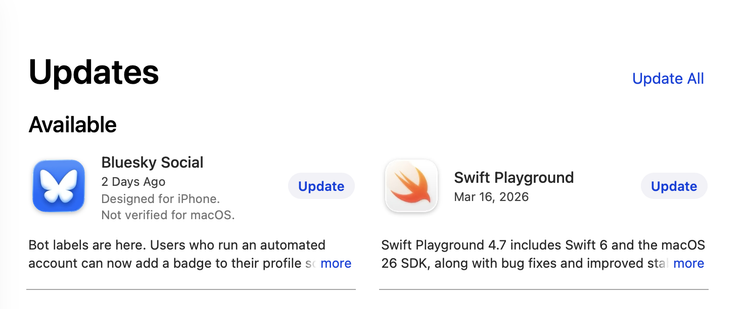
 zkarj
zkarj Paul McGrane
 Pete Prodoehl 🍕
 SteveC
 Gareth Potter
 Dave Mark
 Bob Peterson
 donkey
 Ken Kocienda
 Gabriel N
 tripleman, a 🇨🇦 in 🇩🇪
 Mark
Mark Oliver Busch
 Alexander S. Kunz
 Jordan Krahn
 Michael Solis
 Numeric Citizen
 Julian
 Paul Mison
 Imthaz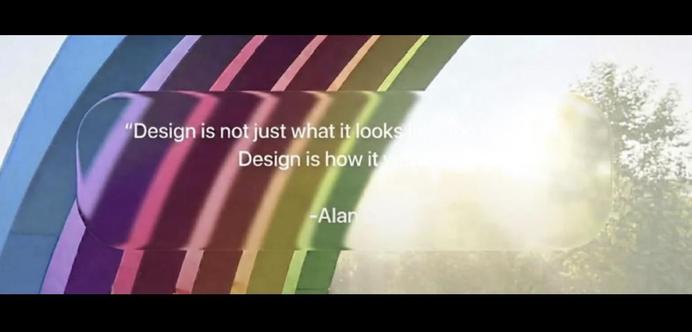
 famousringo
 N4RSE - Jim
 Chris Gervais 🎸🥁💻
 kΔ
kΔ Jon
Jon RS, Author, Novelist, Prosaist
 ChasMusic (he/him)
 Unicorn Milk Latte


