 Steve Troughton-Smith
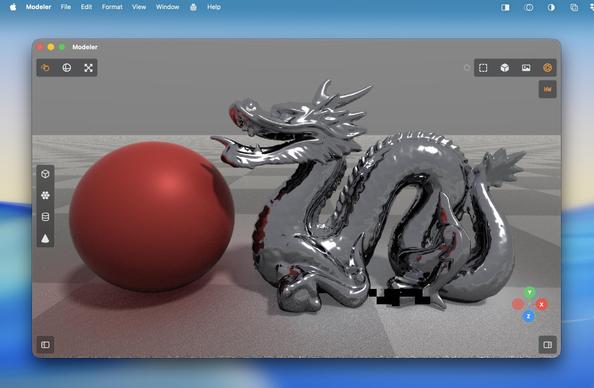
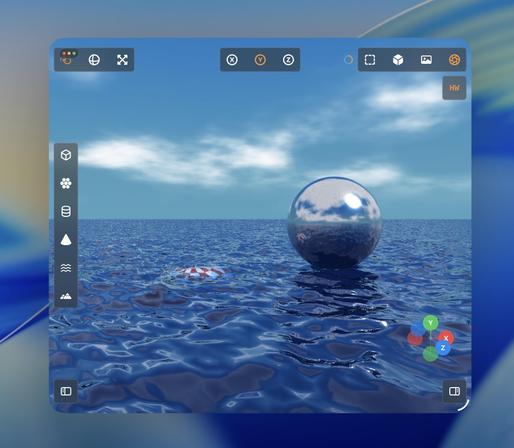
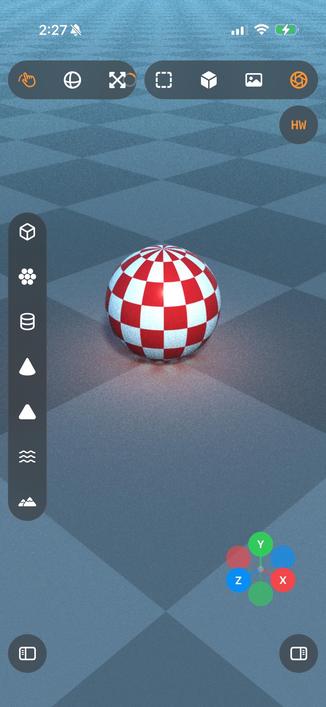
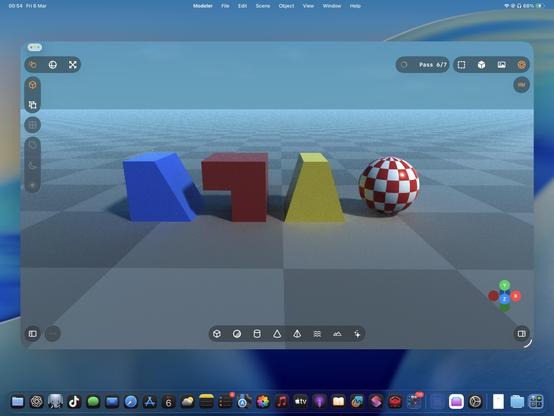
Turns out the M1 supports enough of the hardware accelerated raytracing APIs that I get a massive speedup here, too?
Trying to parse Apple's Metal feature support tables is hurting my brain, so I'll just accept it and move on
Turns out the M1 supports enough of the hardware accelerated raytracing APIs that I get a massive speedup here, too?
Trying to parse Apple's Metal feature support tables is hurting my brain, so I'll just accept it and move on
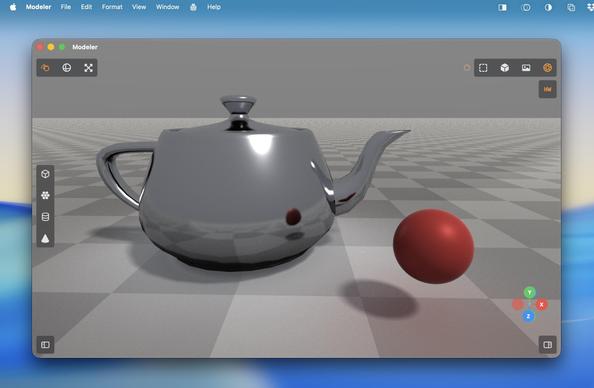
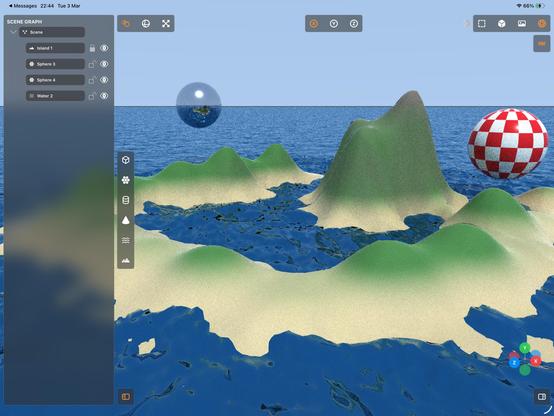
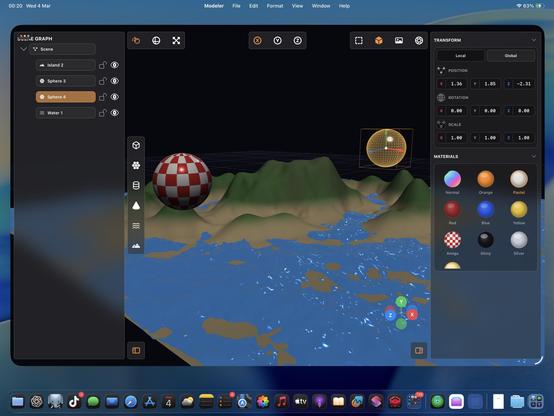
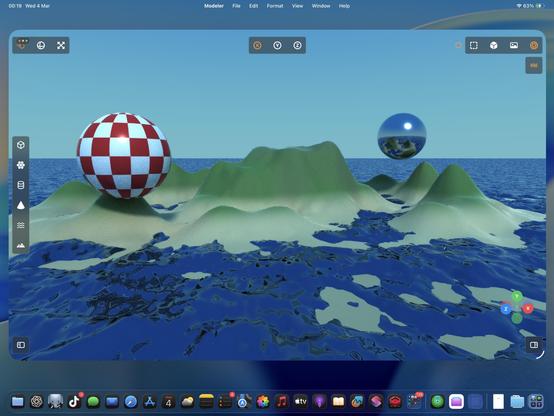
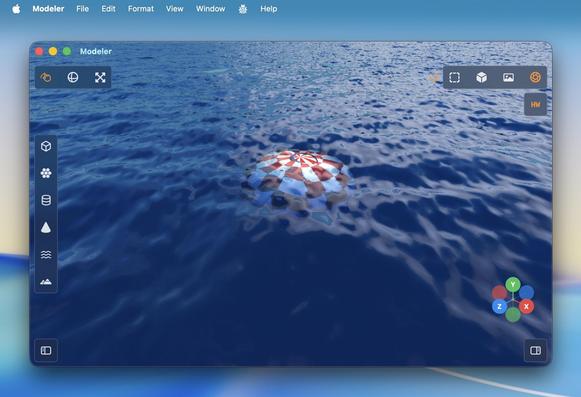
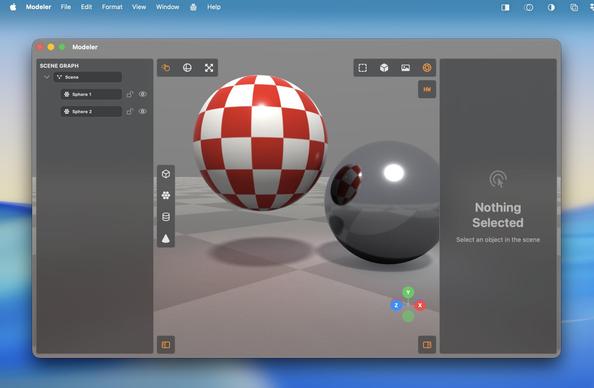
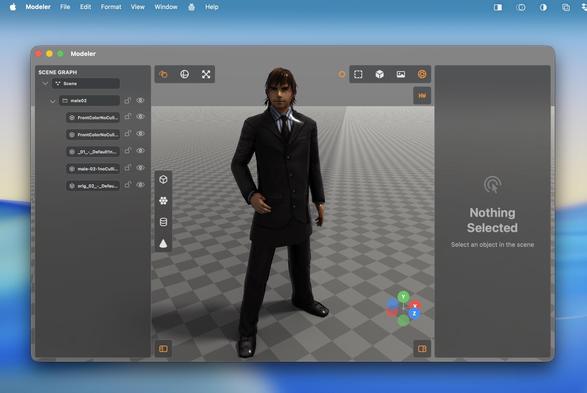
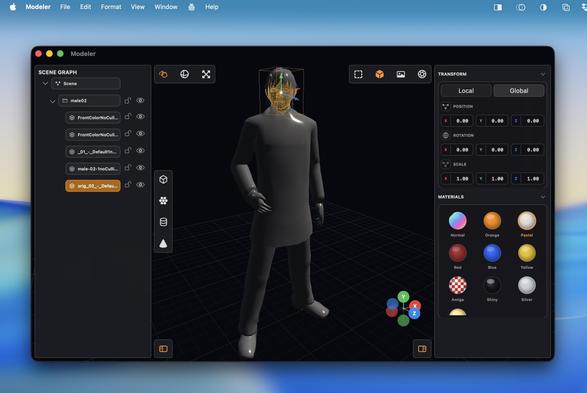
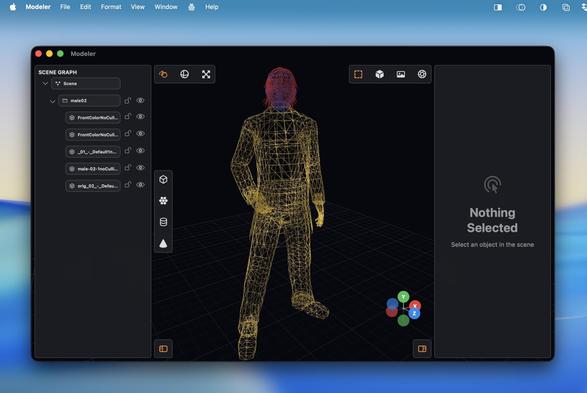
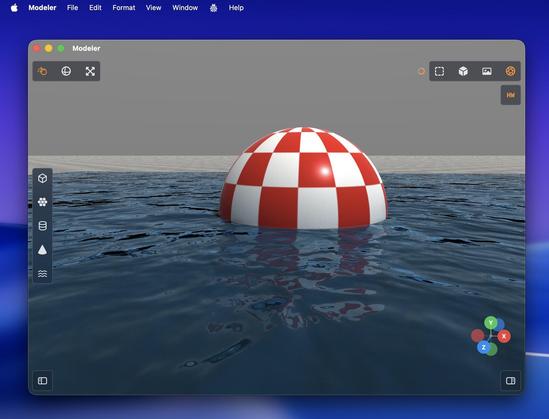
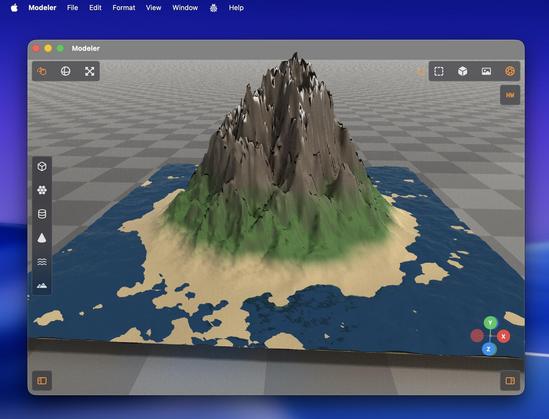
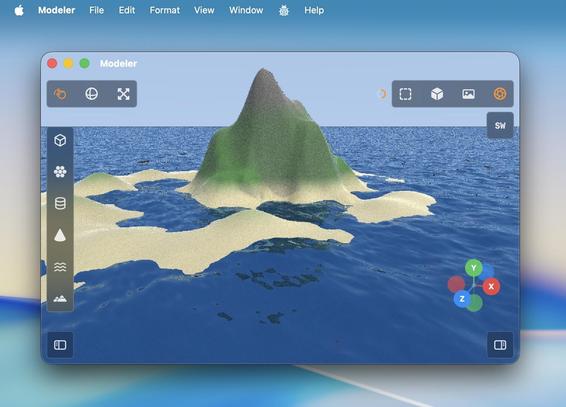
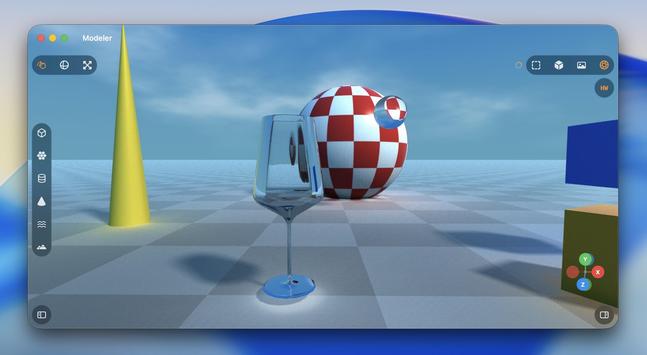
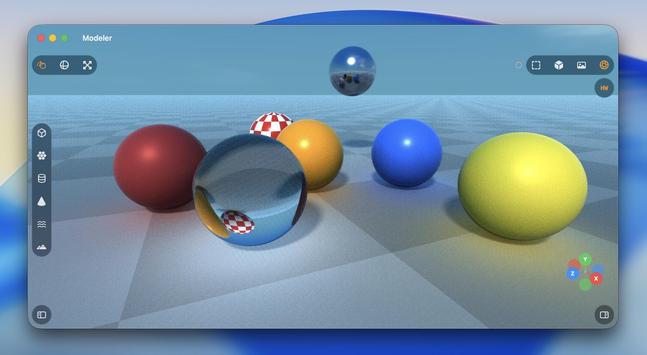
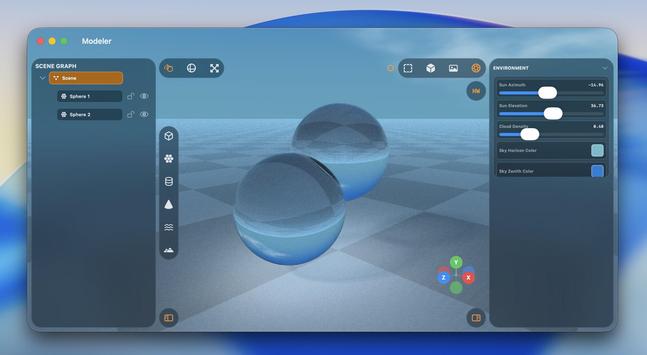
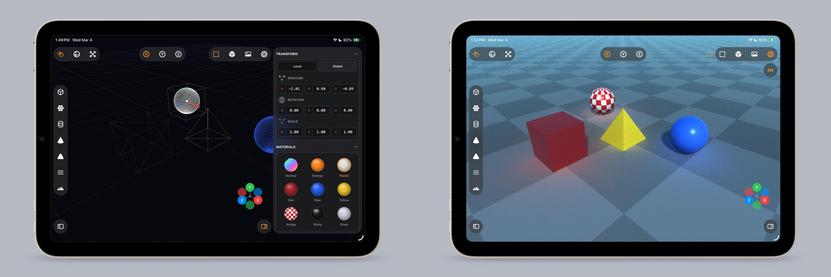
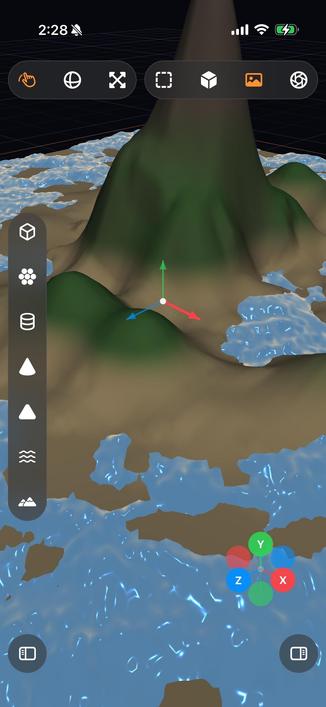
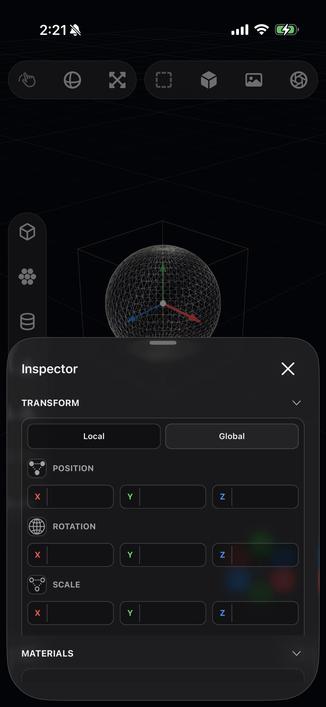
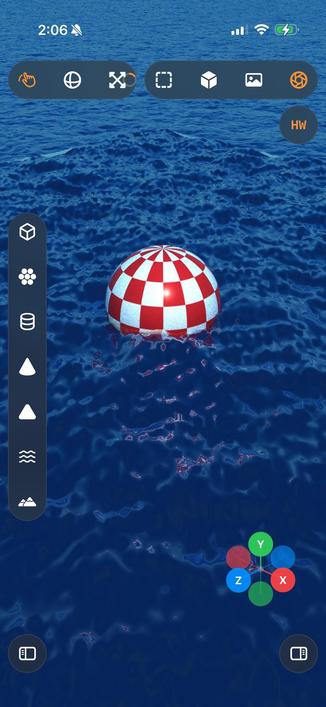
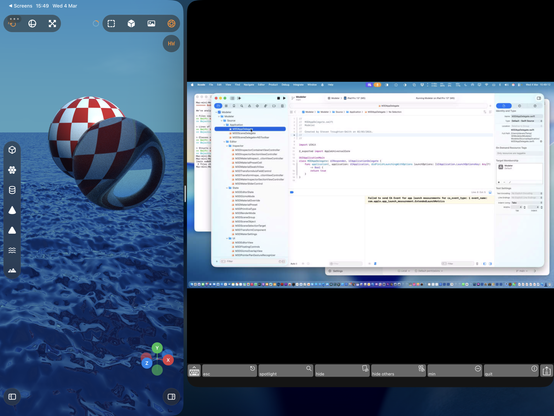
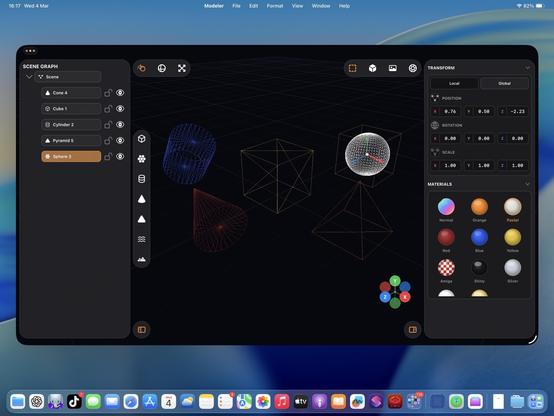
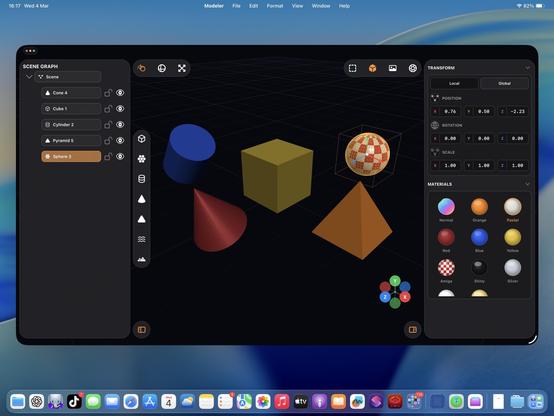
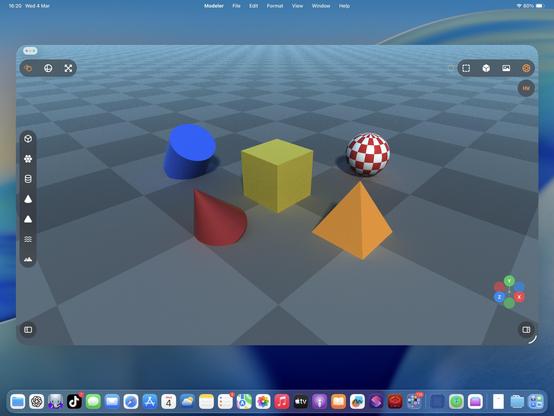
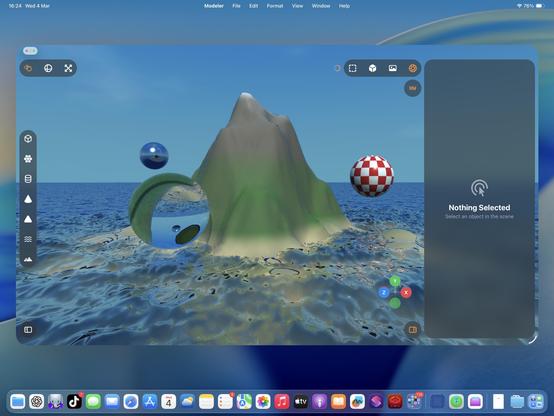
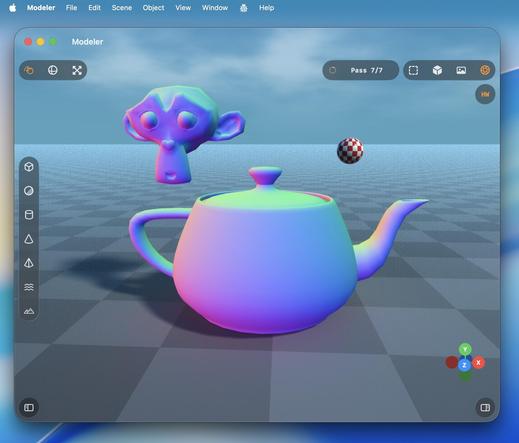
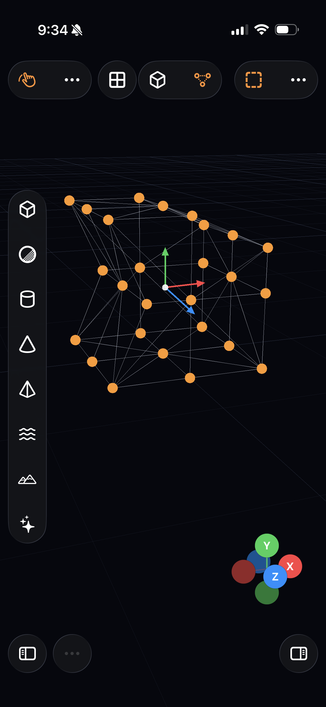
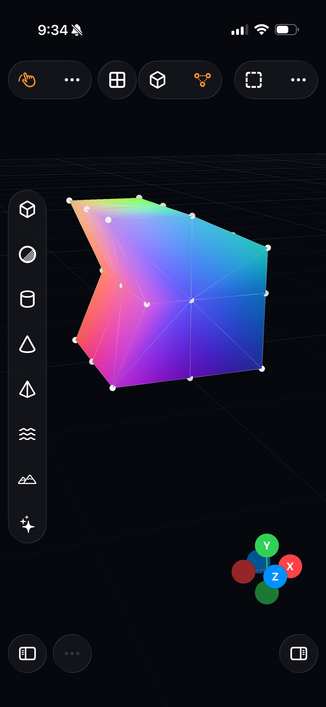
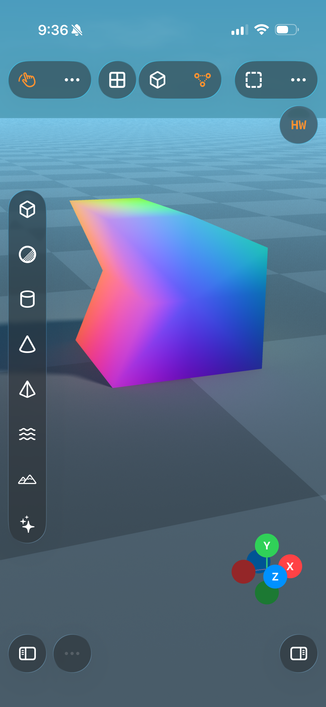
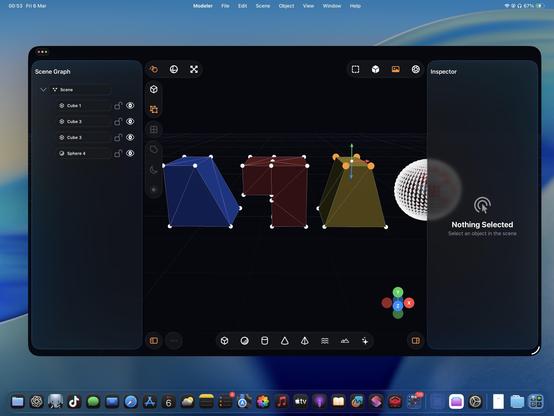
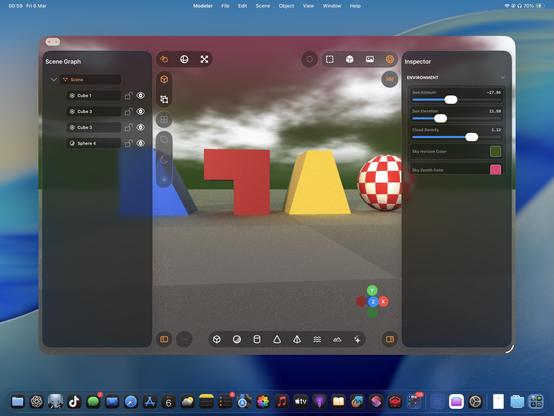
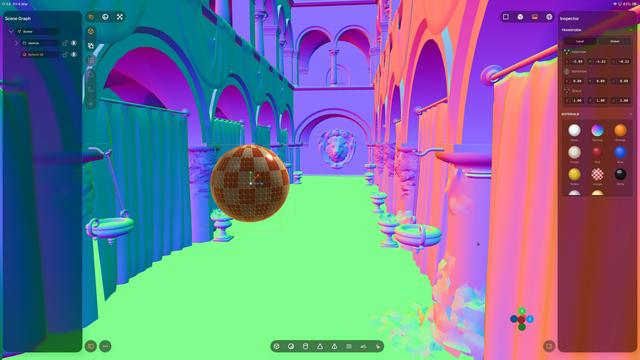
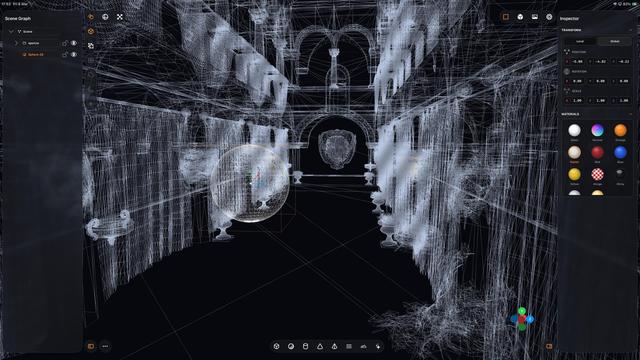
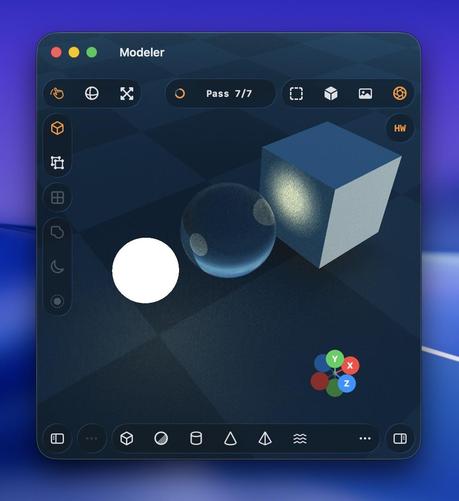
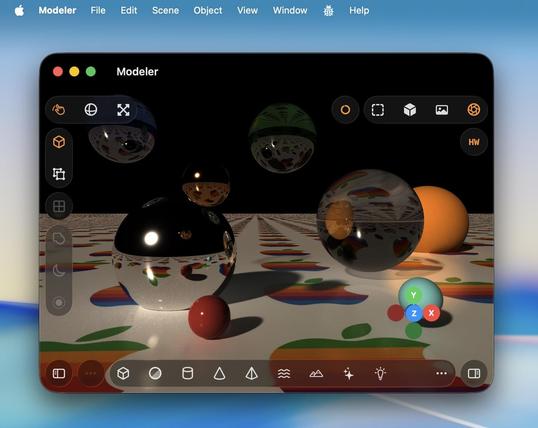
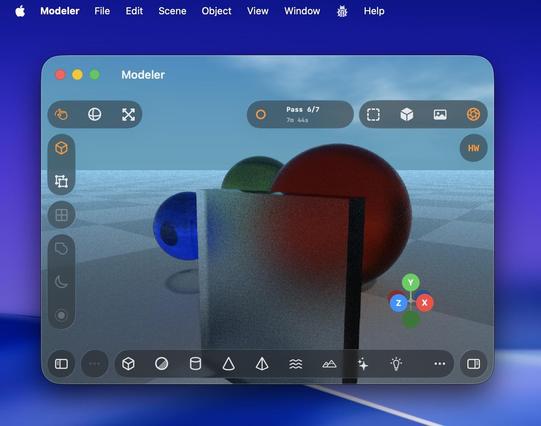
Recap: I vibecoded (code unseen, no plan) a 3D editor/renderer that has a scene graph, editing controls, primitives and gizmos, materials, procedural terrain and water, and hardware-accelerated Metal raytracing with soft shadows, clouds and bounce lighting, that runs on Mac and iPad.
Tool: Codex 5.3 Medium
Time: About a day's worth of work has gone into it
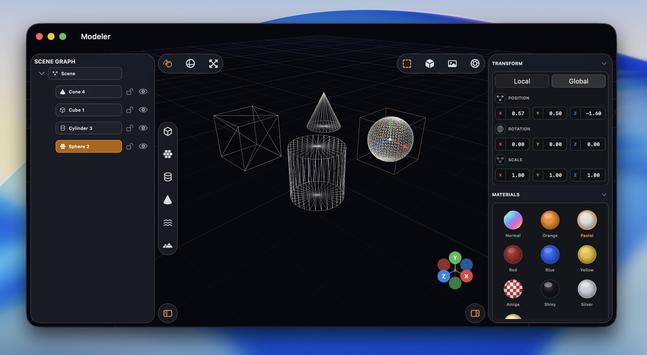
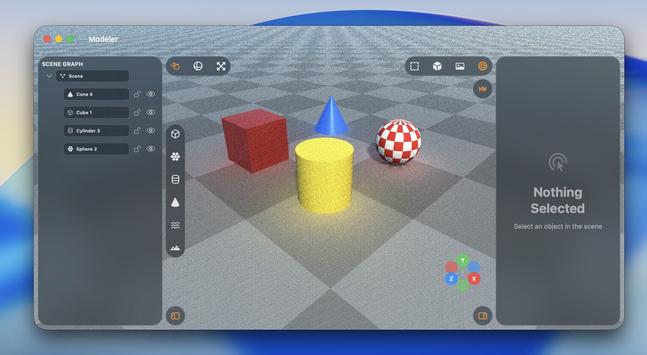
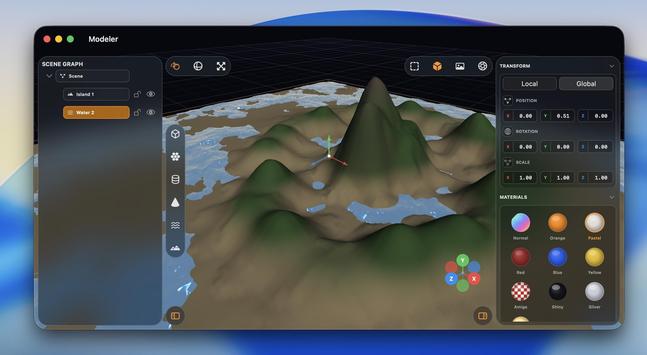
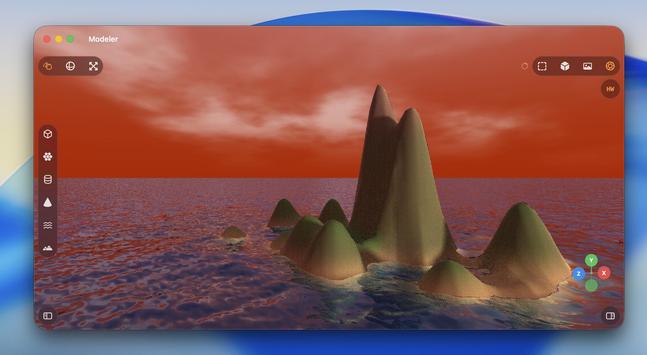
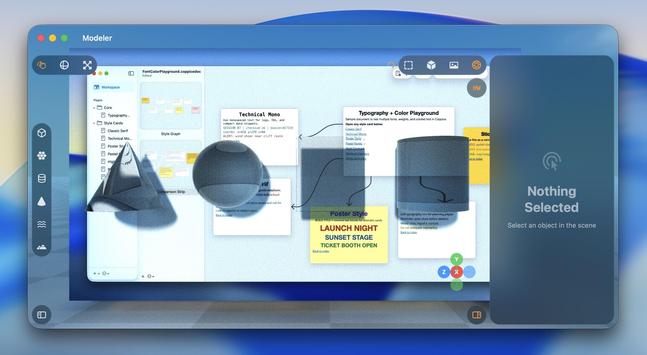
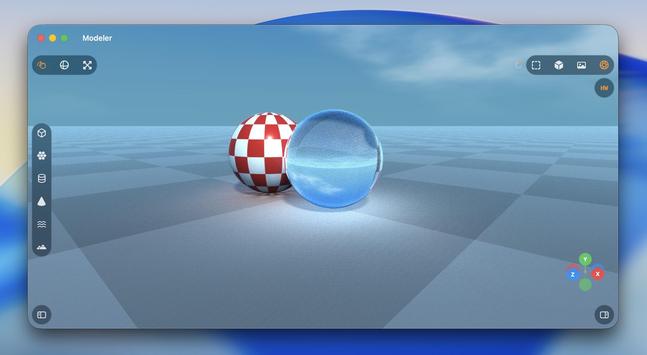
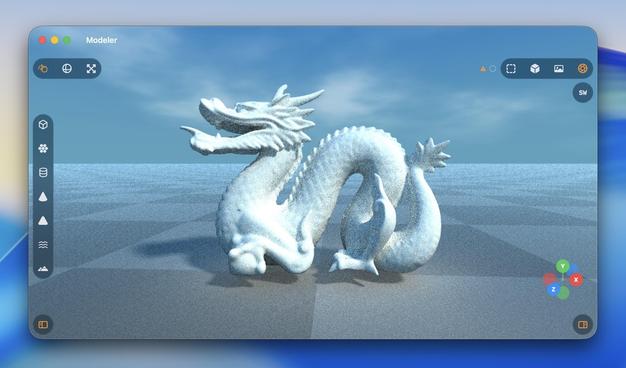
Ha, cute, you can even fling the raytracer around 🤣
Also I added an expanded progress indicator
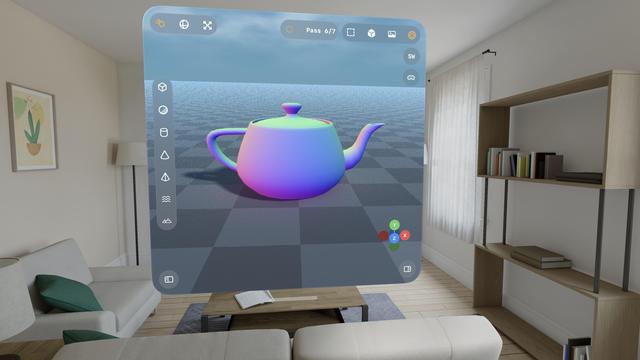
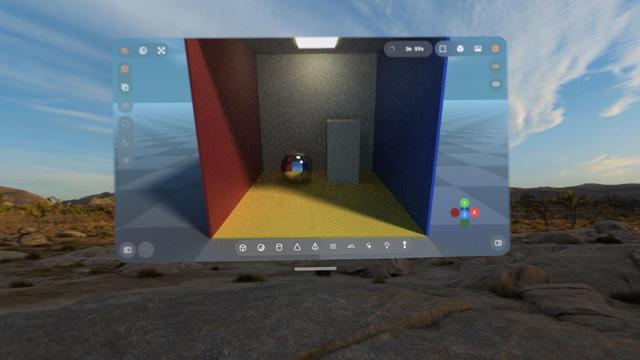
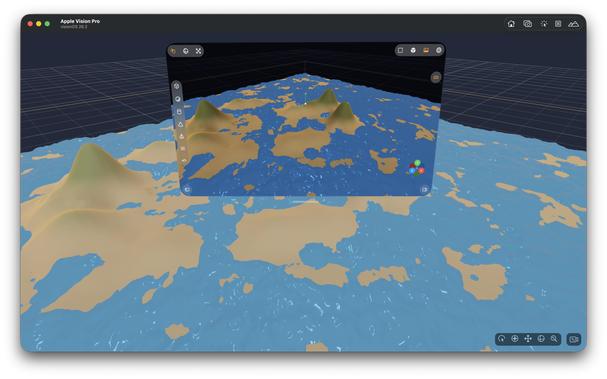
Hadn't tried the visionOS build, but it works too.
With a caveat.
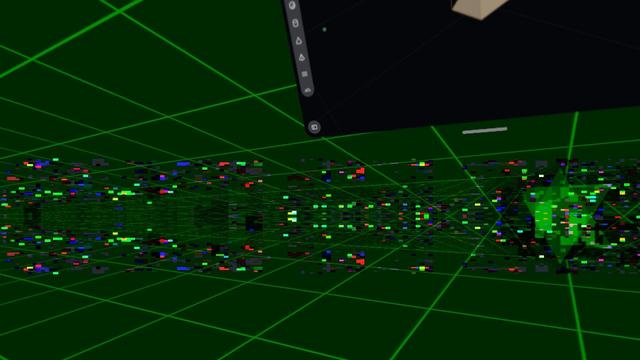
visionOS is far more fragile to anything like 3D rendering. Saturating the GPU like this slows the compositor to a slideshow, and even got to a point where Metal was leaking out of the window into the OS and I was seeing squares of corrupted video memory in front of me until I got the equivalent to a SpringBoard crash.
Functionally, this could be a visionOS app.
Practically, no.
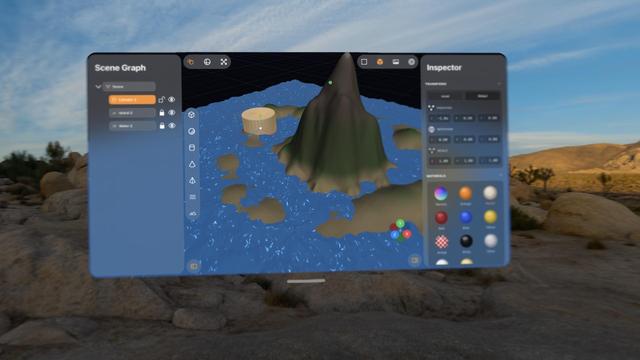
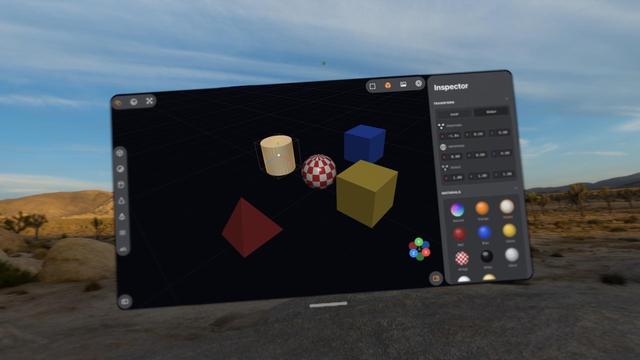
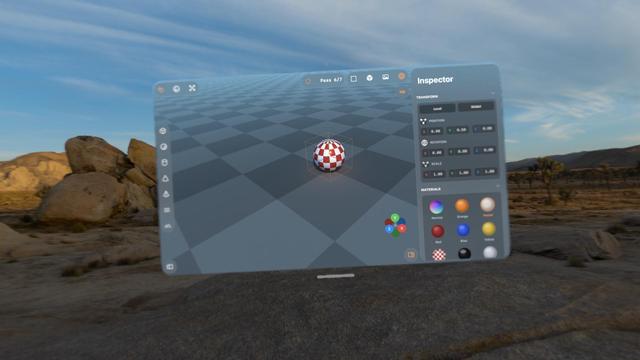
Pretty much everything I've worked on with Codex up to now has been stuff I could have built myself, within my area of expertise (or learnable), it just would have taken weeks or months.
This 3D scene app is something I never would have been able to build myself. I would have needed a team of rendering experts with domain-specific knowledge and human-years of research
I love how visionOS, uniquely, *explodes* when rendering goes wrong.
Hello [MacBook] Neo.
So now that visionOS 26 lets you spawn immersive scenes from UIKit apps, I had Codex implement me an immersive scene using Metal and CompositorServices that mirrors the in-window viewport and lets you live in your scene 😁
It's real frickin cool.
The raytracer might be off limits for visionOS, but there's a lot of interesting stuff to do in other areas
I figured why not use RealityKit for the material previews, so now they are actual spheres.
Miraculously, it all still works — the Metal viewport, the Metal immersive scene, and the RealityKit UI elements, but it's very clear the Vision Pro (M2) doesn't have much headroom to build an actual app around this stuff
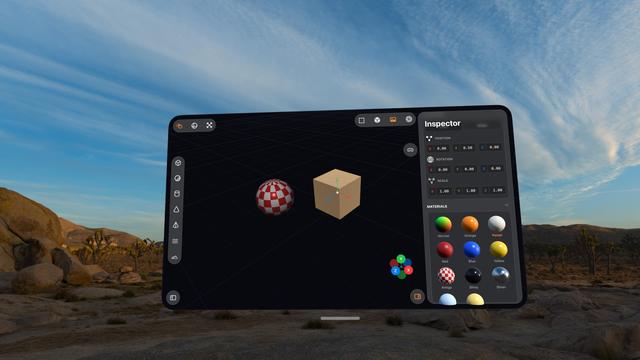
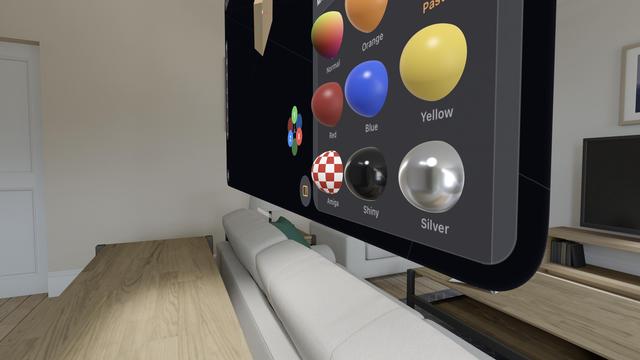
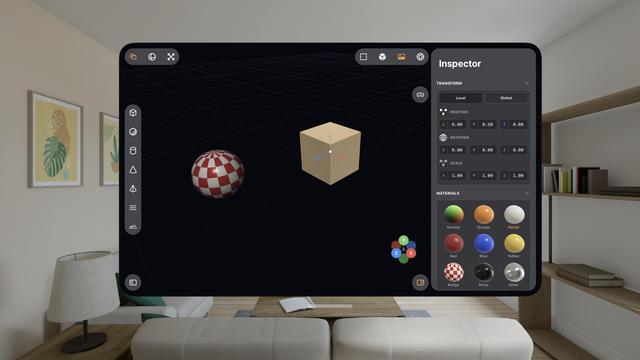
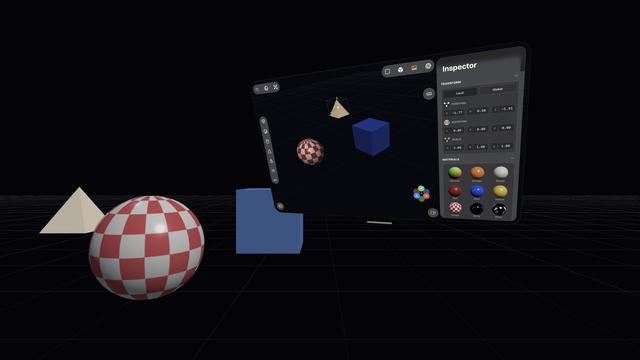
The raytracer is, for now, a no-go on visionOS. It's possible I could throttle it and stay within visionOS' systemwide render budget. But it's probably worth improving the RT performance a bunch on its own first before I come back and try it here. I might run out of steam on this prototype before then.
This entire app project is still in my 'Temp' folder, where throwaway projects live 😅
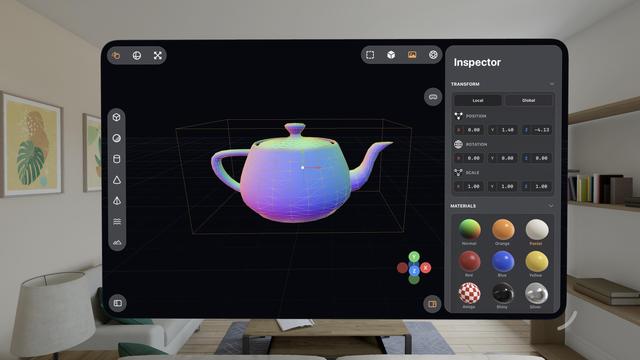
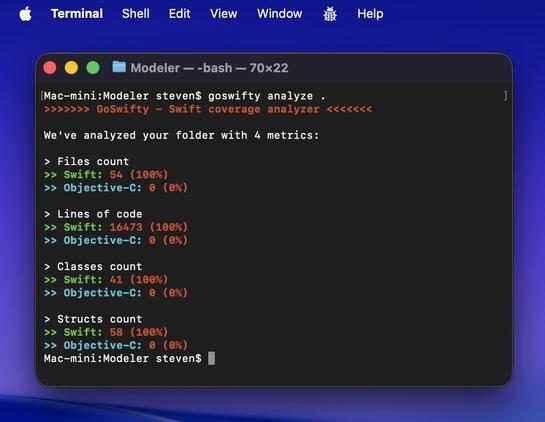
Some more things to show off here on this iPad mini 6!
• Longpress band gesture
• Multi-select
• Vertex editing
• Subdividing
• My 'generate a Cornell Box' button
• (And the raytracer, of course)
There is a lot of really neat stuff in this app. Still using Codex 5.3 Medium, still haven't touched a line of code myself
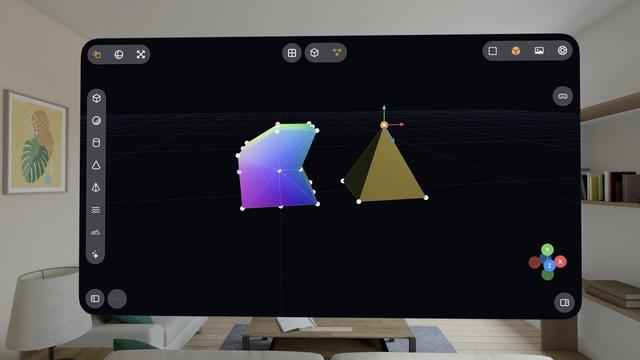
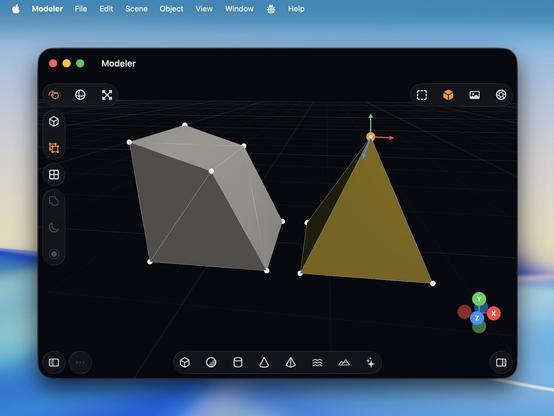
I never really thought about it before, but multitouch is actually legit for 3D modeling tools, maybe even better than a desktop. On a Mac, you need to hold modifier keys (or buy a multi-button mouse) to do everything you want with the viewport, but on touch you can orbit, pan, zoom, and multi-select very easily. If you special-case the stylus too, like I am, it feels very powerful.
Almost all of this extends to spatial computing, though visionOS struggles a bit with two-hand gestures
iPadOS has never been better for rich, complex, desktop-class apps. Almost all of the old barriers and blockers are gone.
Sadly, Apple waited until most developers had run out of patience with the platform.
If this thing had Xcode, a real Xcode, it would be effectively complete
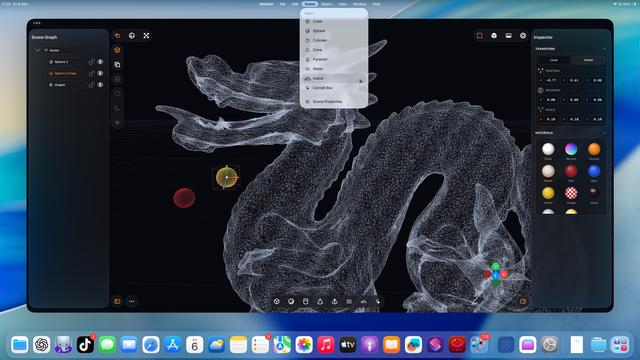
Even my iPhone 12 Pro Max can raytrace!
Which I guess is not all that surprising, considering the A14 chip is the same generation as the M1
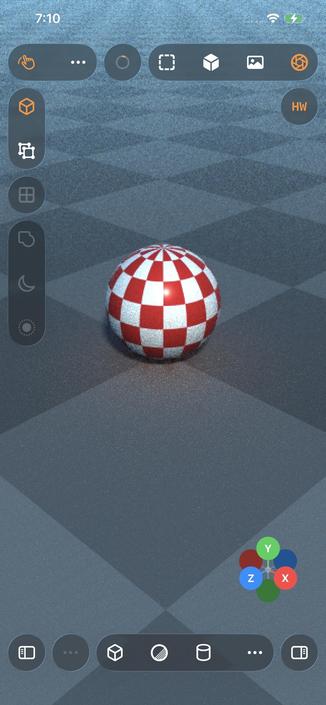
That’s a whole lot of raytracing from a little iPad. Biggest render to date, at 5120x2880 — took about an hour to get to the final pass.
Crashed right at the end, so I didn’t get to take a picture of the final output 🥲
The raytracer still needs a bunch of work, but it’s more and more capable day by day
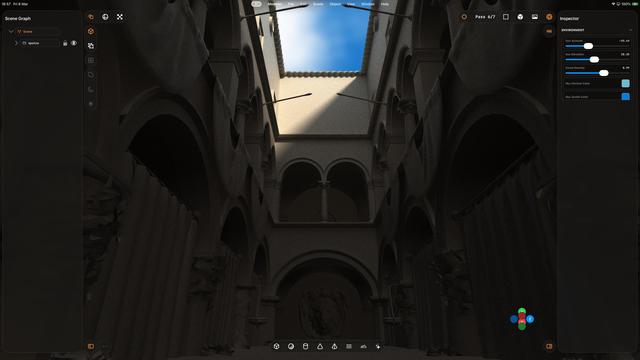
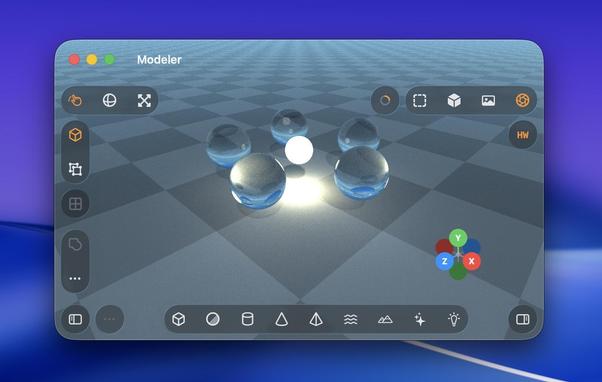
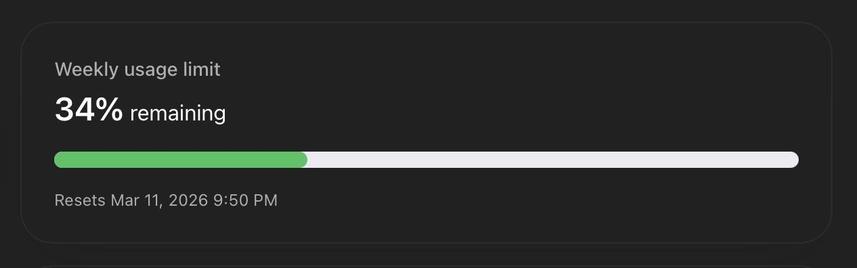
This 3D modeling app and the switch to the more-expensive GPT 5.4 model might finally be the thing that burns through my weekly usage budget. It's now 25K lines of code; the more-complex renderer really ballooned things a bit, but it's worth it.
I finally moved it out of my temp folder and into my projects folder, and handed it off to a fresh GPT 5.4 session with a bunch of documented context about the intricacies of the project. Hopefully that's enough to jump-start it
@stroughtonsmith I declare myself the oracle:
@brndnsh people keep asking me that. It writes code to the standard you ask it to write to. It's been following my style guide, so all of its code looks like mine.
Except for the Metal renderer, that's voodoo.
@stroughtonsmith Petition to rename all A Series SoC as M Series "Mini".
A14 -> M1 Mini
A18 Pro -> M4 Mini
The benchmarks don't lie.
@stroughtonsmith https://developer.apple.com/forums/thread/797538?answerId=854825022#854825022
"...which is that the iPhone 16 Pro does not support background GPU. I don't know of anywhere we formally state exactly which devices support it, but I believe it's only support on iPad's with an M3 or better (and not supported on any iPhone)."
@stroughtonsmith You’re going to have Blender on iPad before Blender gets Blender on iPad.
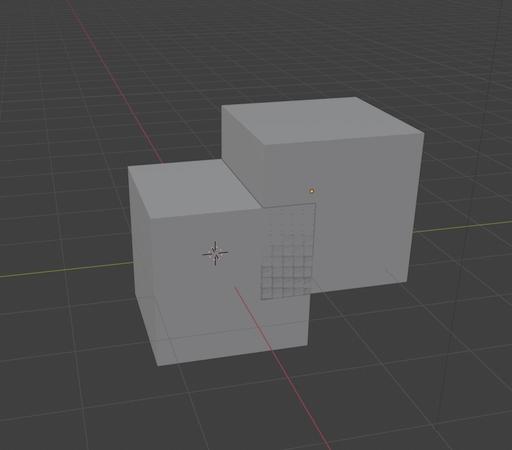
I’m not as familiar with the crawling abilities of these agents, but Blender is open source. Could you not just say “Hey, grab the array tool from Blender and add it here?”
@stroughtonsmith I found the CLI to be a suboptimal startpoint to create new projects so I went back to the built in Xcode agents. However they feel a bit more limited (even though I don't know if they are actually) but I on the other hand they benefit from the built in docs and so on.
After seeing what you built with it I will try the app as well.
@arno_app so what I do is I create a new project, with my custom Xcode template for UIKit apps (https://github.com/steventroughtonsmith/appleuniversal-xctemplates)
I also drop in a markdown file with my style guide.
Then I give that folder to Codex, and from then on Xcode is basically just a fancy build and run button
@stroughtonsmith Thanks a lot that’s a helpful starting point.
Seems Xcode project structure is still a hard enough task so that an agent can't solve it completely 😅
 TheEJJ 🇨🇦
 Timo Hetzel
 Brandon
 Dr. Juande Santander-Vela
 Alex Rosenberg
 Sim
Sim Gabriel N
 Philipp
 George
 brandon
 Andrew Burwell
 Metin Seven 🎨
 caseyneiba 🦣
 Greg Gardner
 Paul-Vincent Roll (he/him)
 Kevin Conner
 Max Mellman
 Arno Appenzeller