 Steve Troughton-Smith
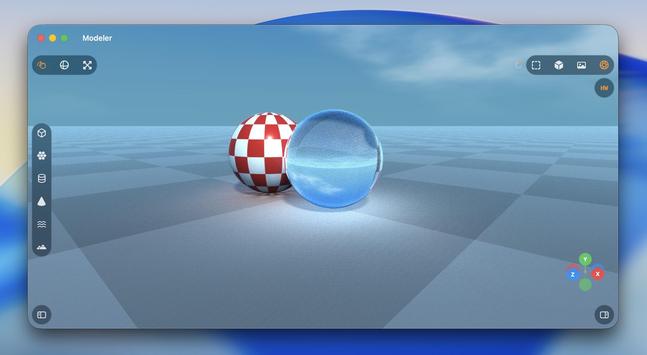
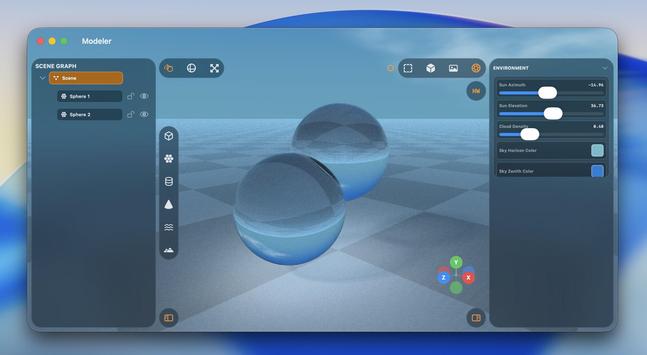
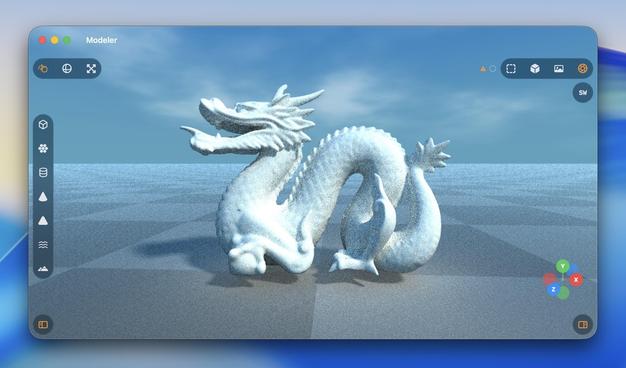
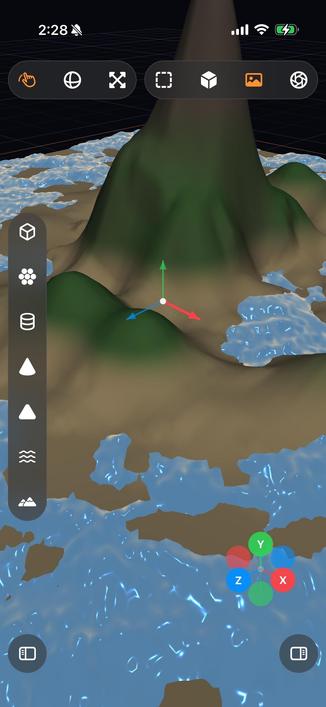
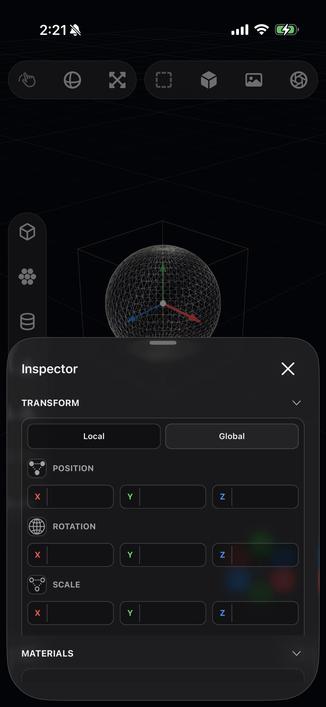
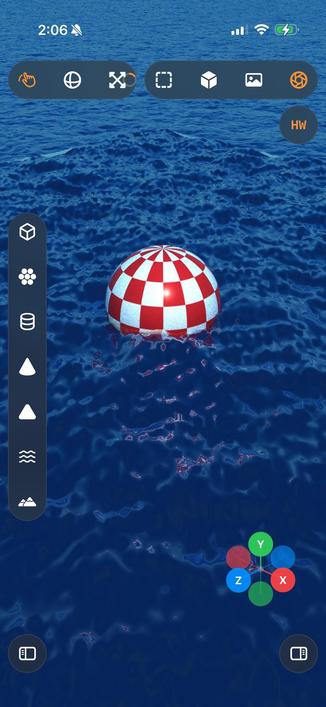
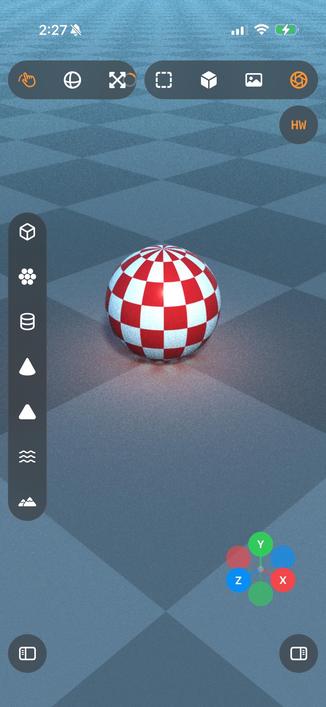
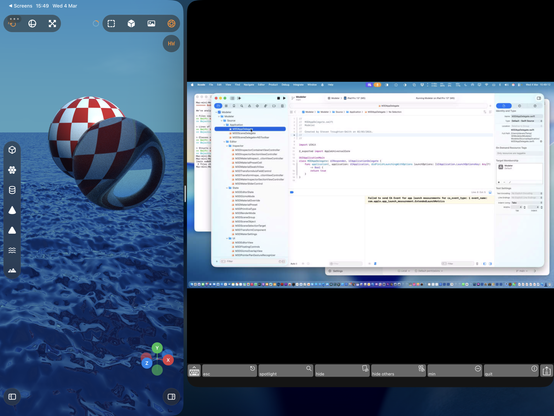
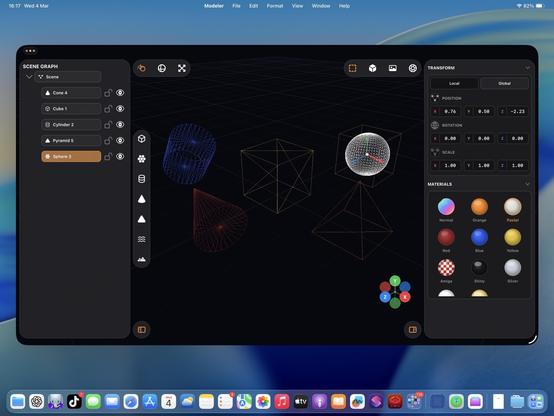
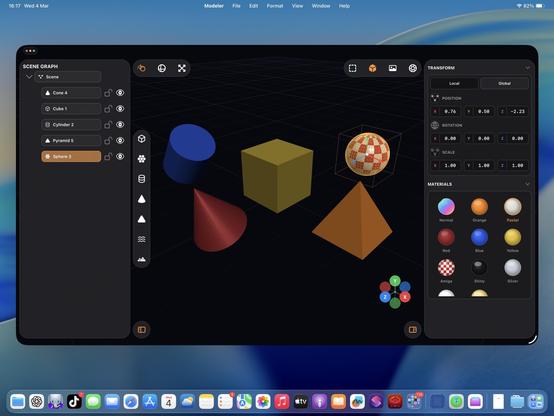
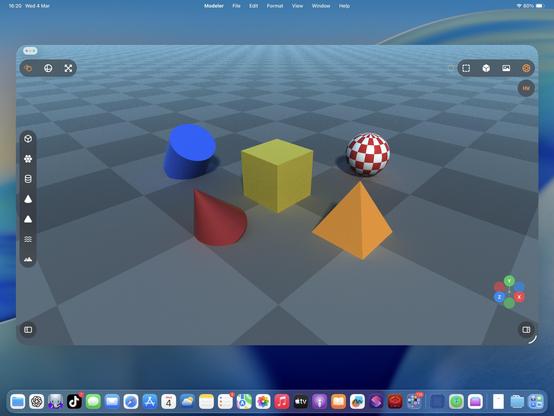
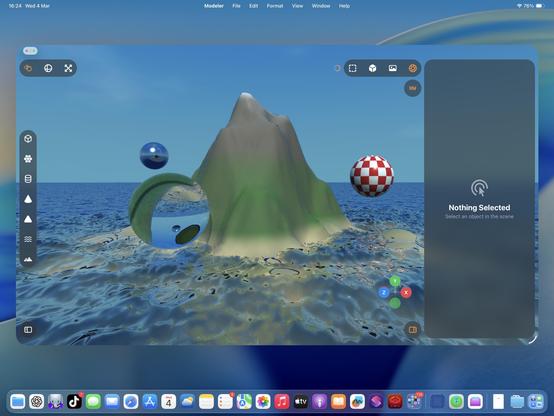
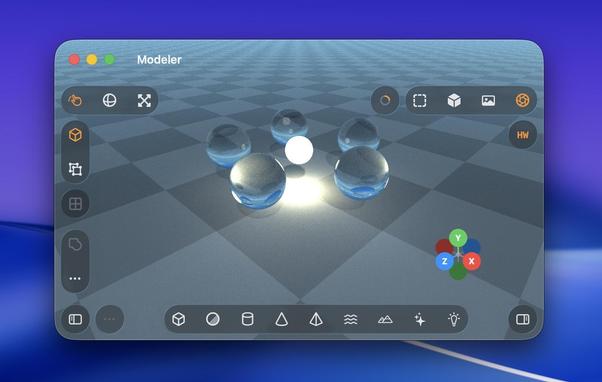
Ha, cute, you can even fling the raytracer around 🤣
Also I added an expanded progress indicator
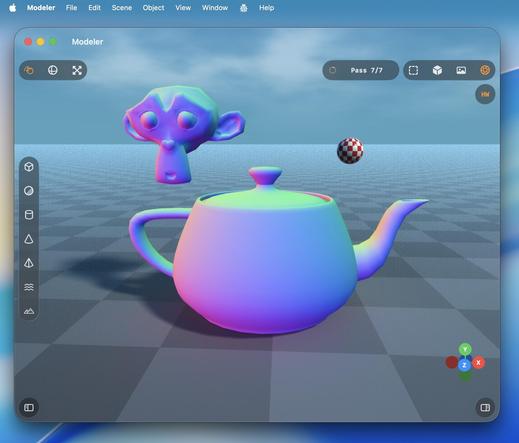
Hadn't tried the visionOS build, but it works too.
With a caveat.
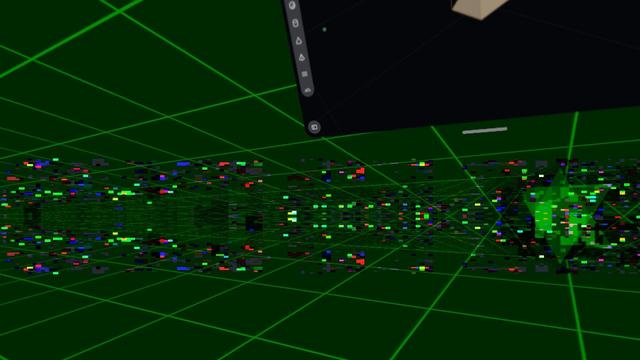
visionOS is far more fragile to anything like 3D rendering. Saturating the GPU like this slows the compositor to a slideshow, and even got to a point where Metal was leaking out of the window into the OS and I was seeing squares of corrupted video memory in front of me until I got the equivalent to a SpringBoard crash.
Functionally, this could be a visionOS app.
Practically, no.
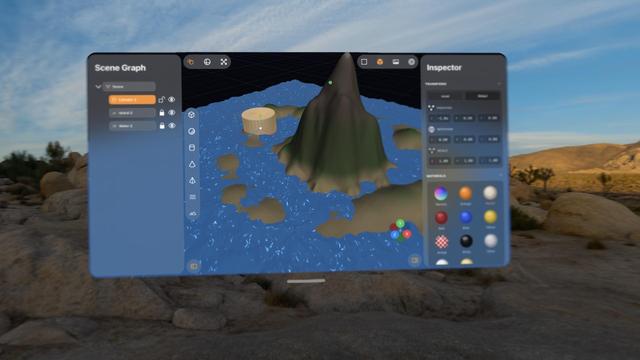
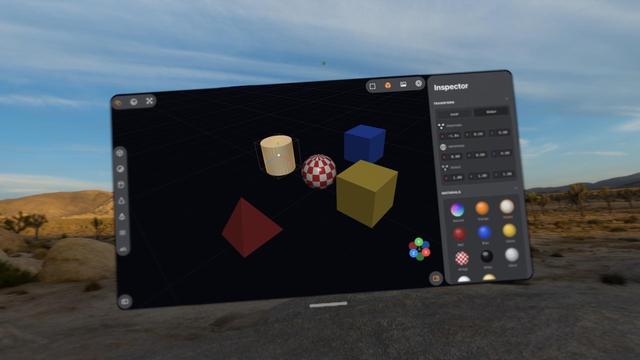
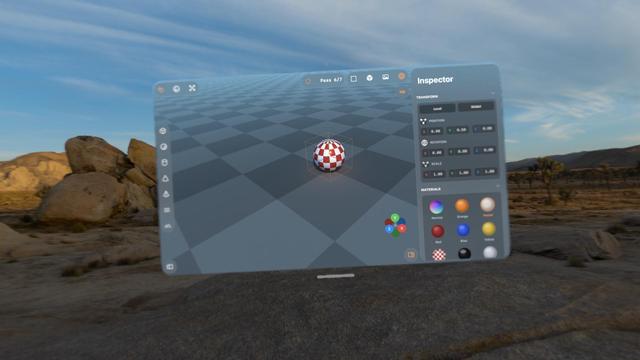
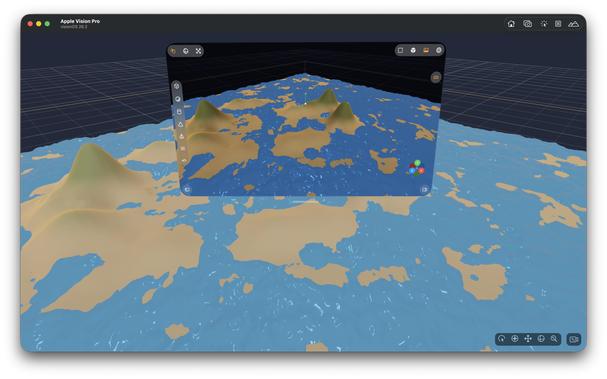
Pretty much everything I've worked on with Codex up to now has been stuff I could have built myself, within my area of expertise (or learnable), it just would have taken weeks or months.
This 3D scene app is something I never would have been able to build myself. I would have needed a team of rendering experts with domain-specific knowledge and human-years of research
I love how visionOS, uniquely, *explodes* when rendering goes wrong.
Hello [MacBook] Neo.
So now that visionOS 26 lets you spawn immersive scenes from UIKit apps, I had Codex implement me an immersive scene using Metal and CompositorServices that mirrors the in-window viewport and lets you live in your scene 😁
It's real frickin cool.
The raytracer might be off limits for visionOS, but there's a lot of interesting stuff to do in other areas
I figured why not use RealityKit for the material previews, so now they are actual spheres.
Miraculously, it all still works — the Metal viewport, the Metal immersive scene, and the RealityKit UI elements, but it's very clear the Vision Pro (M2) doesn't have much headroom to build an actual app around this stuff
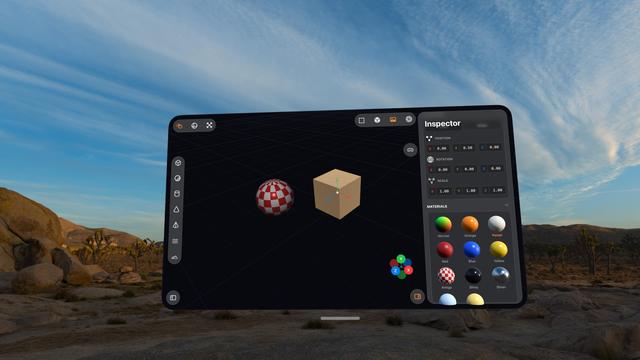
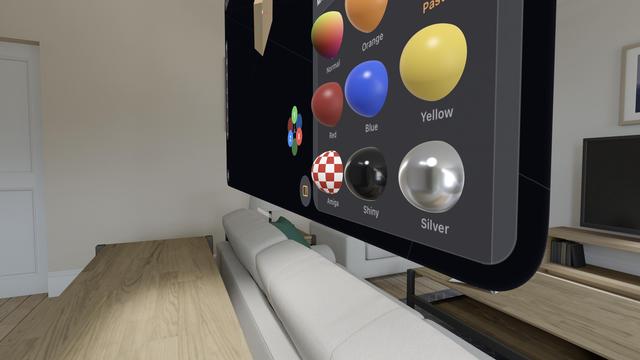
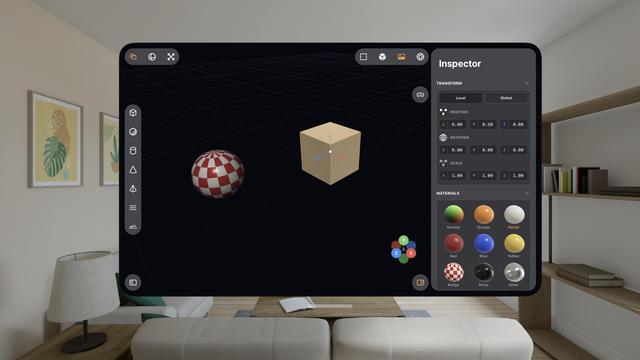
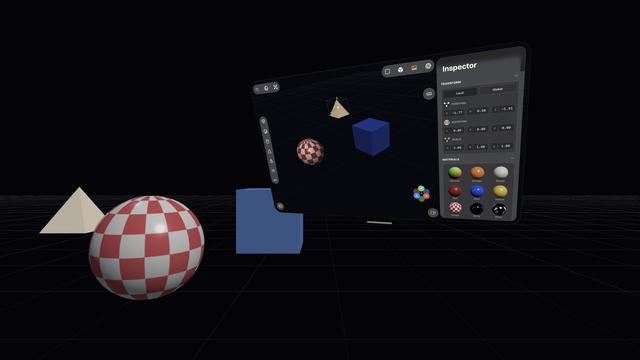
The raytracer is, for now, a no-go on visionOS. It's possible I could throttle it and stay within visionOS' systemwide render budget. But it's probably worth improving the RT performance a bunch on its own first before I come back and try it here. I might run out of steam on this prototype before then.
This entire app project is still in my 'Temp' folder, where throwaway projects live 😅
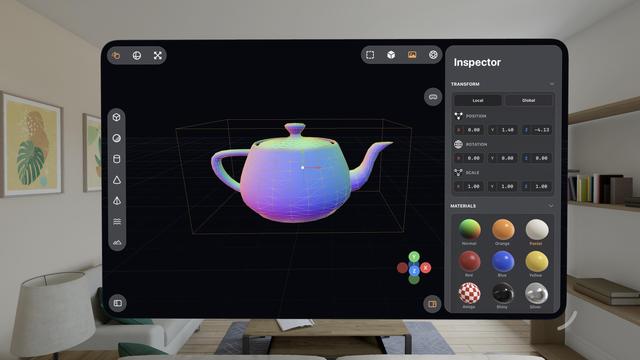
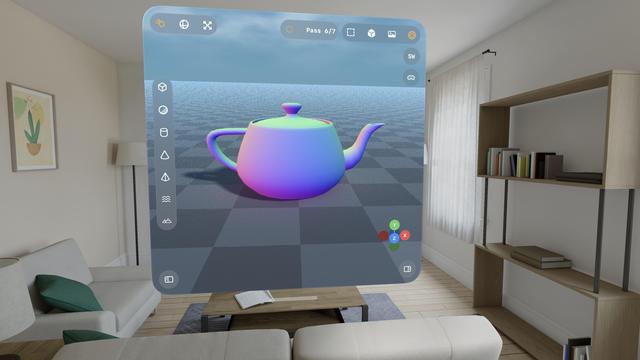
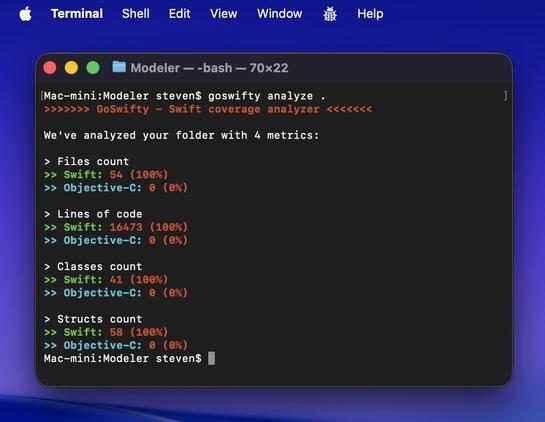
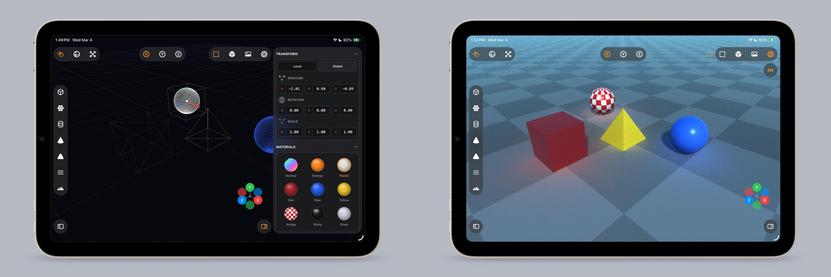
Some more things to show off here on this iPad mini 6!
• Longpress band gesture
• Multi-select
• Vertex editing
• Subdividing
• My 'generate a Cornell Box' button
• (And the raytracer, of course)
There is a lot of really neat stuff in this app. Still using Codex 5.3 Medium, still haven't touched a line of code myself
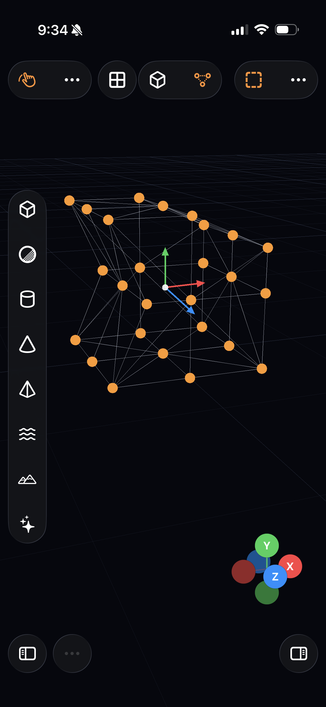
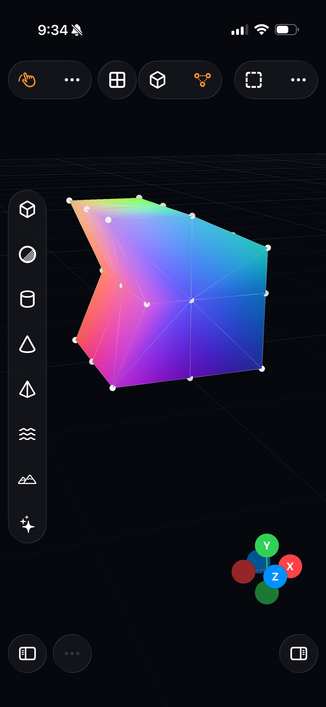
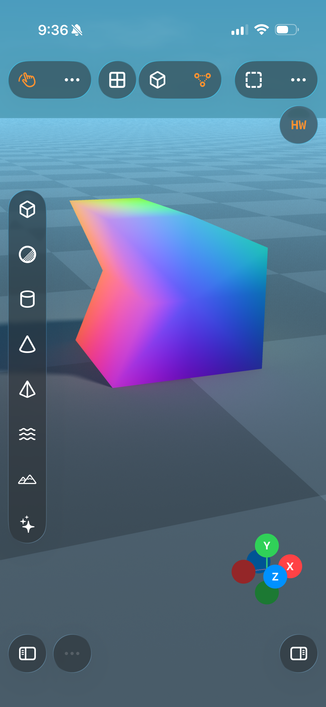
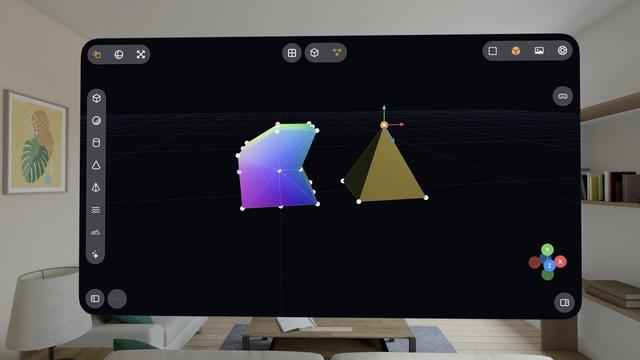
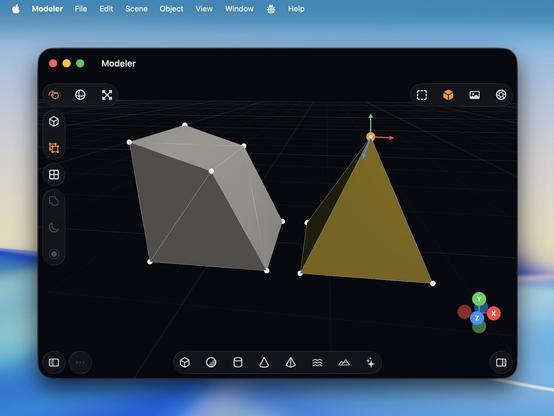
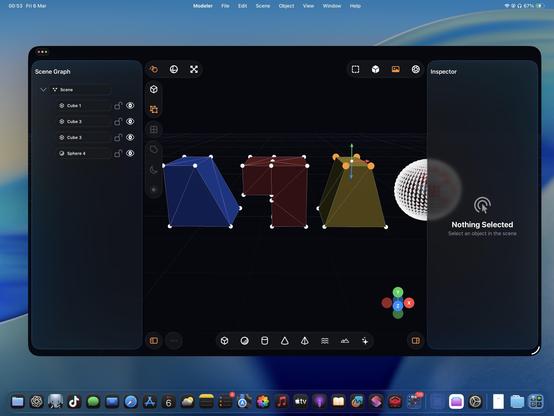
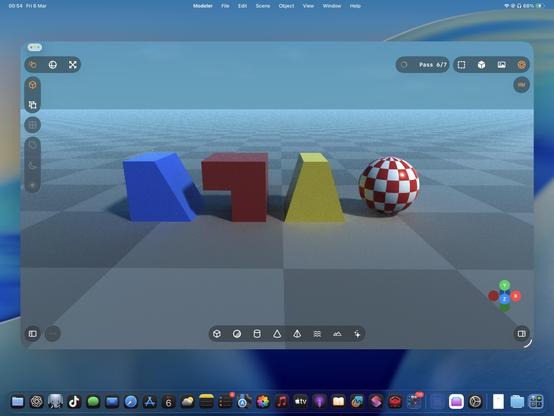
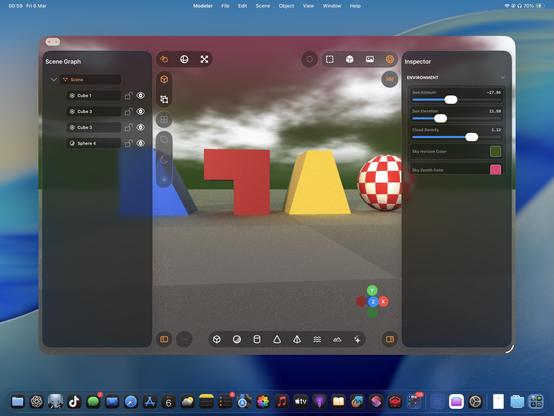
I never really thought about it before, but multitouch is actually legit for 3D modeling tools, maybe even better than a desktop. On a Mac, you need to hold modifier keys (or buy a multi-button mouse) to do everything you want with the viewport, but on touch you can orbit, pan, zoom, and multi-select very easily. If you special-case the stylus too, like I am, it feels very powerful.
Almost all of this extends to spatial computing, though visionOS struggles a bit with two-hand gestures
iPadOS has never been better for rich, complex, desktop-class apps. Almost all of the old barriers and blockers are gone.
Sadly, Apple waited until most developers had run out of patience with the platform.
If this thing had Xcode, a real Xcode, it would be effectively complete
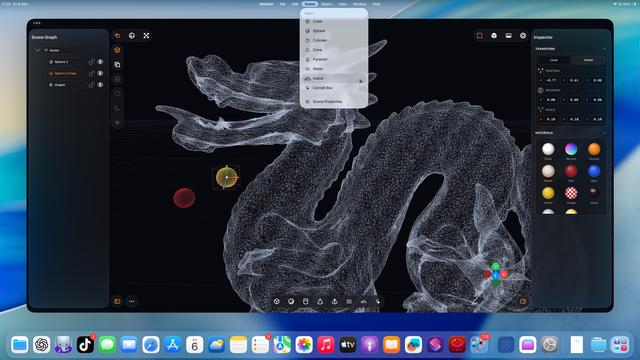
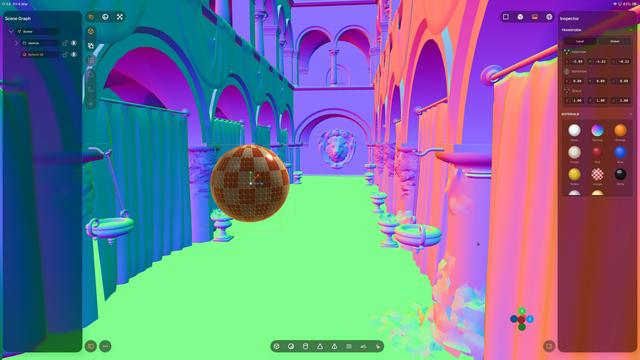
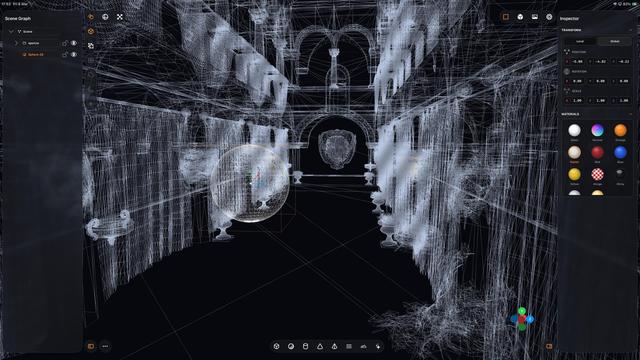
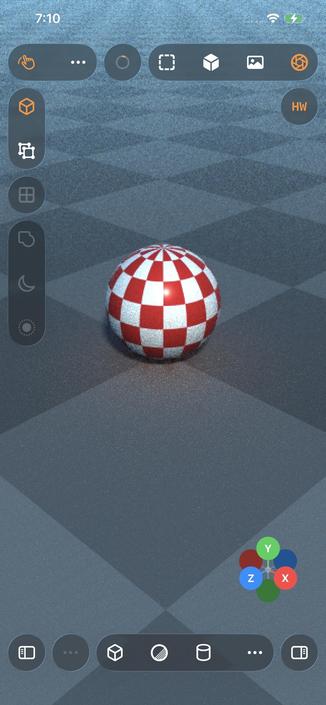
Even my iPhone 12 Pro Max can raytrace!
Which I guess is not all that surprising, considering the A14 chip is the same generation as the M1
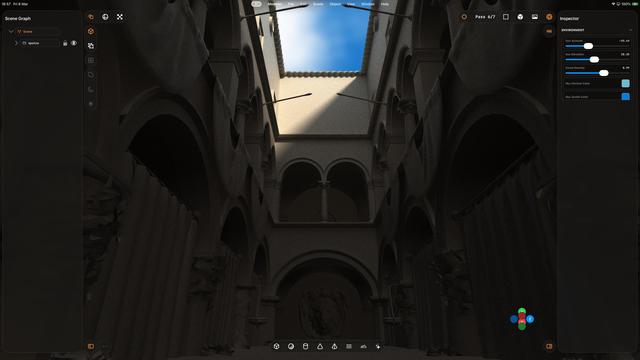
That’s a whole lot of raytracing from a little iPad. Biggest render to date, at 5120x2880 — took about an hour to get to the final pass.
Crashed right at the end, so I didn’t get to take a picture of the final output 🥲
The raytracer still needs a bunch of work, but it’s more and more capable day by day
 George
5.4 by all accounts is a huge step up