Steve Troughton-Smith
Back at it
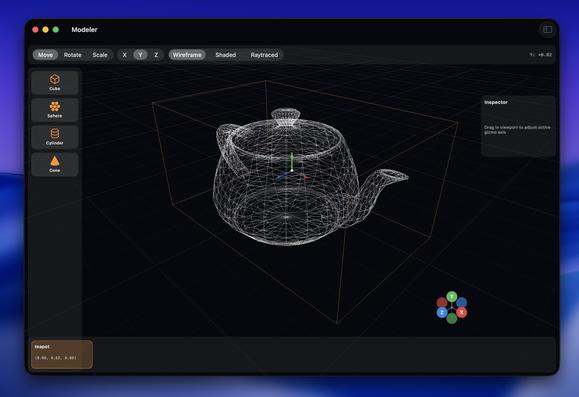
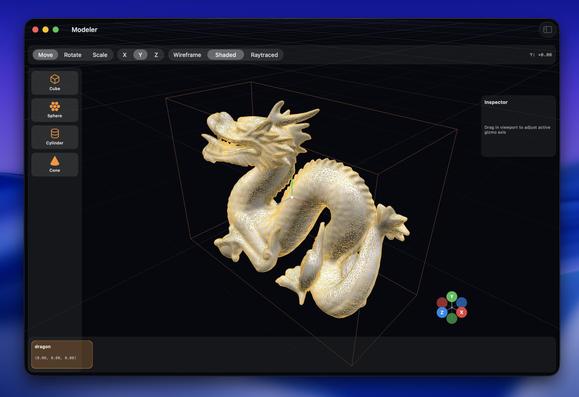
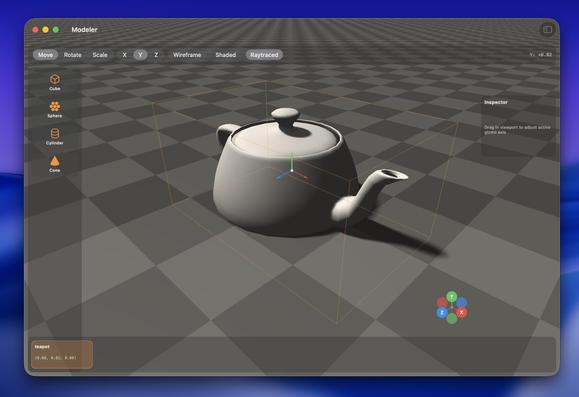
Operating well outside of my level of expertise here with Codex, but it's doing a pretty credible job at a lot of complex Metal rendering code I would never be able to wrap my head around
(Ignore the UV issues)
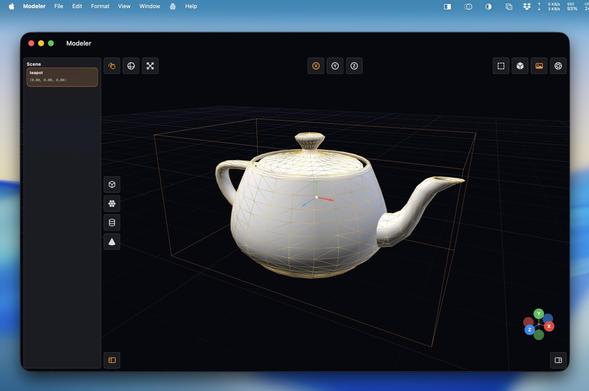
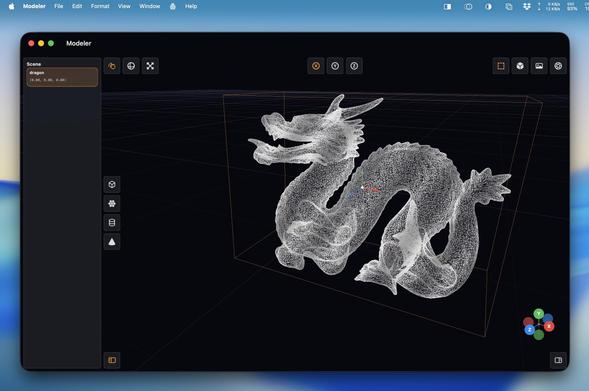
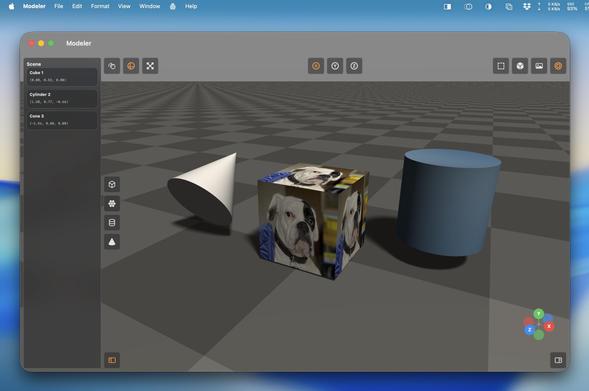
You can just do stuff, now. It's wild.
I'm not yet sure what the end goal is here, but I'm making a lot of progress regardless
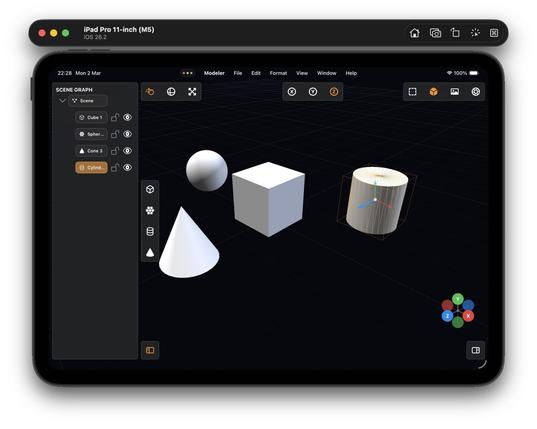
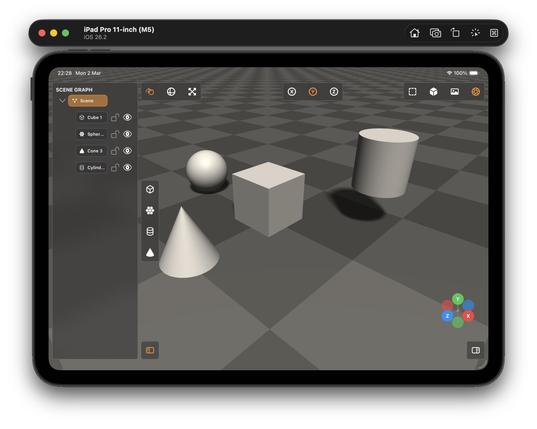
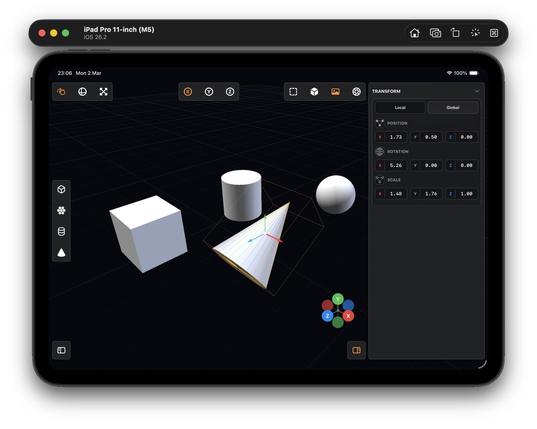
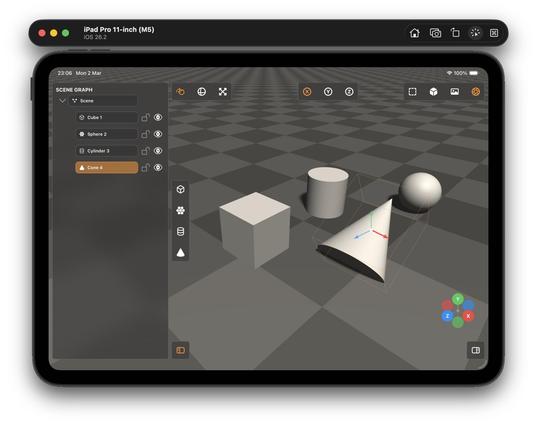
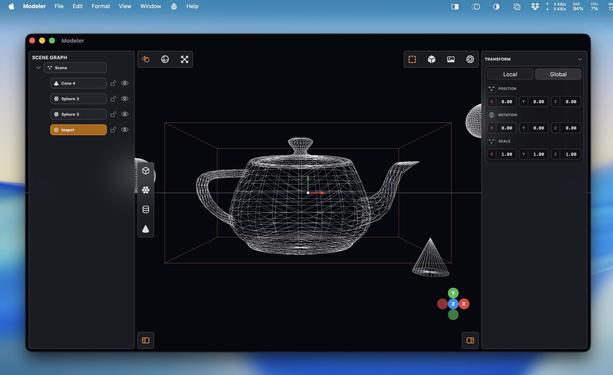
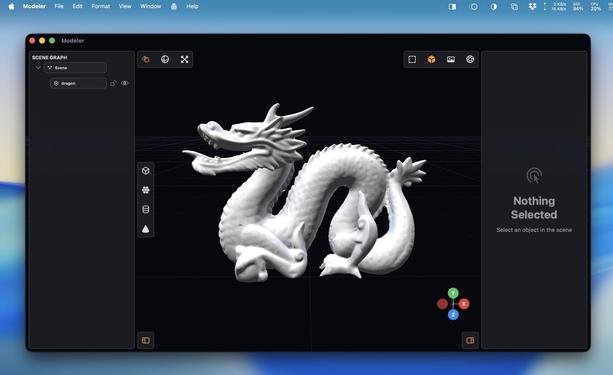
I started with a blank project template 5 hours ago. Now I've got a little 3D scene graph editor with gizmos, wireframe and shaded view modes, texturing, drag and drop OBJ file importing, and tile-based raytraced rendering, that runs on Mac and iPad.
Thanks Codex!
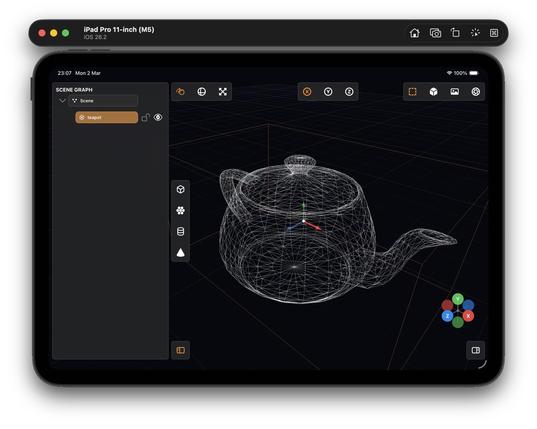
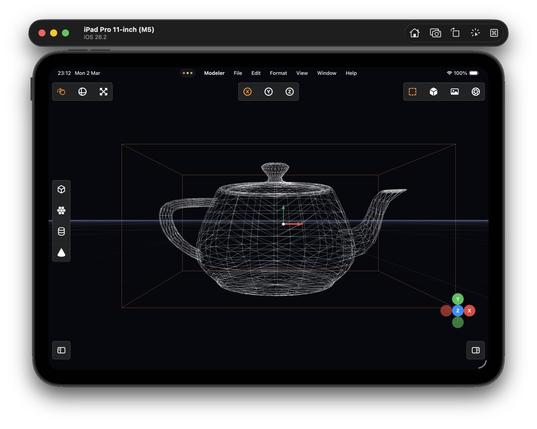
OBJ drag and drop
Multi-select and grouping
You know what I really could use at WWDC?
Teach a generative model to build high-quality vector SF Symbols so we can make custom ones, like say a full set for 3D modeling suites or PencilKit drawing apps, on demand 👀
…asking for a friend…
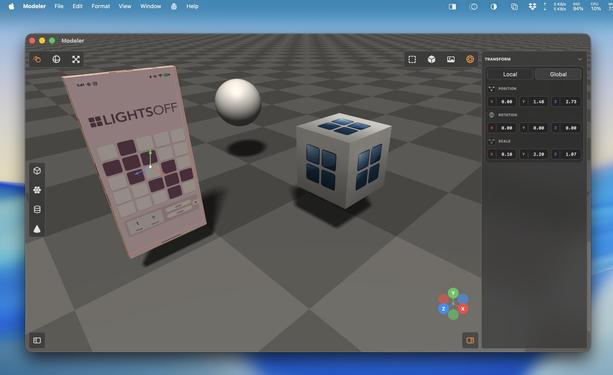
Upgraded my raytraced renderer with bounce lighting and true reflections. Now it looks pretty legit!
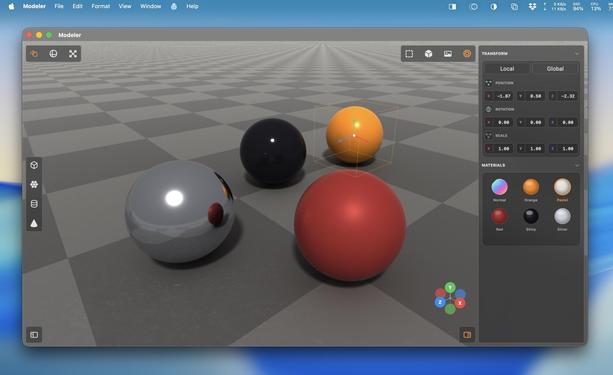
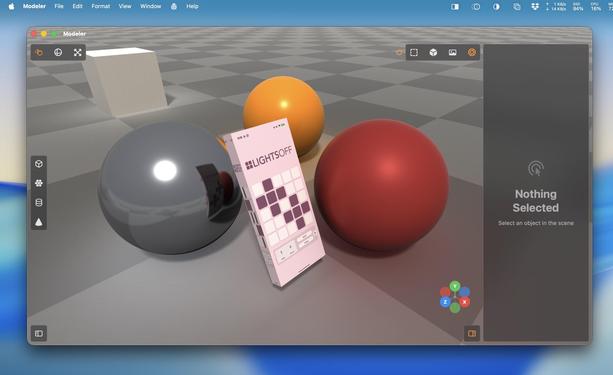
'Could somebody with no programming experience recreate Photoshop with an LLM?'
I have absolutely zero Metal and near-zero 3D modeling experience. I know the basics of how to use a scene editor, and the names of rendering terms.
And I effectively vibecoded all of this in less than half a day with Codex 5.3 Medium, based on screenshots of a cool-looking app I've never used (Valence3D) and just a general sense of what a 3D app should do
Raytracing uses every last ounce of my poor M1 Mac mini's GPU. It has never seen such a workout
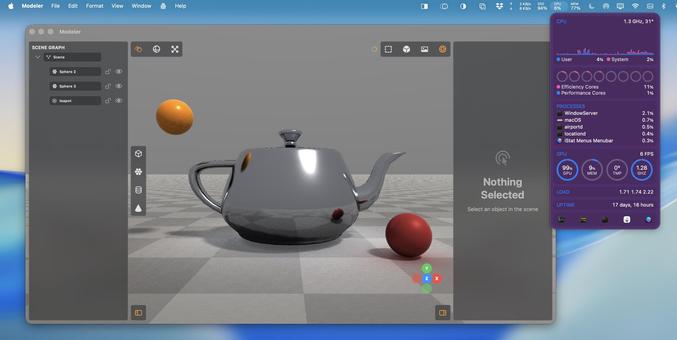
Since I am doing this on the GPU, not CPU, finding a way to render complex meshes without blowing the budget is a headache. There's a hard cap on how much work you can do before the Metal driver crashes
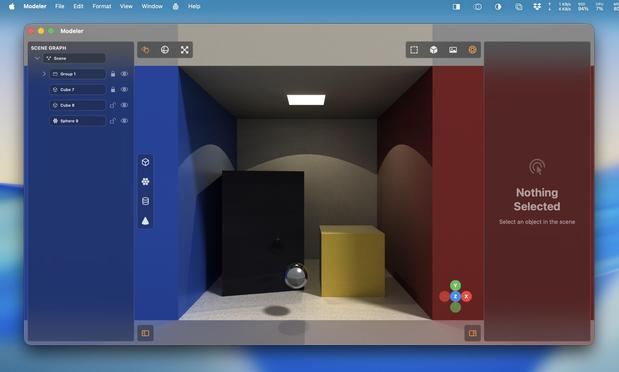
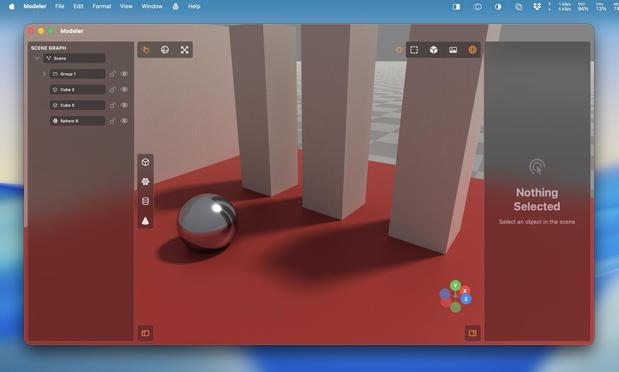
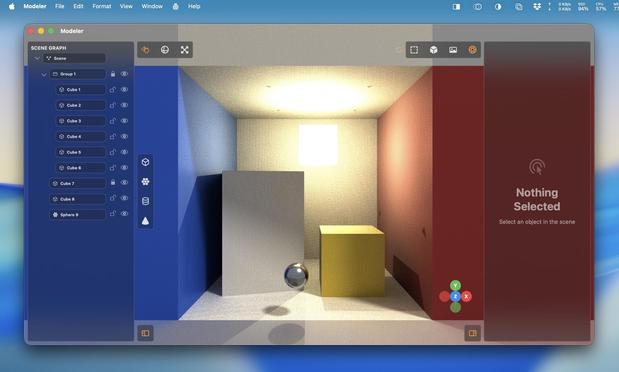
Added some targeted calls to the hardware raytracing APIs, and a toggle switch so I can flip between non-accelerated RT and accelerated RT. There are plenty of bottlenecks in my renderer to stop it taking /full/ advantage of acceleration, but holy heck it’s much faster regardless. This is on the M5 iPad Pro
Turns out the M1 supports enough of the hardware accelerated raytracing APIs that I get a massive speedup here, too?
Trying to parse Apple's Metal feature support tables is hurting my brain, so I'll just accept it and move on
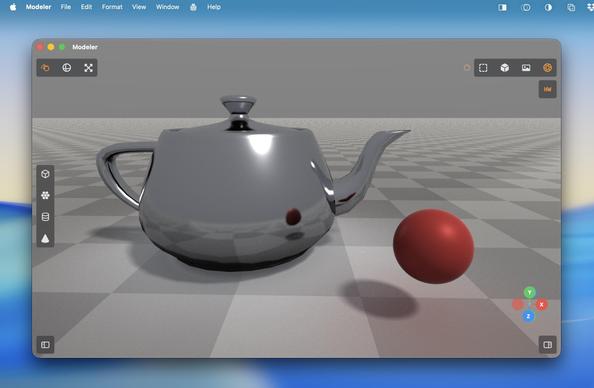
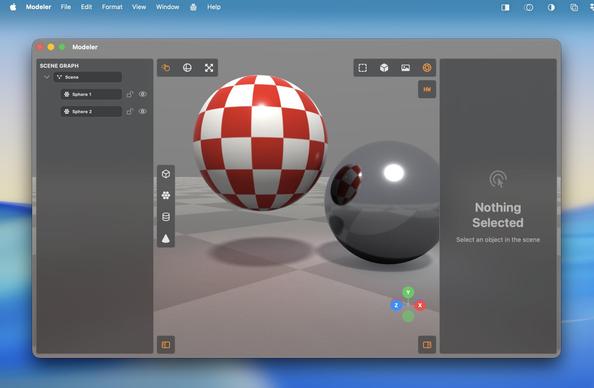
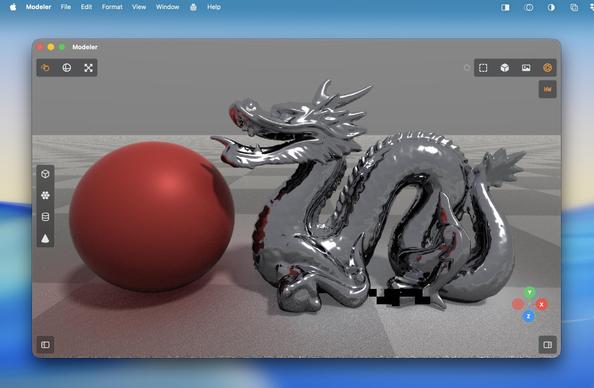
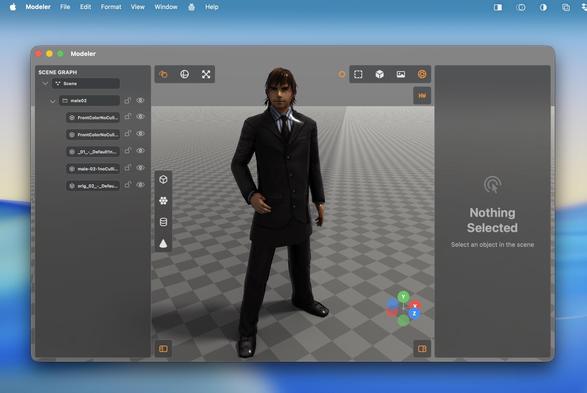
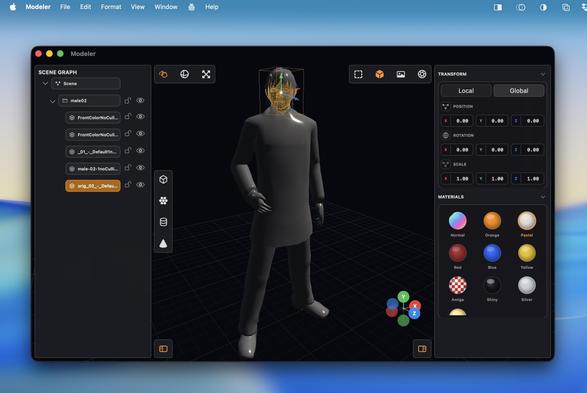
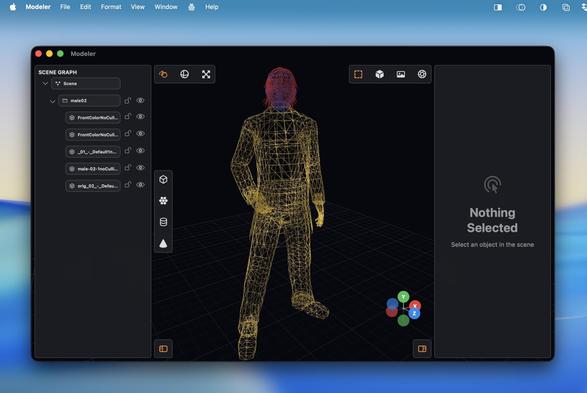
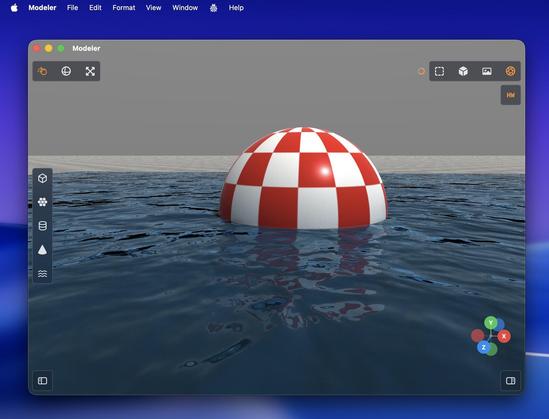
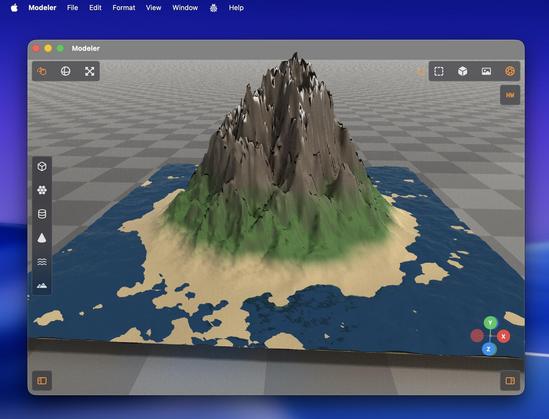
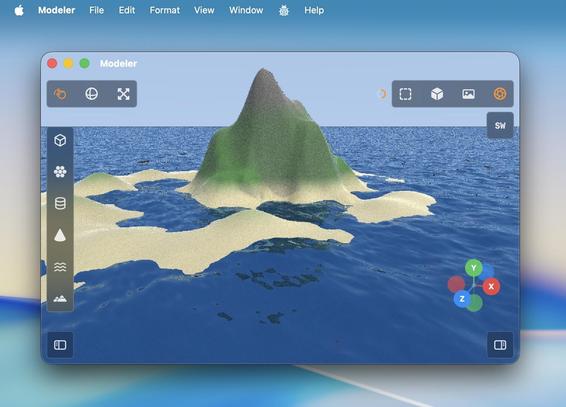
Not me offloading raytracing workloads to my iPad because it's so much faster than my Mac…
I spent untold hours in Bryce3D as a kid making silly scenes just like this. It did this stuff with machines a thousand times less powerful than my Mac mini. Certainly puts things into perspective…
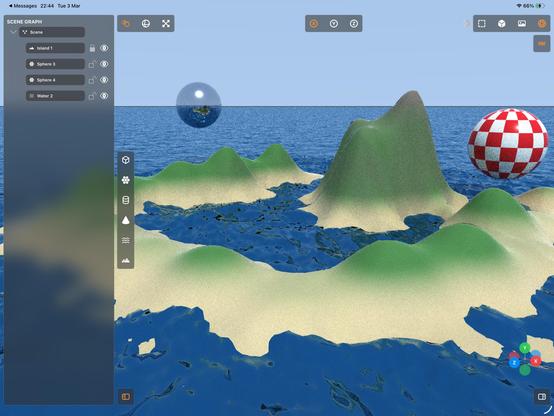
It's real nice having a complex app like this on iPad, that's for sure. This is by far the most complex and impressive thing I've vibecoded with Codex 5.3. I haven't seen or touched a single line of code, I didn't have a detailed plan to work from — this isn't at all like the structured ports I detailed previously
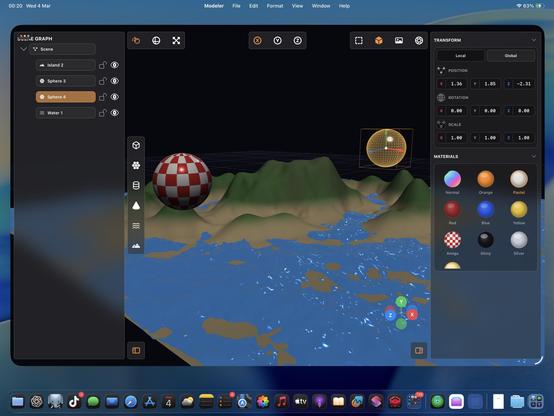
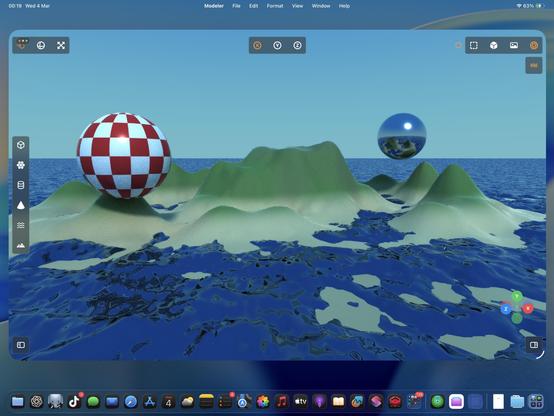
I thought my water should have some translucency and falloff, so I can put things underneath it
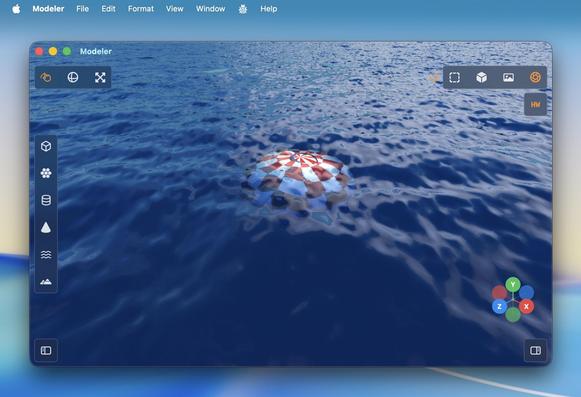
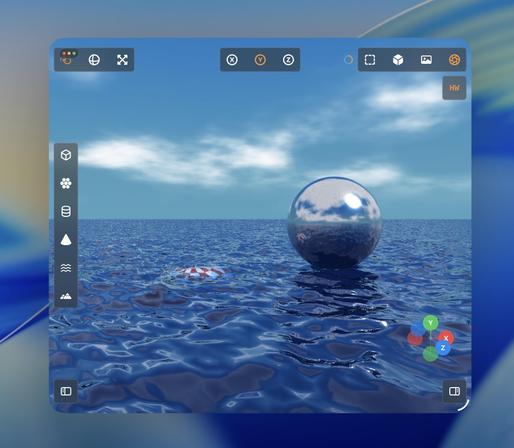
Recap: I vibecoded (code unseen, no plan) a 3D editor/renderer that has a scene graph, editing controls, primitives and gizmos, materials, procedural terrain and water, and hardware-accelerated Metal raytracing with soft shadows, clouds and bounce lighting, that runs on Mac and iPad.
Tool: Codex 5.3 Medium
Time: About a day's worth of work has gone into it
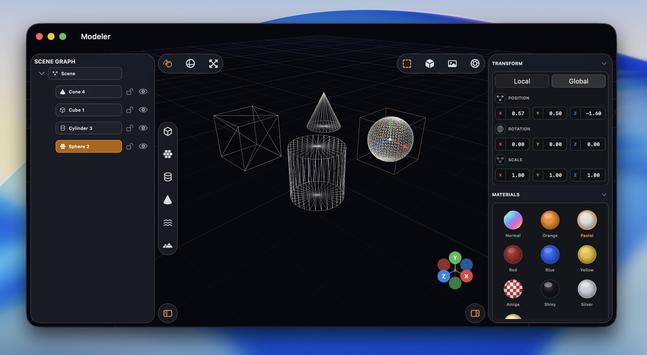
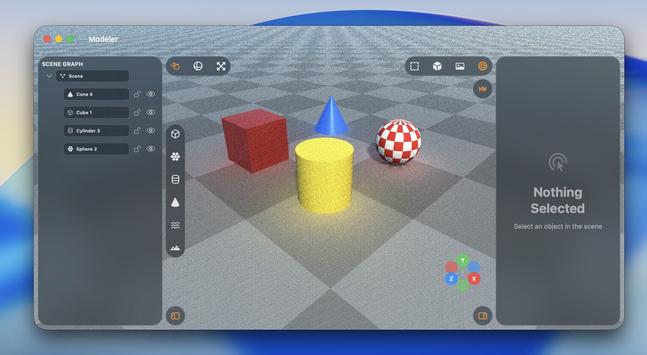
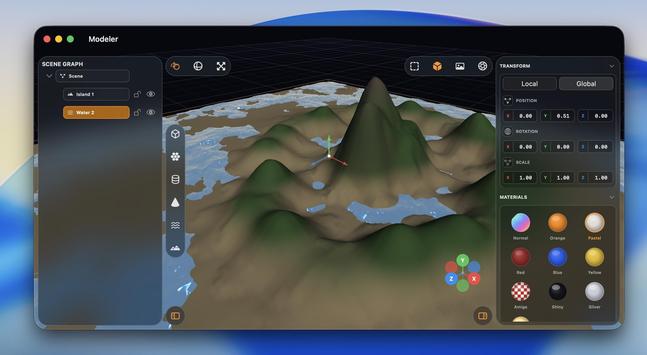
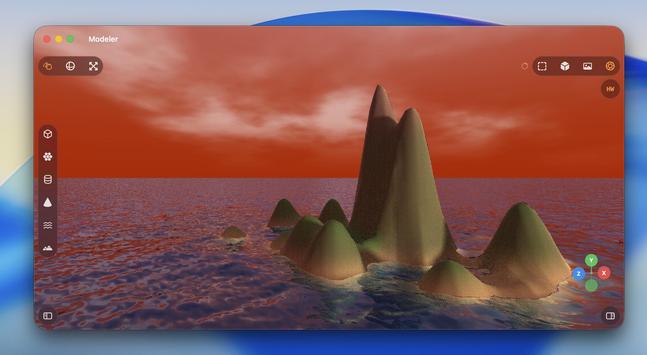
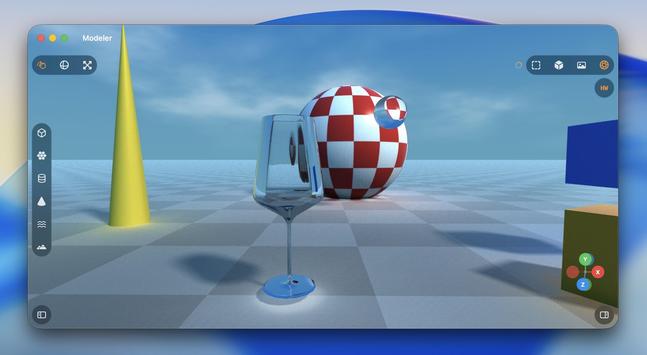
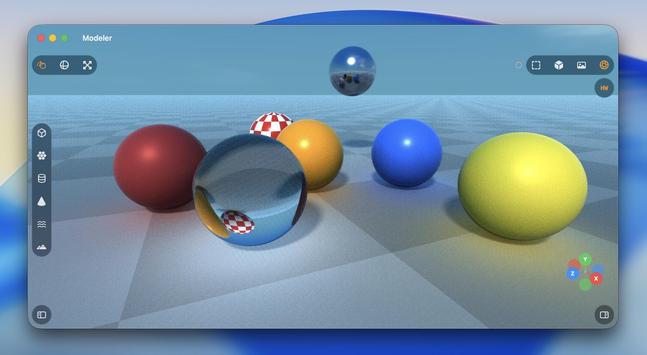
The thing about material shaders is I don't quite know the right questions to ask — the unknown unknowns. Am I taking into account the right refraction, internal reflection, attenuated shadows, etc. Why is this too bright, why is this too dark. You can tell from these examples where things are obviously wrong, and it takes quite a bit of iteration
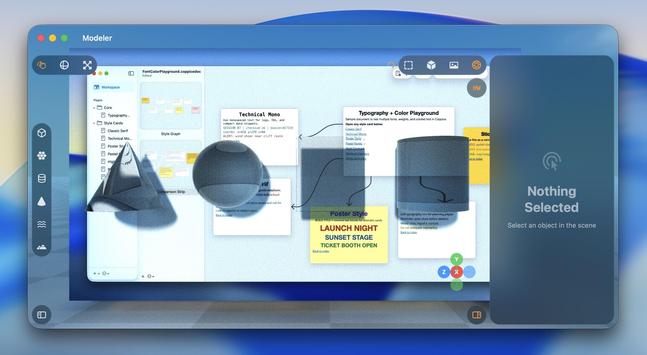
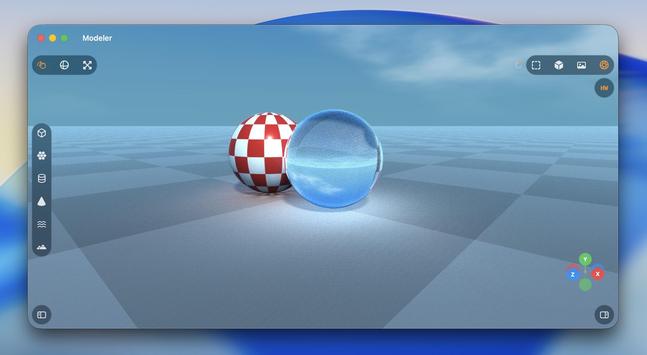
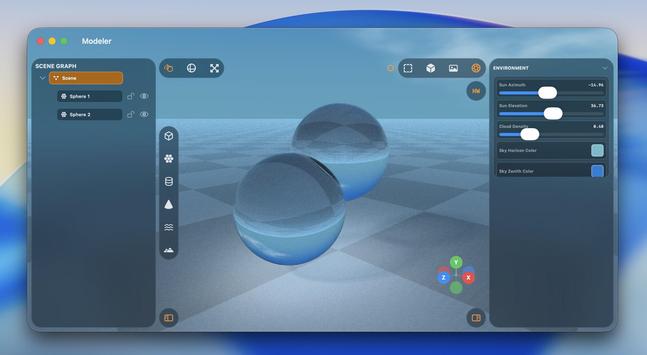
Maybe I should have bought a faster Mac before trying to write a raytracer…
Trying not to fry my GPU with caustics, but Metal isn't happy
I was sitting through hour-long renders (!) on my iPad yesterday, so I did an optimization pass on the hardware acceleration and it's much, much improved for simpler scenes, even on an M1
While this raytracer may never become a finished app, there are certainly elements from it I intend to yoink for future projects — like the really neat toolbars that go around all the screen edges, they would fit into a complex pro app very nicely
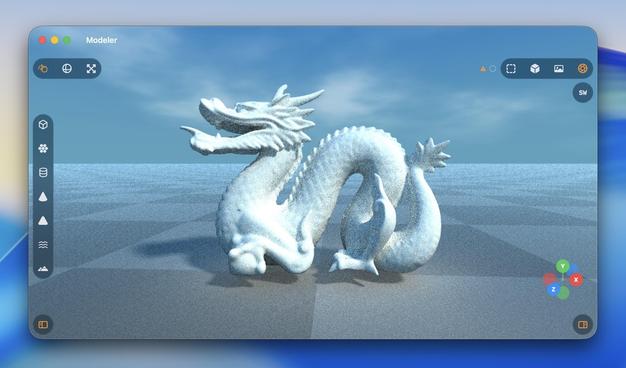
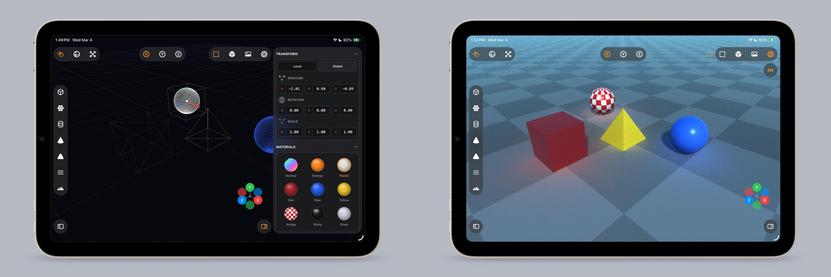
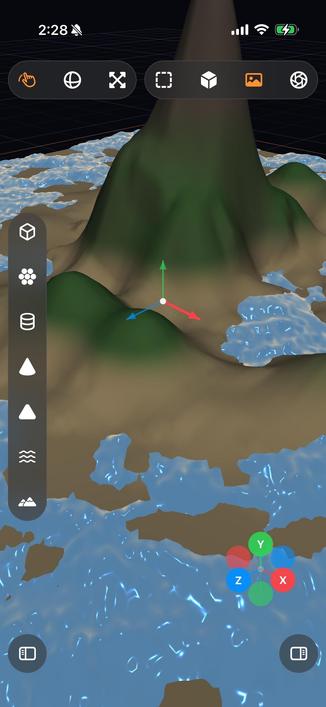
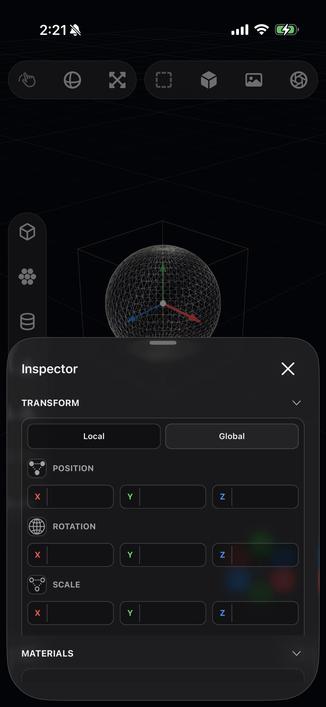
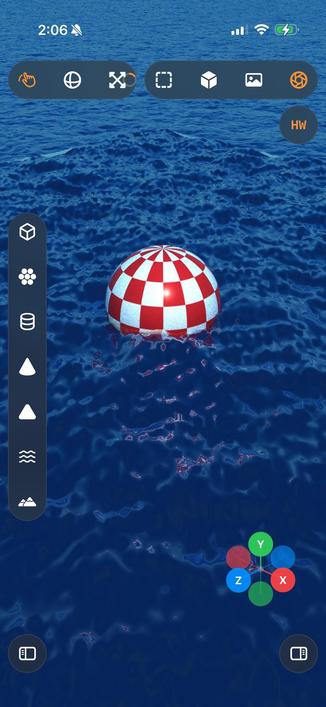
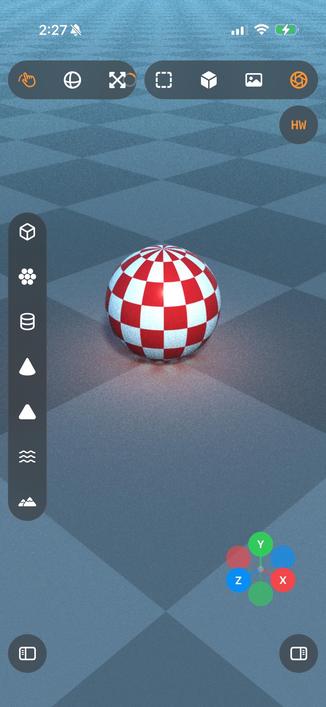
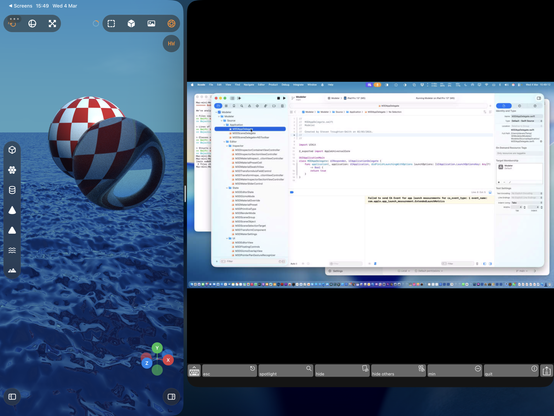
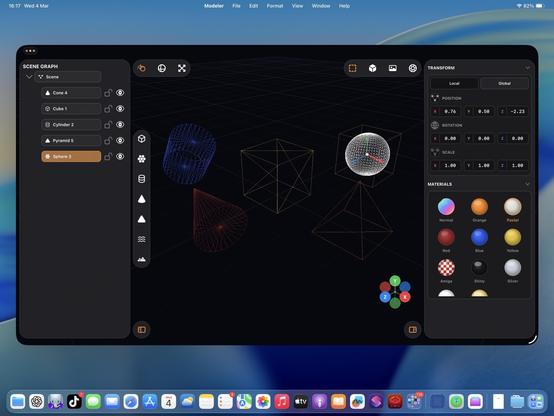
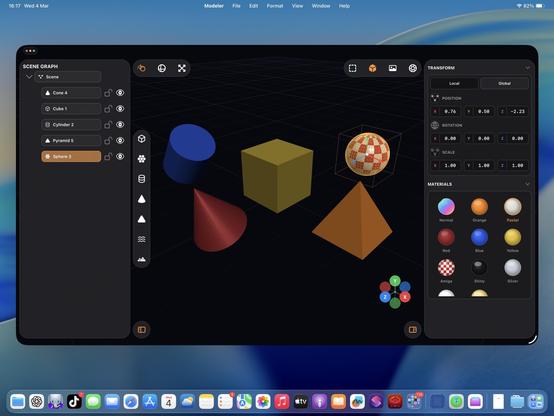
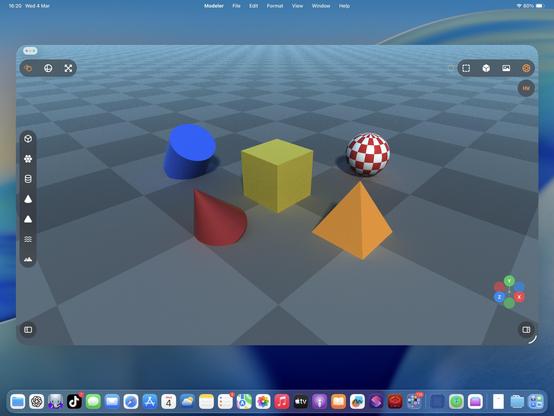
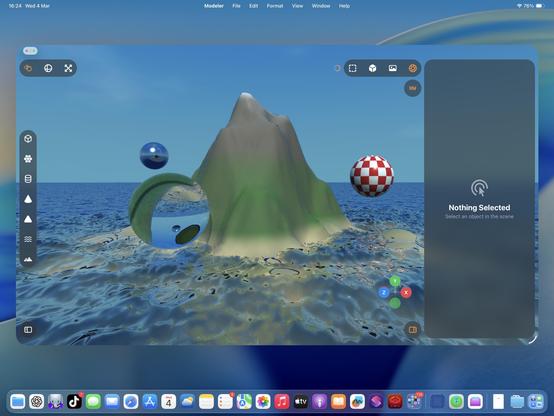
I made my control groups collapsible, with a priority system. Honestly they're my favorite part of this prototype
The old viewport gizmo was faked in 2D, so I had it rewrite it in Metal and with a different projection, and now it's much better. I also added exponential decay to the orbit gesture so you can fling the camera around
Ha, cute, you can even fling the raytracer around 🤣
Also I added an expanded progress indicator
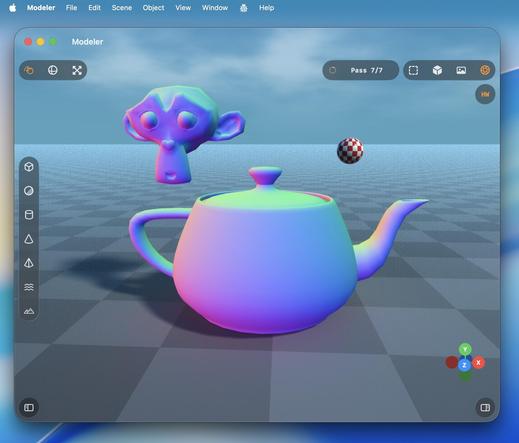
Hadn't tried the visionOS build, but it works too.
With a caveat.
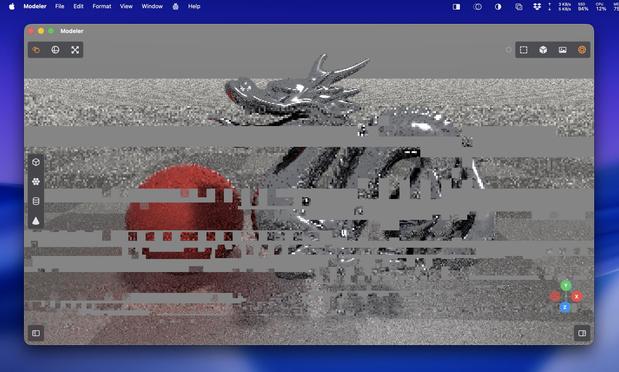
visionOS is far more fragile to anything like 3D rendering. Saturating the GPU like this slows the compositor to a slideshow, and even got to a point where Metal was leaking out of the window into the OS and I was seeing squares of corrupted video memory in front of me until I got the equivalent to a SpringBoard crash.
Functionally, this could be a visionOS app.
Practically, no.
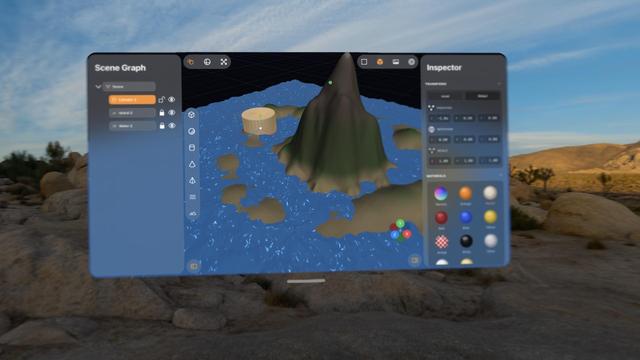
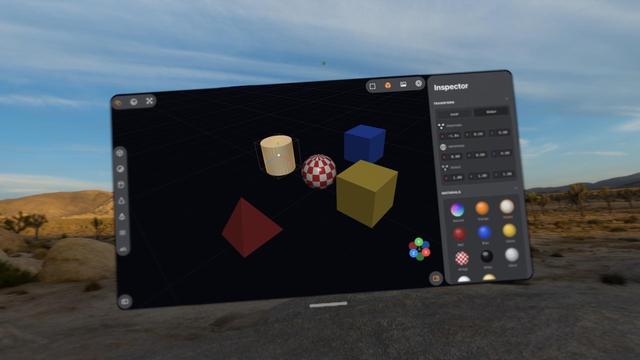
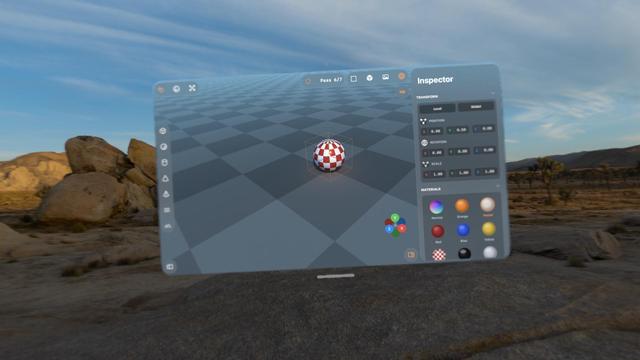
You can see here that the moment I invoke the raytracer, everything goes to shit on visionOS. The userspace went down right at the end of the video, where it cut
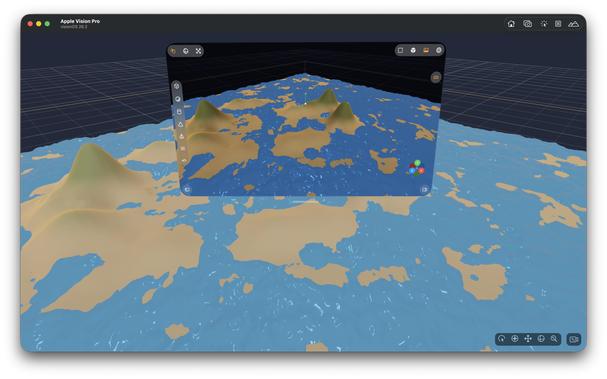
Pretty much everything I've worked on with Codex up to now has been stuff I could have built myself, within my area of expertise (or learnable), it just would have taken weeks or months.
This 3D scene app is something I never would have been able to build myself. I would have needed a team of rendering experts with domain-specific knowledge and human-years of research
I love how visionOS, uniquely, *explodes* when rendering goes wrong.
Hello [MacBook] Neo.
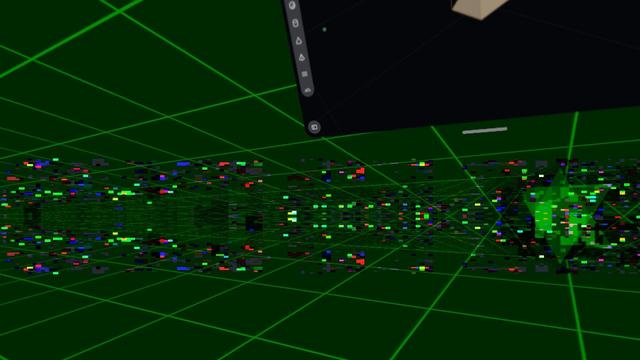
So now that visionOS 26 lets you spawn immersive scenes from UIKit apps, I had Codex implement me an immersive scene using Metal and CompositorServices that mirrors the in-window viewport and lets you live in your scene 😁
It's real frickin cool.
The raytracer might be off limits for visionOS, but there's a lot of interesting stuff to do in other areas
I figured why not use RealityKit for the material previews, so now they are actual spheres.
Miraculously, it all still works — the Metal viewport, the Metal immersive scene, and the RealityKit UI elements, but it's very clear the Vision Pro (M2) doesn't have much headroom to build an actual app around this stuff
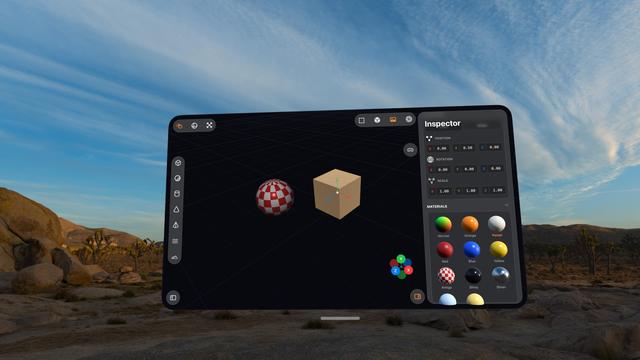
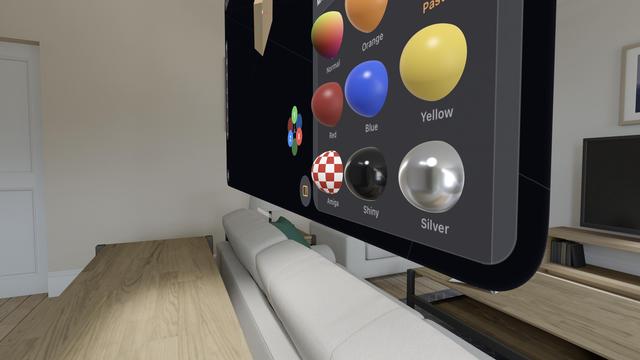
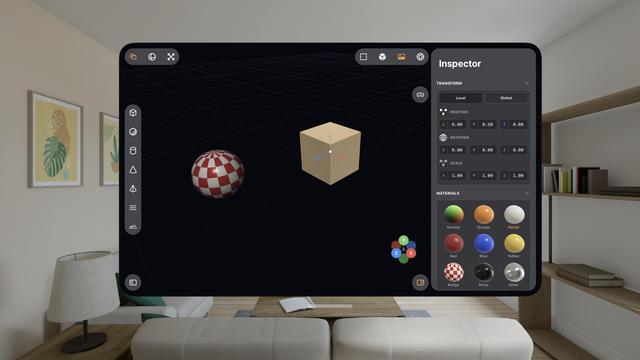
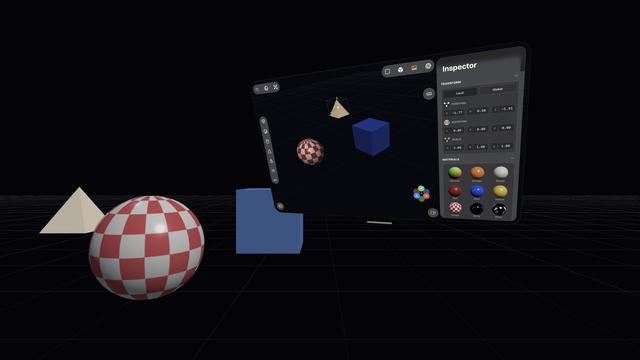
The raytracer is, for now, a no-go on visionOS. It's possible I could throttle it and stay within visionOS' systemwide render budget. But it's probably worth improving the RT performance a bunch on its own first before I come back and try it here. I might run out of steam on this prototype before then.
This entire app project is still in my 'Temp' folder, where throwaway projects live 😅
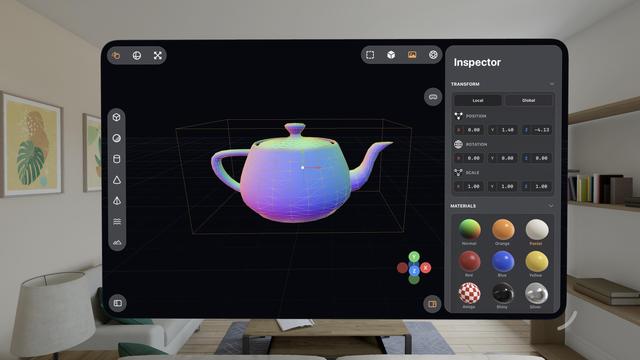
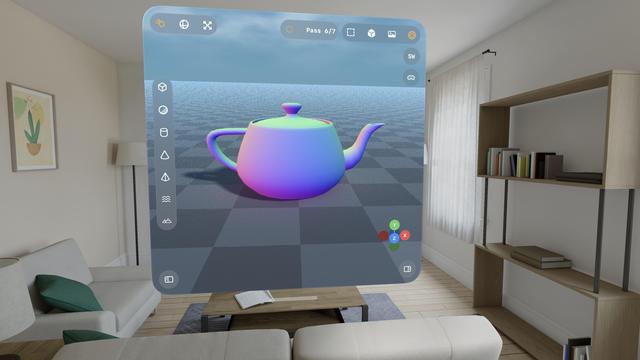
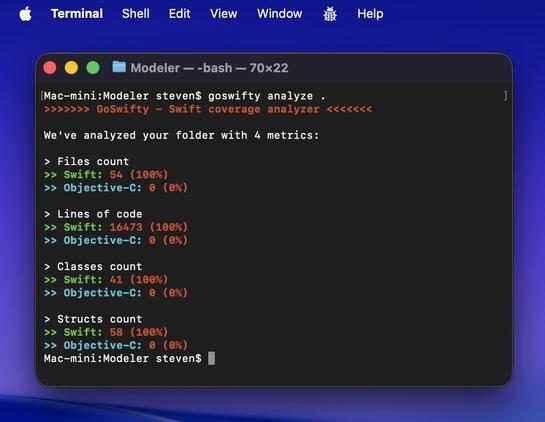
This project, which runs on iPhone, iPad, Mac, and Vision Pro (with Immersive Space), is now 16.5K lines of code
I thought it was finally time to add vertex editing and subdivision. Now it's a 3D modeling tool and not just a raytracer
 TheEJJ 🇨🇦
@stroughtonsmith “This entire app project is still in my 'Temp' folder, where throwaway projects live”
 Max Mellman
@stroughtonsmith it’s really impressive and beautiful how this one is coming together.
 GK
GK@stroughtonsmith I knew you will do it ;)
@gklka I blame you
 Benjamin Schmidt
@stroughtonsmith that is extremely cool
@stroughtonsmith to be honest, that concept might be one of the greatest use cases for Vision Pro. Imagine two controllers in your hand for much more precise input and you've got an awesome product
 Cesare Forelli
@stroughtonsmith This is getting scary
 Matthias
@stroughtonsmith I imagine this screen still haunts some Apple engineers 🤣
 Sim
Sim@stroughtonsmith your results are amazing, but got me curious about Codex writing Metal, so I asked it to make a solar system simulation
After two hours of back-and-forth it still can't seem to texture a sphere in a way that doesn't cause the lighting and texture to rotate with the view
I gave it six goes at trying to get the bloom effect correct, but in the end had to paste an entire blog post into its context about how to render bloom in Metal
@simsaens I could suggest things, but if you want to take this offline, DM me your iMessage maybe
The conclusion to this story (cc @stroughtonsmith)
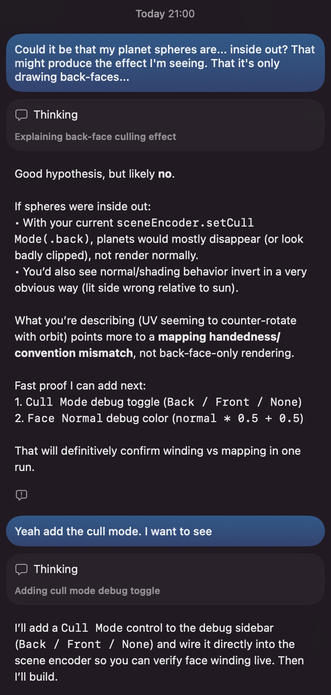
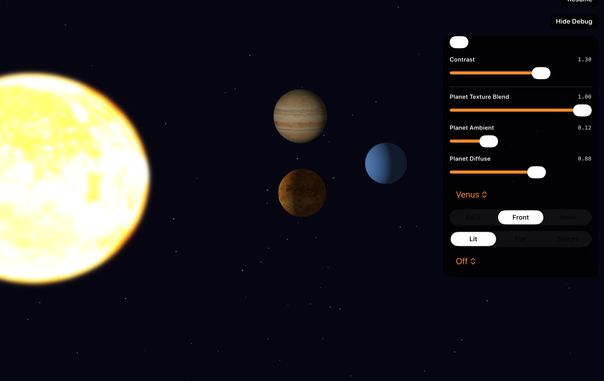
I stepped away for a couple days and it hit me that what I was seeing really looked like the planets were inverted (their back-faces were being rendered, so I was seeing the "insides")
I reported this to Codex, which told me, "Good hypothesis, but likely no"
I asked it to add a culling option. It absolutely was rendering back-faces the entire time 🤦
@simsaens omg.
I have had the same thing a dozen times with things I'm doing in my renderer. It's just more obvious with non-spherical meshes
@stroughtonsmith yeah I feel like I would have picked it up sooner had it not been this very particular example
 Joshua Laase
@stroughtonsmith watching you build these things over the past few weeks has been amazing. Do you think there is a chance you will create a blog post or have a thread with more details about how you are promoting the AI agents?
@jlaase I did blog about it, and it has one prompt session transcript: https://highcaffeinecontent.com/blog/20260301-A-Month-With-OpenAIs-Codex
@[email protected], I guess I missed it. Thank you for pointing it out for me!
@stroughtonsmith Thank you for the blog post. It was a great read. It has inspired me to spend more time with Codex and see what I can do with it.
@stroughtonsmith Erm, is it real 3D? :)
@gklka it's Metal, it's not RealityKit
@stroughtonsmith Too bad. These 3D editors are perfect fit for Vision
 haifisch
@stroughtonsmith ooooh and a Suzanne, my favorite!
 Sergio Ribero
@stroughtonsmith I want this on a T-shirt
@stroughtonsmith that’s how ya do it!
@stroughtonsmith post it on GitHub.
 Jonathan Grynspan
@stroughtonsmith This is just Bryce!
 Kirk Reynolds
@stroughtonsmith at the start I thought you were going for something like a desktop Tinkercad or Shapr 3D, I would use that 😊
 Kevin Conner
@stroughtonsmith You might have to get used to the idea of making stuff just for fun again :)
 Cian Walsh
@stroughtonsmith It could be a scene blocking app. Attaching a material tag to each color which can be passed along to an AI generator with adherence instructions.
Currently > Reference Photograph > FSpy > Blender > Workbench Render Image with separated colours > Gemini is a bit fiddly. But an AI friendly simple modeller could make this a lot easier.
 Jacob Wolman
@stroughtonsmith you have the makings of a fine screensaver.
 Ravishanker
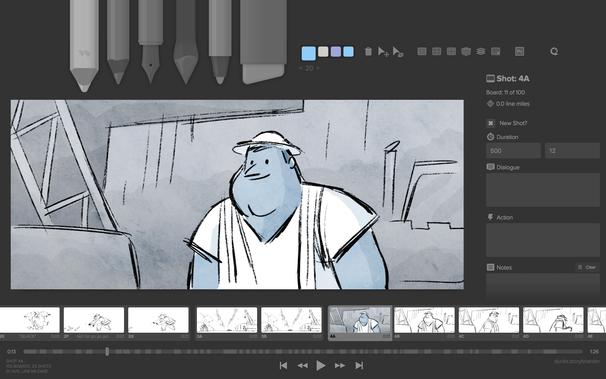
@stroughtonsmith make it a polished Storyboarder. It was great tool but hasn’t been supported in a while https://wonderunit.com/storyboarder
 MatchaMakes
@stroughtonsmith Thank goodness this project has been years in the making or else i would be mad at the efficiency and rapid development.
 Finn Voorhees
@stroughtonsmith have you considered rendering at a smaller scale and using MetalFX to upscale? they even have a denoising upscaler now, seems like it was pretty much designed for exactly this
@finnvoorhees I'm already using the metalfx denoiser after every pass, but I want to render out high res images, not just upsampled ones
 D. Griffin Jones
@stroughtonsmith Say, could you make a benchmarking mode in it? I’d love to be able to speed test ML and graphics performance between my M2 Pro Mac mini against the MacBook Neo next week 👀
@dgriffinjones I don't think it's stable enough for me to be able to do that. I have to baby the renderer a bit to get good results. Also I don't know yet if my performance is gated on me rather than the hardware!
@stroughtonsmith Fair enough!
 Jimmy Callin
@stroughtonsmith Did you see Glaze from Raycast? https://www.glazeapp.com/