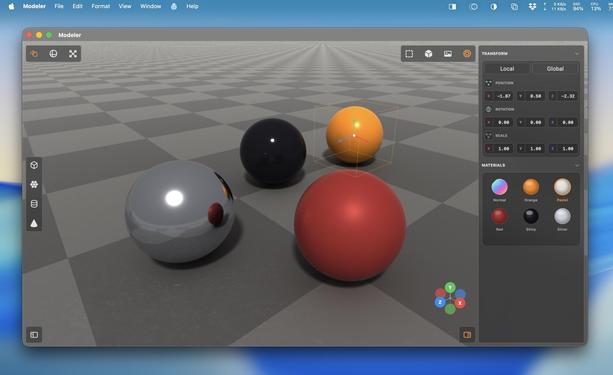
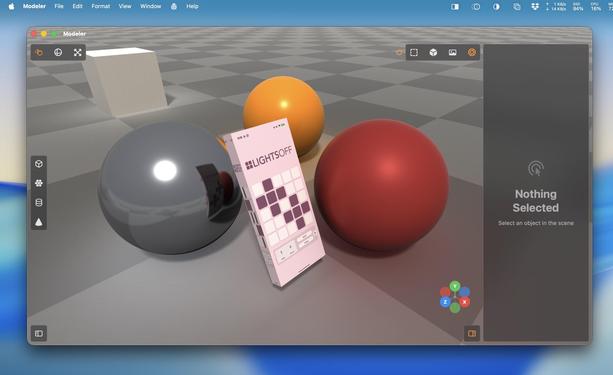
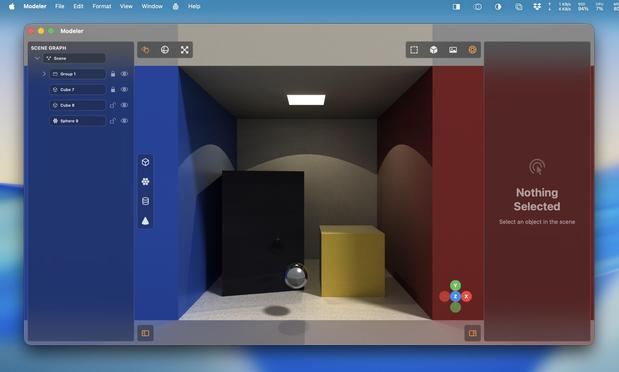
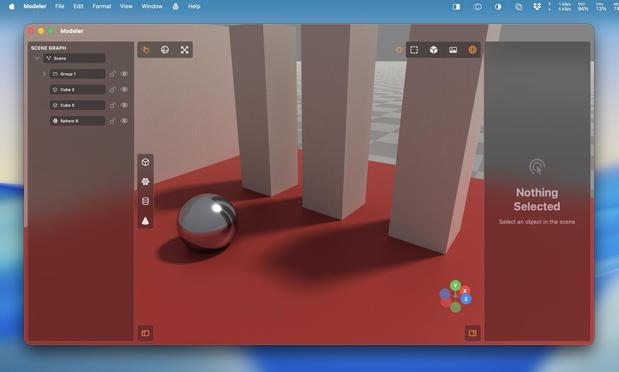
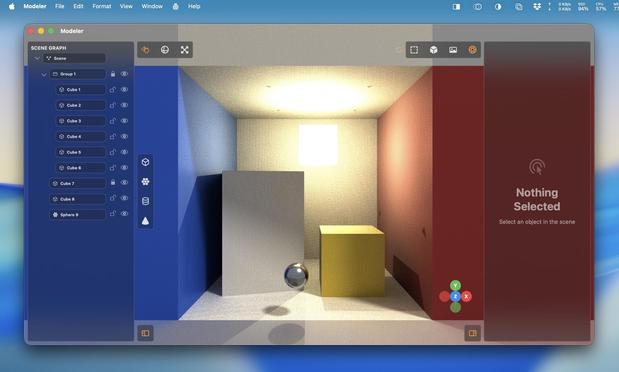
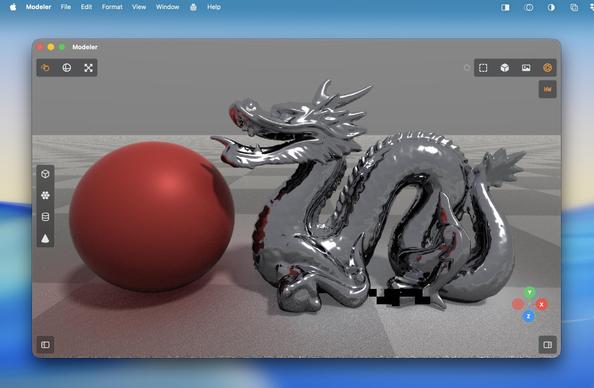
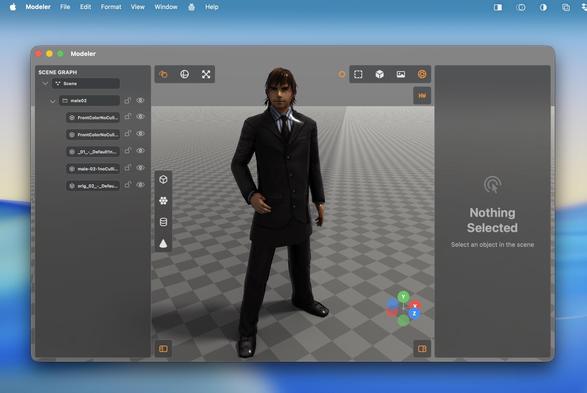
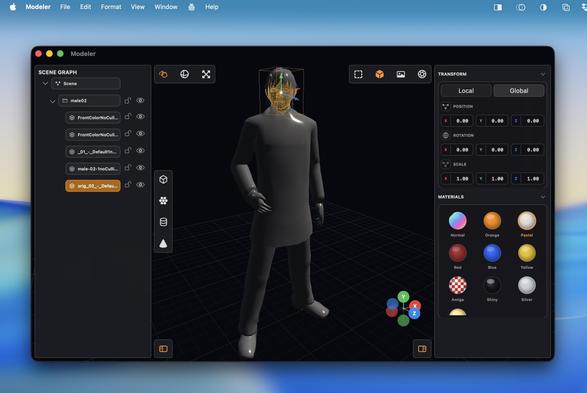
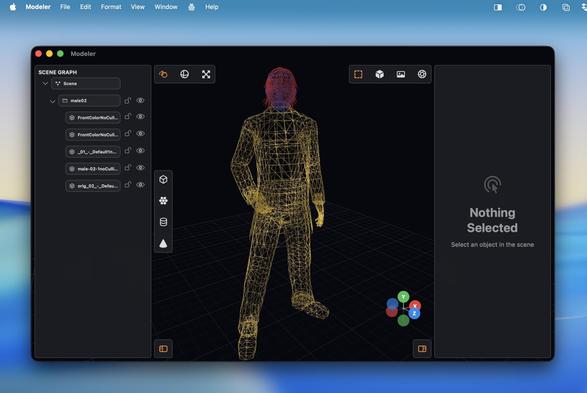
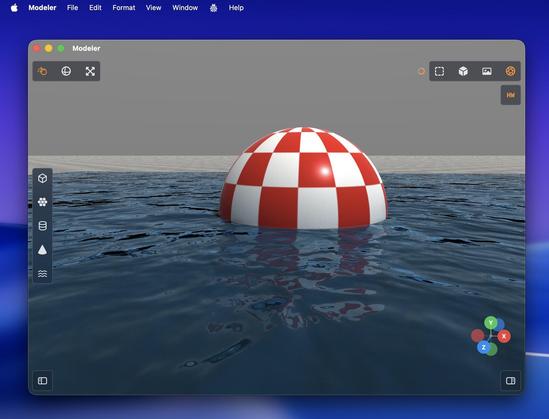
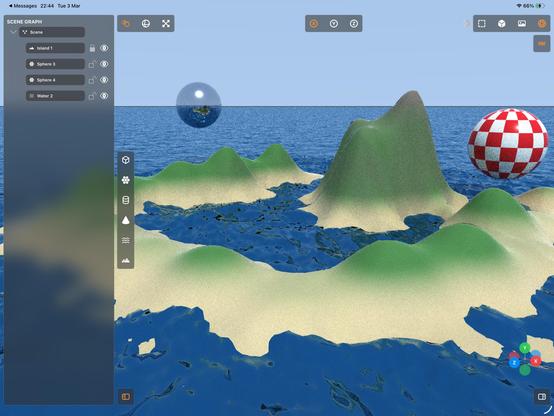
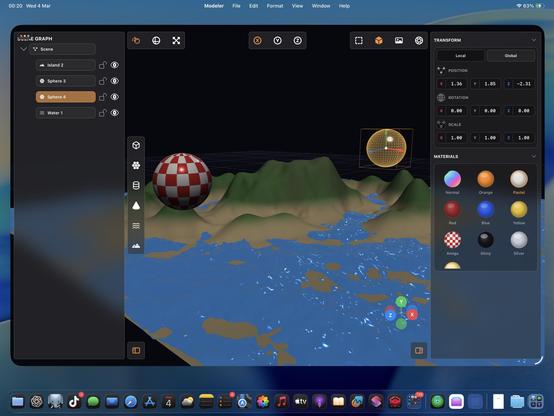
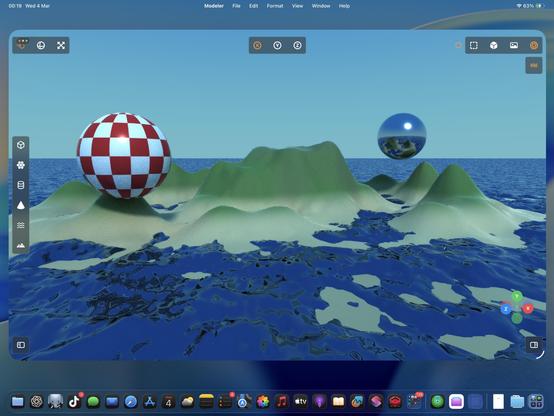
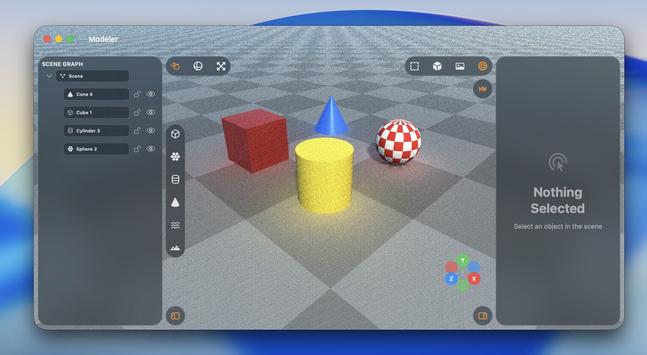
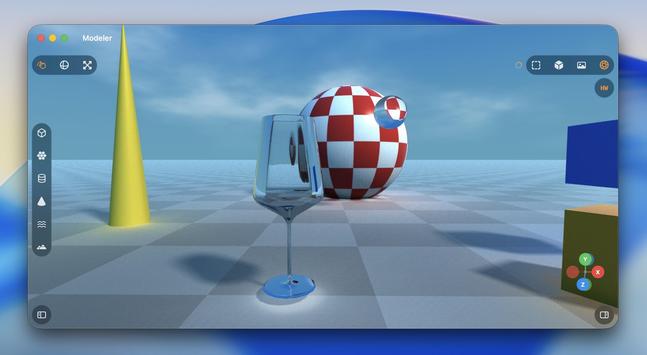
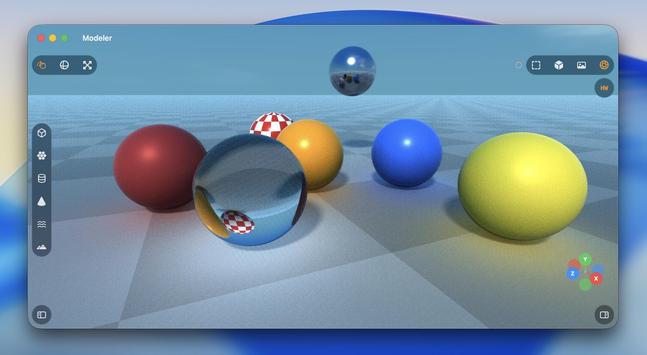
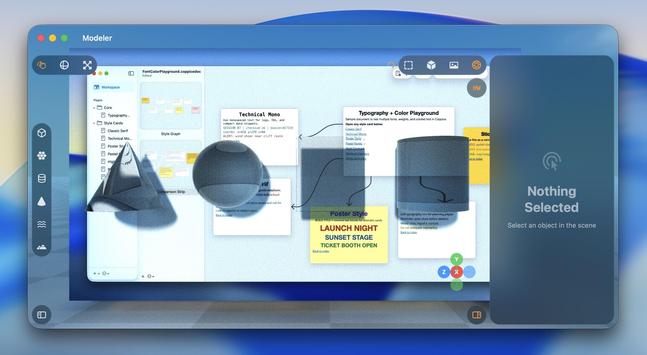
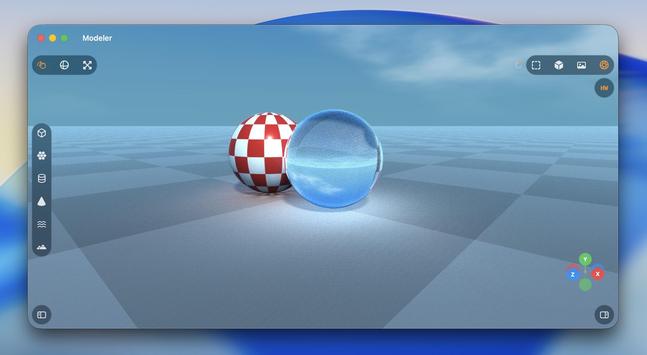
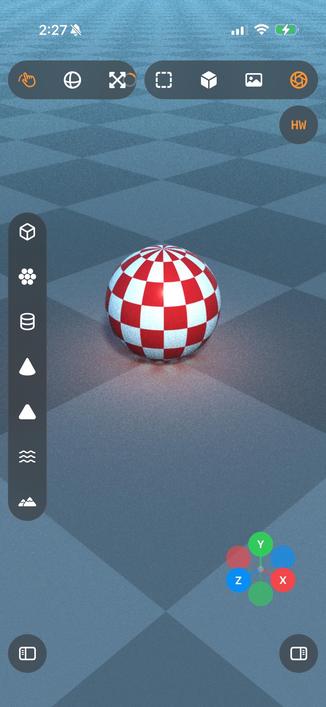
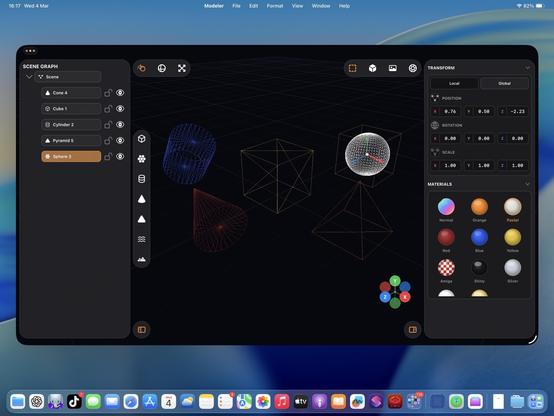
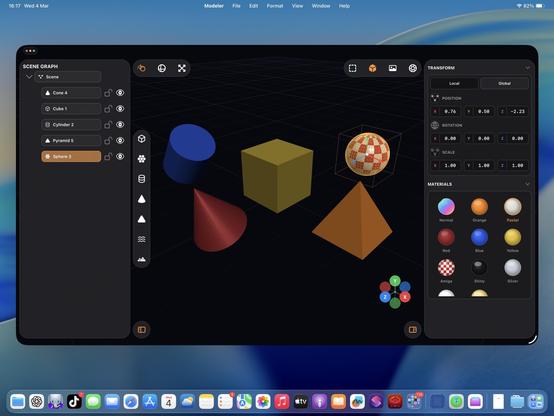
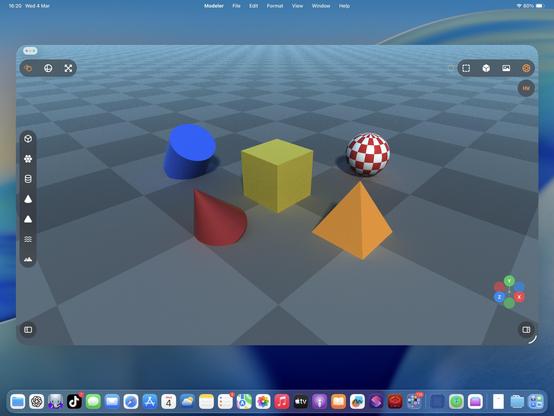
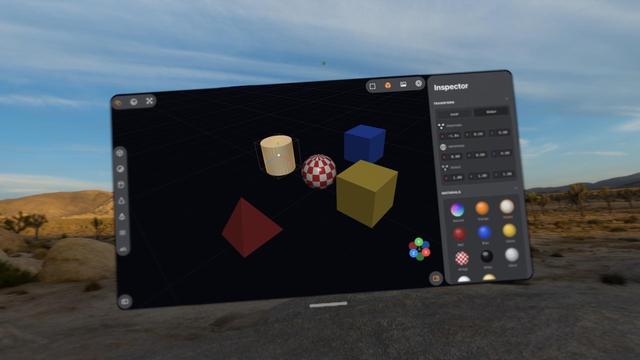
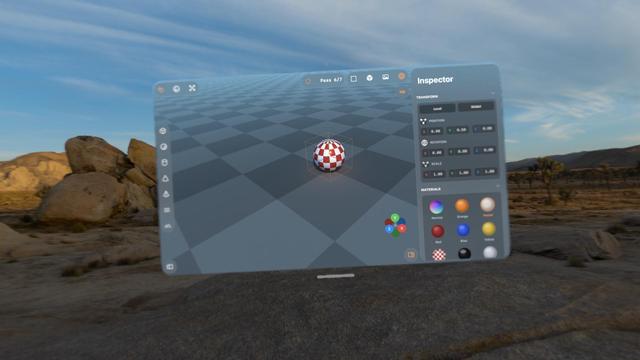
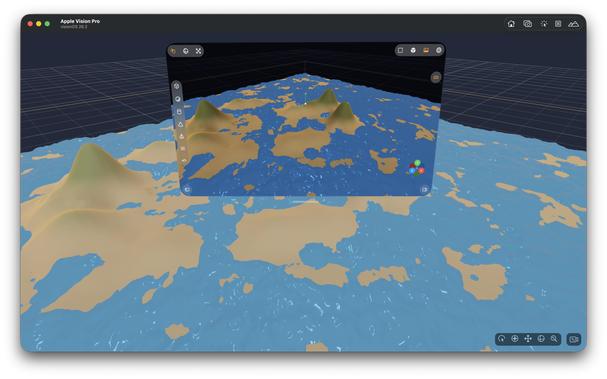
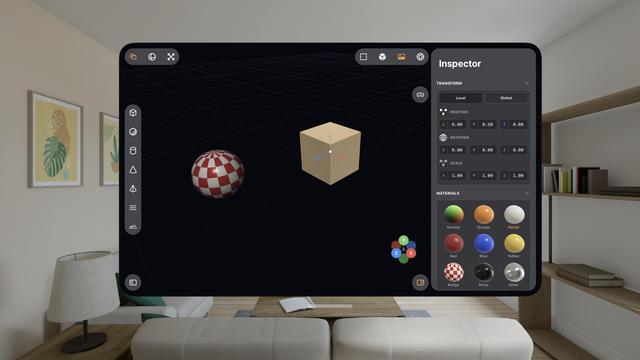
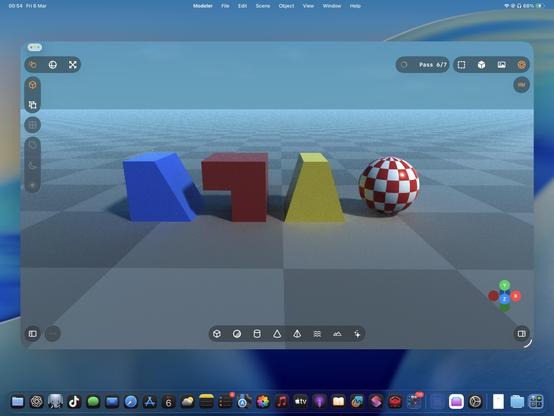
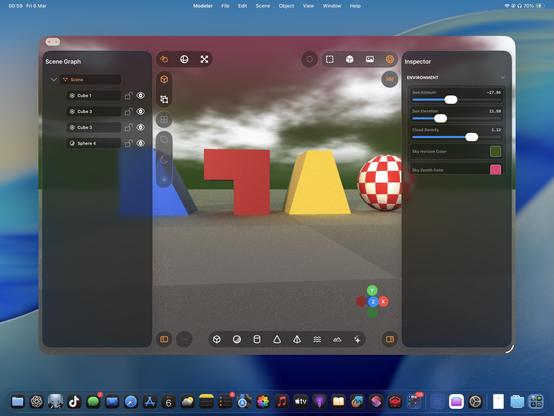
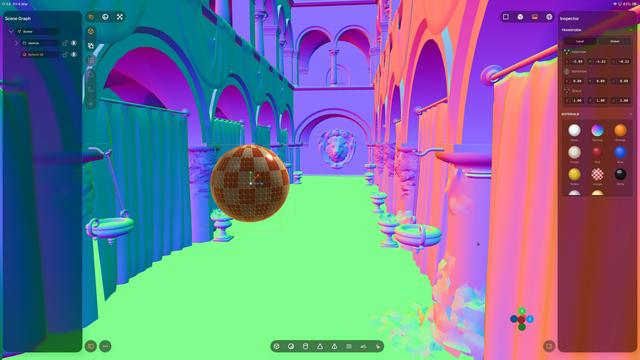
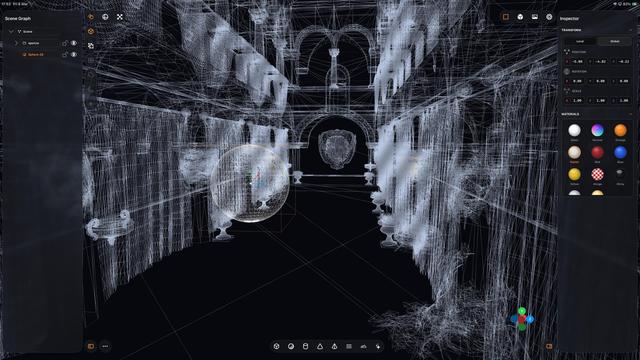
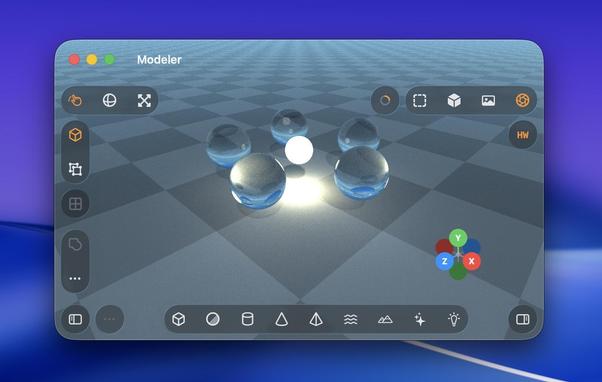
Upgraded my raytraced renderer with bounce lighting and true reflections. Now it looks pretty legit!
The floor also needed some bounce lighting

'Could somebody with no programming experience recreate Photoshop with an LLM?'

I have absolutely zero Metal and near-zero 3D modeling experience. I know the basics of how to use a scene editor, and the names of rendering terms.

And I effectively vibecoded all of this in less than half a day with Codex 5.3 Medium, based on screenshots of a cool-looking app I've never used (Valence3D) and just a general sense of what a 3D app should do
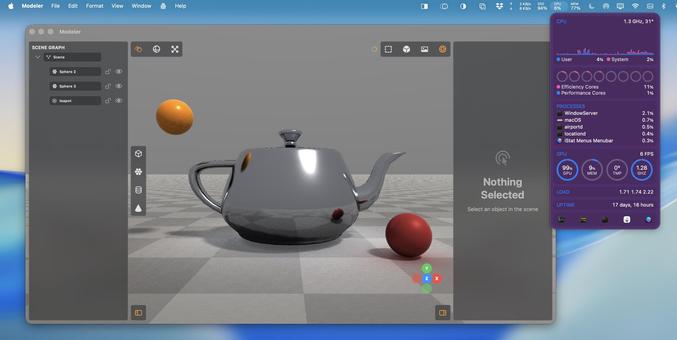
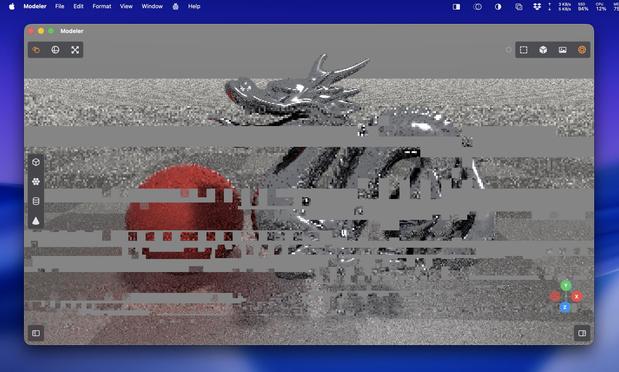
Raytracing uses every last ounce of my poor M1 Mac mini's GPU. It has never seen such a workout
Since I am doing this on the GPU, not CPU, finding a way to render complex meshes without blowing the budget is a headache. There's a hard cap on how much work you can do before the Metal driver crashes
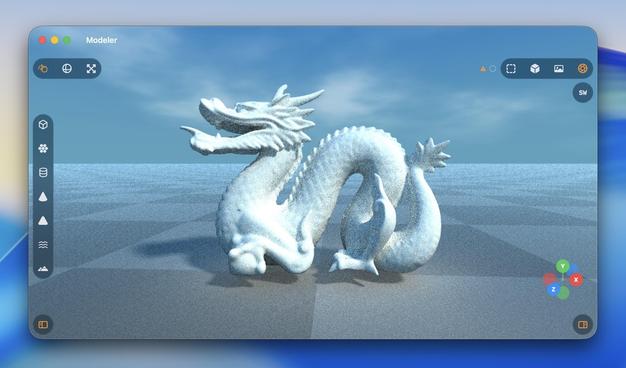
I think I should probably add a denoiser to this…
Added some targeted calls to the hardware raytracing APIs, and a toggle switch so I can flip between non-accelerated RT and accelerated RT. There are plenty of bottlenecks in my renderer to stop it taking /full/ advantage of acceleration, but holy heck it’s much faster regardless. This is on the M5 iPad Pro

Turns out the M1 supports enough of the hardware accelerated raytracing APIs that I get a massive speedup here, too?

Trying to parse Apple's Metal feature support tables is hurting my brain, so I'll just accept it and move on
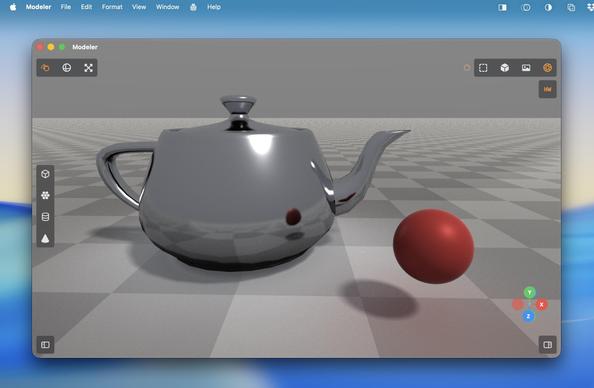
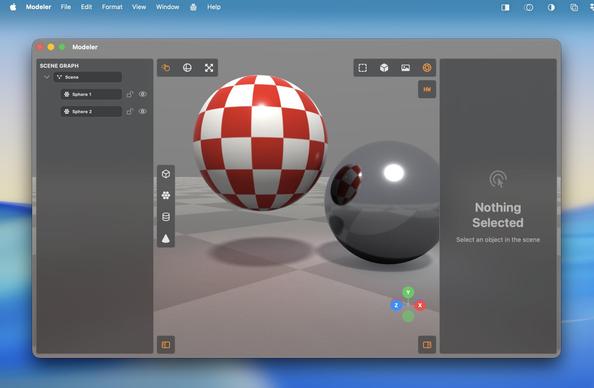
Mandatory texture option
I can almost render this dragon mesh now before the GPU gives up 🐉
Submeshes and MTL texture loading
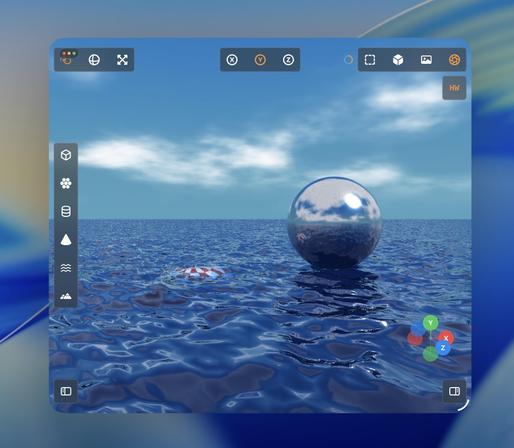
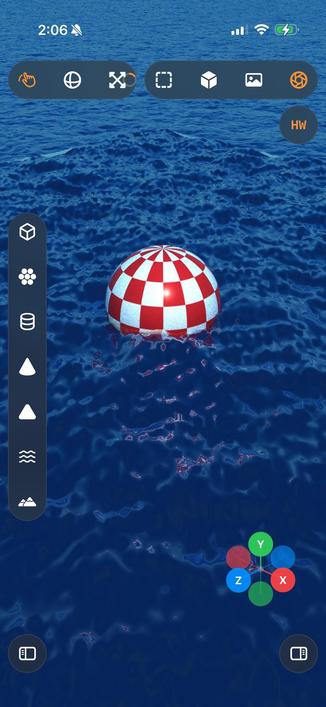
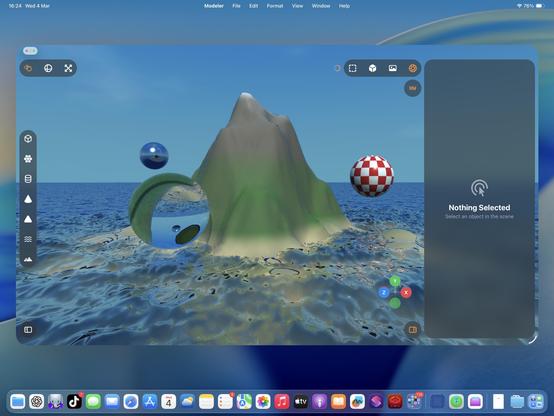
We're doing water now.
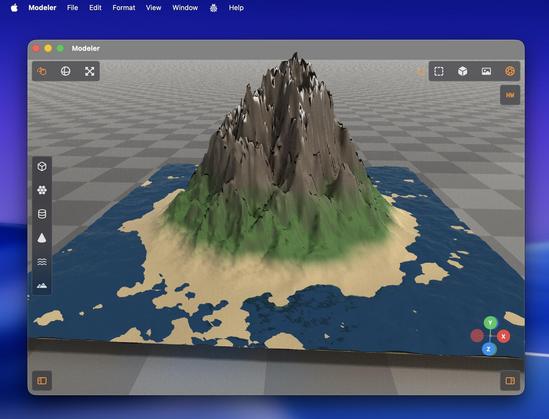
I think I'm just making Bryce now? That's a thing
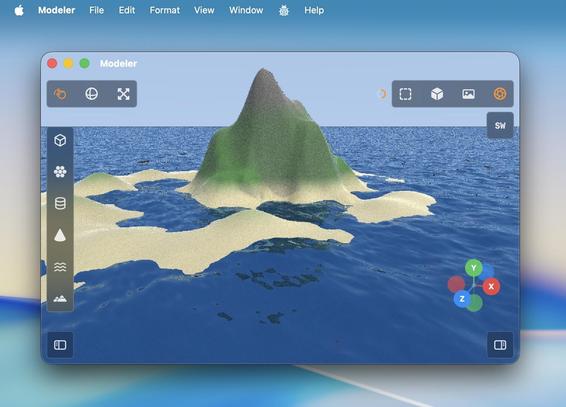
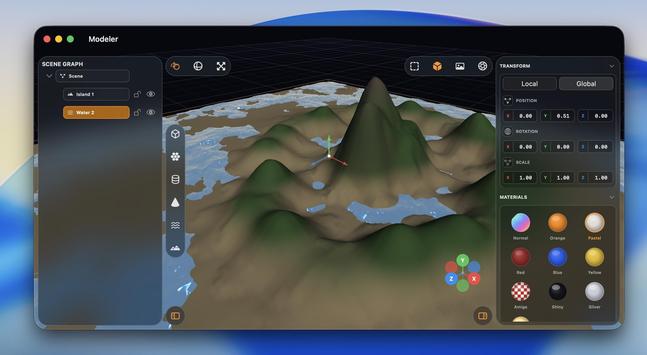
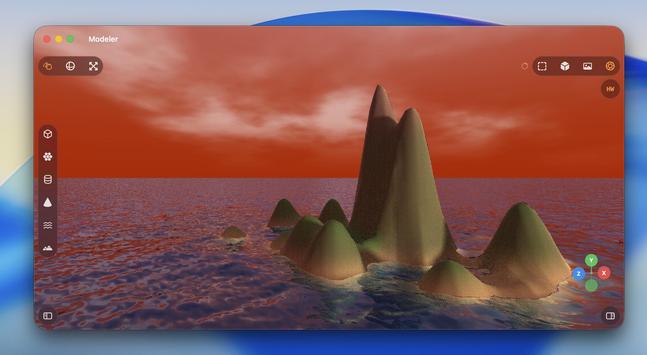
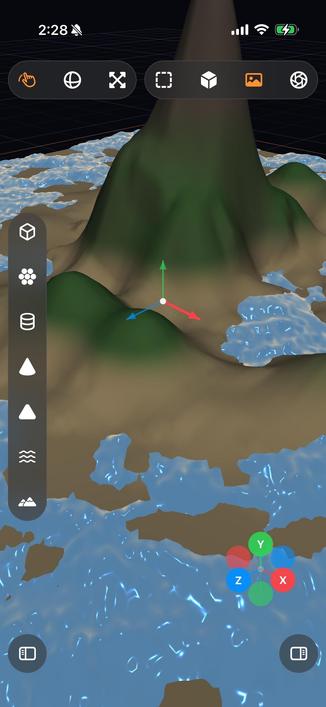
Procedural water to the horizon, sky, island generation
Not me offloading raytracing workloads to my iPad because it's so much faster than my Mac…
I spent untold hours in Bryce3D as a kid making silly scenes just like this. It did this stuff with machines a thousand times less powerful than my Mac mini. Certainly puts things into perspective…
It's real nice having a complex app like this on iPad, that's for sure. This is by far the most complex and impressive thing I've vibecoded with Codex 5.3. I haven't seen or touched a single line of code, I didn't have a detailed plan to work from — this isn't at all like the structured ports I detailed previously
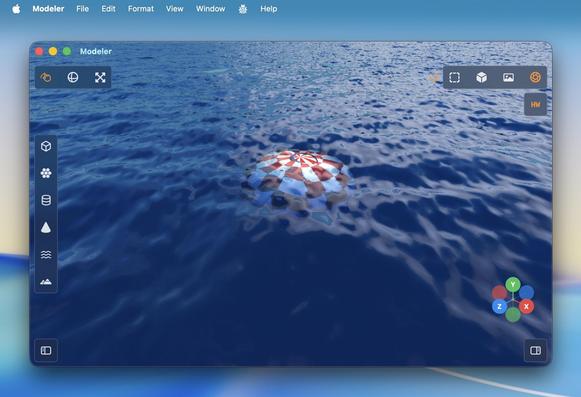
I thought my water should have some translucency and falloff, so I can put things underneath it
Procedural clouds seemed like a good idea

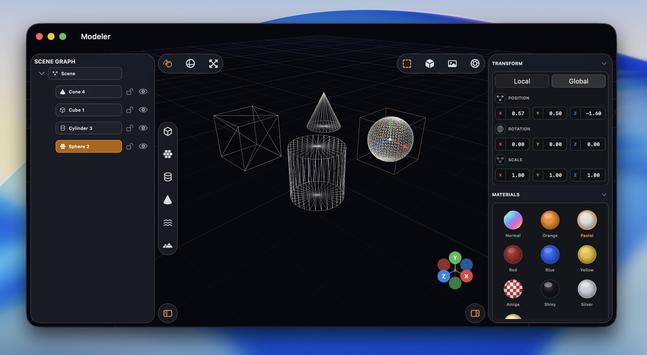
Recap: I vibecoded (code unseen, no plan) a 3D editor/renderer that has a scene graph, editing controls, primitives and gizmos, materials, procedural terrain and water, and hardware-accelerated Metal raytracing with soft shadows, clouds and bounce lighting, that runs on Mac and iPad.

Tool: Codex 5.3 Medium
Time: About a day's worth of work has gone into it
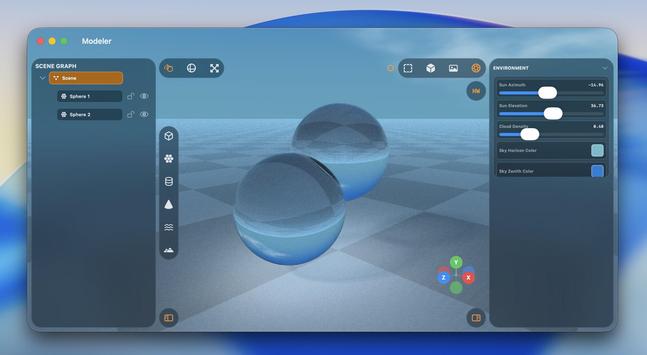
I figured I needed some kind of glass shader
The thing about material shaders is I don't quite know the right questions to ask — the unknown unknowns. Am I taking into account the right refraction, internal reflection, attenuated shadows, etc. Why is this too bright, why is this too dark. You can tell from these examples where things are obviously wrong, and it takes quite a bit of iteration

'Attenuated shadows'

A little better

Maybe I should have bought a faster Mac before trying to write a raytracer…
Trying not to fry my GPU with caustics, but Metal isn't happy
I was sitting through hour-long renders (!) on my iPad yesterday, so I did an optimization pass on the hardware acceleration and it's much, much improved for simpler scenes, even on an M1
While this raytracer may never become a finished app, there are certainly elements from it I intend to yoink for future projects — like the really neat toolbars that go around all the screen edges, they would fit into a complex pro app very nicely
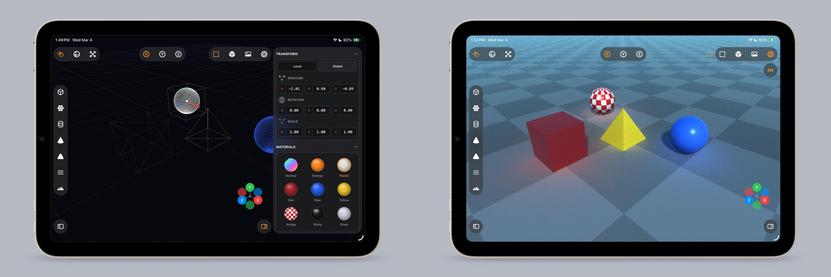
Just casually building and raytracing a scene on an iPad mini 6, nbd
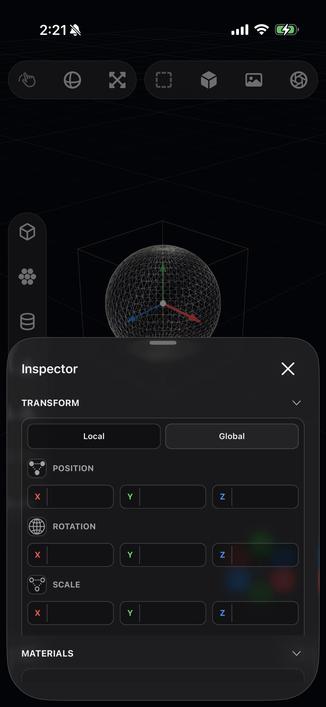
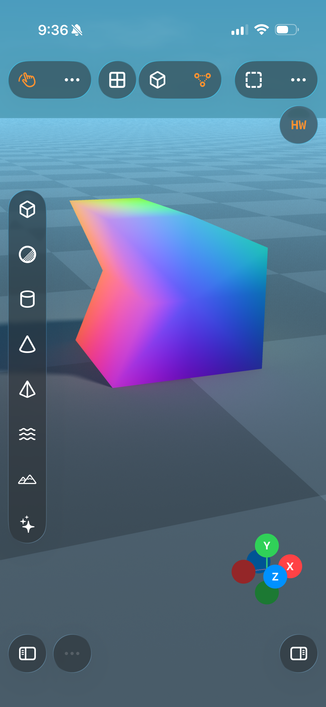
Of course it runs on iPhone, what do you take me for?
Liquid, Glass
So, like, what do I even do with this app?
I made my control groups collapsible, with a priority system. Honestly they're my favorite part of this prototype
The old viewport gizmo was faked in 2D, so I had it rewrite it in Metal and with a different projection, and now it's much better. I also added exponential decay to the orbit gesture so you can fling the camera around

Ha, cute, you can even fling the raytracer around 🤣

Also I added an expanded progress indicator
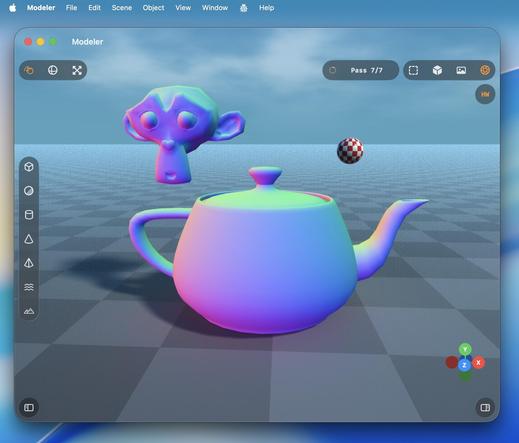
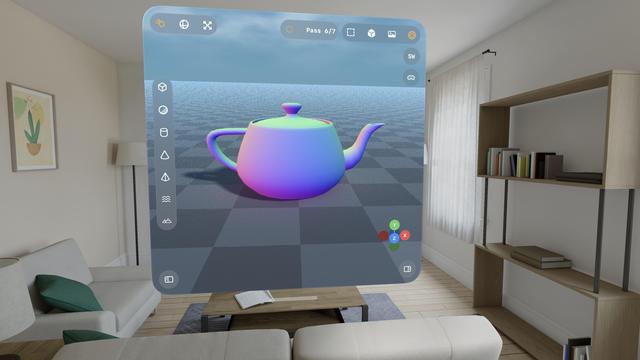
Just a normal teapot.

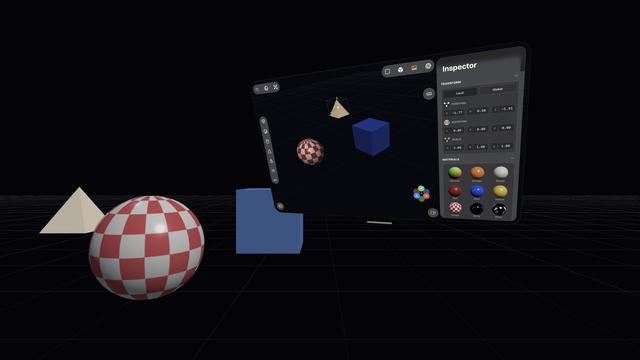
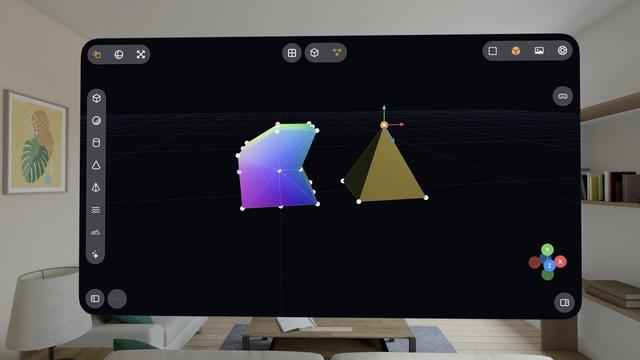
Hadn't tried the visionOS build, but it works too.

With a caveat.

visionOS is far more fragile to anything like 3D rendering. Saturating the GPU like this slows the compositor to a slideshow, and even got to a point where Metal was leaking out of the window into the OS and I was seeing squares of corrupted video memory in front of me until I got the equivalent to a SpringBoard crash.

Functionally, this could be a visionOS app.

Practically, no.
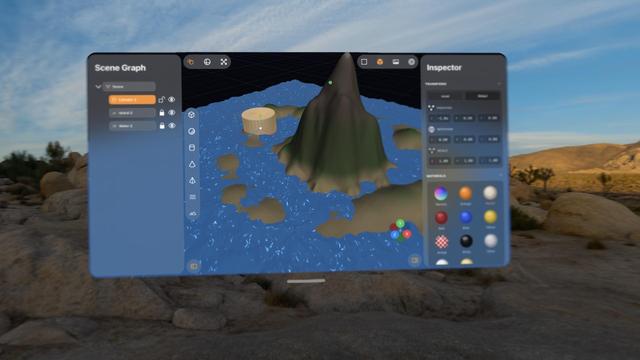
You can see here that the moment I invoke the raytracer, everything goes to shit on visionOS. The userspace went down right at the end of the video, where it cut
What if you could step into your Bryce scenes?

Pretty much everything I've worked on with Codex up to now has been stuff I could have built myself, within my area of expertise (or learnable), it just would have taken weeks or months.

This 3D scene app is something I never would have been able to build myself. I would have needed a team of rendering experts with domain-specific knowledge and human-years of research

I love how visionOS, uniquely, *explodes* when rendering goes wrong.

Hello [MacBook] Neo.
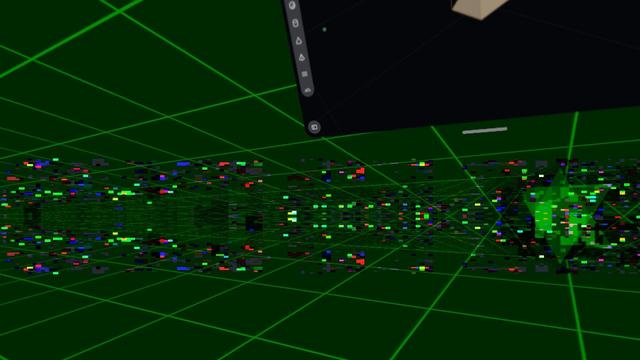
So now that visionOS 26 lets you spawn immersive scenes from UIKit apps, I had Codex implement me an immersive scene using Metal and CompositorServices that mirrors the in-window viewport and lets you live in your scene 😁

It's real frickin cool.

The raytracer might be off limits for visionOS, but there's a lot of interesting stuff to do in other areas

I figured why not use RealityKit for the material previews, so now they are actual spheres.

Miraculously, it all still works — the Metal viewport, the Metal immersive scene, and the RealityKit UI elements, but it's very clear the Vision Pro (M2) doesn't have much headroom to build an actual app around this stuff
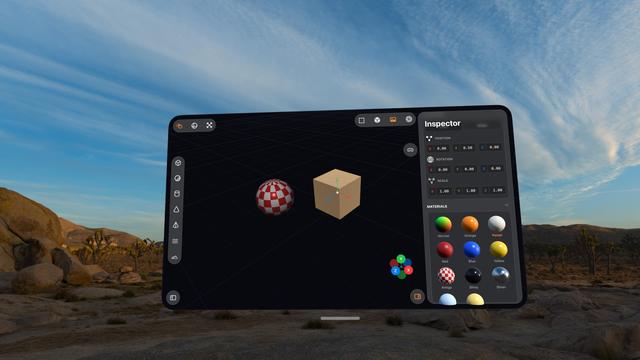
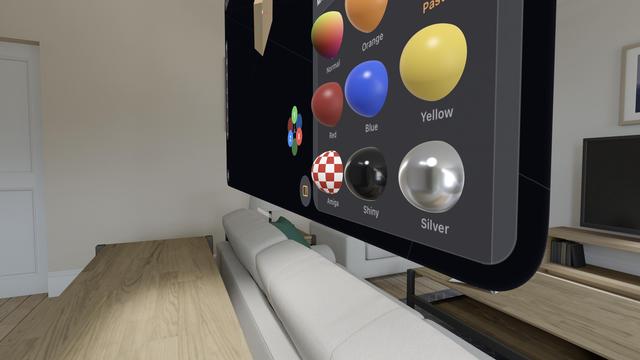
The raytracer is, for now, a no-go on visionOS. It's possible I could throttle it and stay within visionOS' systemwide render budget. But it's probably worth improving the RT performance a bunch on its own first before I come back and try it here. I might run out of steam on this prototype before then.

This entire app project is still in my 'Temp' folder, where throwaway projects live 😅
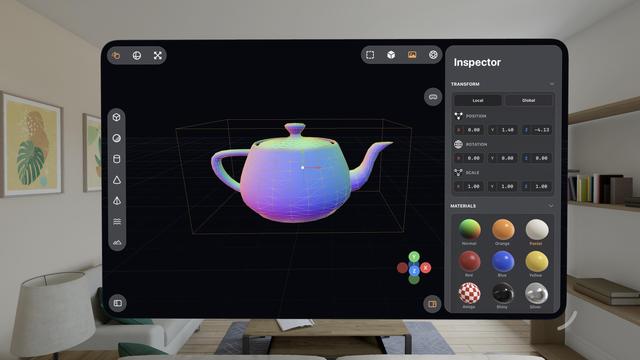
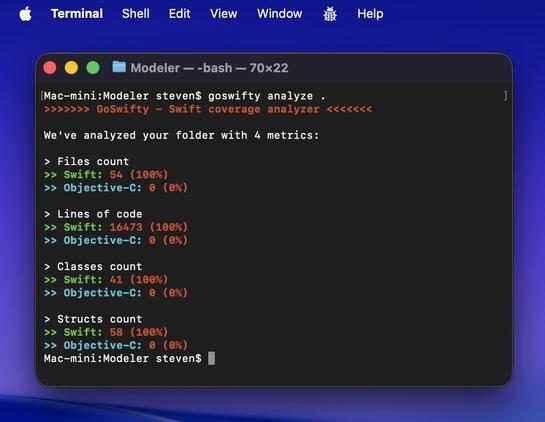
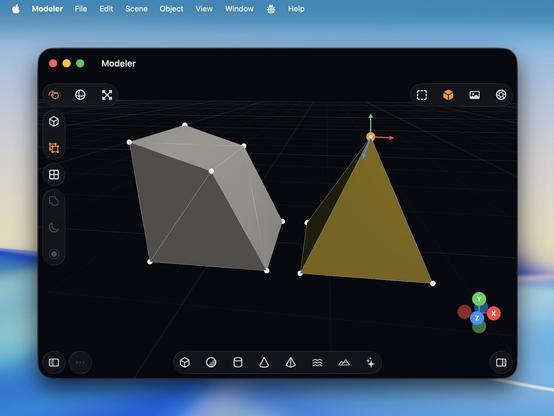
This project, which runs on iPhone, iPad, Mac, and Vision Pro (with Immersive Space), is now 16.5K lines of code
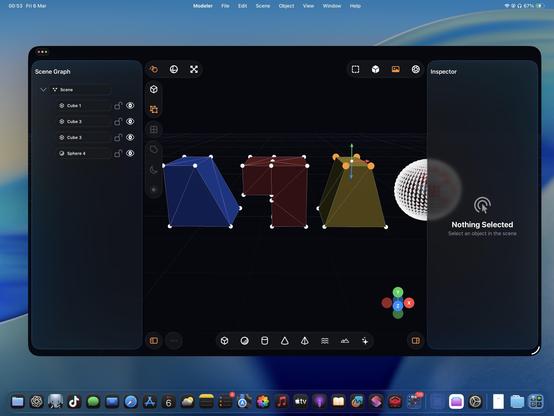
I thought it was finally time to add vertex editing and subdivision. Now it's a 3D modeling tool and not just a raytracer

Some more things to show off here on this iPad mini 6!

• Longpress band gesture
• Multi-select
• Vertex editing
• Subdividing
• My 'generate a Cornell Box' button
• (And the raytracer, of course)

There is a lot of really neat stuff in this app. Still using Codex 5.3 Medium, still haven't touched a line of code myself
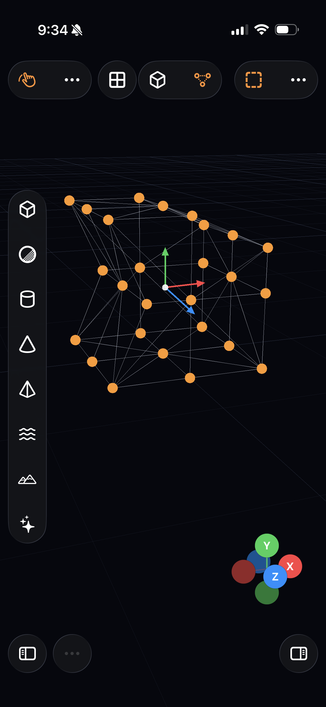
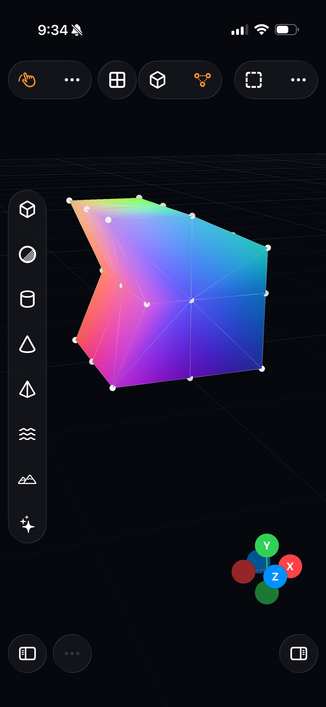
All of this still works great on iPhone too
The touch gestures all work on visionOS too, but on all platforms it has keyboard and mouse support for all your precise selection and modifier key needs
Boolean operations seem pretty complex, but I made a start at it
Playing a bit of musical chairs with the floating controls in the toolbars now that I'm starting to run out of space for new UI
Late night modeling on my iPad 🤪
I made sure all my interactions work right with the Logitech Muse (i.e. stylus won't orbit the viewport, will modally lock to highlighted gizmo axes, etc), so now I can do a bit of vertex editing on the Apple Vision Pro, channeling @Dreamwieber

I never really thought about it before, but multitouch is actually legit for 3D modeling tools, maybe even better than a desktop. On a Mac, you need to hold modifier keys (or buy a multi-button mouse) to do everything you want with the viewport, but on touch you can orbit, pan, zoom, and multi-select very easily. If you special-case the stylus too, like I am, it feels very powerful.

Almost all of this extends to spatial computing, though visionOS struggles a bit with two-hand gestures

The raytrace operation will now be dispatched into the background on iOS, allowing for long-running background tasks

iPadOS has never been better for rich, complex, desktop-class apps. Almost all of the old barriers and blockers are gone.

Sadly, Apple waited until most developers had run out of patience with the platform.

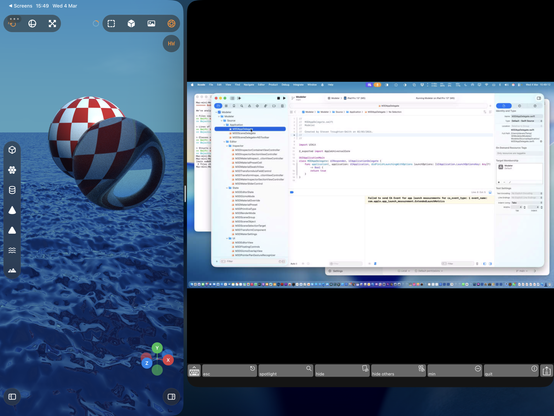
If this thing had Xcode, a real Xcode, it would be effectively complete
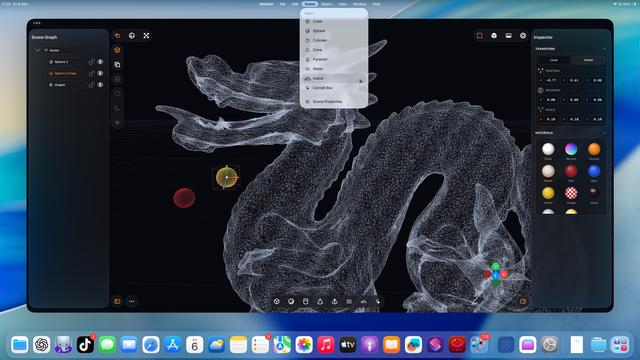
(Maybe I should vibe code Xcode, next.)
Complex scenes are kinda fun 😎

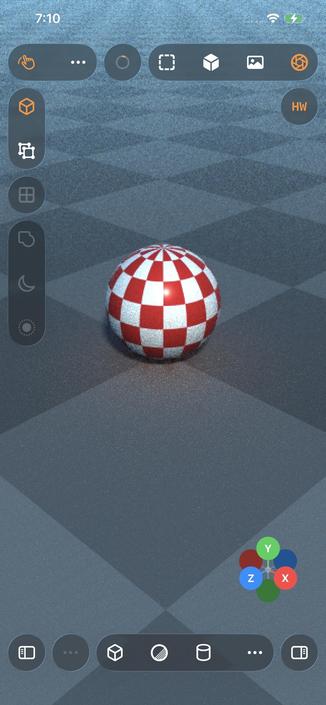
Even my iPhone 12 Pro Max can raytrace!

Which I guess is not all that surprising, considering the A14 chip is the same generation as the M1
That’s a whole lot of raytracing from a little iPad. Biggest render to date, at 5120x2880 — took about an hour to get to the final pass.

Crashed right at the end, so I didn’t get to take a picture of the final output 🥲

The raytracer still needs a bunch of work, but it’s more and more capable day by day
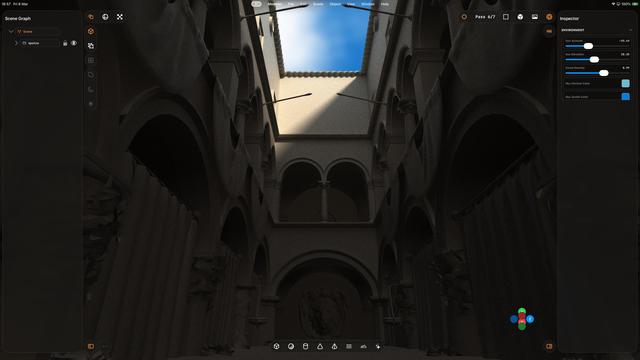
I was tired of running into raytracer resource limits, so now it uses wavefronts and a scheduler with a 4+ Kloc rewrite. Seems a lot better for complex scenes and lots of glass. All that work spent optimizing the previous renderer's performance ramp and failure recovery pays off now that the new renderer is so much more robust
Also I've switched my Codex model to GPT 5.4, OpenAI says it outperforms gpt-5.3-codex and it has over double the context window, so I figured a renderer rewrite was the right time to step up a level
@stroughtonsmith It looks like you're quickly progressing towards an eventual release. I think you're doing more than playing around at this point. haha
@MacObservatory the project is still in my temp folder 😶

@stroughtonsmith Petition to rename all A Series SoC as M Series "Mini".
A14 -> M1 Mini
A18 Pro -> M4 Mini

The benchmarks don't lie.

@stroughtonsmith The moment you vibe code it and it doesn’t have a modal pop up whenever it connects to the watch, we will know we’ve achieved the singularity
@stroughtonsmith yes please! Would be interesting how much of the toolchain can be included out of the box (of course not AppStore compatible)
Frida (@cr4zyengineer) on X

Ever wanted Xcode on iOS it self? Entirely offline without even a Mac or cloud compiling… then I created the solution.. Nyxian.. it runs on jailed iOS.. and is open source, you can compile and research it your self.. it even has increment and threading. https://t.co/NP8jZ1Nj2P

X (formerly Twitter)
@stroughtonsmith Much like with the windowed UI, I feel like Apple is putting in more work avoiding Xcode while previously making Swift Playgrounds nearly capable enough. It seems simpler to just have Xcode at this point.
@stroughtonsmith only available on M3+ iPads, though 😩
@gregggreg oh no this runs on devices before that. I think it needs an M1/A14-class device or higher
@stroughtonsmith using GPU in background tasks requires M3+ iPad I thought?
@gregggreg do you have a source for that? I haven’t seen that documented

@stroughtonsmith https://developer.apple.com/forums/thread/797538?answerId=854825022#854825022

"...which is that the iPhone 16 Pro does not support background GPU. I don't know of anywhere we formally state exactly which devices support it, but I believe it's only support on iPad's with an M3 or better (and not supported on any iPhone)."

[iOS 26 Beta] BGTaskScheduler.supp… | Apple Developer Forums

@stroughtonsmith I mostly use Shapr3D on my iPad for CAD stuff I am so much faster than on my Mac with the same app.
@stroughtonsmith it’s great to use with the pencil and as you said touch for navigation.

@stroughtonsmith You’re going to have Blender on iPad before Blender gets Blender on iPad.

I’m not as familiar with the crawling abilities of these agents, but Blender is open source. Could you not just say “Hey, grab the array tool from Blender and add it here?”

@TheEjj in theory, yes you could hand it the Blender source code. But you would be deep in uncharted legal territory with Blender’s license. Granted, people already believe that about AI anyway
@stroughtonsmith You wouldn’t catch me doing it! But I know the Blender on iPad project was garnering a lot of enthusiasm, and it seems like some adventurous enthusiast could get it going similar to how you have your own 3D tool here.
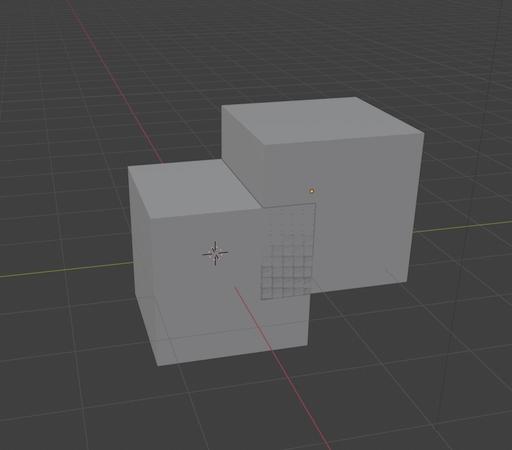
@stroughtonsmith If you're interested in avoiding the unstable appearance of two coplanar polygons, like the center square in this overlap, a term you can prompt with is Z-fighting, as in, "I see Z-fighting where the two front sides overlap." The term always made me think of Power Rangers.
@easeout I think z-fighting is appropriate here when overlapping objects, Blender does the same. It probably also helps rather than hinders when lining up a boolean operation?
@stroughtonsmith Hmm! Yes maybe this is a Worse is Better situation
@stroughtonsmith It’s crazy to see how something like this can evolve. Do you find it weirdly addictive to see what the GPUs will cook up next?
@brndnsh it's just a string of dopamine hits
@stroughtonsmith So many “one more prompt” moments…
@stroughtonsmith out of curiosity. Do you use Codex from inside Xcode or do you use the CLI?
My results in generating functional iOS projects with the CLI have been very mixed
@arno_app this is all using the Codex app, so 'neither' I guess?
@stroughtonsmith oh wow I was avoiding it since it felt like overkill first. Now you got me curios!
@arno_app I avoided it too until I started doing things that were more filesystem based, and I haven't looked back — it feels so much more capable even with the same model

@stroughtonsmith I found the CLI to be a suboptimal startpoint to create new projects so I went back to the built in Xcode agents. However they feel a bit more limited (even though I don't know if they are actually) but I on the other hand they benefit from the built in docs and so on.

After seeing what you built with it I will try the app as well.

@arno_app so what I do is I create a new project, with my custom Xcode template for UIKit apps (https://github.com/steventroughtonsmith/appleuniversal-xctemplates)

I also drop in a markdown file with my style guide.

Then I give that folder to Codex, and from then on Xcode is basically just a fancy build and run button

@stroughtonsmith Thanks a lot that’s a helpful starting point.

Seems Xcode project structure is still a hard enough task so that an agent can't solve it completely 😅

@stroughtonsmith to be honest, that concept might be one of the greatest use cases for Vision Pro. Imagine two controllers in your hand for much more precise input and you've got an awesome product