 Eniko Fox
ok one more before i head to bed just to show that it can do more interesting things than just large rectangles made up of smaller cubes
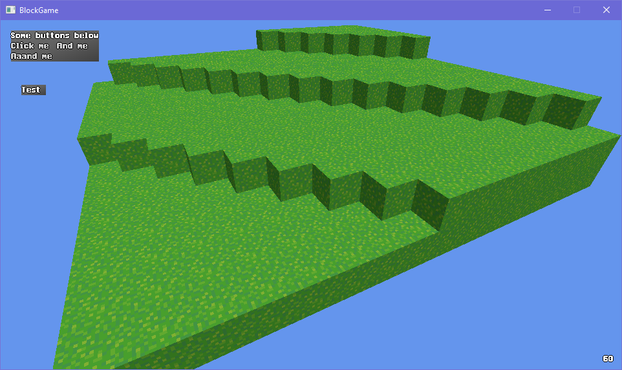
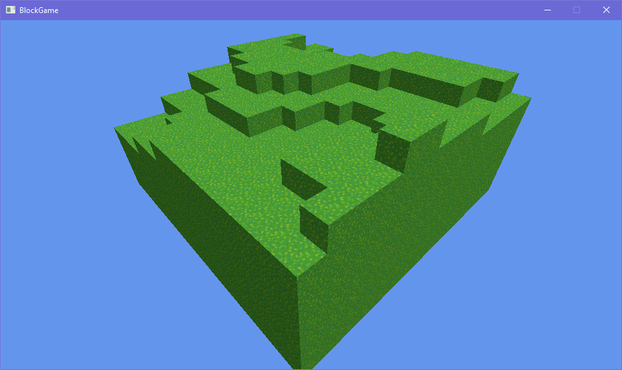
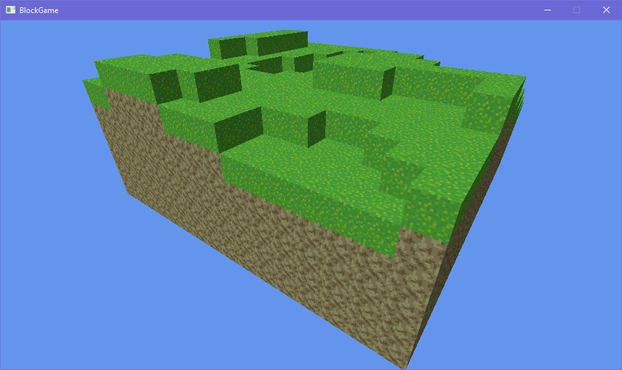
so @Farbs said something about beveling the edges in my block game and that got me thinking and looking at some old 2D terrain art i did
i'm thinking i may stray from minecraft's aesthetics a bit and use this as a sort of style guide
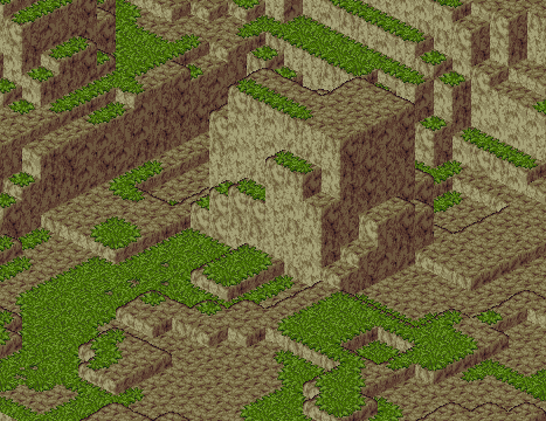
okay so this may seem a little unorthodox but bear with me here
what if
shell texturing in block game
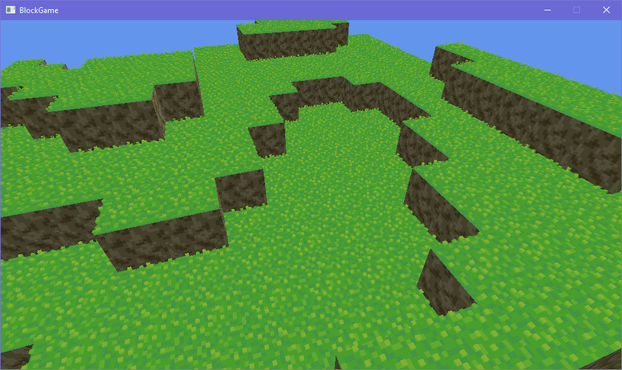
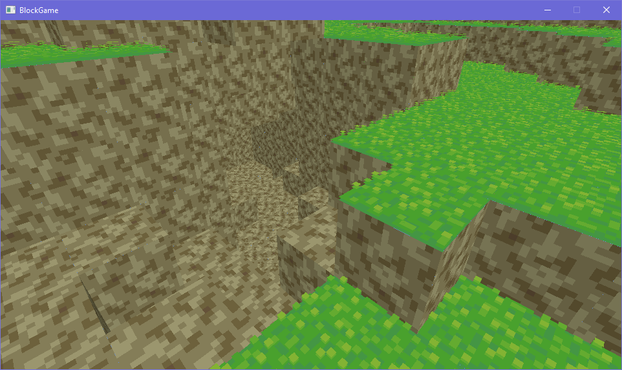
after endless futzing about and tweaking i think i have something that may just be workable for this faux bevel effect i want
(note that there's a "bevel" between adjacent blocks cause i haven't made the effect dependent on the block's neighbors yet)
I dunno I'm just not feeling the actual lighting model. Its not like minecraft exactly has realistic lighting anyway: blocks are lit from two opposite sides!
But the problem with baked lighting is if you have non symmetrical blocks you have to make 4 versions of each face to get all the lighting. Not that that's super onerous
Also if I made something like a lectern that would be a lot of work to do manually for each orientation
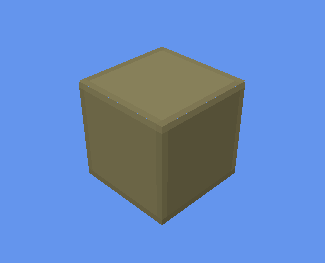
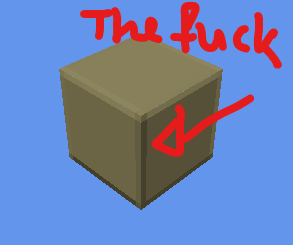
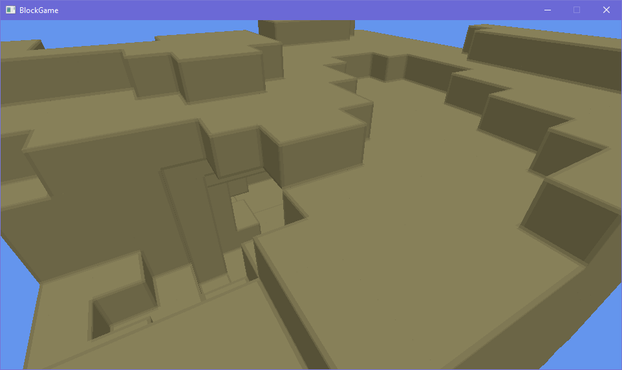
ok i figured out a reasonable way to fudge the normals so i won't have to manually bake lighting. basically what i do is set the normals of the edges so that they point towards where the adjacent faces are pointing (90 degree bend) and then i lerp from the face's lighting factor to the neighbor's lighting factor
that gives me the result on the left. i tried just having regular, actual normals, but it creates artifacts like on the right (its accurate that it shades it like that but it looks bad)
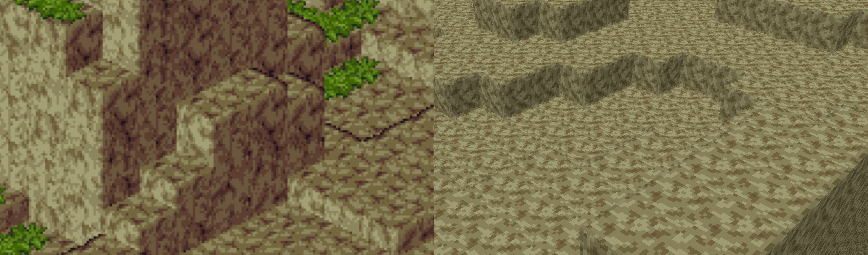
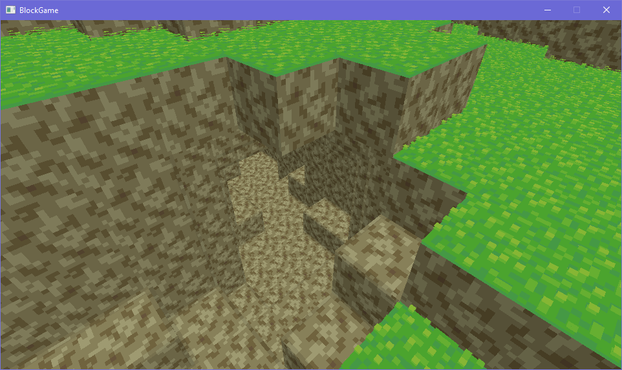
i've brought back the grass, which is actually an obj model
see i made an engine before and appropriated it for this project. it could load obj models (with normal maps) so at first the blocks in my world were actually loaded from obj models
that's why i had to redo a buncha stuff to add the bevelling, since i had to generate the faces myself
had a silly idea for block outlines using the bevel system. i take the dot product of the vector from the camera to the world position with the normal to determine if the bevel normal is pointing away from the camera, then add an outline based on that. there's some outlines where they don't belong but i can get easily rid of those
... i don't hate it? 🤔
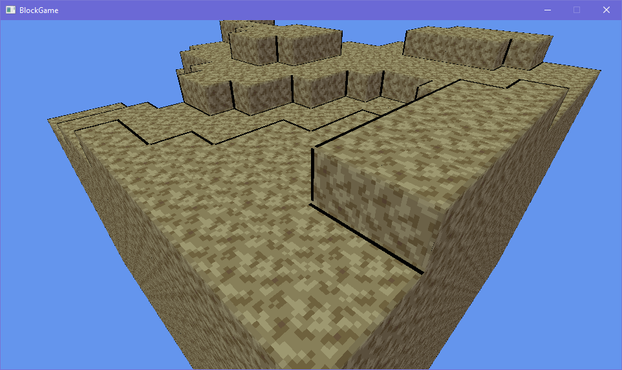
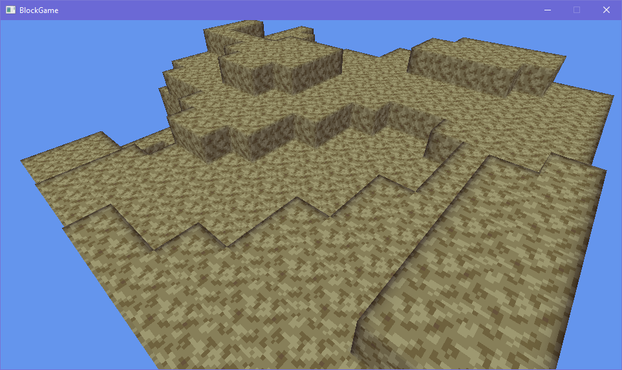
lol the outlining has more than doubled the code in my fragment shader
texturing, lighting, and bevelling: 12 lines of code
just doing outlines: 19 lines of code
On the other hand I guess it would be fair to say these graphics are looking a little...... muddy
Eh? Eh? Eh? :D
i'm commander shepherd and this is my favorite spot on the citadel
(seriously i cannot get enough of looking at this particular subsection of a screenshot i took of the outlines in my voxel engine)

debating what i wanna do with grass in my engine. atm i have a block shader, and a model shader. i feel like i could efficiently implement shell textured grass by making a shell texturing shader, but i also don't want to balloon the number of different shaders i need to render all my terrain 🤔
i could just use the model shader, but it becomes a pain in the ass to implement shell textured terrain then
i could try and combine it with the block shader but they both do really different things
hmm if i want to add bits to the shell texturing so it doesn't look bad viewed side-on i kinda have to go the model route
though i figured out i can get away with only 6 variations to get all the edge transitions 🤔 that could be doable if a bit annoying
i'm overthinking the grass thing so i've made the textures required to make the shells for a 16-tile transition and i'll just generate the model for each of those 16 and implement them in the engine and move on so i don't wind up blocked by choice paralysis
if i want i can always just change it later

here it is compared to my style guide image. how did i do, chat?
i probably wanna pull the grass away from the edge a bit more because it obscures the outlines, but i'm pretty happy with this overall
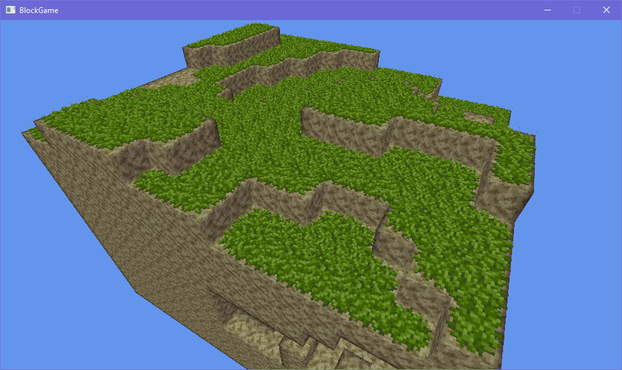
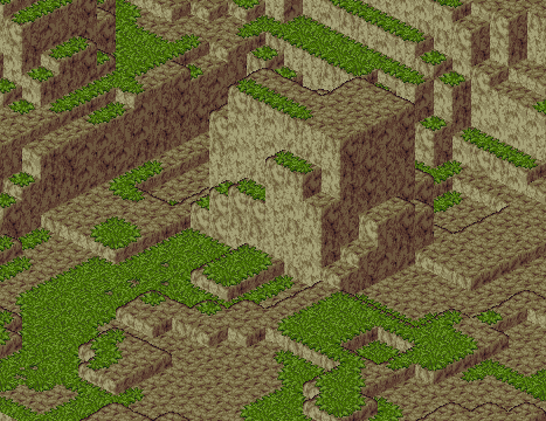
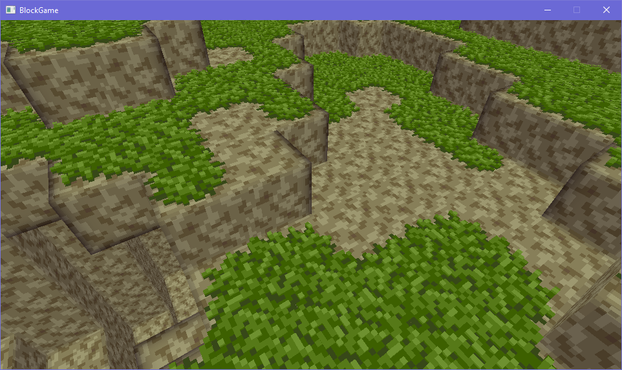
here's another close up i really enjoyed of the terrain in my block game
 Nikita Lisitsa
@lisyarus you mean like droop over the edge? That's pretty complex actually
Also I like the moss carpet look >_>
@eniko Yeah, something like that.
Ha-ha, got it, then!