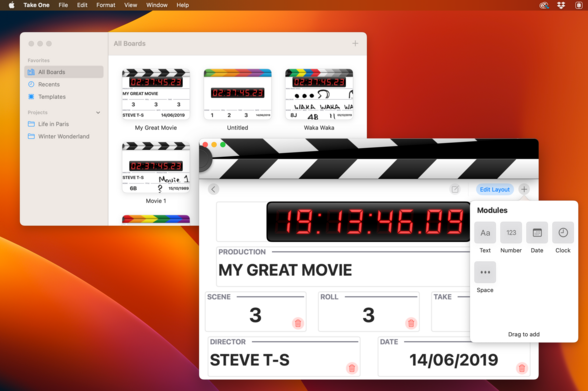
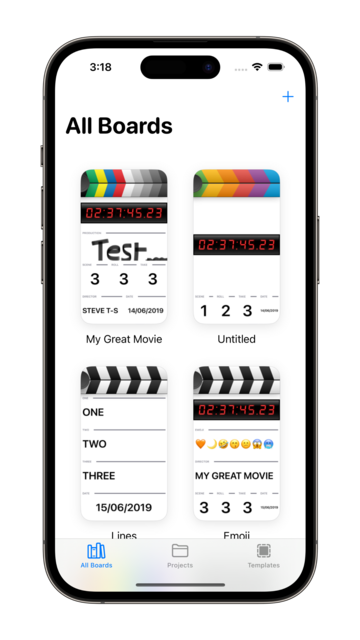
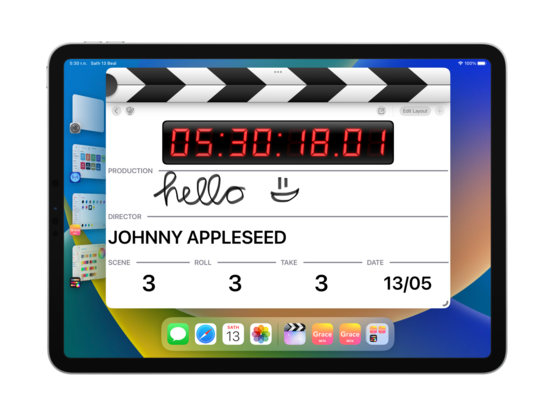
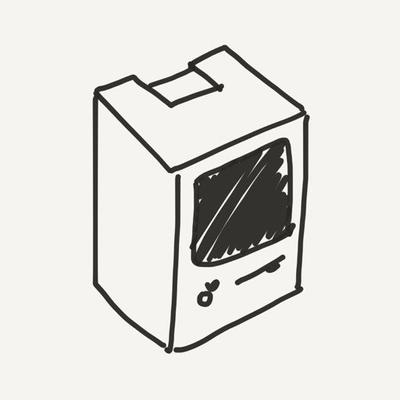
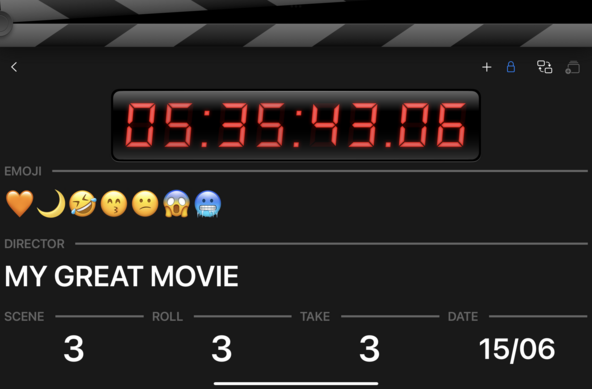
With all the buzz about Final Cut, it sure would have been a good time for me to have had my clapperboard app ready to go, huh? 😒
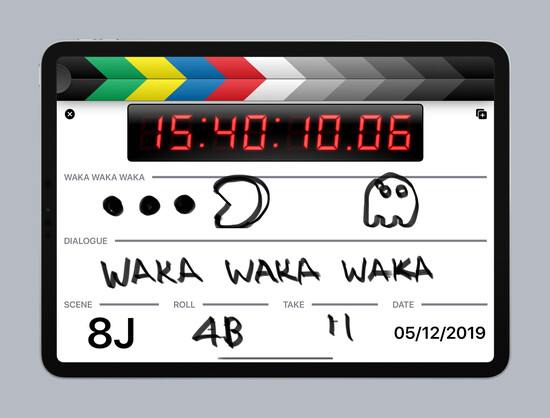
I think I can take a sprint at this before WWDC, might make some progress. I have Freeform prepped, Xcode open. I have a bunch of things to do before I can get this to a shippable 1.0, including changing the core navigation & library structure, and removing all the SwiftUI I added in the early days. Fortunately, past-me was smart enough to port the whole project to Swift already, so it’s ready for me to pick up and run with it
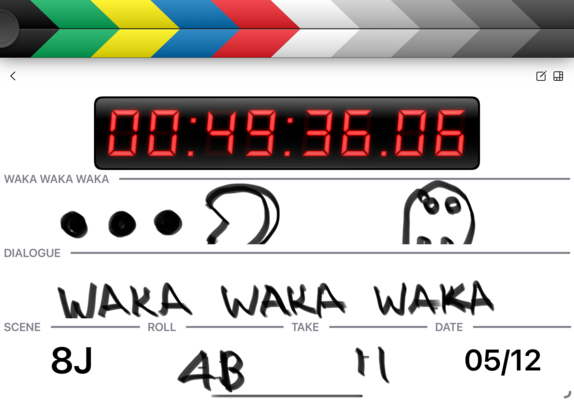
Rework in progress 👌
Since I started this project in 2019, the design language I use in my apps has shifted a bit — and that of iPadOS, too. Restructuring it is kinda fun

If I'm to cut features to get to a ship target, it’ll primarily be by not including iPhone & Mac support at launch. Even so, I'll be progressing all three platforms at the same time as I go, as iPad still needs multiple resizable windows and compact/regular size class switching.

No platforms means I don't have to have a sync strategy out of the gate, too… 👀
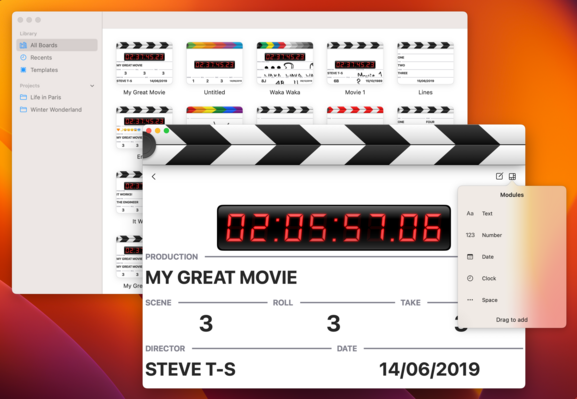
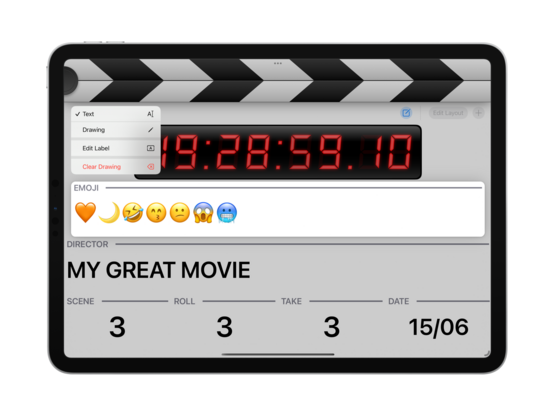
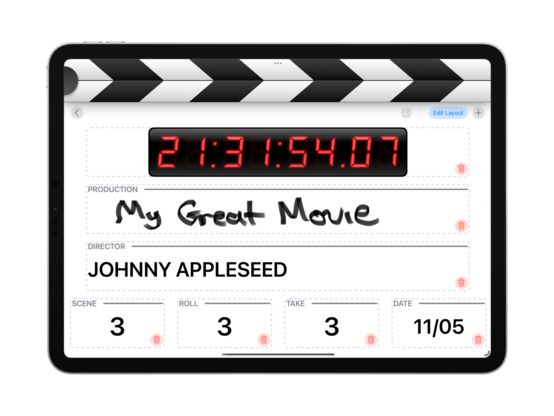
Working a little on my editing modes and interactions, reducing the gesture overload I had in earlier versions and splitting them out into distinct states (rearranging vs text/field editing, etc)
Fewer mystery meat gestures and weird animations, more buttons
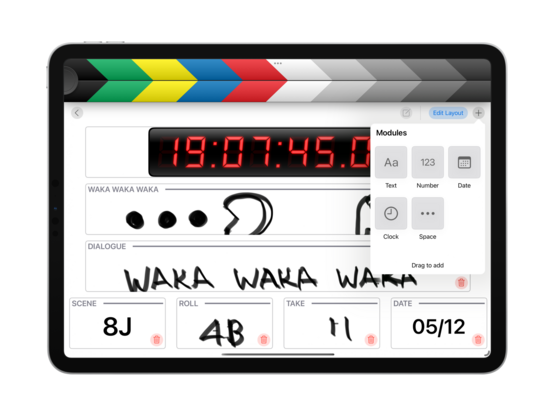
Finding the right SF Symbols for my use case is impossible, so I think I'm going to use this form instead
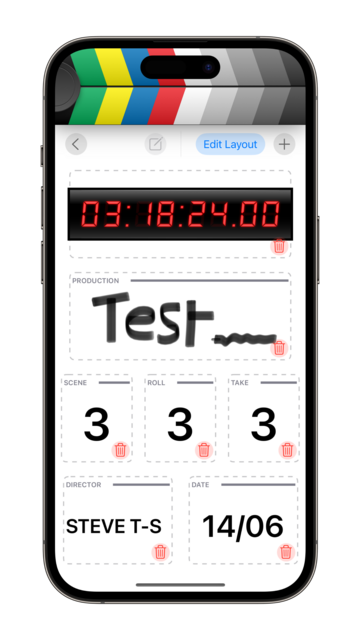
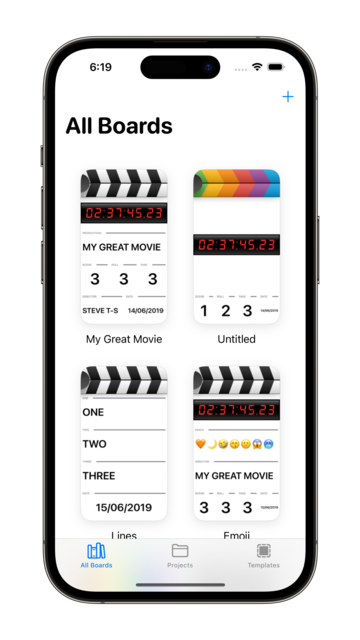
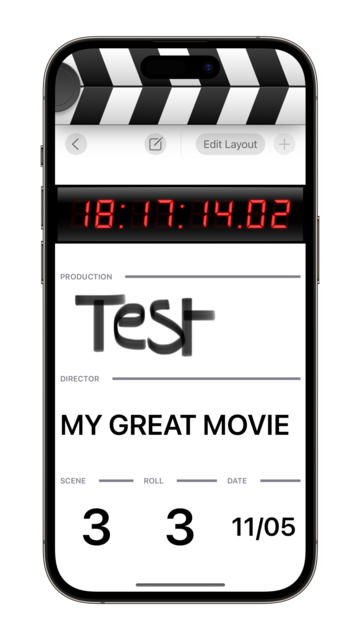
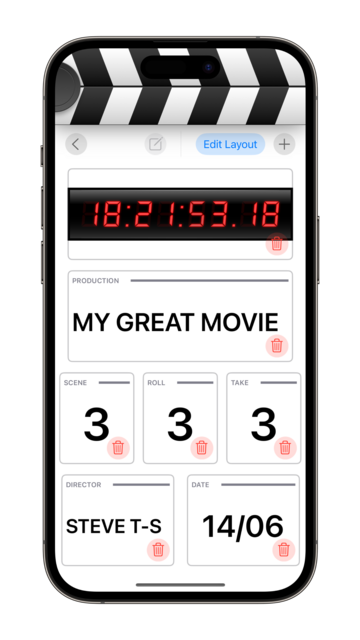
Layouts all work on iPhone!
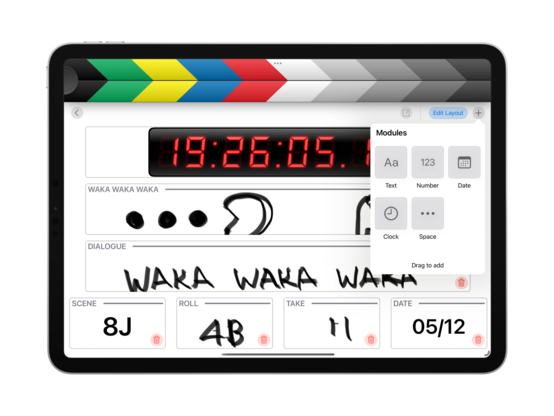
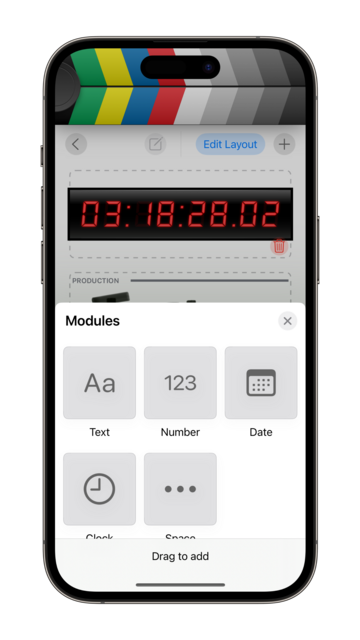
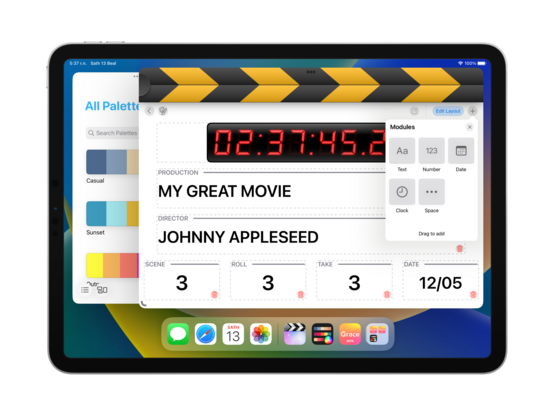
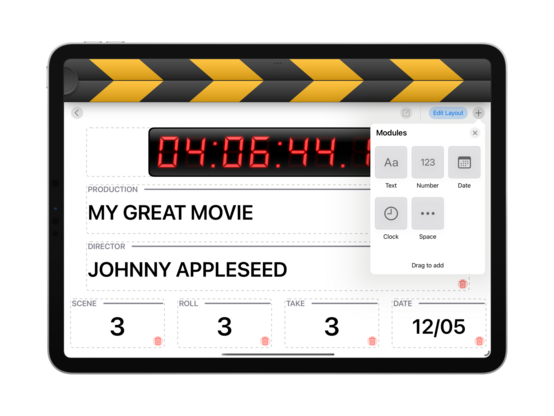
My module library was a UITableView, of all things. Well that had to go
As I flesh out the rest of the UI, I'm starting to see ways for this to make sense on macOS, even if the use cases are very different to iPhone or iPad — I didn't get that impression from the last two development sprints I did on this (in 2019, and 2020)
Quick UI roundup; I can see a path towards completing and shipping this app before WWDC, on iPad. I don't know that I'll be able to hit that target before distraction comes knocking, but it's worth a try. I've made quite a bit of progress in the past day, and it's starting to look good
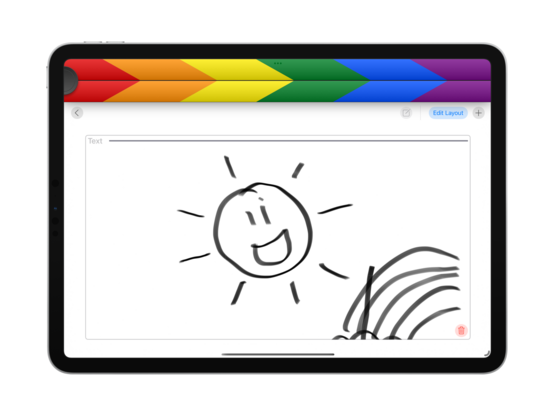
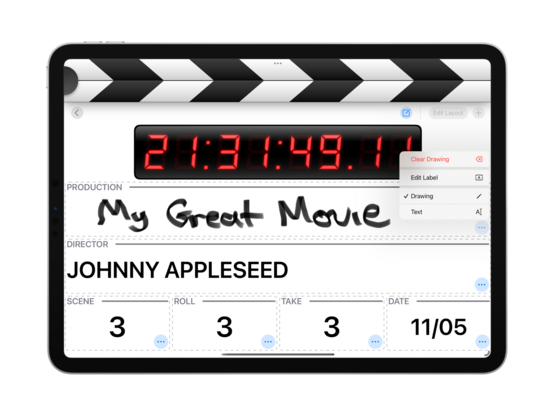
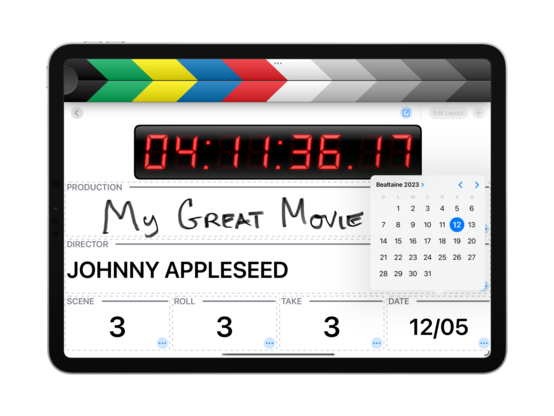
Doing away with the context menus frees up some confusion with Pencil usage. Trying out a dashed line pattern too, though it might still need some tweaking. I also cleaned up the @takeoneapp Mastodon profile a tad
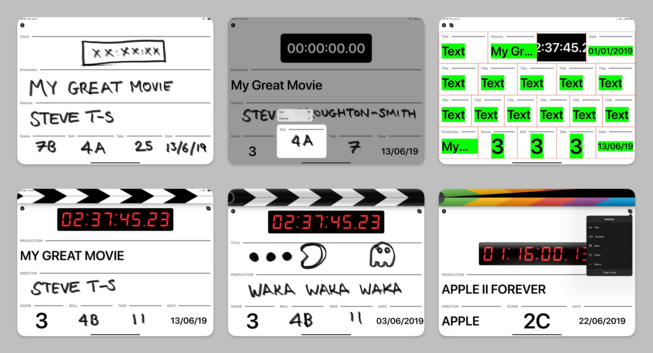
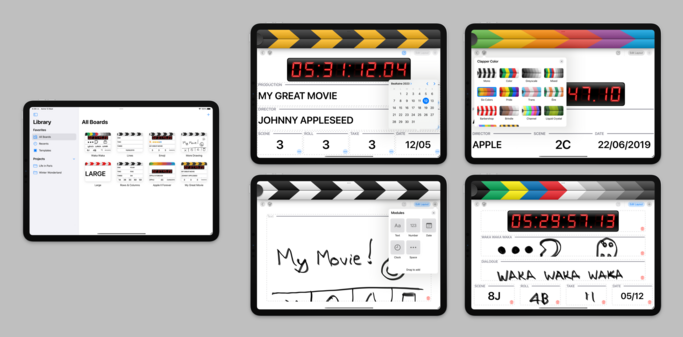
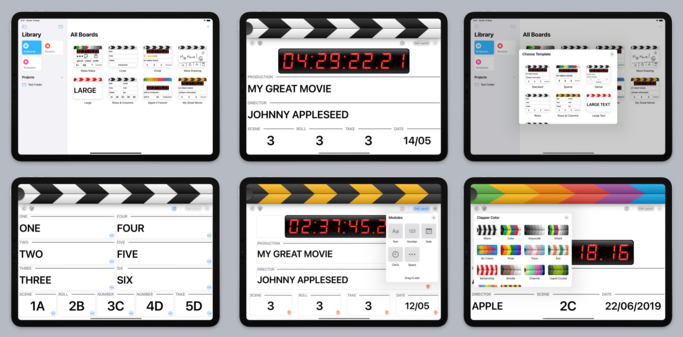
Here's a bunch of screenshots from the early development of @takeoneapp, in June 2019, since I haven't posted them over here. That’s before I'd started work on Broadcasts or Pastel, in a very different era of iPad app development. In hindsight, the improvements to the iPad SDK vis a vis UIKit & Mac Catalyst have been tremendous in the past 4 years. All of that effort is going to pay off for an AR headset built around the iPadOS app platform, if the rumors are true
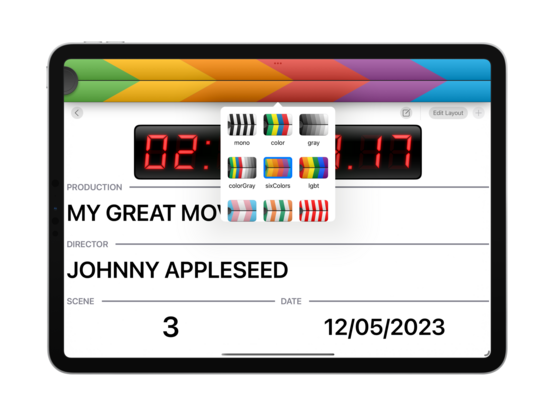
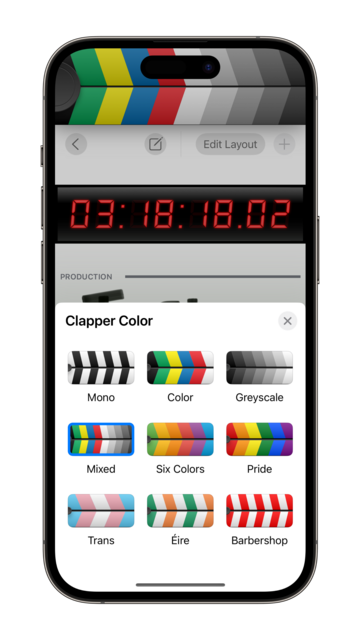
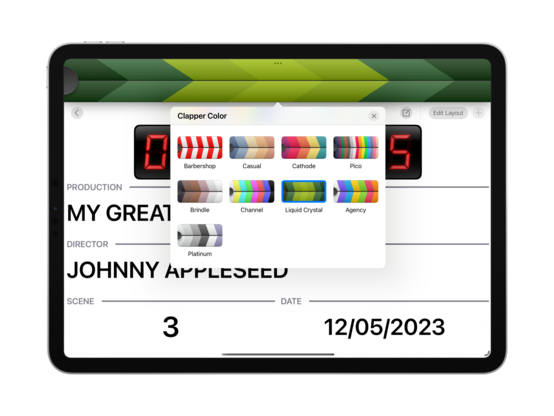
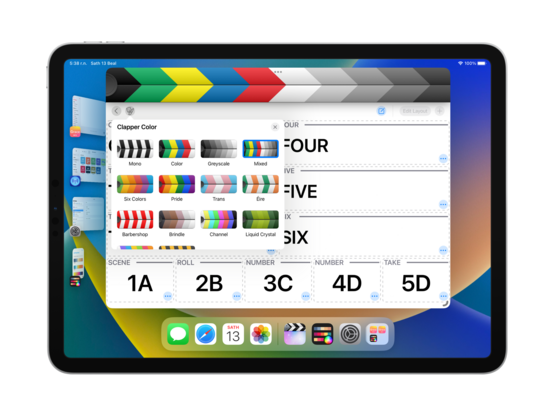
Reimplemented the stripes color picker as a collection view, works nicely 👌
Those popovers adapt to my favorite sheet style on iPhone, custom title and close button included 😄
Very easy to add new palettes too — I can copy paste them into the codebase directly from @pastelapp 😄
I'm quite partial to the hazard stripes!
End of day 2! @takeoneapp is starting to look so good that if I don't ship this at the end of this sprint, I will be so mad at myself. Apart from the major areas I have yet to implement, I think the UI is nearly at a production-ready level — you'd easily mistake it for a shipping app. I maaay do a TestFlight run of this before release, but no promises. I expect pricing to be very similar to Broadcasts and Pastel, so free to try + $5 ish IAP to make more than one board (or something like that)
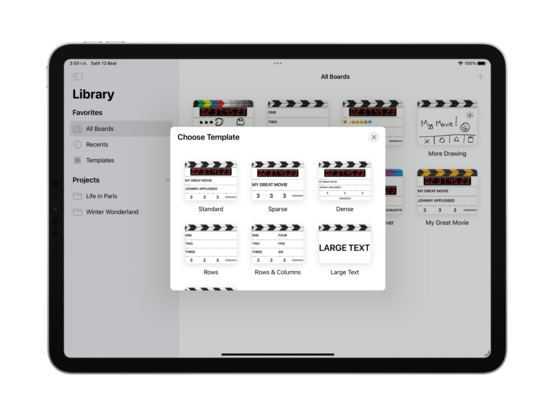
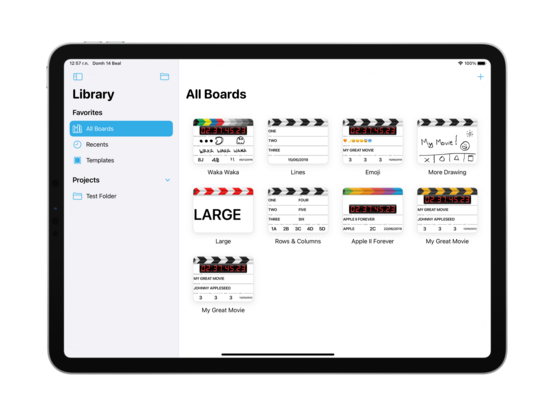
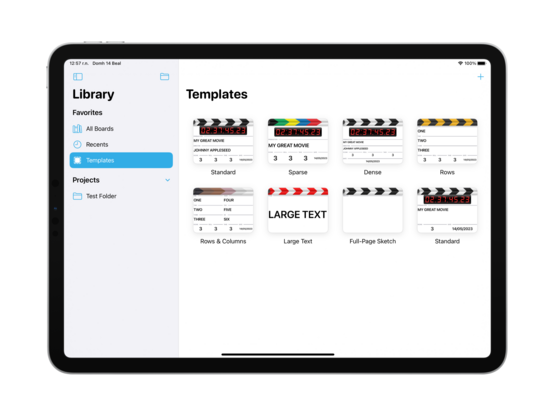
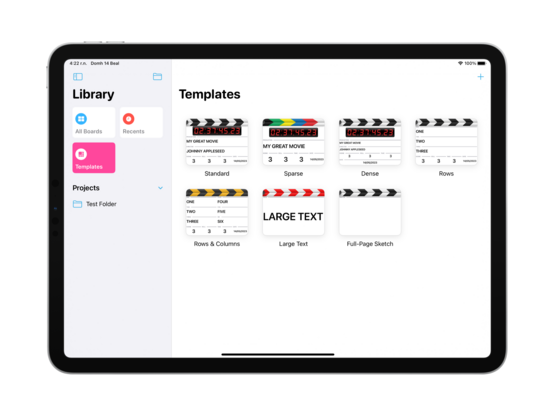
Instead of struggling with PencilKit for the rest of the day, I went ahead and built a template picker instead. Another item checked off the todo list ✅
One way for me to punt the PencilKit scaling issue down the road a bit is to ship with UIRequiresFullScreen=YES 🤔 It would mean explicitly opting out of splitscreen and Stage Manager resizing for the time being, but that actually might be OK in this case? It's a very fullscreen-centric app, and that changes a release blocker to minor user annoyance. May just be the way to go
Just because the individual windows need fullscreen doesn't mean I can't still do multiwindowing — it actually works quite nicely in Stage Manager
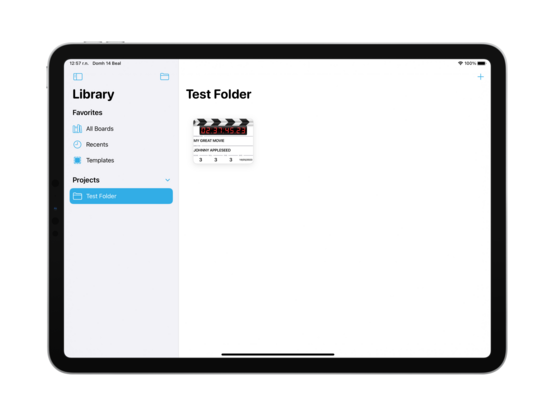
I was out today, so didn't get much work done — but I refactored @takeoneapp’s data model to let me create and save to folders. Part of that involved wiring up the templates store so I can create/edit/delete templates too
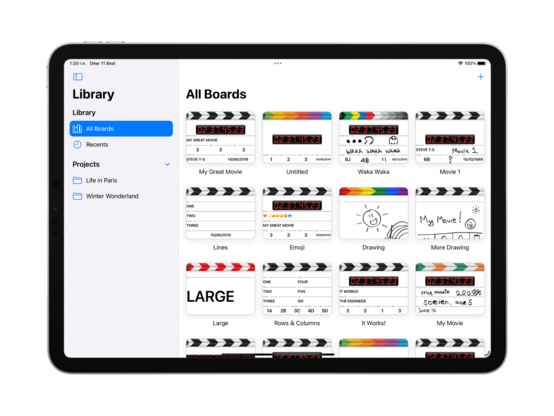
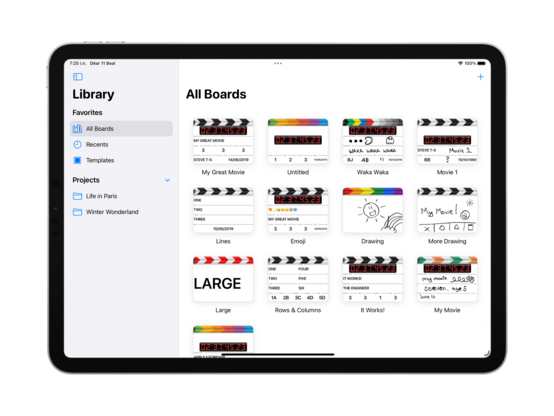
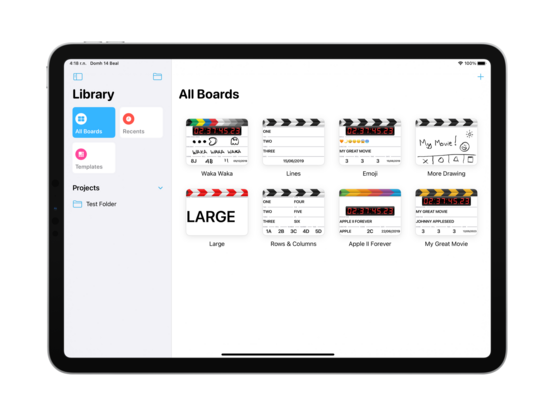
Unifying a little bit of the design language with Pastel, I’m going to use the same Reminders-style sidebar on iPad for @takeoneapp. Also injects a splash of color into a very black & white out-of-the-box experience
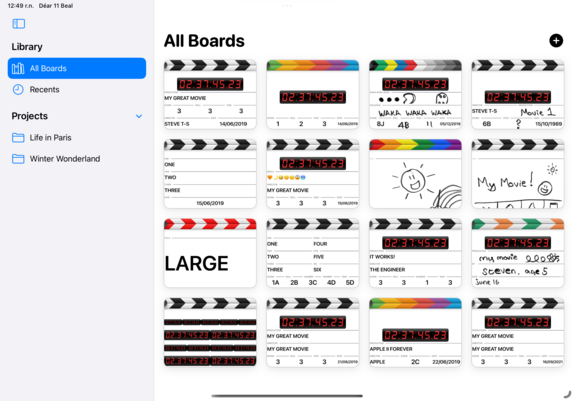
End of day UI roundup; getting closer to a MVP 😄
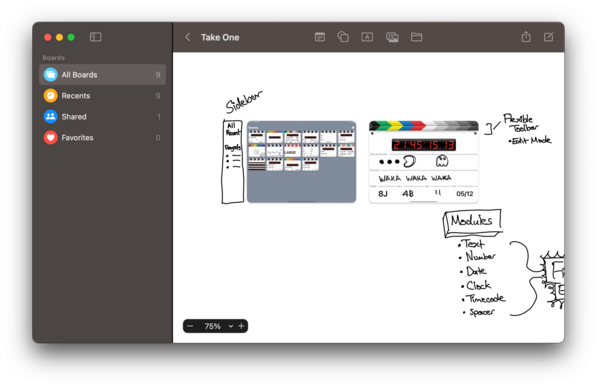
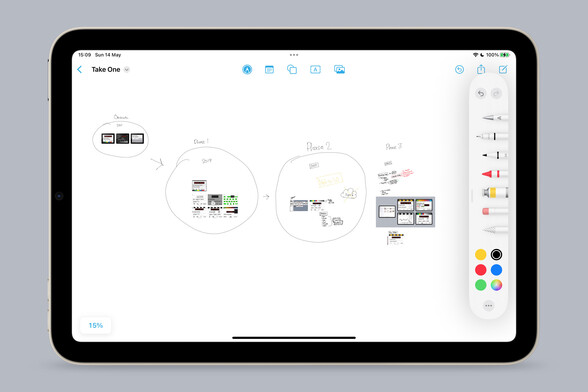
I don’t have complex development notes for this app, but I am enjoying Freeform as an infinite canvas to dump images onto so I can annotate and do a basic bit of mind mapping. It really makes me yearn for an iPad mini Pro with an M-series chip and ProMotion, though — what a fun desktop companion that would be
@stroughtonsmith @takeoneapp What this app is about? I mean, does it has more features or it’s just literally a digital clapper board? I think is cool!
@stroughtonsmith But how does the actual clapping work? How does it lift off the top part of an iPad?
@tylerstone like any other clapperboard app 🤨 It animates

@stroughtonsmith 100%

I dunno who’s using a windowed clapper
@clarko @stroughtonsmith Agreed; should be full screen.
@clarko a TikToker who has Final Cut or Filmic Pro open at the same time? Somebody doing a screencast or audio recording? Lots of places I want to be, eventually, but I can sacrifice them for now

@stroughtonsmith 100%

I dunno who’s using a windowed clapper
@stroughtonsmith I’m still sad from when the last TestFlight version expired.
@sirshannon that was a different app record, too, so old testers will not automatically be invited and will have to sign up again for this one
@stroughtonsmith bee movie, except it's a digital clapper board
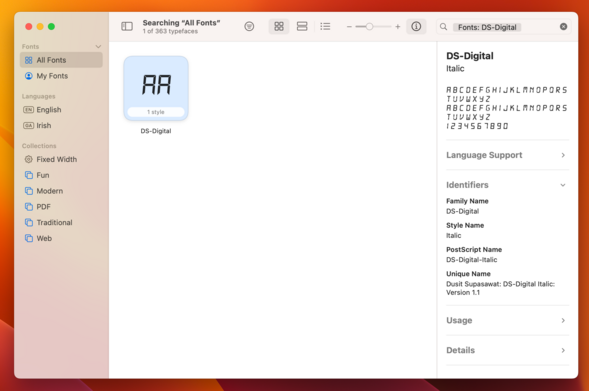
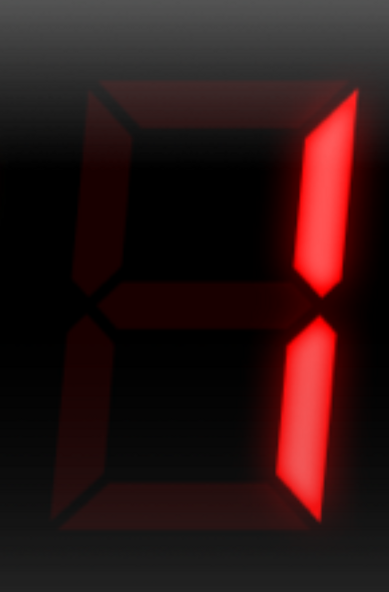
@stroughtonsmith which font are you using for the digits? I’m using a similar font for https://www.railcontrol.pro, but digit one doesn’t render as nicely as yours 😇
Easy Control for Märklin CS3 - RailControl Pro

Connect your Märklin Central Station 3 with ease to your iPhone, iPad or Mac

@jncn it was a font once, but they’re PNGs now with some Photoshop effects
@jncn try this:
@stroughtonsmith Thanks! That's the one I’m using too. Unfortunately it's not monospaced and 1 is not aligned to the right, but smaller and centered.
Your solution to convert it to an image is pretty smart. Will try!
@jncn must be because it was all aligned to the unlit lcd segments in the image. Image is your best bet, unless you fancy redrawing in PaintCode or something
@stroughtonsmith Plain image it will be 😅
@stroughtonsmith Have them sync between Take One and Pastel :P
@stroughtonsmith would love to know what 'This App' is, but sadly, no alt-text in your images so I can't get excited about it. Mind adding some alt-text for those of us who are optically challenged?
@stroughtonsmith Please make the clapper break out of the NSWindow frame. This will be a good use of your time 😅
@stroughtonsmith I thought the icon you had there seemed appropriate.
@stroughtonsmith would a squircle look out of place among the rounded buttons for the pen icon? Feels a little too big for the circle shape 😅
@stroughtonsmith nice, it also makes sense in being similar to UIBarButtonItem.SystemItem.edit. Maybe it should also switch between "Edit”/"Done”?
@stroughtonsmith More like this, everyone, please!
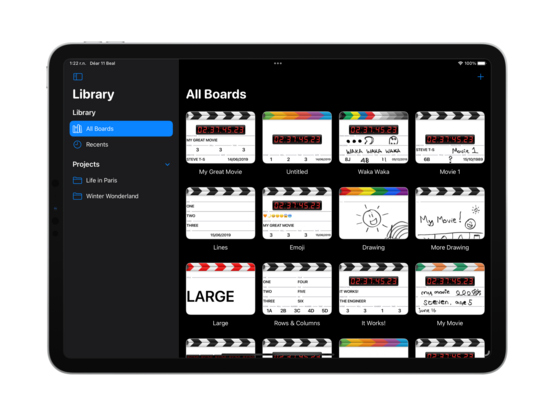
@stroughtonsmith I’m keen to use this app in my video productions. Do you think it is possible to have a “dark mode”? Maybe in the future?