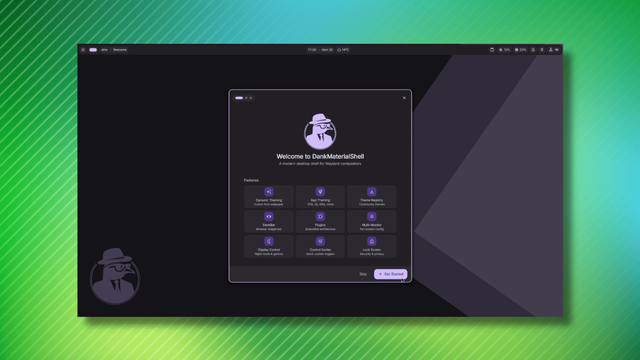
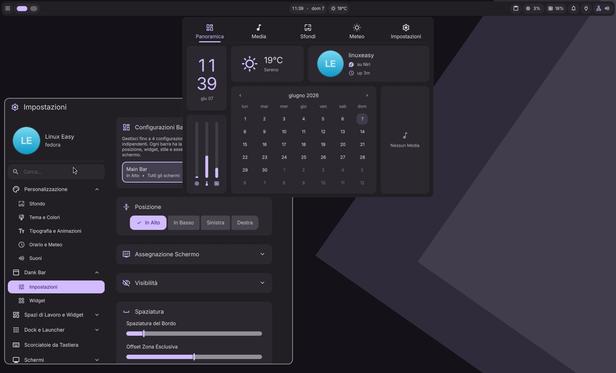
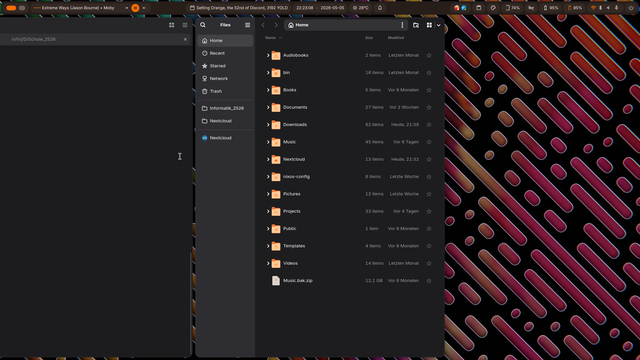
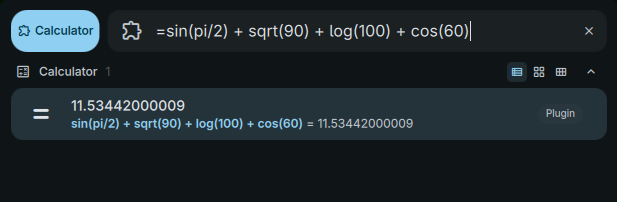
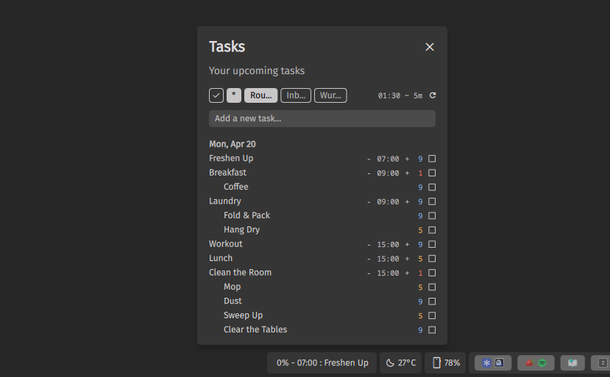
I'm using #danklinux shell with #Niri in my @archlinux installation, and it's been a very pleasant experience, so far.
Amazed with how far they have achieved in such a short time. #NiceJob
I'm using #danklinux shell with #Niri in my @archlinux installation, and it's been a very pleasant experience, so far.
Amazed with how far they have achieved in such a short time. #NiceJob
Escrevi meu primeiro plugin para o niri + DankMaterialShell — e documentei o caminho até funcionar 🐧
A ideia era simples: exibir a versão do kernel e o uptime do sistema direto na barra, sem abrir terminal. Resultado: `6.19.6-arch1-1 ⏱ 7h 54m`.
O que parecia meia hora virou um aprendizado sobre:
→ QML e a API de plugins do Quickshell
→ Qual sinal usar (`onStreamFinished`, não `onStreamEnded`)
→ Cache agressivo do DMS que ignora alterações em arquivo
→ `/proc/uptime` + awk como alternativa mais confiável ao `uptime -p`
O atalho mais útil do processo: usar o próprio código-fonte do DMS como documentação. `grep -r` em `/usr/share/quickshell/dms/` resolve mais rápido do que qualquer busca externa.
👉 https://www.riverfount.dev.br/posts/primeiro_plugin_niri_danklinux/
#Linux #Wayland #Niri #Quickshell #QML #DankLinux #OpenSource

O blog tem bastante conteúdo sobre software, Python e hardware embarcado. Mas há um lado que nunca apareceu por aqui: o ambiente de trabalho em si. Este é o primeiro relato sobre o setup com o compositor Wayland niri e o DankMaterialShell — e começa pelo primeiro plugin criado do zero para esse ambiente. A motivação foi simples: queria ver no painel a versão do kernel em uso e o tempo de uptime do sistema. Sem abrir terminal, sem script externo. Só um widget discreto na barra mostrando 6.19.6-arch1-1 ⏱ 7h 54m.
Instead of trying to fix (honestly impressive) fuckup, I decided to just reinstall #Arch and #DankLinux. It was a lot easier than the other options, and I wanted to do some different stuff this time anyway.
For instance, I did a minimal install (no desktop) with just a few tools by default, and then curled the dank installer. Wow does that thing work well, provided you manually install #QuickShell first (at least for me, it kept trying to install both the regular QuickShell and the hit version from the AUR.)
I also set up my favorite file manager (#Nemo), installed #Waterfox and #Helium, and did some other fun stuff.
Now I'm gonna see if I can get Dank working on MangoWM et all. Don't get me wrong, #Niri is gorgeous and easy to use. I'm just havin' fun.
Buenos días en este #viernesdeescritorio, estrenando #CachyOS con #Niri y #DMS #DankLinux.
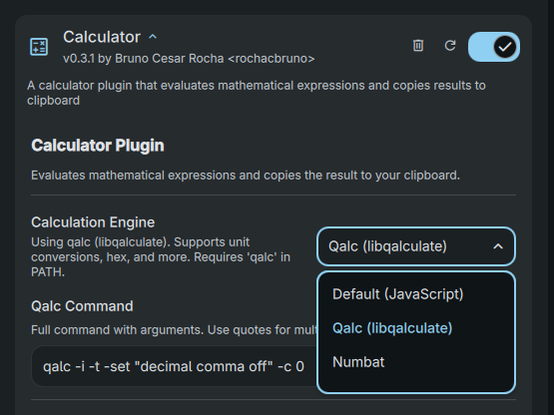
I just published a new version of the #DankLinux Workd Clock Plugin.
A Plugin for the DankBar allowing multiple clocks to show with reasonable settings and visuals.
Future plans:
It is very nice to see how the #DankLinux plugins ecosystem is growing!
Unbelievable that I started this just because I wanted a multi timezone clock, and now we have 80+ Plugins.
New Plugins I am using:
Much more on https://danklinux.com/plugins
I'm having trouble finding fault with #Niri + #DankLinux. Basically it's beautiful, functional, lightweight, and just really nice. Overview is fantastic, the bar is easy to arrange with lots of widgets and stuff, and the program launcher and Dock are fantastic. Four paws up from the Owlbear. Niri's .kdl files are kinda annoying to edit compared to, say, a toml yaml or INI file. Other than that, full marks.
I finally have something other than #Gnome I'm comfortable working in, which is kinda weirding me out.
Obviously it's time to completely blow up my new comfortable workspace and try something else. Can't get all complacent, I might get actual writing done.
Tempranito para el #viernesdeescritorio, con #Niri y la nueva actualizacion de #DMS #DankLinux. Me hice este tema porque me trae paz