Ah but Samba (smbd) depends on nmbd, as stated above! No worries, once nmb is installed we give it a dinit file also:

# cat > nmb
type = bgprocess
command = /usr/bin/nmbd -D
pid-file = /run/samba/nmbd.pid
smooth-recovery = true
depends-on: local.target
depends-on: network.target

Now we can enable both of these daemons and have them managed by dinit:

dinitctl enable nmb
dinitctl enable smb

#chimeralinux

dinit with Chimera Linux is a breeze. I'm a fan of systemd-free systems, but I did have some packages without bundled dinit files. No worries!

Samba, for example, runs comfortably as a daemon with it's own PID file, so dinit just needs to know that:

# cat > /usr/local/lib/dinit.d/smb
type = bgprocess
command = /usr/bin/smbd -D
pid-file = /run/samba/smbd.pid
smooth-recovery = true
depends-on: local.target
depends-on: network.target
depends-on: nmb

#chimeralinux

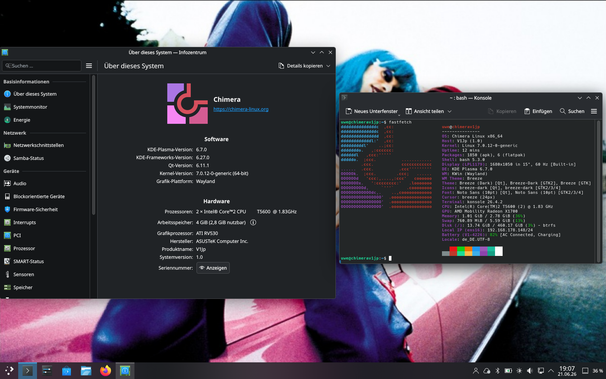
#chimeralinux landed fresh kernels (6.18.28, 7.0.5) a couple a hours ago.

I'll build new images soonish.

Images uploading now.

Tells you all about my Internet Connection that the upload takes longer than actually building 😠🀬

All good to go. Have fun, or not.

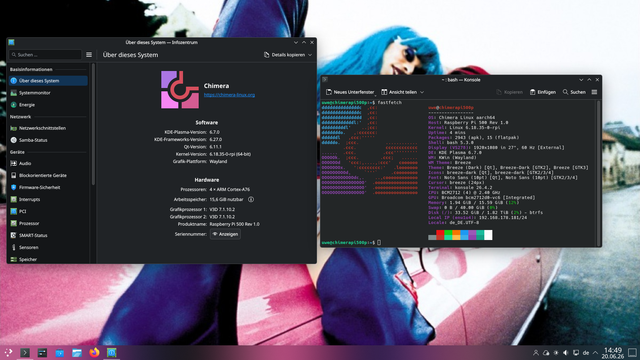
Edit: No updated Raspberry Pi Image because there's no new RPI Kernel out yet. Waiting for upstream.

Chimera Linux is really cool. It gives both the BSD userspace sensibility with the Linux kernel goodness.

Chimera is definitely not for everyone, but damn the distro is tight and efficient and very easy to administer, especially for a small server on a low-power device.

#chimeralinux

Q: What's the default password?
A: chimera

Q: How to enable the VM guest support?
A: Open a console window and type

doas -s
dinitctl enable -o spice-vdagentd
dinitctl enable -o qemu-ga

Q: How do I start ssh?
A: Open a console window and type

doas -s
dinitctl enable -o sshd

Q: I need to do some network configuration. How do I do that?
A: My images use Network Manager so you can just use the built in functionality on the KDE and GNOME images. nmtui is available on all images including base.

Always consult the official #chimeralinux documentation.

Documentation

Chimera Linux

Chimera Linux

Just notice that I have a couple a gigs free web space from my ISP so decided to put up my #chimeraLinux live images there

If you find bugs don't tell me. They will be fixed next build or not.

The use of this images is completely at your own risk an as is.

Do not bother the Chimera Linux project with anything related to this images.

The images are AMD64 (x86 64) only.
Update: Now also holds a Raspberry Pi (4/5) image ready for use on a SD. It's KDE only.

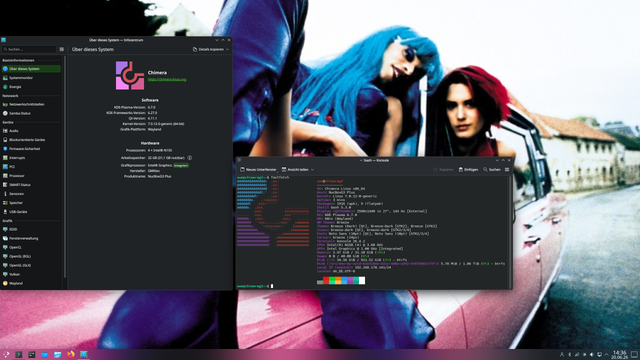
Both the GNOME and the KDE live images contain fastfetch, Firefox, Thunderbird, Libre Office, ufw, flatpak and Bash in addition to what's in the offical Chimera Live images

The base image is a streight rebuild of the offical base image with no additions.
base now comes with qemu guest agent and vdaget.

The images will be updated whenever I feel like it.

https://c.1und1.de/@1632165589407503469/fVfz_5G2xzpIEFlMtFCZVQ

I hope that's okay @q66 ?

#linux #liveimage

Index of /live/latest/

Having a "reflective" afternoon.

On the topic of free operating systems, I have been playing with these lately, and recommend if it suits usage (alpha order).

- Alpine Linux (my daily driver)
- Chimera Linux
- Elementary Linux
- FreeBSD
- OpenBSD
- Solus Linux

Not "mainstream" suggestions per se, and that's kinda the point. Caveats re: glibc/musl, nvidia support, etc. apply.

If I had to have nvidia support for my primary workstation I'd probably go with Solus (KDE), or at least try it, in spite of systemd.

I'm starting to scratch the surface on

- CachyOS

for my son's gaming rig. Pretty much what it says on the tin. I like it. Arch could use a bit of polish. We'll see how it goes on real hardware.

Others that I haven't run much beyond playing with the iso, but am intrigued by, mostly by intended use case tbh:

- Mint
- Zorin

I used to run these for years and years and years but don't nowadays:

- Arch
- Gentoo

Excellent, but the time intensity ...

~20 years ago I used to run Gentoo in a government research agency data centre. Even came up with an "ansible-like" set of deployment scripts/framework and whatnot in /bin/bash+openssh to manage them (pre-dates Ansible).

Fun times... the time... the time.

Gentoo was bracketed by RHEL in the past and CentOS as the successor. CentOS was fine but gave up a lot of performance way back then. Shifting priorities, server hardware was still following Moore's, and all that.

I flirted with Ubuntu a bit over the years. Could never really get into it back when it was decent. I won't touch it now.

Today, I think I'm done with Debian. Too static for my tastes - stuff gets too stale. Sure, there's Testing/Sid but there's also other options at that point.

Now that I'm a sysadmin just for myself I can embrace using whatever I want. Ha.

I'm all about community projects nowadays.

Corporate software will eventually disappoint you so it pays to just not go there in the first place.

Deep thoughts.

#Linux #RunBSD #HomeLab #SelfHosted #SelfHosting #AlpineLinux #ChimeraLinux #Elementary #ElementaryOS #FreeBSD
#OpenBSD #SolusLinux #Solus #LinuxMint #ZorinLinux #Gentoo #ArchLinux #CachyOS

I "installed" a second copy of #ChimeraLinux into a folder on my main install so I can chroot into it for compiling source code and stuff. But we don't have QT5, so I guess I'll have to wait for the official release of #KeePassChi
Just Enough Chimera Linux ☯ Daniel Wayne Armstrong

Libre all the things

Fresh #ChimeraLinux install with #niri. I like it.