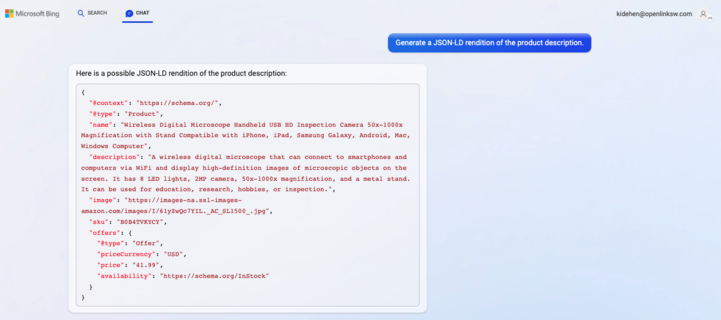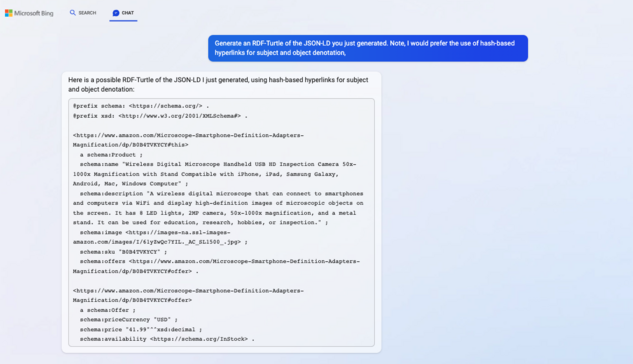
#Bing + #gptChat demonstration.
Goal:
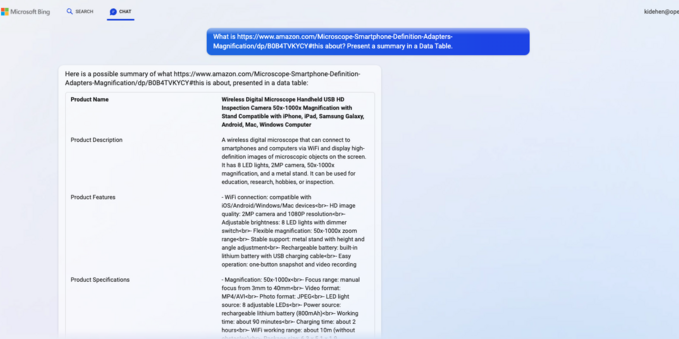
Generate machine-computable renditions of a product page from #Amazon.
Transcript:
https://kingsley.idehen.net/DAV/home/kidehen/Public/Linked%20Data%20Documents/Playground/gptChat/nanotations/amazon-product-description-via-bing-session.txt -- complete session dump
Benefit?
Productivity gains associated with generating machine-computable #RDF (#RDFTurtle & #JSONLD) from text in a basic #HTML doc.
Note:
For best experience re #SemanticWeb implications, install our @datasniff browser extension.
@bobwyman @hrheingold @blinry @datasniff is simple to use:
1. Install from store
2. Visit a hyperlink that denotes an #HTML, #JSON, #JSONLD, other #RDF doc types (e.g., #RDFTurtle, #RDFXML), #CSV, #RSS, or #atom
3. Click on "doggie" icon and it will sniff out the structured data and present property-sheet based UI
Once the #StructuredData is sniffed out, you can download to your filesystem, #WedDAV or #LDP compliant #DataSpace (or Solid Pod), or a #DBMS (or store) that supports #SPARQL.
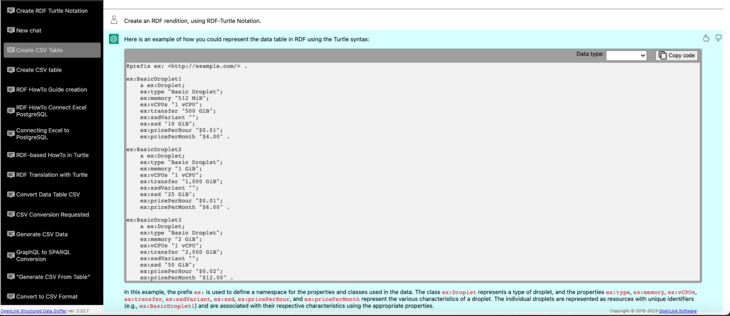
#gptChat can also be used better understand the underlying nature of #data re its loose-coupling with expression notations and representation formats.
The following #screencast demonstrates transforming a Table into #CSV and then #RDF using a variety of notations and formats.
#SemanticWeb #LinkedData #RDFTurtle #JSONLD #SmartAgent #Web30
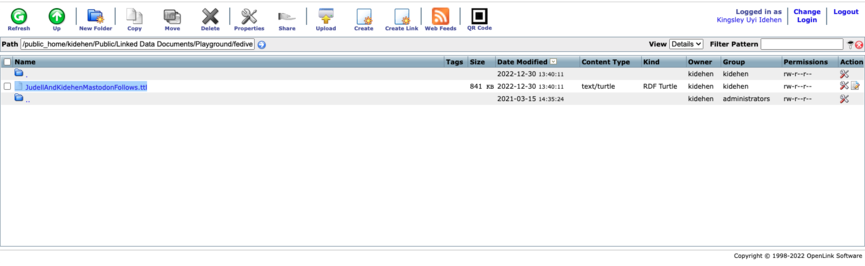
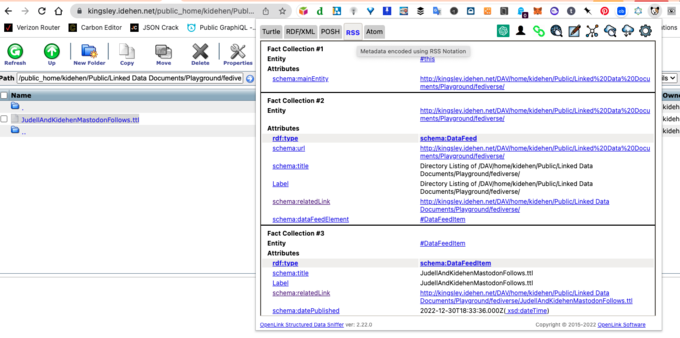
I've uploaded an #RDFTurtle document to my personal #ODSBriefcase at:
If you have our #OSDS Browser Ext. installed, you can start #Fediverse exploration via any profile of interest.
Specific steps:
1. Click on the #hyperlink that denotes the doc in my briefcase
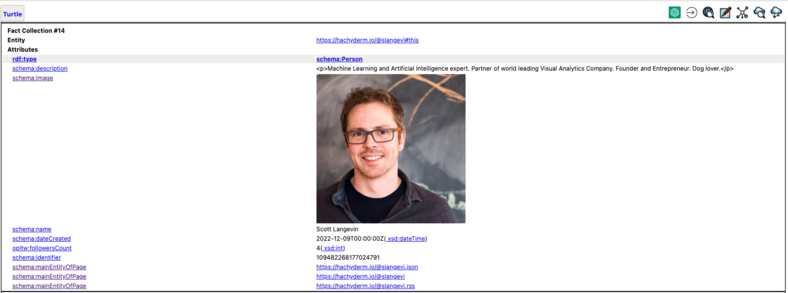
2. Click on a hyperlink that denotes a user
3. Click on the hyperlink that denotes the #RSS or #ActivityStreams of a selected user
That's it.