 Justin Mayer
QuickTune by @marioguzman is such a cool project. I don't use Apple Music, but if #QuickTune could be used to play music via Jellyfin or Plex servers, it would occupy a permanent space on my monitor 🎶
 Mario Guzmán
#QuickTune 7.5 with macOS Tahoe compatibility is now live! Update it from QuickTune or download directly from its webpage.
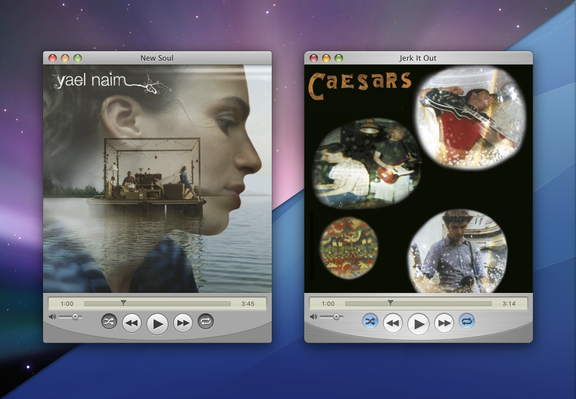
Still one of my fave features of #QuickTune… if the app is minimized, it will still update the artwork in the minimized preview when the track artwork changes. 😄
Gotta thank @stroughtonsmith for this one!☝🏼
The way I ask Apple Music.app for album artwork in code, I noticed that for ripped albums with user-added artwork, it would result in it giving back a black square (to my app).
I *think* I figured it out. If you use jpgs for your album artwork, then it should come back properly to QuickTune and display properly. PNGs or anything else not JPG will always make Music.app return a black square.
This is only for artwork you've added manually though.
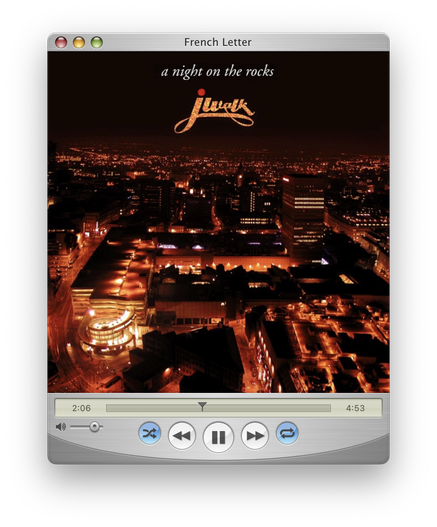
Thanks for the #QuickTune shoutout in your McLaren Carplay article, @b3ll!!! Very much appreciated and glad you like it!
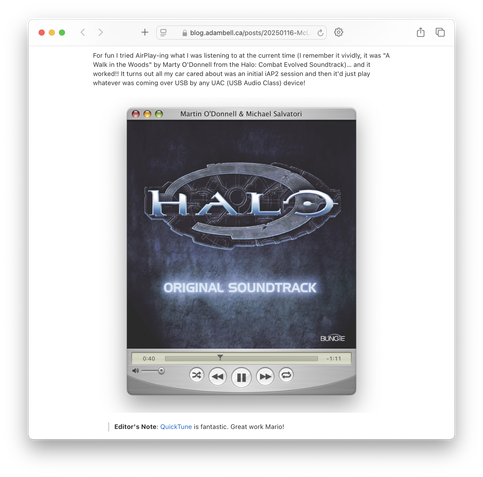
I just published an update to QuickTune.
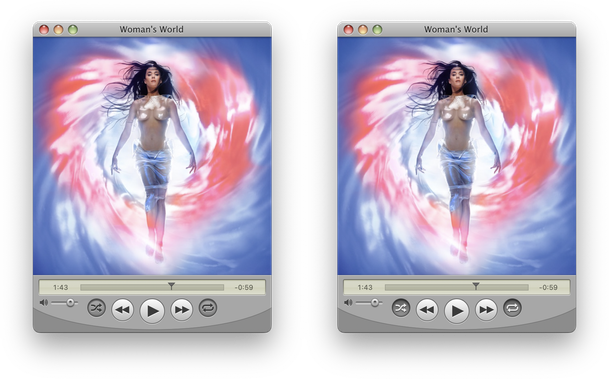
It was brought to my attention that the `on` state for the Shuffle & Repeat modes buttons should be more like that of the View segmented control in Finder (Leopard). The glyph now highlights in white. See the comparison below.
Second, when the artwork changes, the window thumbnail in the Dock (if minimized) will refresh to always show the correct album. No more stale window thumbnails.
Notice the timestamp? What is 1:43? 😉
@stroughtonsmith @Gte I wanted it for my shipping app, QuickTune. Now not only does the app icon update its glyph from Music’s playback state but also the minimized window will update with the album artwork so the window preview doesn’t get stale! Thanks!!!
(also good thing I ship outside the Mac App Store heh…)
QuickTune 7.2 is now available. Download or upgrade today!
https://marioaguzman.github.io/quicktune
• Updated UI for streaming audio. Track and provider information now display in the LCD display under the album artwork.
• Fixed an issue where the text on scrolling marquees would appear blurry on non-retina displays.
I wrote the scrolling marquee using Core Animation for my apps but a while back, I found some issues where the text would look blurry on non-retina displays.
Unfortunately I found a few more cases (still happening a lot less than before), but finally found the issue and fixed it.
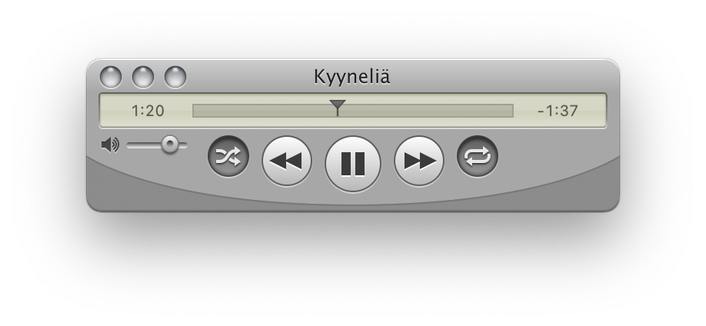
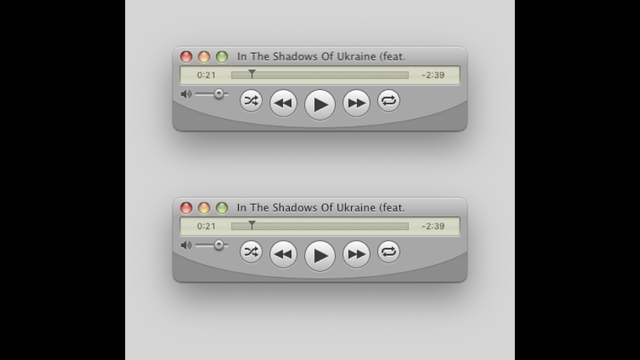
The top image has the blurry text (in the titlebar), and the bottom image has it fixed. 🛠️😄
Text now appears super sharp on non-retina displays and have yet to see a blurry example.
And of course, the Graphite theme has been updated with Leopard's Graphite style as well. Enable Graphite from the Appearance section in System Settings.
#QuickTune #QuickTime #MacOSXLeopard #MacOSX #macOS #Aqua #Graphite #AppleMusic