 DigitalEscapeTools
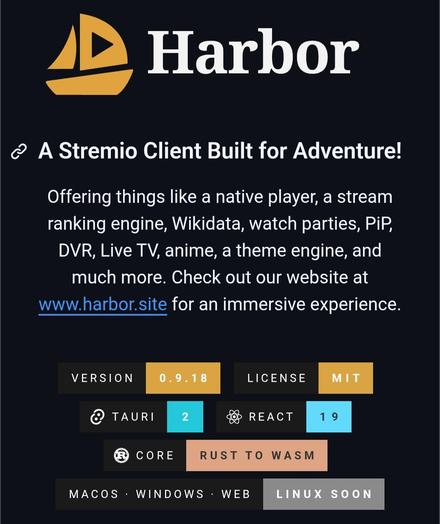
Harbor is a free and open-source desktop client for the Stremio ecosystem.
It includes a native media player, watch parties, live TV support, picture-in-picture, themes, stream ranking, and extensive customization.
Harbor does not host or provide any media. Instead, it works with the Stremio addon ecosystem, allowing users to choose their own addons and content sources.
More details: https://digitalescapetools.com/tools/tool.html?id=harborstremio
 Krishna Draws✏️

 Alex
Alex
 Vlad 😈
 Dimitri Bouniol
 Jeni Tehan
 Homebrew New Packages