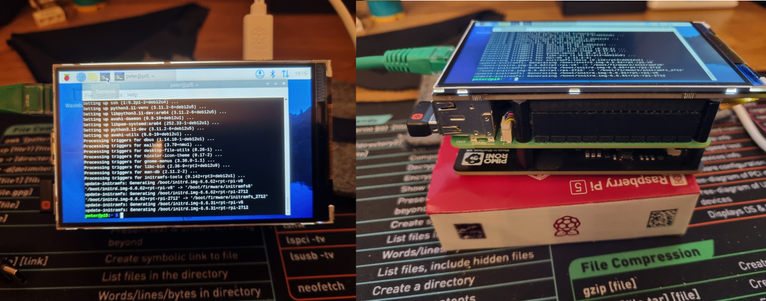
#raspberrypi5 #nvmeboard #hyperpixel #pimoroni
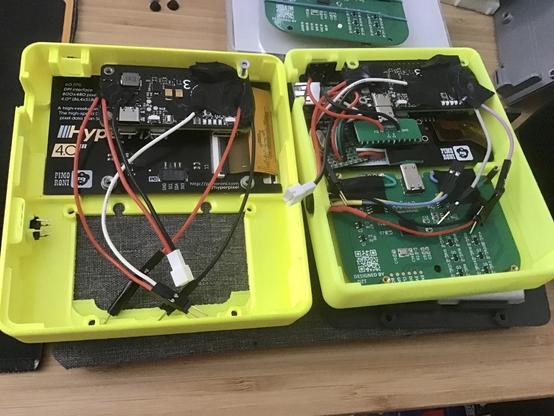
I finally managed to finish some refinements to my #pimoroni #hyperpixel build using a #raspberrypi . front buttons for left/right mouse clicks are working, and the button caps aren't floating around anymore. The back now screws in flush to the front of the #3dprinting case.
I'm not a "content creator". I've done a couple crude demo videos for other builds, but I don't know what people want to see in these things.
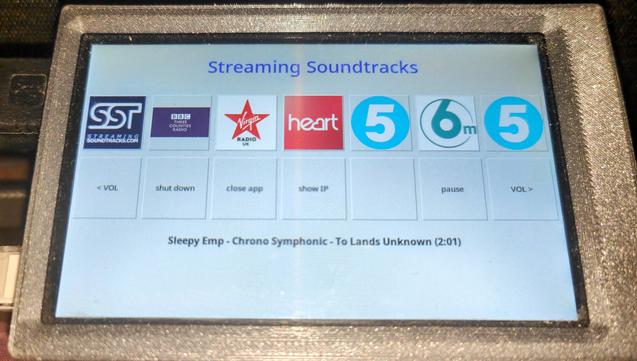
Over the last week, I wanted to setup a simple control deck on a #RaspberryPi 4 with a #Pimoroni #HyperPixel display that would allow me to play various internet radio!
Well, I was strugling to get anything but a very basic stop and start worrking.
I then stumbled code from @blogmywiki from back in 2017.
Amazingly with only a few tweaks I got it working.
I have added some stuff to his code to show the currently playing track and with the help ofv #Copilot, the volume controls work!
#Python
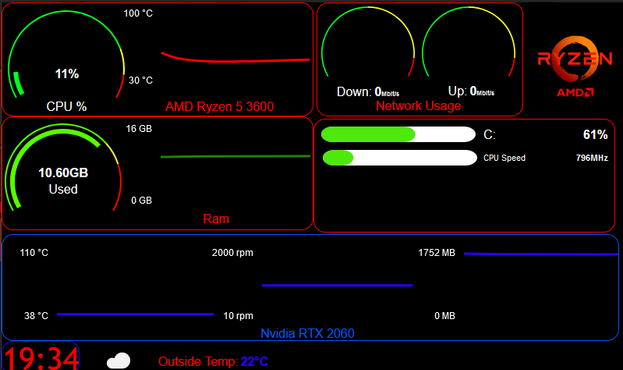
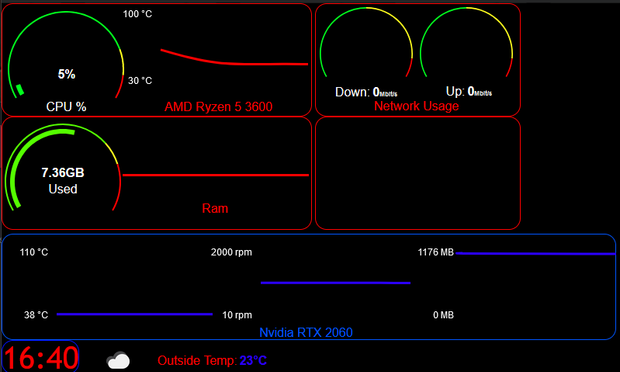
So, finding myself with time on my hands today. I have taken a look at the new (currerntly Patreon only) version of ModBros #Hardware monitoring tool.
That's my current dash and it show on a wireless Raspberry Pi with a #Pimoroni #HyperPixel screen.
“Beta build of my portable #python practice #cyberdeck rig. @pimoroni #Hyperpixel display on a #raspberrypi Zero 2 W in a @flirc case. Input by @solderparty with their awesome new BB Q20 keyboard/mouse. Held together with indoor/outdoor 2 sided tape. To do: USB hub for Pico coding https://t.co/QyBAXi663x”