How Stephen Wilkes' Day to Night Photos Capture Wildlife In an Entirely Different Way

Day to night and daytime all over again.

PetaPixel
Day into Night, Frame by Frame 🌇🌃
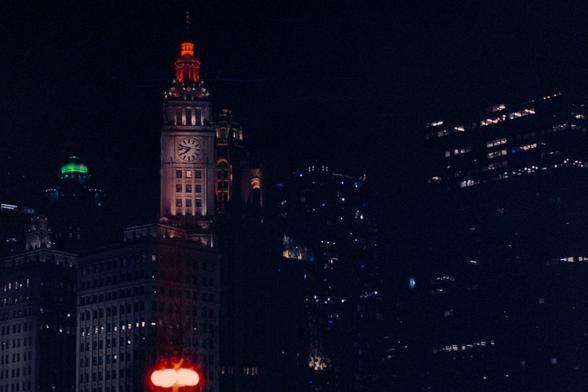
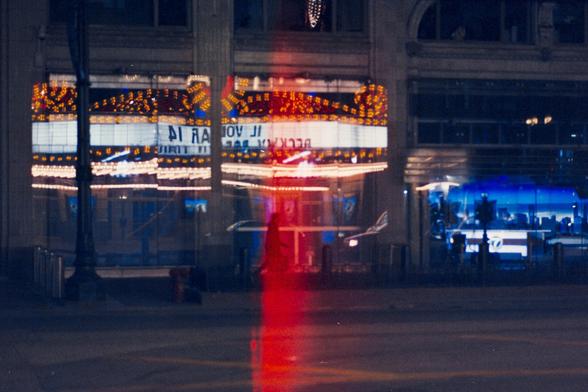
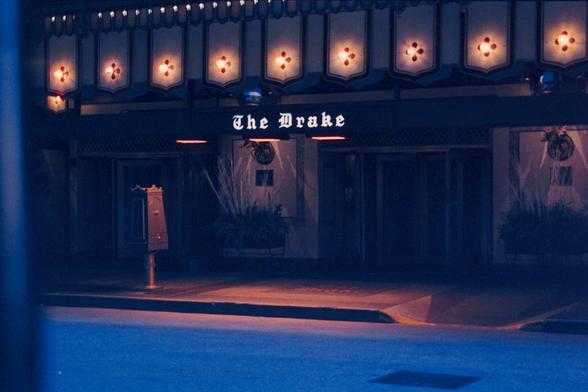
Chicago in golden hour glow and neon pulse—all caught on 35mm with the Contax S2B. From sunlit stoops to midnight taxis, the city plays double duty. Grain and grit included.

#ChicagoStreetPhotography #DayToNight #FilmPhotography #ContaxS2B #35mm
Stephen Wilkes's 'Day to Night' Photos Are Now Available as a Jigsaw

Neat.

PetaPixel
From day to night, dark brown balayage is perfect for any occasion! #VersatileHair #DayToNight
#enkosa
Photo Time Traveler: Stephen Wilkes on His Career Evolution

Stephen Wilkes boasts an illustrious career defined by his superb artistic eye.

PetaPixel

How to Shoot a ‘Day vs Night’ Portrait In-Camera

Special effects are a fantastic and fun way to tell compelling stories through images. While they may seem complicated, the truth is, many special effects are easily done in-camera using tools you likely already have. In this video, I’ll be walking through how to create one of our signature portraits, the “Day vs. Night” effect.

Let’s begin by walking through what you’ll need for the Day vs. Night portrait:

  • Wide Angle Lens
  • Tripod
  • 3-4 Stop ND Filter
  • Strobe Light
  • Grid + CTO
  • Step #1: Composition

    For my composition, I placed my couple against a plain white wall. I framed them in the center for the symmetry. To capture these images, I’m using the Canon EOS R5 with the RF 28-70mm f/2 mounted on the Peak Design Travel Tripod.

    Step #2: Ambient Light

    Our goal is to create an image with half the image bright and the other half dark. To start, I exposed the scene for the bright side.

    Then, used the Tiffen Water White 1.2 ND filter by holding it in front of the lens to darken the left half of the image.

    Step #3: Modify Light

    Now, let’s add light to the dark side of the image using flash. I have with me a Profoto B10 Plus with the CTO and Grid kit up on a stand just out of frame. I use the grid to keep the light focused on Will’s face and prevent spill.

    Step #4: Photograph

    Edited with VF Presets > Crush Pack

    Combining all of the steps so far, we end up with this final image. Adjust the ND filter as necessary to get the division between perfectly down the middle.

    Conclusion

    I hope you enjoyed this article/video. Next time you're out on a couple's portrait shoot, give this technique a try. As you can see, you can create great special effects using simple tools in-camera.

    P.S. For an inside look on how we do all of our signature portraits over at SLR Lounge , head over to SLR Lounge Premium for our SFX Photography Course. In this course, we walk through how to create our most popular signature portraits such as the Ring of Fire. In addition, check out VF Presets for intuitive lighting based presets such as our Crush Pack that we used for our final image. Thanks for watching and we’ll see you next time!

    About the author: Pye Jirsa is a wedding photographer based in Southern California and the co-founder of SLR Lounge. The opinions expressed in this article are solely those of the author. You can find more of Jirsa’s work on Instagram.

    #ideas #tutorials #couple #creative #dayandnight #daytonight #incamera #portrait #portraiture #pyejirsa #specialeffects

    How to Shoot a 'Day vs Night' Portrait In-Camera

    How to shoot a creative day-to-night couples portrait entirely in-camera using an ND filter, flash, and light modifiers.

    ‘Timelapse Photo’ Made of 4,882 Images Shows Human Toll of COVID-19

    National Geographic has published a photo from photographer Stephen Wilkes that captures the human toll of COVID-19 in one photo. The more than 670,000 white flags represent the American lives lost to the virus.

    Wilkes is known for his photographs (such as his work from the 2021 inauguration and a watering hole in Tanzania) that are made with what he calls his Day to Night Technique. The images are created from a fixed camera angle over a period of time.

    This latest photo is of the In America: Remember exhibition and captures fleeting moments of the public interacting with, observing, and passing through the installation.

    As detailed in a story on National Geographic, Wilkes explains that he took the photo on September 18 and 19, starting before sunrise and finishing after sunset. Overall, the finished image is made up of 4,882 photographs captured over the course of 30 hours.

    “One of the things I tried to capture was the epic scale of this,” says Wilkes. “It’s almost impossible to take it all in.”

    Over the 13 years that @swilkesphoto has embarked on his Day to Night project, he’s photographed many significant events. This one was different, he says, “because this was about a loss of life that’s unprecedented in American history.” https://t.co/8zUcGNVS3m

    -- National Geographic (@NatGeo) September 30, 2021

    Wilkes spent those 30 hours suspended 45 feet above the ground in a lift, which was high enough for him to get the angle of view seen in his finished photo. He says he positioned the lift with intention beyond the high angle, as he wanted the National Museum of African American History and Culture to be the focal point because, as he says, “so many people of color were dramatically impacted by this virus.”

    The photo shows more than 670,000 (now over 690,000) white flags that stand for the number of deaths in the United States due to the virus. Wilkes says that the photo truly showcases the power of beauty -- while the scene is grand and visually stunning, in spite of the beauty the subtext is still the loss of life and sorrow that so many have experienced.

    Further details on the photo and how Wilkes executed it can be read on National Geographic. More information on Wilkes can be read on his website.

    _Image credits: Photo by Stephen Wilkes and used within publication guidelines. _

    #features #news #covid19 #covid19experience #covid19pandemic #daytonight #natgeo #nationalgeographic #stephenwilkes #timelapse #timelapsephoto

    'Timelapse Photo' Made of 4,882 Images Shows Human Toll of COVID-19

    "An incalculable measure of grief."