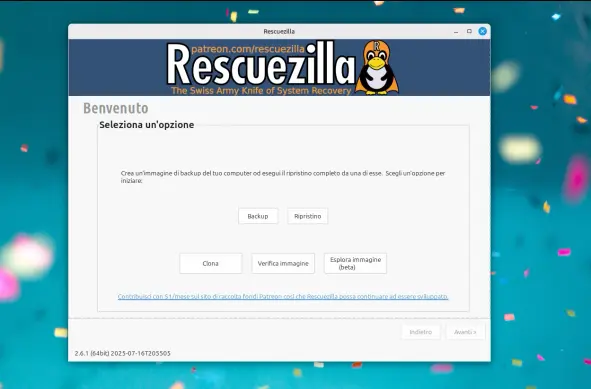
New Version: #CloneZilla 3.3.1-20 (testing;x86) http://clonezilla.org/downloads.php
Clonezilla - Downloads

New Version: #CloneZilla 3.3.1-18 (testing;x86) http://clonezilla.org/downloads.php
Clonezilla - Downloads

Ein Hoch auf #clonezilla : eine NVMe-SSD in meinem Server meldete heftige Hardware-Warnings. Also neue NVMe gekauft, dazu auch einen passenden USB-Adapter, vom USB Stick clonezilla gebootet, eine 1-zu-1 Kopie erstellt, NVMes umgebaut, fertig.

Ging alles auf Anhieb, einfach super!

Today I learned what *ptcl-img.zst.a? files are and how to write their contents into a file for loopback mounting:

cat mmcblk0p1.ext4-ptcl-img.zst.a* | zstdcat | partclone.restore -s - -L pc.log -O root.img -W

mkdir root
sudo mount -o loop root.img root

#partclone #clonezilla #TIL

Hi @matthew,
you boot from a #clonezilla USB thumb and clone the old SSD to a plugged disk, then you swap SSDs, boot again from thumb and restore from plugged disk to new SSD, right?

I'm doing it! I'm doing it!!

(If someone told me a few months ago I'd have to boot into one flavour of Linux to back up my windows boot drive so I could then boot into a different flavour of Linux to install it... I would have laughed and told them to stop pulling my leg !)

#clonezilla #Linux

New Version: #CloneZilla 3.3.1-10 (testing;x86) http://clonezilla.org/downloads.php
Clonezilla - Downloads

New Version: #CloneZilla 3.3.1-8 (testing;x86) http://clonezilla.org/downloads.php
Clonezilla - Downloads

New Version: #CloneZilla 3.3.1-5 (testing;x86) http://clonezilla.org/downloads.php
Clonezilla - Downloads

@AnachronistJohn

What I did today was simple I went on the clonezilla site, checked the alternative download servers then went to one of the FTP servers, listed over there.

wget worked flawlessly, of course

#Clonezilla #programming #OpenSource #POSIX #Disk #imaging #SourceForge #wget #mirror