@Juliu

2 Followers
1 Following
11 Posts

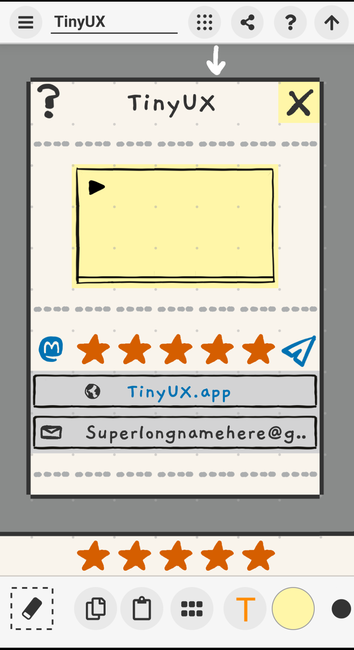
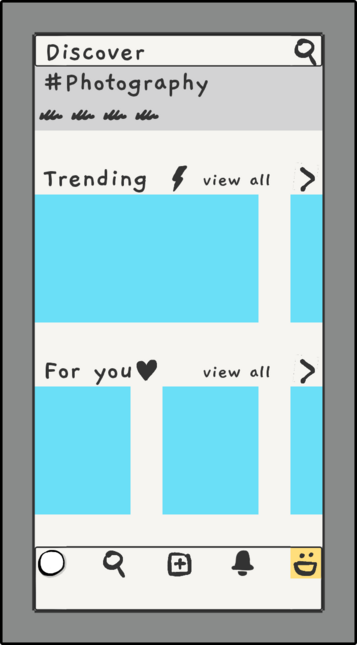
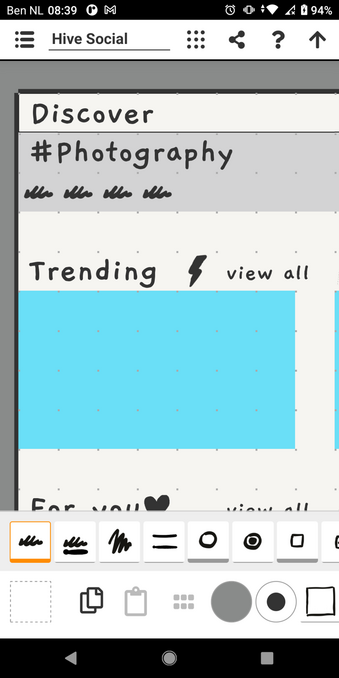
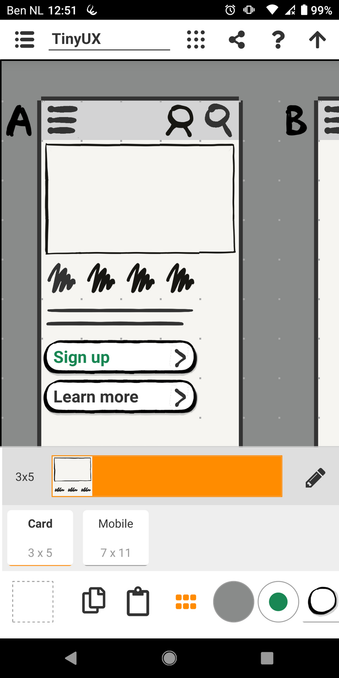
In TinyUX you create wireframes based on a grid. It's a bit like paint with large pixels. You tap your buttons, icons, etc, and it merges them to create larger shapes.

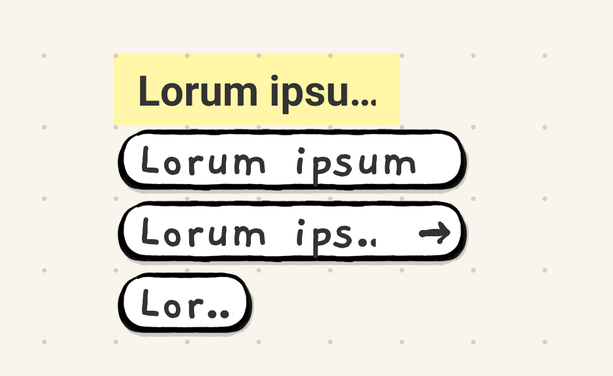
Now adding that text won't overflow the shapes. Will be in next version later this week.

Feature requests? Let me know!

https://tinyux.app

#UXtools #TinyUX #wireframing #app #UXD #ellipse #buttons #Wireframes #uxdesign #uxui #ux
TinyUX – Create wireframes quickly and do visual brainstorming on your phone or tablet.

Some images over here!

Introducing TinyUX - Wireframing on you mobile phone.

Tap tap tap tap tap those icons! 

Quickly visual brainstorm your thoughts, anywhere, anytime, and share it.

#ux #uxDesign #wireframing #UXTools #wireframes #wireframe #uxuiDesign #uxui #uiux #app #icons #tap #brainstorm #thoughts #IXD #UXStrategy #toolsforthinking #ToolsForThought #appdesigners #startup #mvp #components

Next up:

- Export image from clipboard/component
- Export/import source file of board
- Likely: larger icons option

More?

Pushing release 1.0.11 for Review to Google Play.

- Components
- Sticky erase button
- Some shapes render better

Will create new video soon.

#ux #uxdesign #uxui #ixd #wireframe #wireframing #wireframes #uxd #IxD

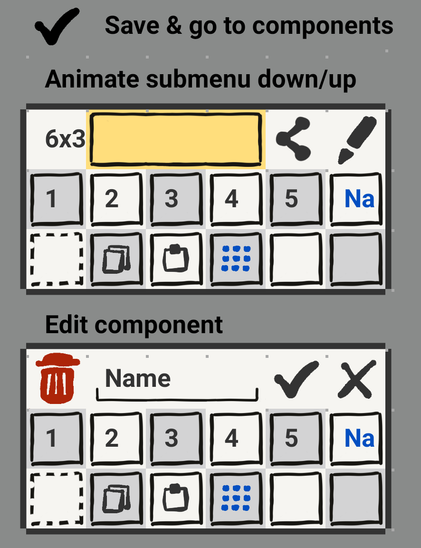
I'll go and build the save-clipboard-as-component feature like this, see if it feels right.

Also incl export to image, so you can be more specific with that.

App over here:
https://play.google.com/store/apps/details?id=com.juliushuijnk.tools.tinyux

I do my best work on a lazy Sunday morning from bed :)

#ux #uxdesign #app #clipboard #uxd #uxui #wiraframes #wireframing #uxd #ixd #uxdesigner #brainstorm #components #sketch #sketching #edit #sunday #lazysunday

TinyUX - Low fi wireframing - Apps on Google Play

Grid based low-fi wireframing on your phone or tablet

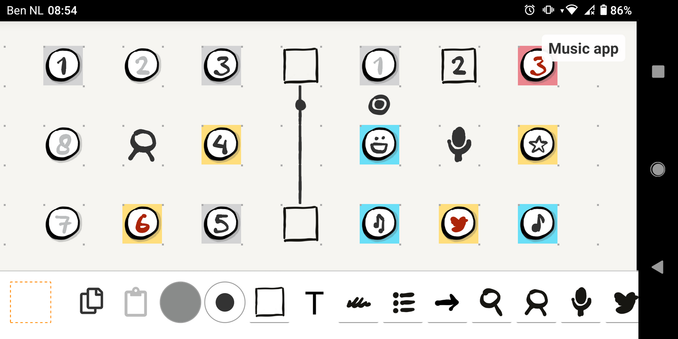
Yesterday with my neigbour, did some visual brainstorming with TinyUX for a music sequencer app.

At the core is idea that loops go in circles (this example rectangle), and it should be super simple to use and explorative. No need for jargon or advaced features.

Might be able to build something like that inside TinyUx as an elaborate easter egg, but first have many more important features to build, like import/export source files.

TinyUX
https://play.google.com/store/apps/details?id=com.juliushuijnk.tools.tinyux

#ux #uxdesign #sequencer #loops

TinyUX - Low fi wireframing - Apps on Google Play

Grid based low-fi wireframing on your phone or tablet

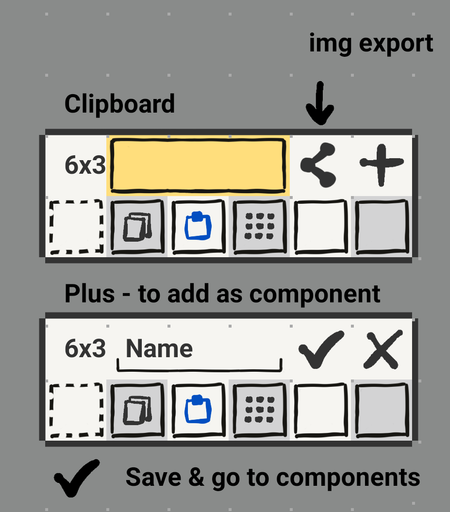
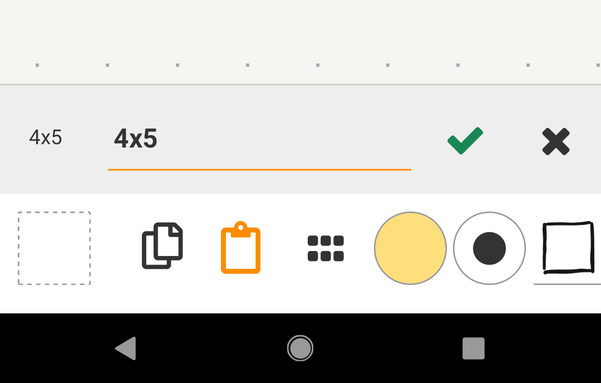
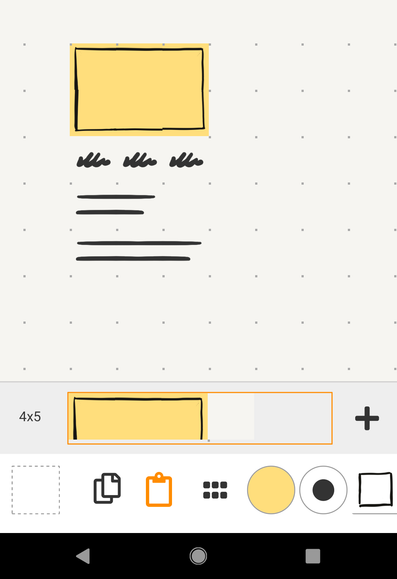
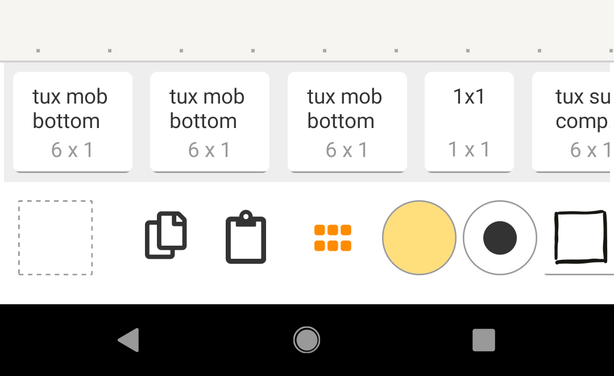
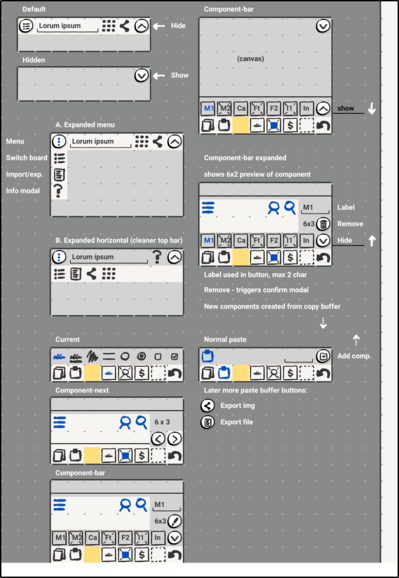
Making progress on store-clipboard-as-component feature for TinyUX app.

- clipboard shows preview. Top row cells, might be improved later.
- option to store with a label.
- compents brush shows all stored components.

Todo:
- Use component, preview, remove
- share clipboard/component as image

#ux #uiux #uxdesign #wireframing #components #clipboard #icons #ixd #tinyux #tiny

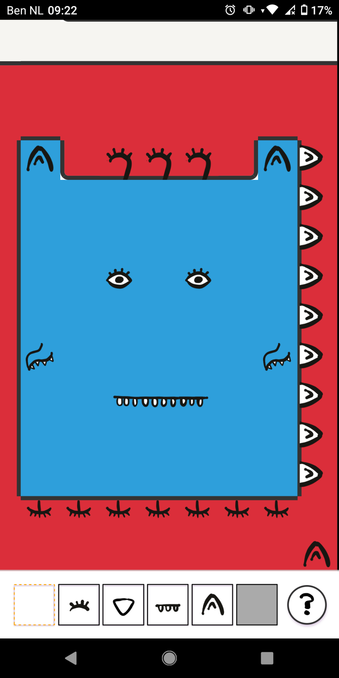
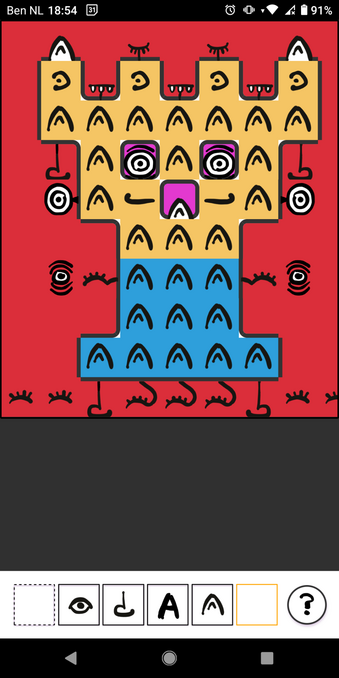
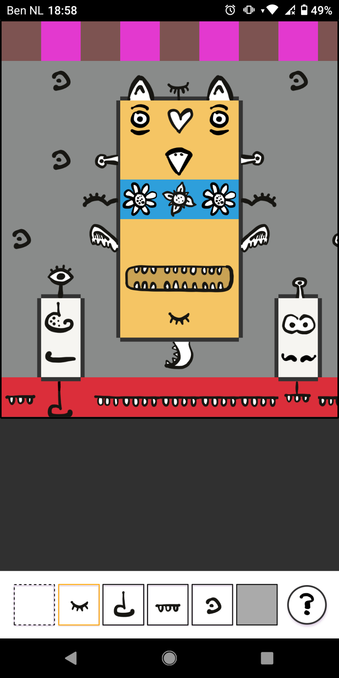
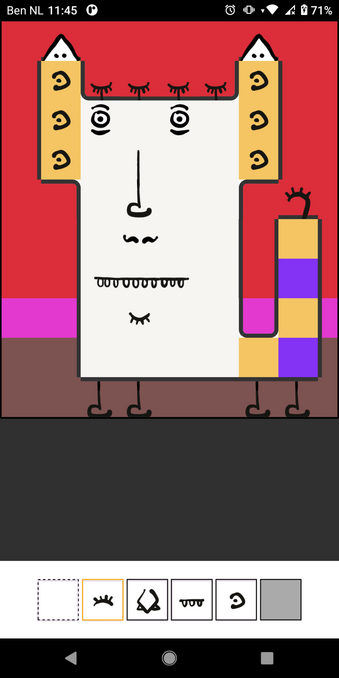
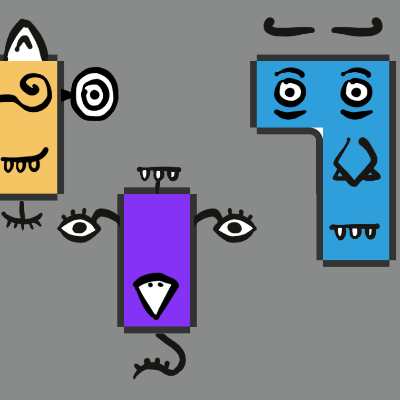
Another app I created (free, no ads, no accounts) is the Silly Face Builder Toy app:

https://play.google.com/store/apps/details?id=com.juliushuijnk.games.toy

Just tap to create a silly face

#silly #faces #kids #app #android #creative

Silly Face Builder Toy - Apps on Google Play

Simple toy to dray silly faces.

@juliu
Video of how TinyUX works:
https://m.youtube.com/watch?v=KWQSO_JDlT0

Other projects:
- Sir Helpalot picture book I'm working on
- Idea Growr app
- My Picture Book app.
- More..

#ideas #prodects #picturebooks

TinyUX (1.0.10) - Mobile wireframing & visual brainstorming

YouTube