 Steve Troughton-Smith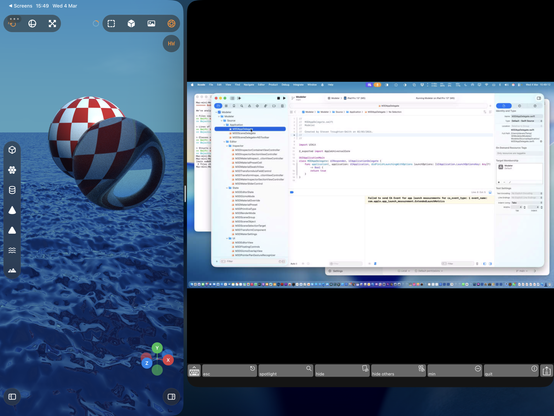
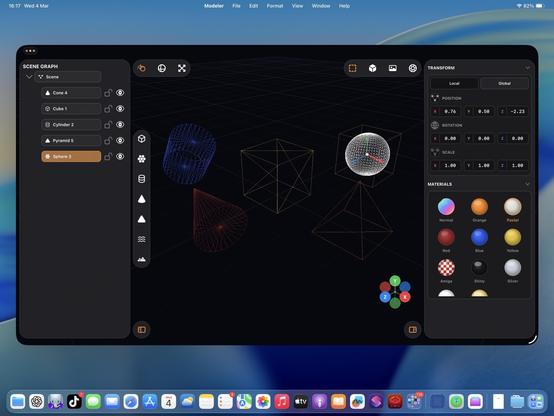
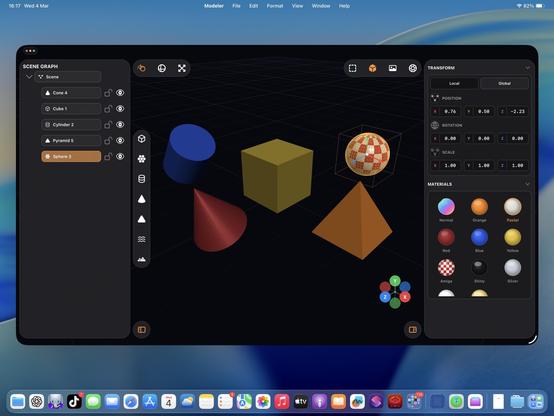
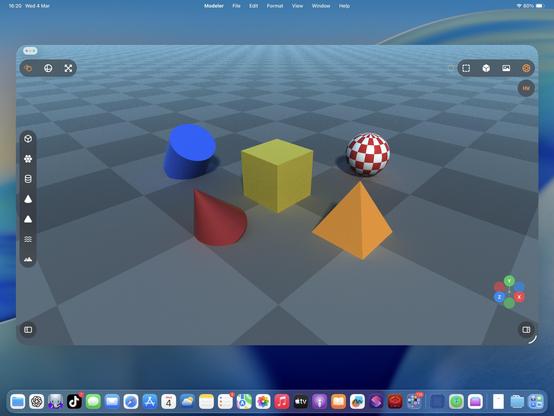
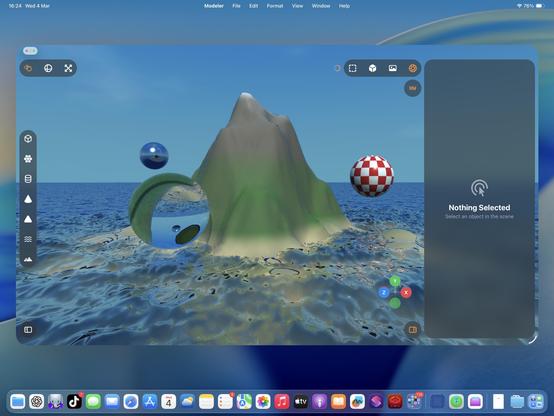
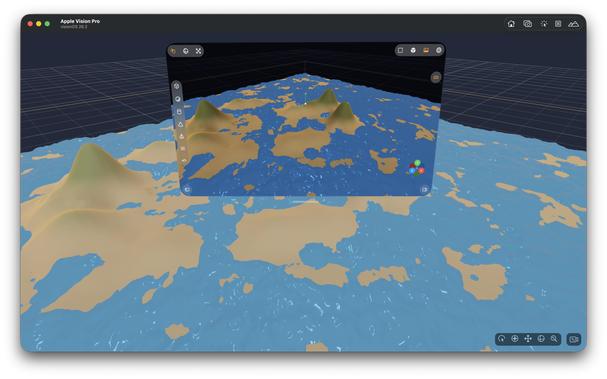
Ha, cute, you can even fling the raytracer around 🤣
Also I added an expanded progress indicator
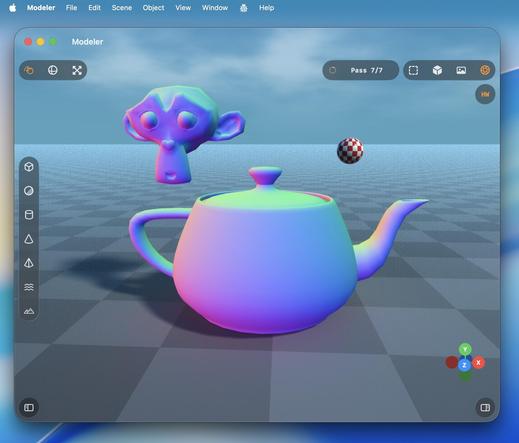
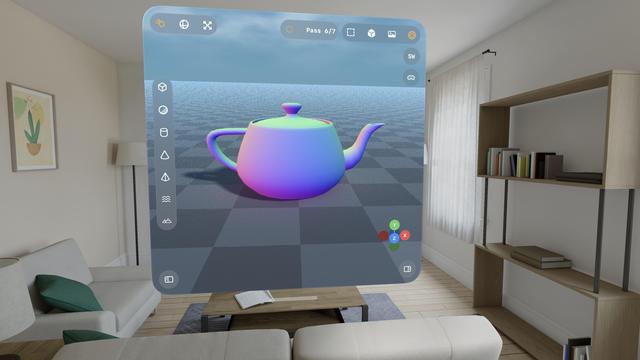
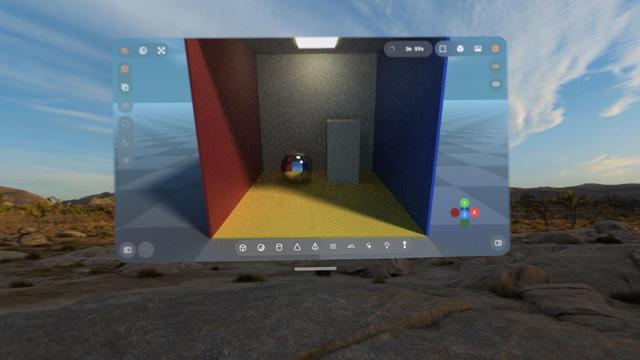
Hadn't tried the visionOS build, but it works too.
With a caveat.
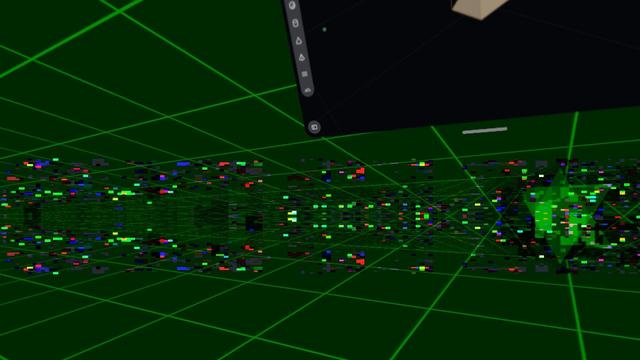
visionOS is far more fragile to anything like 3D rendering. Saturating the GPU like this slows the compositor to a slideshow, and even got to a point where Metal was leaking out of the window into the OS and I was seeing squares of corrupted video memory in front of me until I got the equivalent to a SpringBoard crash.
Functionally, this could be a visionOS app.
Practically, no.
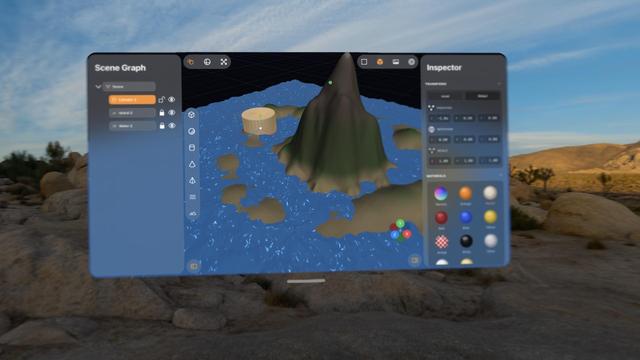
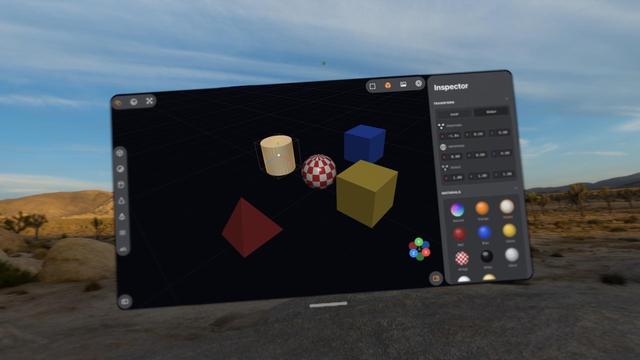
Pretty much everything I've worked on with Codex up to now has been stuff I could have built myself, within my area of expertise (or learnable), it just would have taken weeks or months.
This 3D scene app is something I never would have been able to build myself. I would have needed a team of rendering experts with domain-specific knowledge and human-years of research
I love how visionOS, uniquely, *explodes* when rendering goes wrong.
Hello [MacBook] Neo.
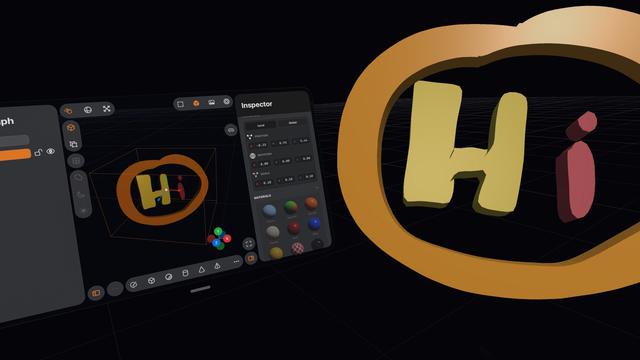
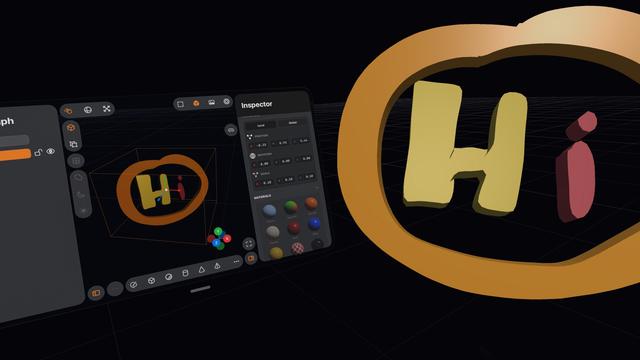
So now that visionOS 26 lets you spawn immersive scenes from UIKit apps, I had Codex implement me an immersive scene using Metal and CompositorServices that mirrors the in-window viewport and lets you live in your scene 😁
It's real frickin cool.
The raytracer might be off limits for visionOS, but there's a lot of interesting stuff to do in other areas
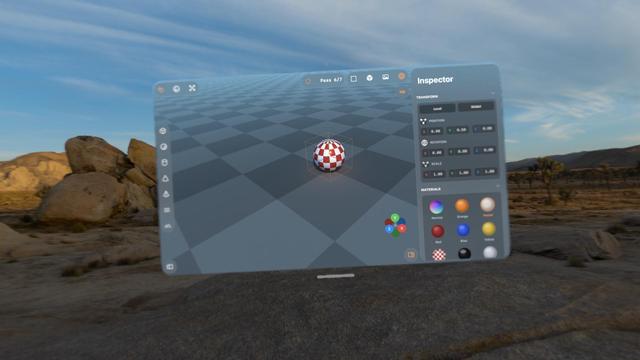
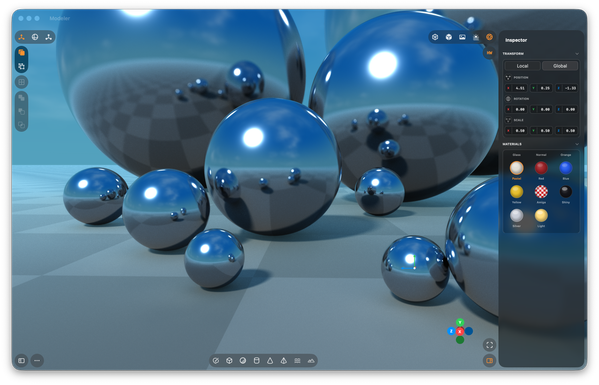
I figured why not use RealityKit for the material previews, so now they are actual spheres.
Miraculously, it all still works — the Metal viewport, the Metal immersive scene, and the RealityKit UI elements, but it's very clear the Vision Pro (M2) doesn't have much headroom to build an actual app around this stuff
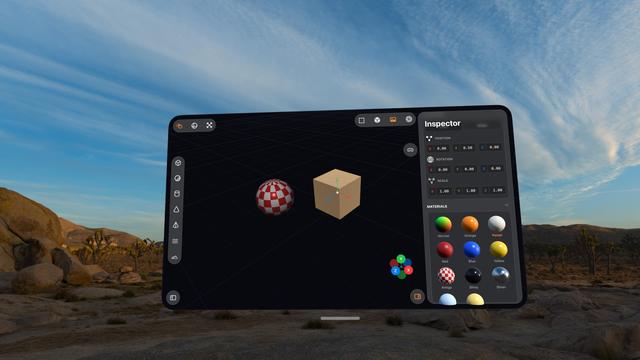
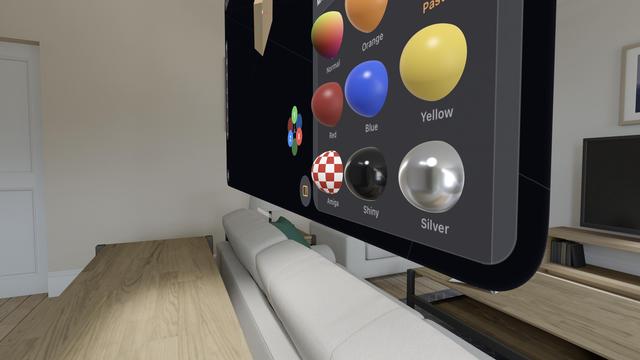
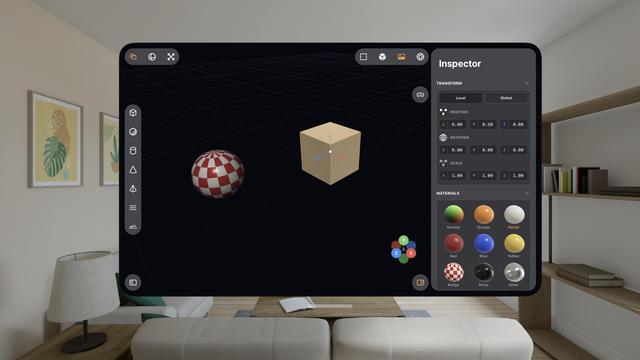
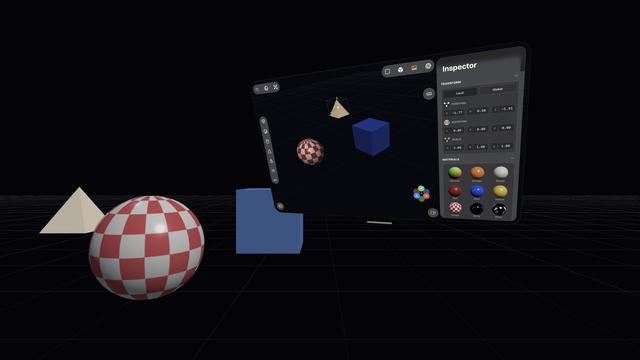
The raytracer is, for now, a no-go on visionOS. It's possible I could throttle it and stay within visionOS' systemwide render budget. But it's probably worth improving the RT performance a bunch on its own first before I come back and try it here. I might run out of steam on this prototype before then.
This entire app project is still in my 'Temp' folder, where throwaway projects live 😅
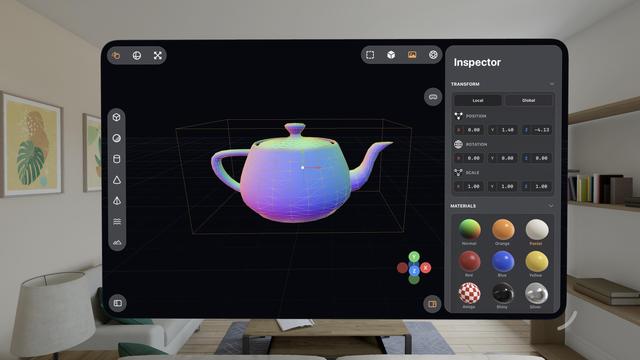
Some more things to show off here on this iPad mini 6!
• Longpress band gesture
• Multi-select
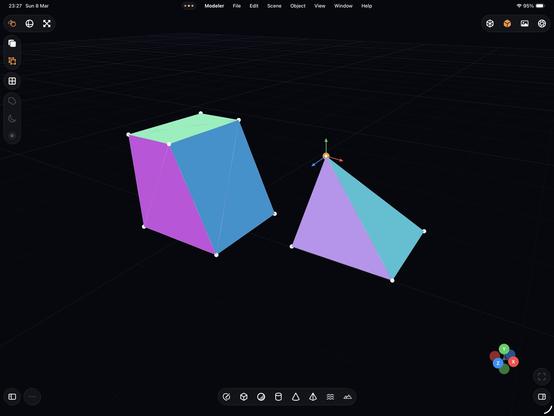
• Vertex editing
• Subdividing
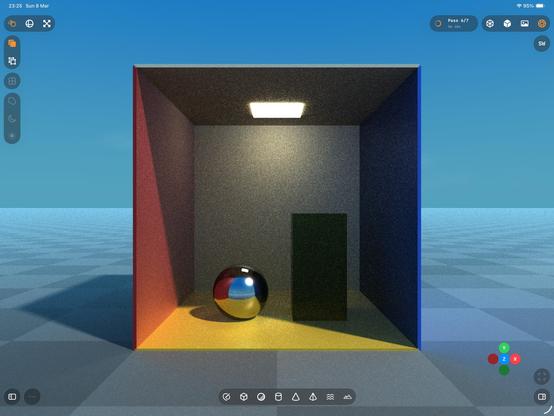
• My 'generate a Cornell Box' button
• (And the raytracer, of course)
There is a lot of really neat stuff in this app. Still using Codex 5.3 Medium, still haven't touched a line of code myself
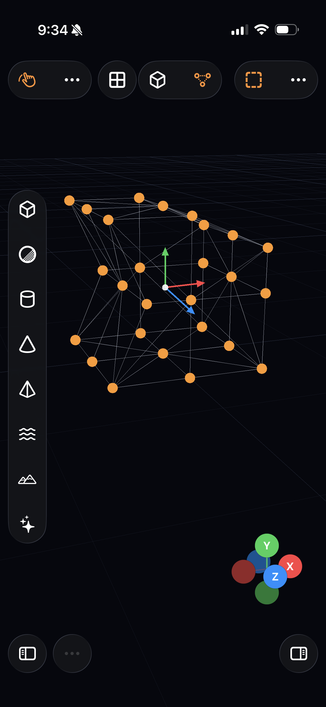
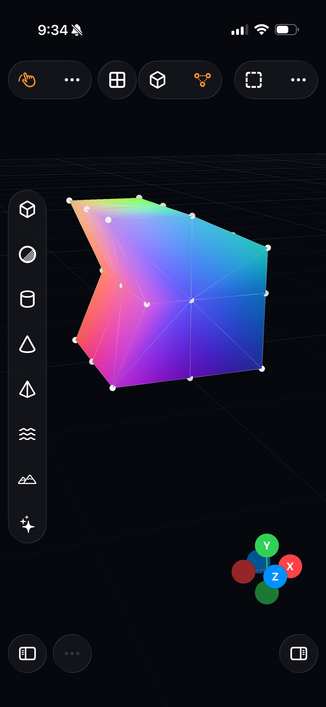
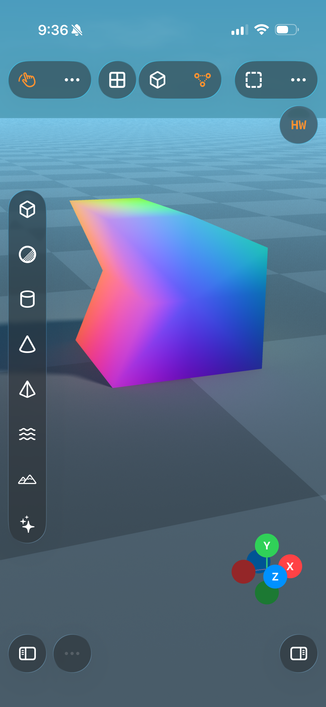
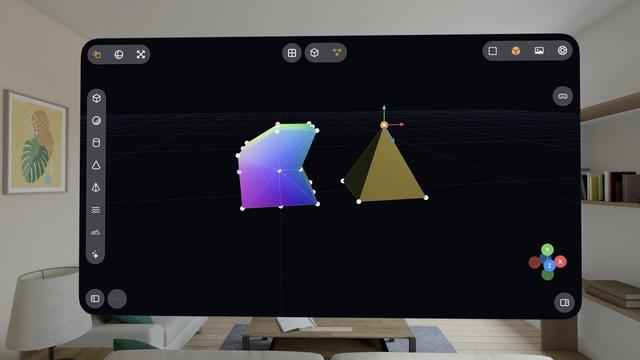
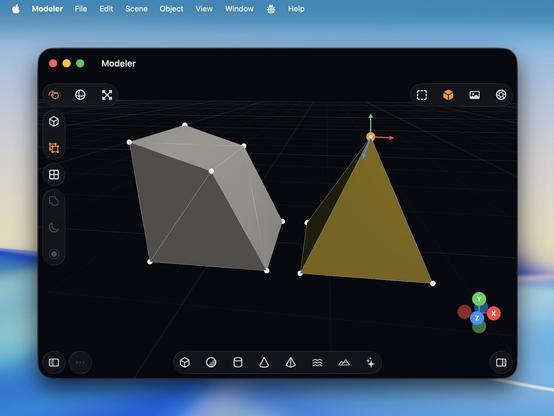
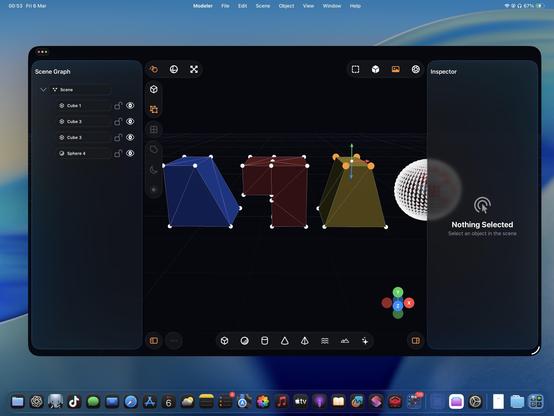
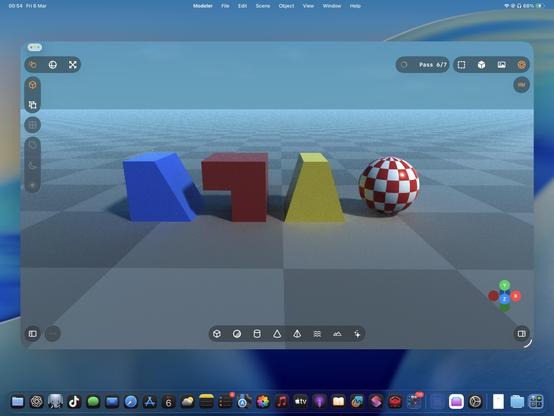
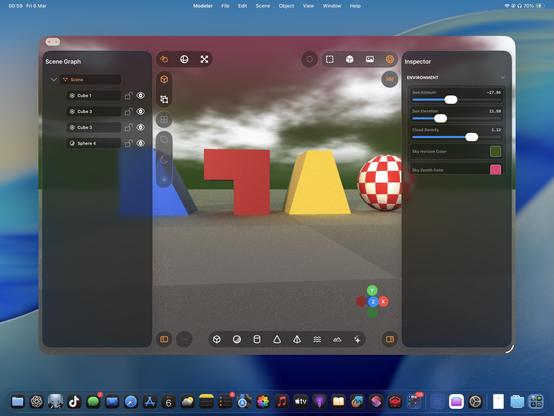
I never really thought about it before, but multitouch is actually legit for 3D modeling tools, maybe even better than a desktop. On a Mac, you need to hold modifier keys (or buy a multi-button mouse) to do everything you want with the viewport, but on touch you can orbit, pan, zoom, and multi-select very easily. If you special-case the stylus too, like I am, it feels very powerful.
Almost all of this extends to spatial computing, though visionOS struggles a bit with two-hand gestures
iPadOS has never been better for rich, complex, desktop-class apps. Almost all of the old barriers and blockers are gone.
Sadly, Apple waited until most developers had run out of patience with the platform.
If this thing had Xcode, a real Xcode, it would be effectively complete
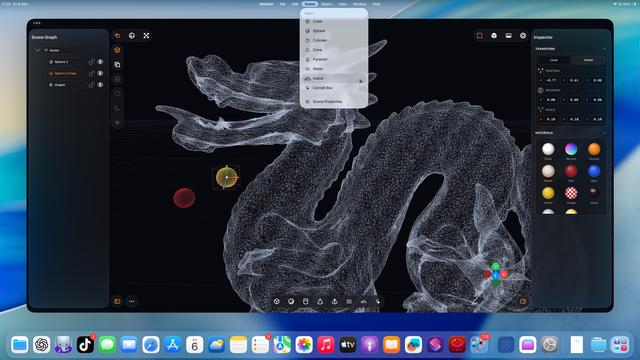
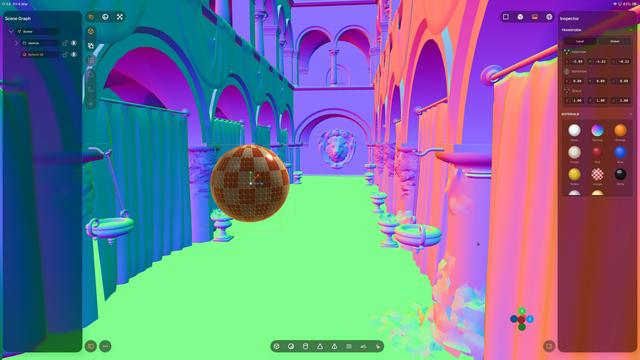
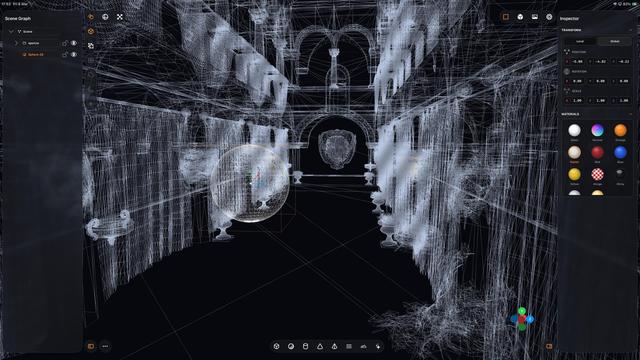
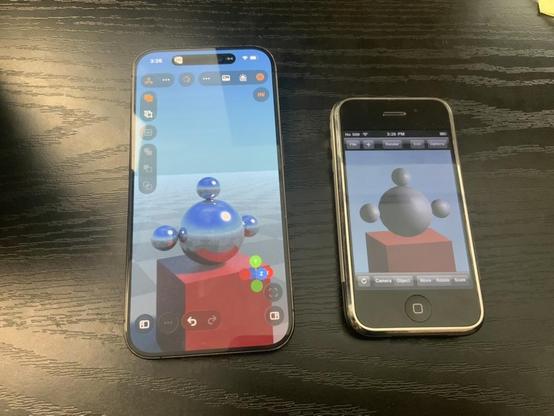
Even my iPhone 12 Pro Max can raytrace!
Which I guess is not all that surprising, considering the A14 chip is the same generation as the M1
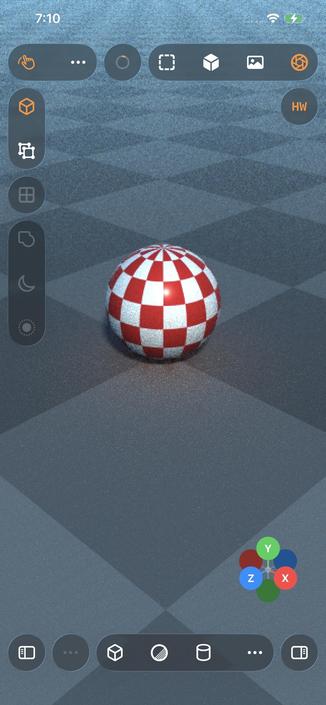
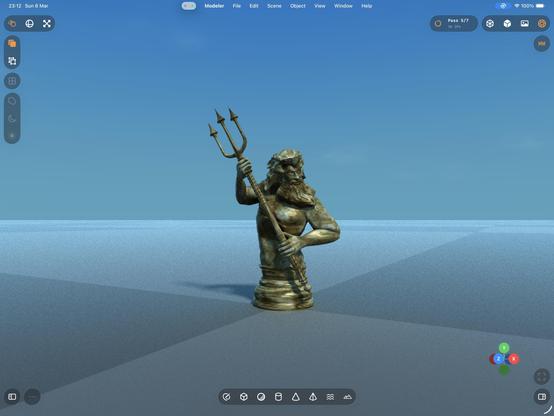
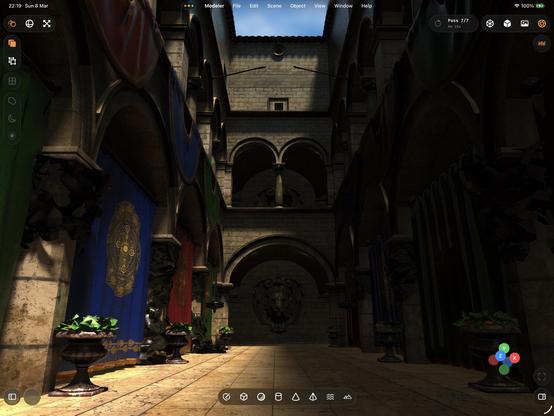
That’s a whole lot of raytracing from a little iPad. Biggest render to date, at 5120x2880 — took about an hour to get to the final pass.
Crashed right at the end, so I didn’t get to take a picture of the final output 🥲
The raytracer still needs a bunch of work, but it’s more and more capable day by day
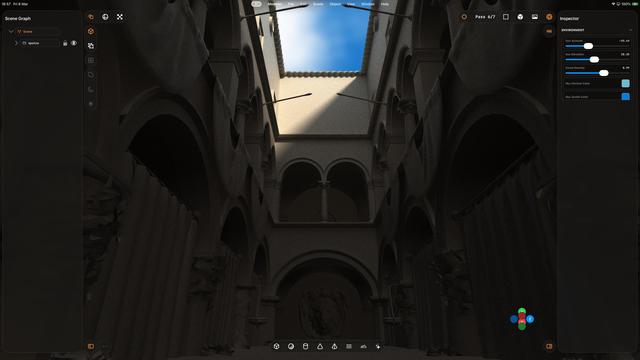
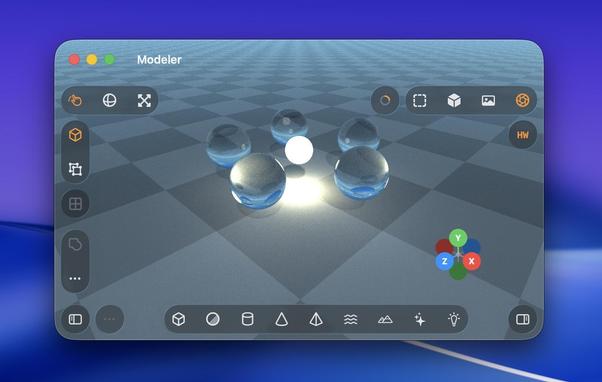
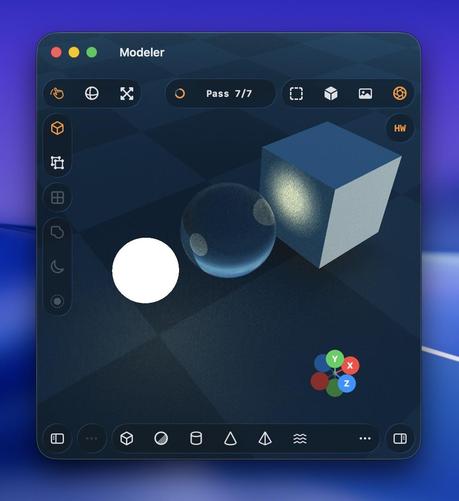
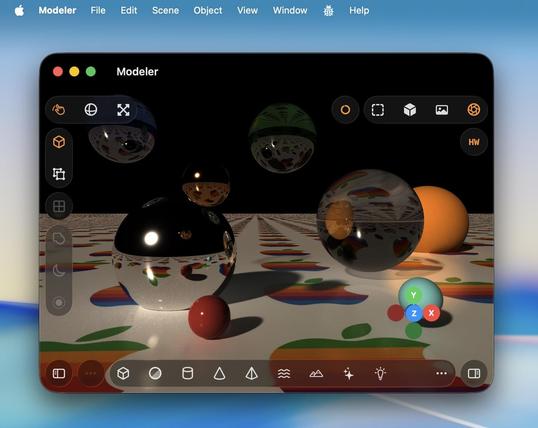
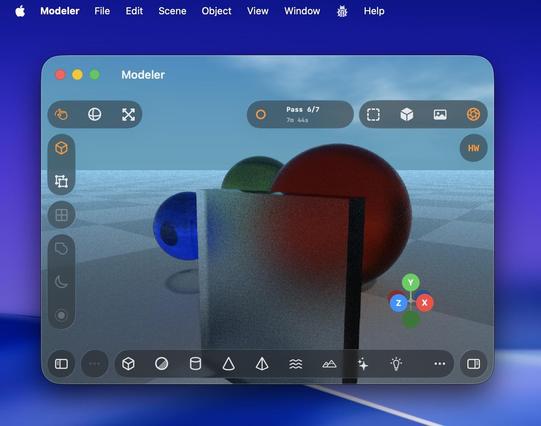
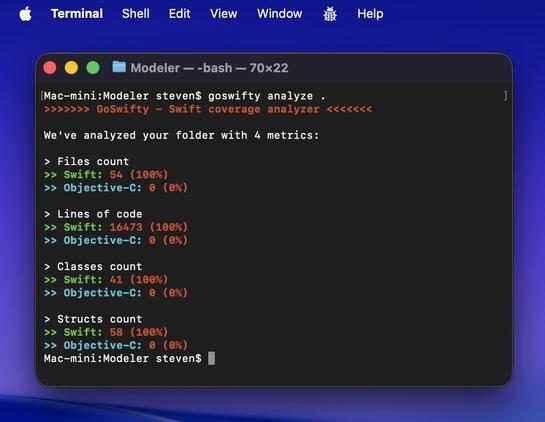
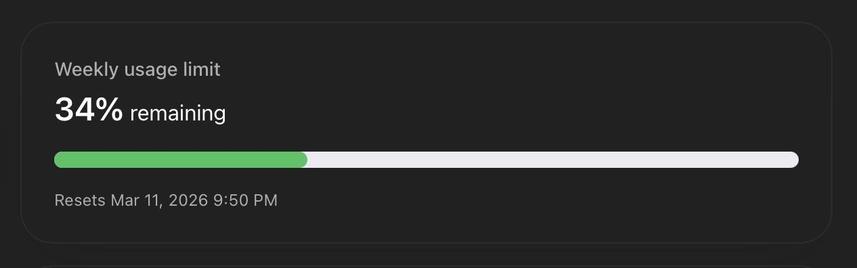
This 3D modeling app and the switch to the more-expensive GPT 5.4 model might finally be the thing that burns through my weekly usage budget. It's now 25K lines of code; the more-complex renderer really ballooned things a bit, but it's worth it.
I finally moved it out of my temp folder and into my projects folder, and handed it off to a fresh GPT 5.4 session with a bunch of documented context about the intricacies of the project. Hopefully that's enough to jump-start it
I know how to use Photoshop, and I wish 3D tools were as easy to use as a Photoshop. So I think that's the kind of app I want to create*. Not knowing what I don't know, I'm sure to stumble across features that no self-respecting modeling tool would add, but are great for people like me. That's the beauty of cross-domain knowledge, I guess.
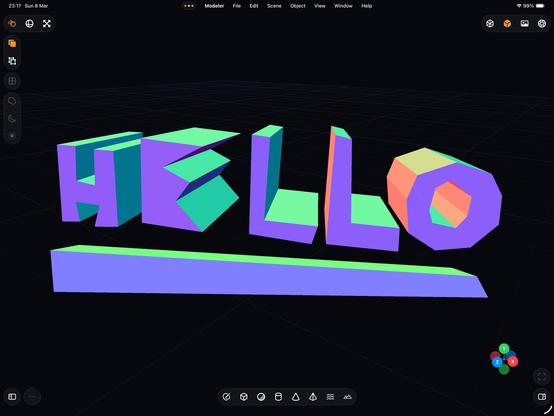
Anyway here's a pen tool.
(*you know, if this ever actually becomes something I would want to ship and put my name to)
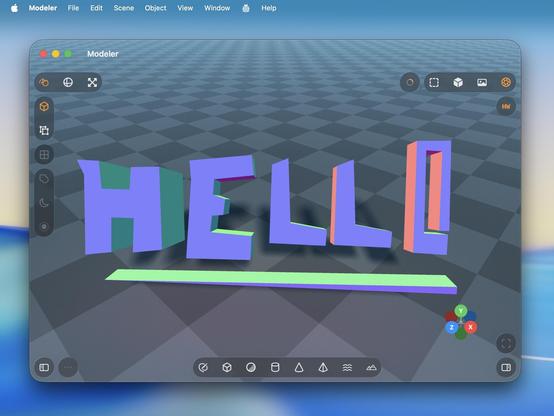
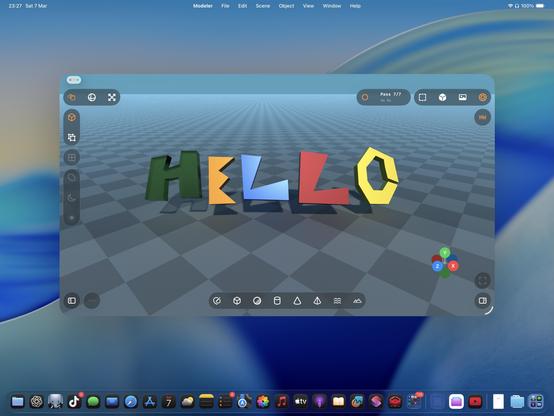
The Logitech Muse hardware does feel like a piece of junk. Connecting it to the headset is really flakey — you pretty much have to unpair it and re-pair it every time you want to use it, before visionOS will recognize it and account for it in passthrough, but I suspect that's Apple's bug. Together, though, it makes it feel pretty lame to use.
Anyway, my stylus-drawing code works on visionOS too
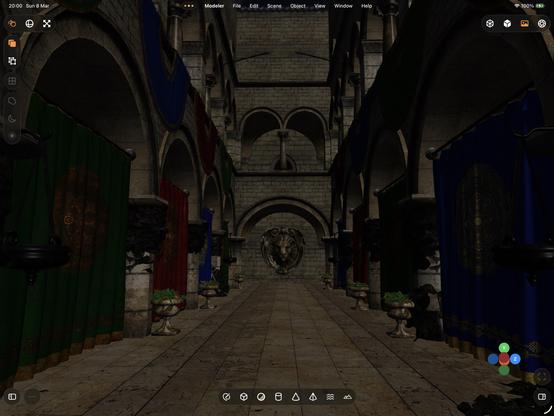
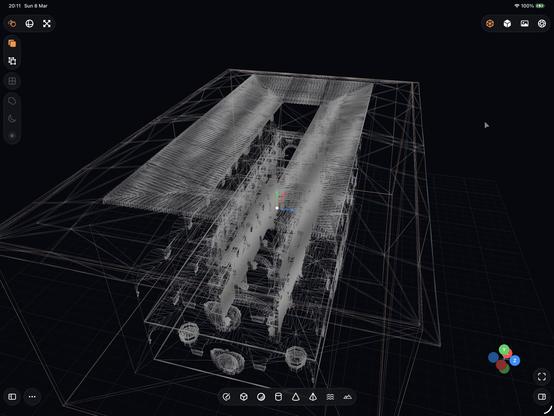
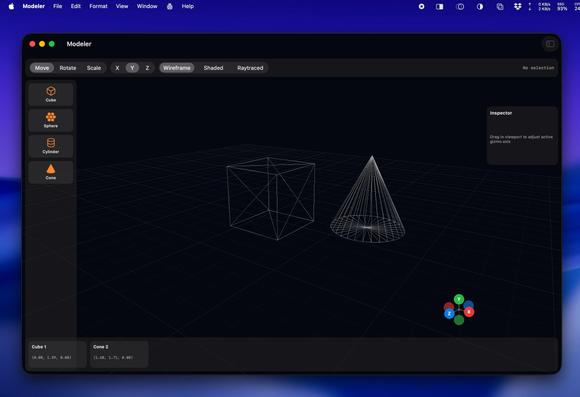
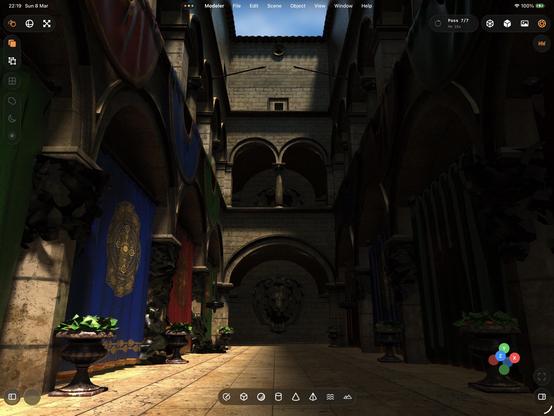
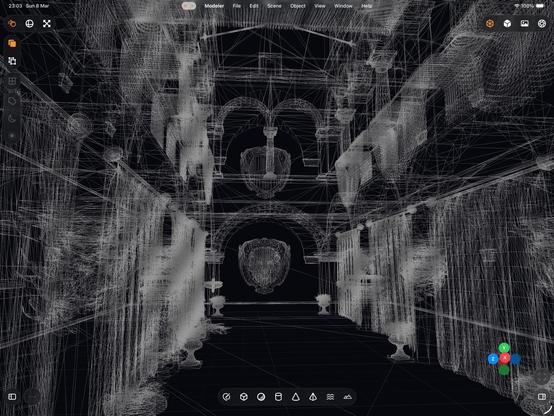
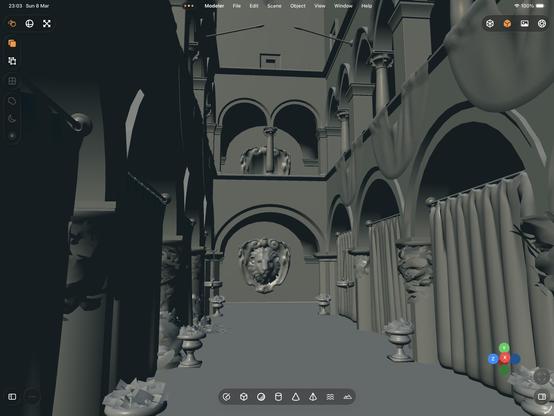
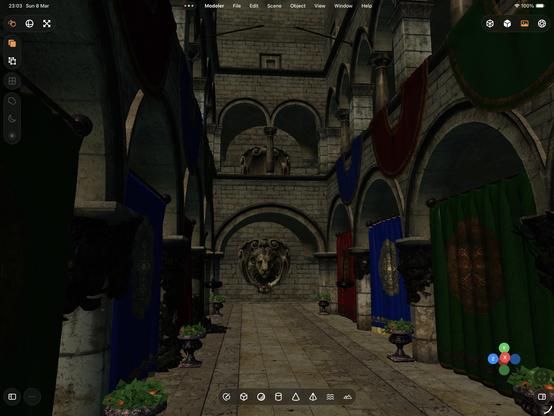
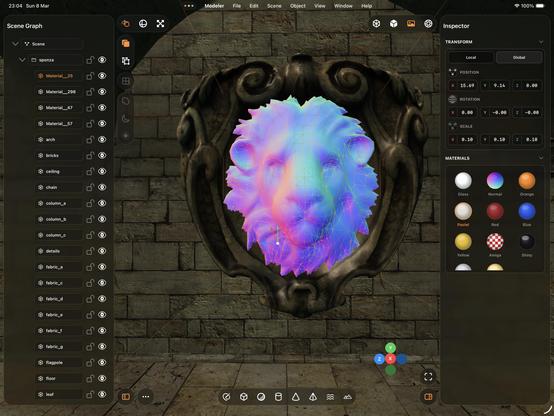
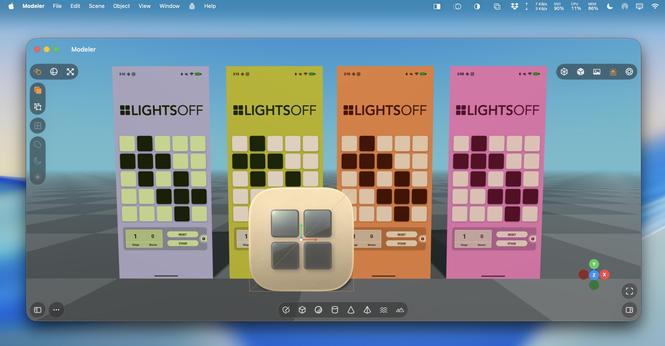
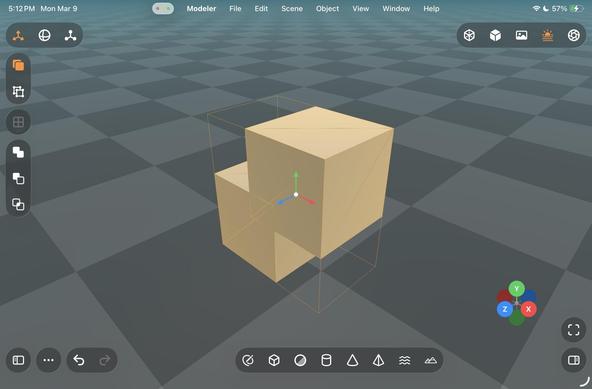
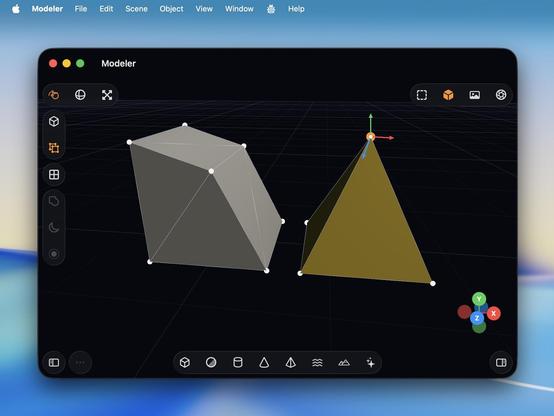
✈️ If you've been curious about this 3D modeling tool, and just want to check it out yourself, I have pushed a build to TestFlight for iOS, macOS, and visionOS.
It's not a product, it doesn't have a name, it has many obvious bugs and issues that haven't had a polish pass, and it doesn't save anything to disk. It may never be something I finish; it's just a snapshot in time of the development, to play with
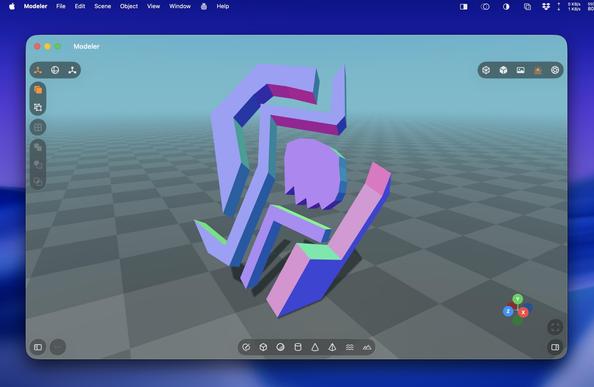
 Metin Seven 🎨
@stroughtonsmith Looking good! But why polygons again, and not SDF 3D?

The big SDF thread
📅 Latest edits: March 8 ─ Added the Chisel SDF add-on to the SDF 3D modeling in Blender section. February 18 ─ My post in this thread containing the SDF Modeler manual is converted to a PDF that is now downloadable from the SDF Modeler product page at Itch, so that post has been removed to avoid two manuals at different locations. February 18 ─ Added the MathOPS add-on to the SDF 3D modeling in Blender section. ➡ Furthermore, latest additions are marked with 🆕 ...
@stroughtonsmith Then leave everything you're doing right now and jump into the blissful sea of SDF. 😉
You can read all about it in the Big SDF Thread.
 TheEJJ 🇨🇦
 Sim
Sim Joe Groff (1M Context)
@stroughtonsmith Canada is currently being powered off of my nostalgia.
 Quentin Zervaas
 James Thomson
 John Balestrieri
 Arno Appenzeller
 Yining Karl Li
 Justin Scholz
 Dr. Juande Santander-Vela
 Cesare Forelli
 Matteo Dall’Ombra