 Steve Troughton-Smith
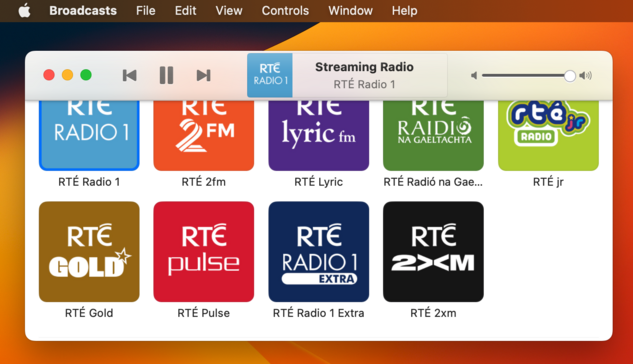
Tempted to leave this alternate toolbar style in @broadcastsapp as an easter egg, to go along with the existing pinstripes setting 👀
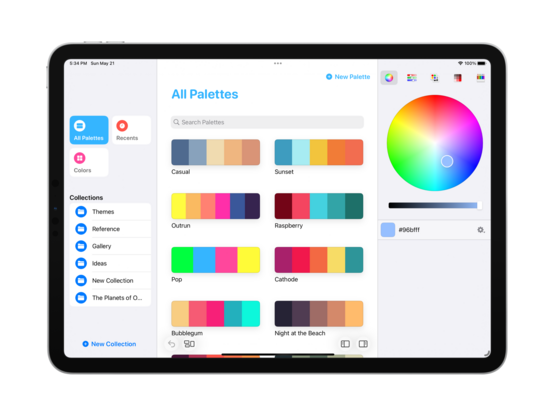
Starting some initial work on unifying @broadcastsapp's sidebar design language with @pastelapp and @takeoneapp by using the Reminders-style group cell. I think this calls for me to create a custom class I can use across all of them — I'll have to put some thought into that. Take One has the best variant so far, so I will probably use that as the template
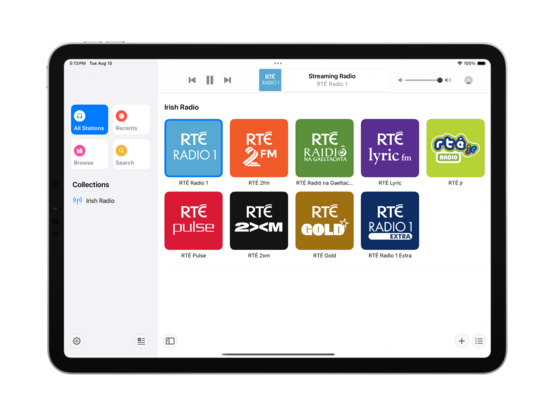
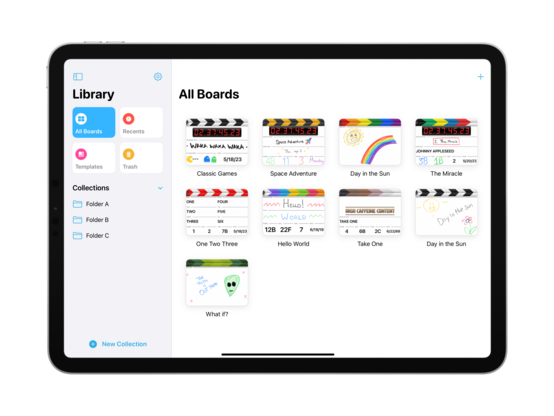
I'm also experimenting with a new bottom-aligned floating toolbar style, but I haven't committed to it yet (I can toggle it while debugging)
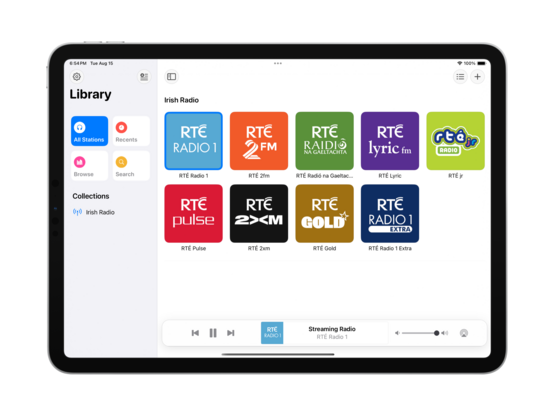
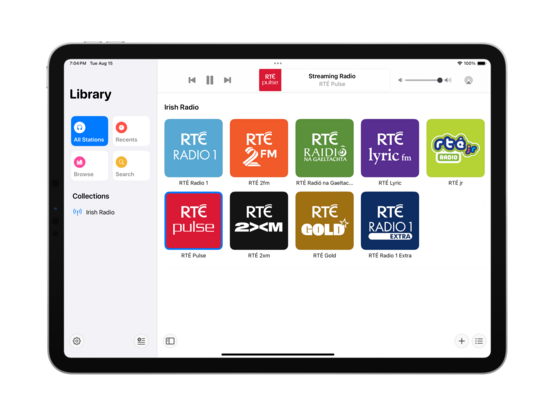
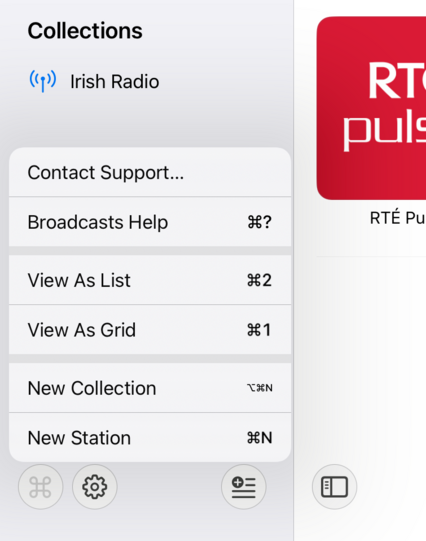
I do currently plan to remove Broadcasts’ command menu. It came about in an era where iPadOS did not have dropdown or context menus, or a system menu panel. It served its purpose, but there are better ways to go about this now
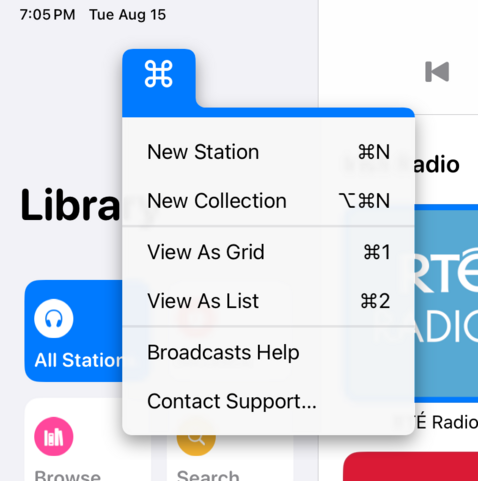
If UIMenu allowed for variable image widths, you could do something like this by rendering the shortcut symbols to an image. The 'New Collection' item is sadly how it works today. I am quite tempted to just not show multi-modifier commands in this menu though, since the effect works great otherwise…
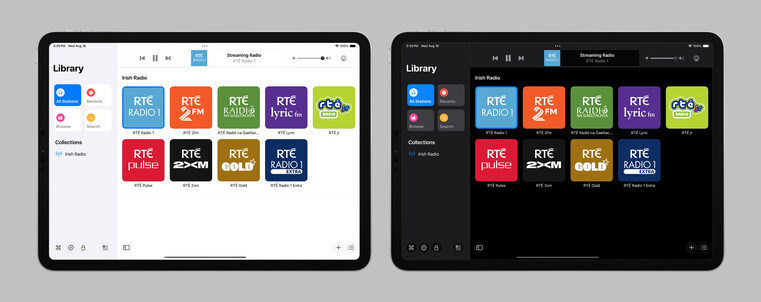
The layout and colors might change a bit, but this is the overall look I'll be going with for the next version of Broadcasts on iPad — a friendlier, more-modern sidebar design
Revisiting the Broadcasts watch app in terms of a watchOS 10 baseline so I can actually use some of the new stuff, like toolbar buttons. Using @_Davidsmith’s technique, on earlier versions of the OS it loads up the existing WatchKit code, and on watchOS 10 it's all SwiftUI. I think I'm much happier going this route than trying to build a SwiftUI interface that works across all the different OS designs. I might actually ship it this time round
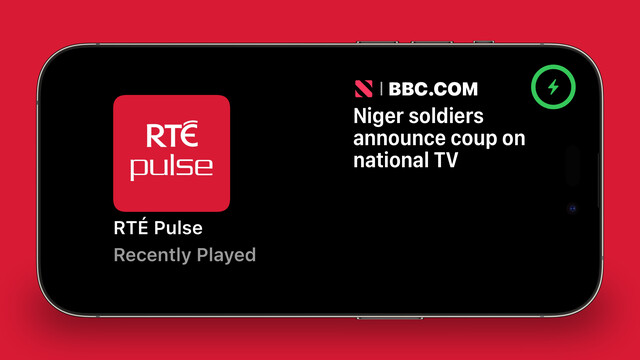
SharePlay over AirDrop is very cool, especially with the new ‘bump your phones together’ UI. I wired up @broadcastsapp so that it supports handing off playback between people just like that
Though there’s no real system support for it, having lived through a similar situation this year I feel like my custom Assistive Access mode is too important to not ship in some form. So I'm going to do the next best thing: a temporary custom URL scheme that can toggle Broadcasts in and out of this mode, until real APIs are available. In Assistive Access mode, Broadcasts just shows a list of stations that can be played, and turns off all other features and UI. No accidental deletions, no nothing
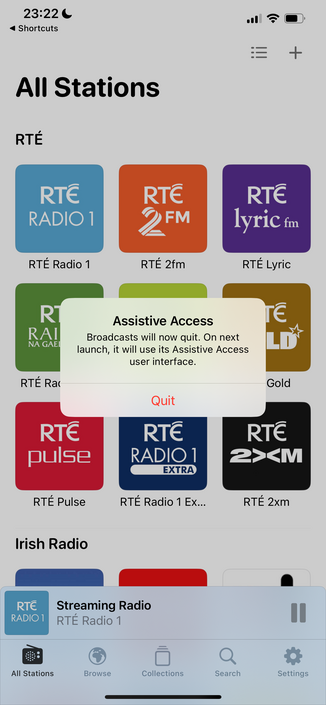
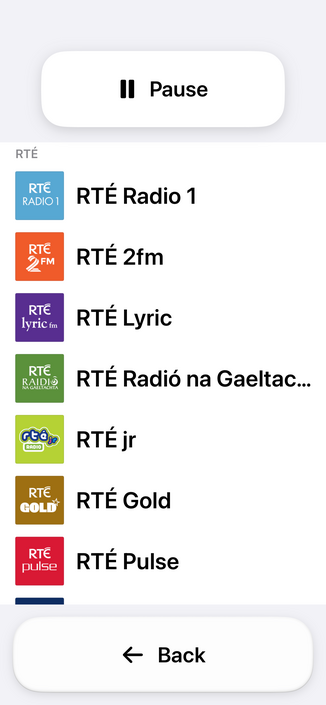
Having spent the day working with the actual Assistive Access SPI (https://mastodon.social/@stroughtonsmith/111072449541807169), I decided to replicate as much of it as I could in SwiftUI directly. In doing so, I ported my new watchOS app code to iOS and used it as the basis of my faux-Clarity UI. It's not perfect, but it kinda works! And this one I can ship
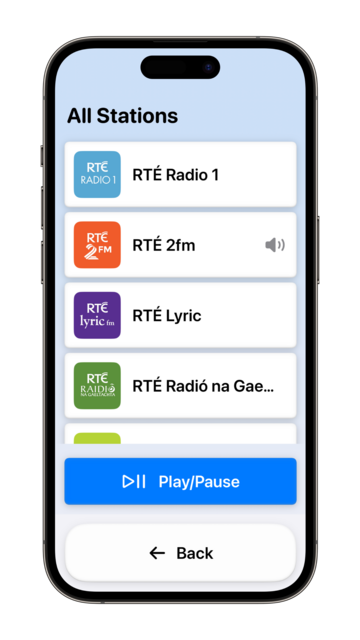
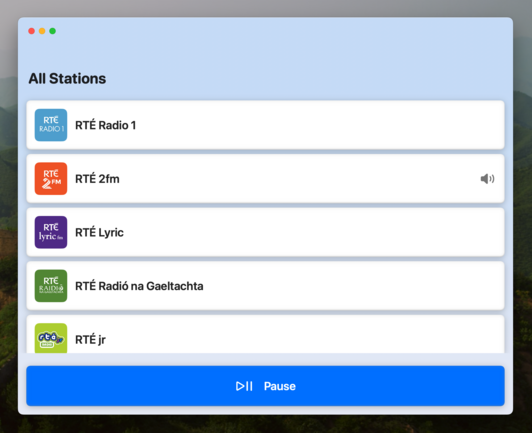
I didn't have a whole lot prepared for iOS 17, just a amorphous collection of features I'd been working on for @broadcastsapp in some form or other over the summer, while the core of the app was revamped quite a bit for visionOS. Nonetheless, they've kinda taken form over the past few days into something I can call v3.3.
I've got:
• Assistive Access mode
• A refreshed app for Apple Watch
• Interactive widgets & Stand By support
• SharePlay via AirDrop
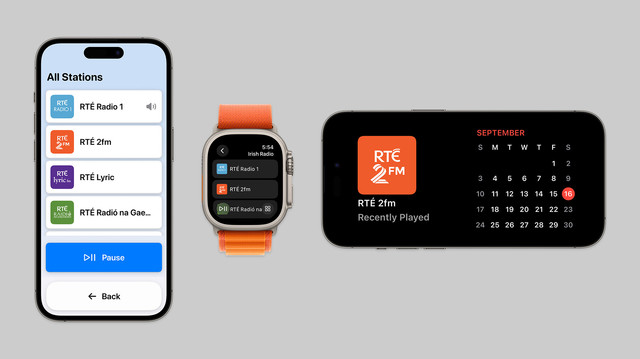
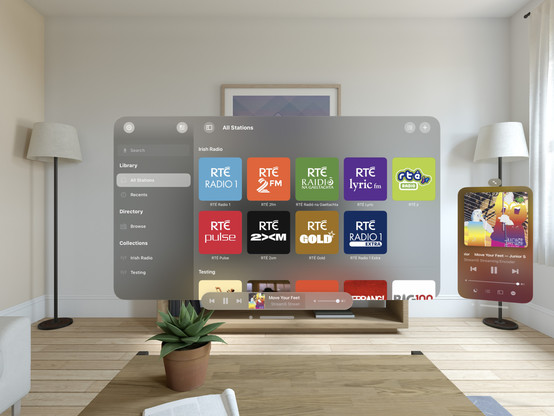
On top of that, Broadcasts has a whole visionOS app pretty much ready to go, but I have no intention of shipping this before I have a device to do final iteration & testing with. A lot has gone into the app over the past few months!
I decided to elevate Broadcasts' Assistive Mode from 'hidden feature' to just 'feature’. There's a new panel in the settings tab that allows you switch to Assistive Mode at will. And now there's a close button that lets you exit Assistive Mode, too. I think this is the right thing to do
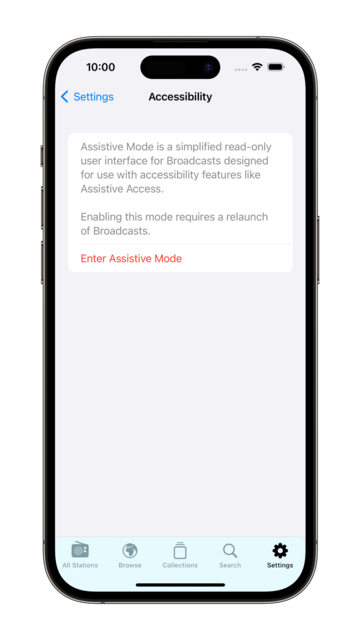
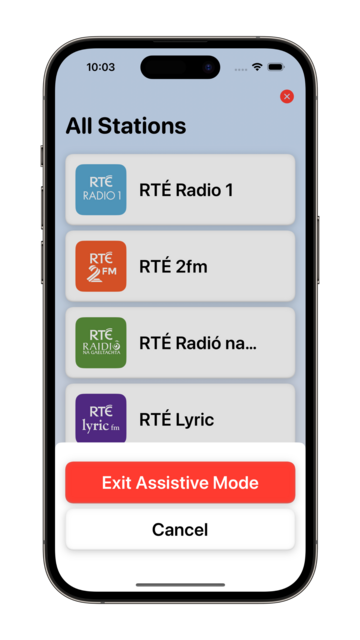
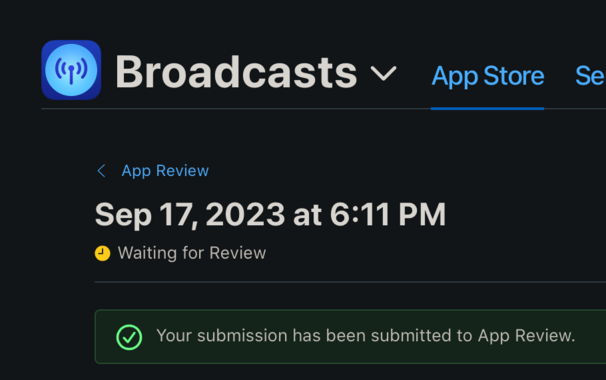
I’m calling it on Broadcasts v3.3, anything else is a ‘we'll fix it in post’. To App Review!
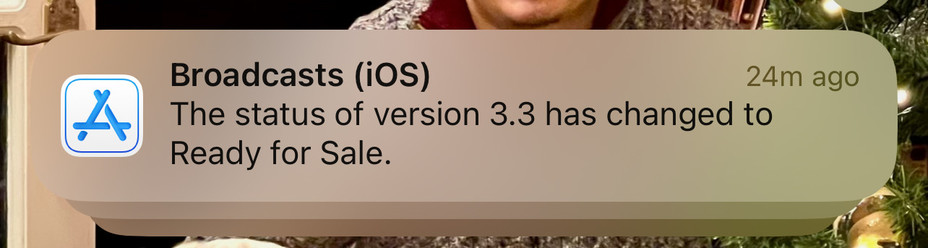
I would have to be real silly to be crunching to ship @broadcastsapp for the visionOS launch, huh?
…👀
Finally going in and putting together the systems to enable Broadcasts’ switch to a subscription model. Still have a lot of UI to redesign and re-word, but successfully subscribed using my sandbox account so that's a win so far.
As a reminder, existing users won't need to switch to subscription — if you've bought the app, you've bought the app, and that purchase will last for several years to come. New users will be offered subscription pricing
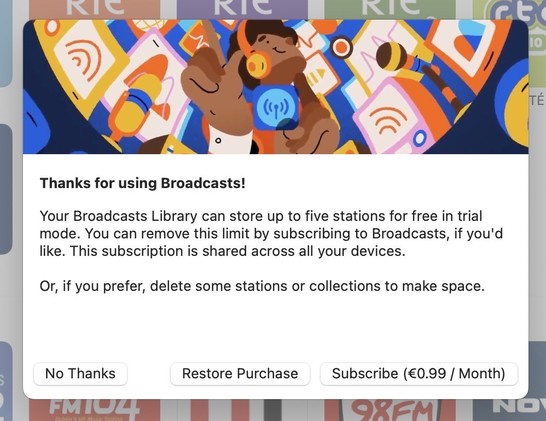
Came across these screenshots from August in my screenshots folder and realized I'd completely forgotten I had a big @broadcastsapp iPad redesign underway before I got distracted with iOS 17 🤦♂️
I'm going to be streamlining @broadcastsapp’s license flow a little in the next release, shifting where the library cap is exposed from the Add Station panel to the main UI instead — dimming any stations beyond the cap but letting them stay in your library. Tapping a dimmed station presents the IAP panel. It's a little more upfront, and a whole lot less confusing
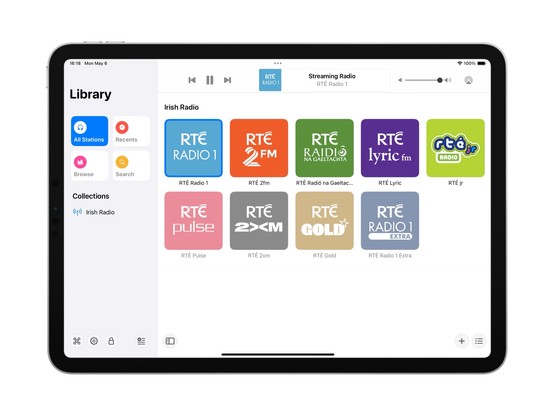
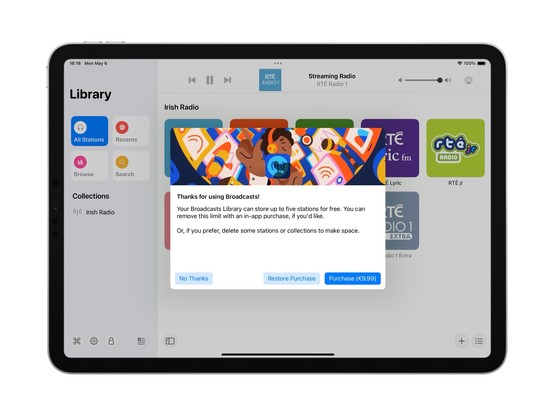
Extracting Broadcasts' purchase panel out into its own project for a while, so I can iterate on it and easily resize it. The idea being to make it a flexible shared component I can use across different apps. Need to also bring it up to scratch for the switchover to a subscription model (for new users) and meet all of Apple's guidelines 😪
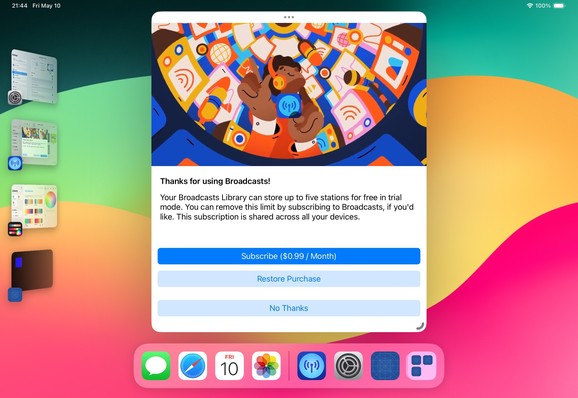
Fun fact: Broadcasts has received 110-ish updates across four platforms since it launched in 2020. If you add in Pastel, that brings it to 180 or so, or 45 shipping builds a year. Kinda highlights how silly it was to not move to subscriptions much earlier; the longer it gets from launch, the more I’m stretching that original $5 purchase price
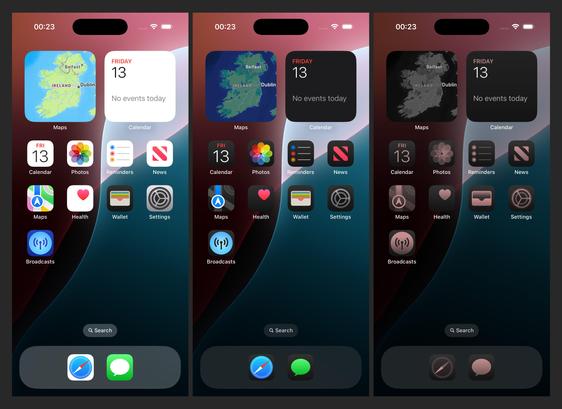
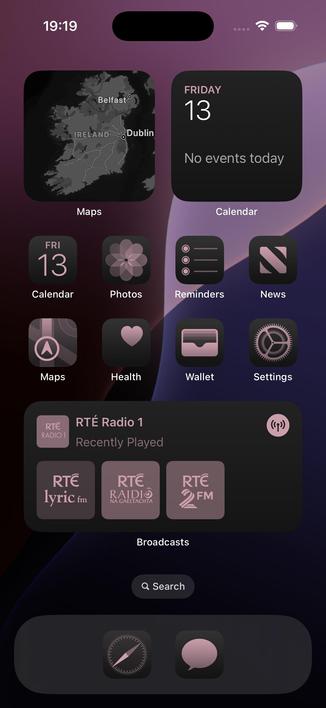
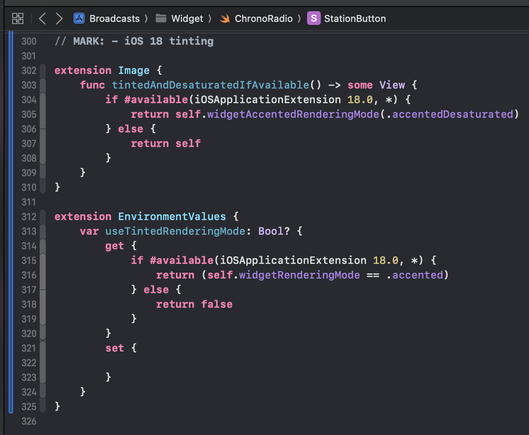
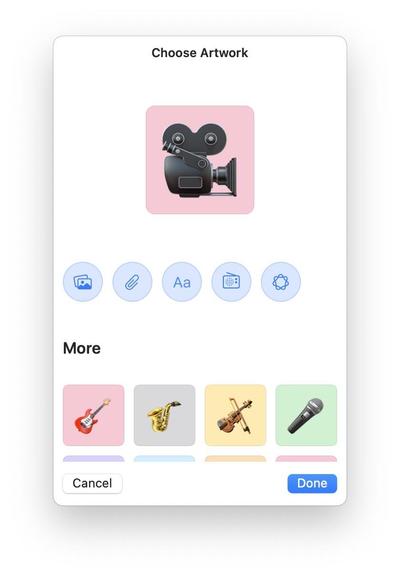
There's an obvious place for Image Playgrounds in @broadcastsapp, and that's in the station artwork picker. I’m not running the betas yet, so I'll see how appropriate the results actually are, but I've built in the support regardless and can turn it off if it doesn't work
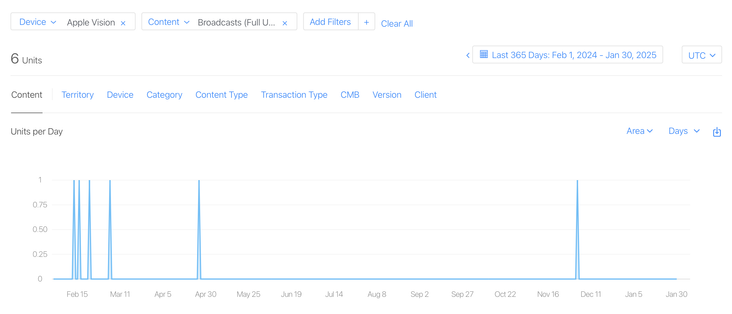
I have a whole year of sales data for @broadcastsapp on visionOS now!
In total, six full copies of the app were purchased on the platform in the past 12 months, and it has about 400 users total there.
This is my best-performing app on Apple Vision Pro, and it took about seven months of work to create 🤡
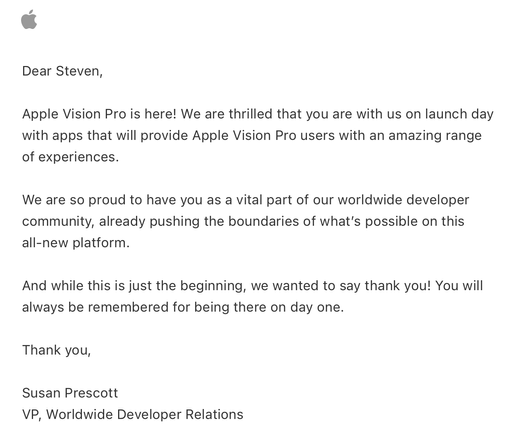
Apple offered a pat on the head in lieu of a devkit
Verifying that my older @broadcastsapp alternate UI feature flags still work before the WWDC keynote — always good to build yourself some options before you need them. Next time we see this, I expect it will be with an unhealthy amount of frosted glass
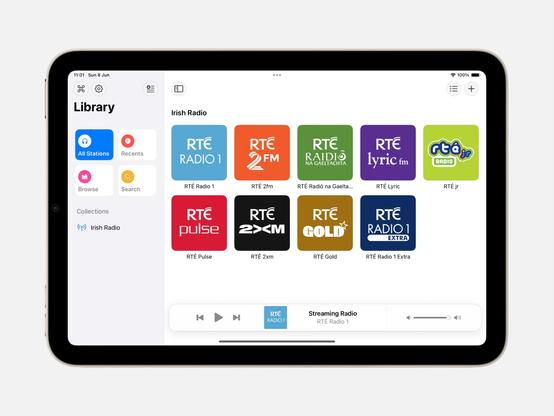
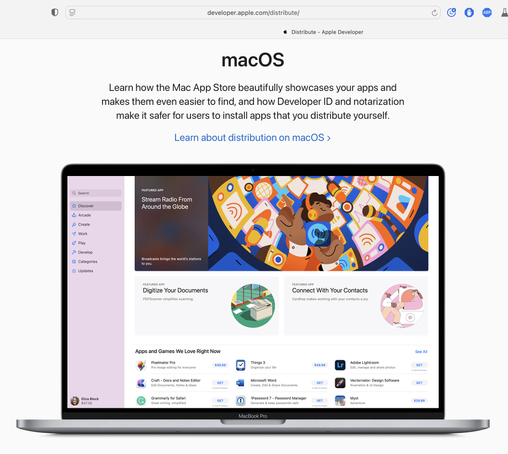
Complete double-take while browsing Apple's Developer site.
"…hey, wait a second, I know that app…"
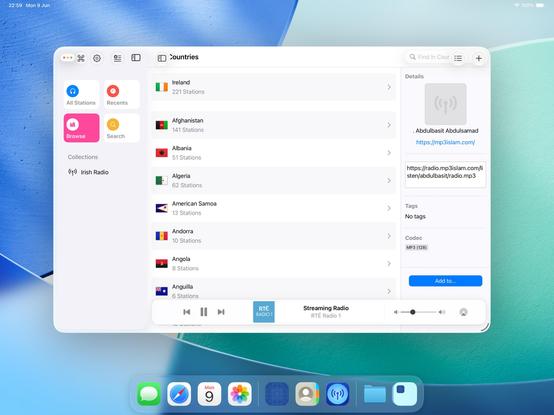
Threading the needle on targeted if statements that won’t also break the app across older OS designs on Mac, iOS, and visionOS 😂
This may not be the UI layout I ship, but I’m opting in all my custom views into the new stuff to see where that gets me before I start worrying about making decisions
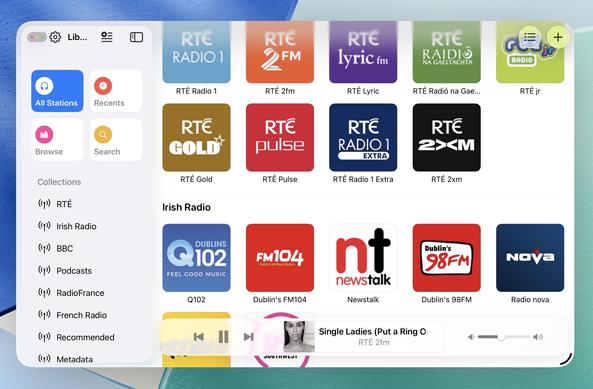
Getting closer to a reasonable starting point for @broadcastsapp in iPadOS 26 using my existing feature flags, before I start actually writing any new code or doing new layout. Progressive blurs and new glass effects all present and accounted for
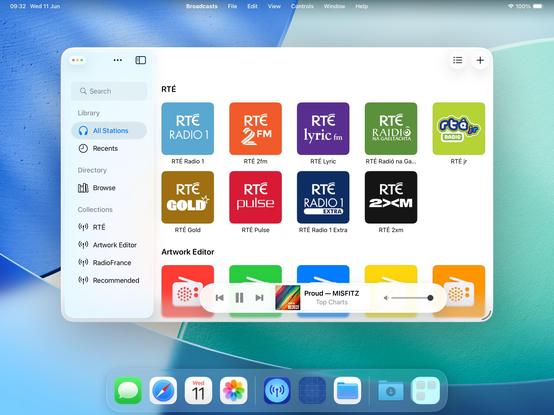
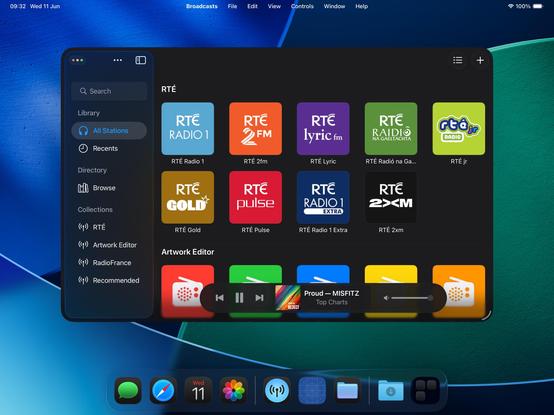
I have toned down the glass effect from the default by setting its background color to be 80% white. I expect that somewhere over the beta period Apple is going to do something similar (maybe meet somewhere in the middle). Or maybe the user base will get used to it, and decide they want something more like the glassier version. It will be an easy thing to tweak, if so
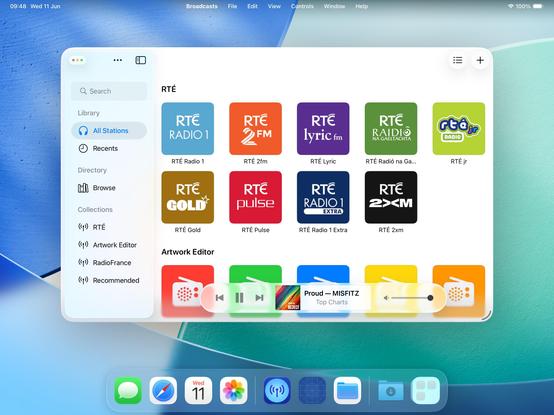
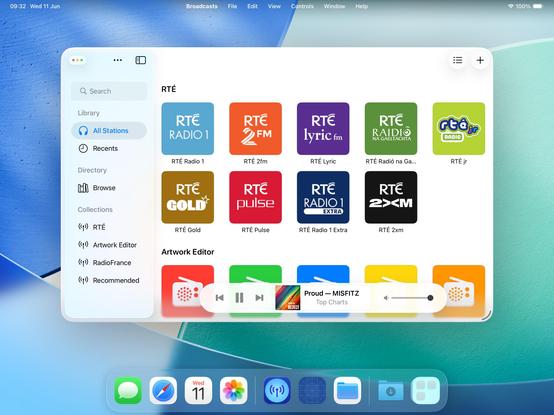
I will try to maintain dual-compatibility with iPadOS 26 and earlier versions of the OS as we move through the summer. Maintaining two different design languages, *per platform*, is going to be a struggle, but we'll see how it turns out. I built Broadcasts to be flexible, and it has paid off so far
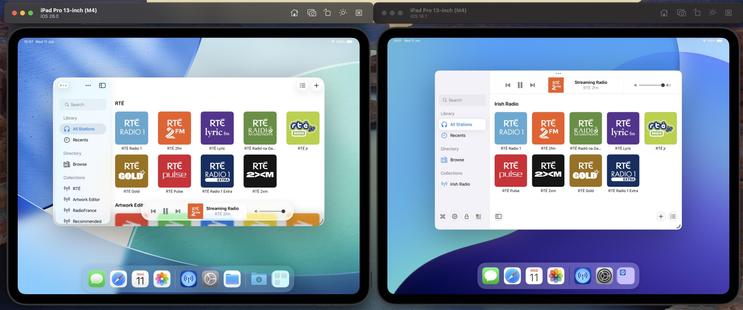
The new layout does work on the old design language too, so that's something I could consider down the road as features coalesce into a Broadcasts 4
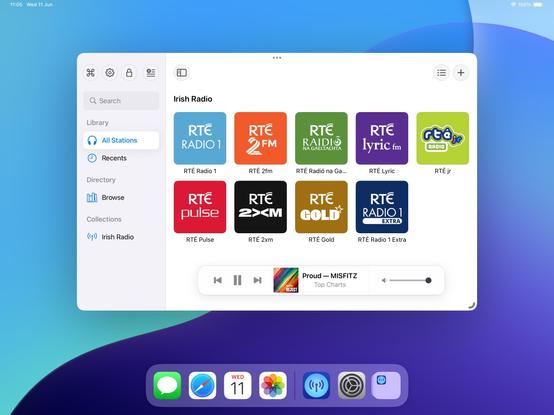
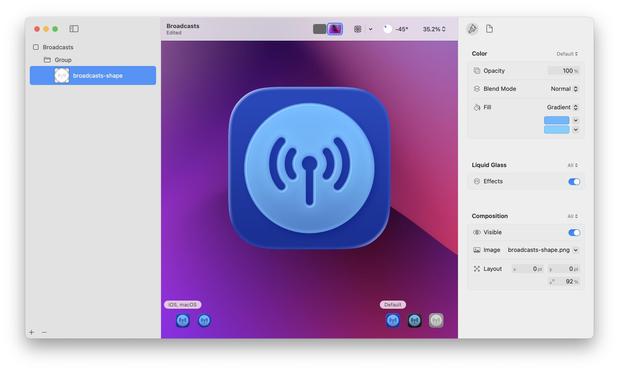
If I were making my living on designing app icons, I would be pretty upset with Icon Composer. Apple has gradually defined whole classes of designers out of existence throughout this era, but this is a K.O.
As a developer, though, this stuff is great!
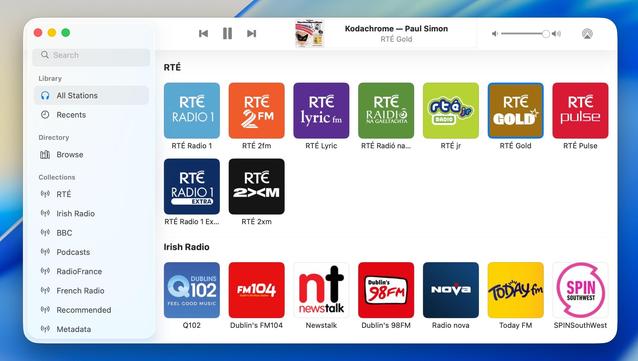
Had a couple of tiny tweaks to make, but my starting point for Broadcasts on macOS 26 is looking OK. If I manage to build and ship no other features this summer, this is at least how it will look like on the new OS
 tilo 🌱
@stroughtonsmith I’m really struggling to understand why the new sidebar design is it‘s own layer visually. It‘s on top but nothing can go underneath. Like what’s the point?
 Brad Vrolijk 💬
@codemusings @stroughtonsmith Feels to me like title bar controls are depreciated in the new design; there shouldn't be anything under the sidebar because other UI controls and displays should also be floating in their own space, not part of the window framework.
I think when done well it could work really great, but for some apps it'll definitely require deeper work to not look awkward.
 Jeff C. 🇺🇦🇬🇱
@buffaloseven @codemusings @stroughtonsmith Even if content could flow under it I am struggling to find the utility. There just isn’t enough peeking through to be of any utility, and it could easily be distracting.
This seems like an it-looks-neat change.