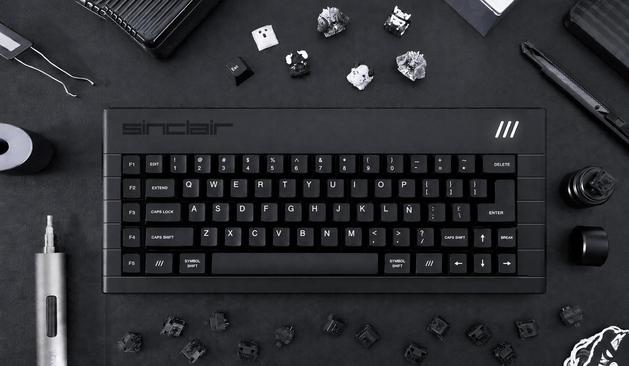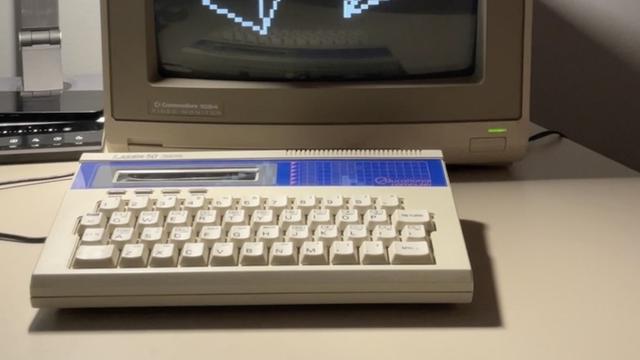
Aww, no love for the Sinclair ZX-81?
#Sinclair #SinclairZX81 #ZX81 #RetroComputing
video.chasmcity.net/w/6BaPY1TS…
RE: video.chasmcity.net/videos/wat…
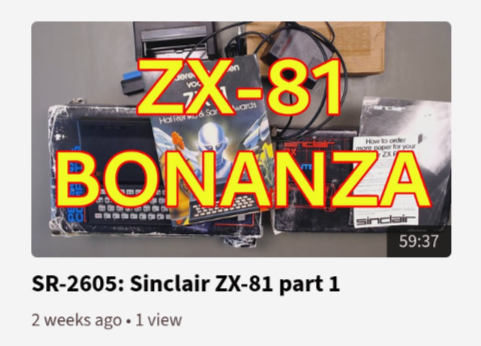
Aww, no love for the Sinclair ZX-81?
#Sinclair #SinclairZX81 #ZX81 #RetroComputing
video.chasmcity.net/w/6BaPY1TS…
RE: video.chasmcity.net/videos/wat…
Three Arduinos Team Up To Make 80s-Style Computer
Finally got an electric car! 😀
Silencing free speech kills democracy. They’re trying!
We cannot allow conservative media companies with a disinformation agenda like Sinclair and Nexstar to dominate our public discourse. #EndSinclair #EndNexstar
#BrendanCarr #FCC #MediaConsolidation #Sinclair #Nexstar #FirstAmendment #USPol
A couple of #sinclair QLs for sale locally. Not mine, just saw this.
https://www.gumtree.com/p/for-sale/vintage-computers/1514014151
¡Nueva versión del excelente emulador de Sinclair ZX Spectrum Spectaculator para Windows (v9.1) ya disponible! También para Android (v2.6).
Incluye nuevas características, mejorando y corrigiendo otras, respecto de su versión anterior.
Comparto aquí muchas de sus nuevas virtudes:
Virtual Keyboard
===============
- Completely redesigned virtual keyboard using high-resolution PNG artwork for the 48K, 128K/+, keyboard layouts, replacing the previous low resolution BMP images.
- Fixed an issue where the virtual keyboard was not visible.
- Virtual keyboard key states are now reset when the computer is reset.
Screenshots
=============
- Screenshots can now be saved or copied to the clipboard at various sizes, with configurable scale factor and optional border, all driven from the Advanced preferences page.
- Added support for PNG screenshots, which is now the default format; BMP is still supported for compatibility with older applications.
- Added a Save Screenshot (F4) to the File menu that saves a screenshot directly to disk using the configured size and border settings. Repeated captures for the same program title produce an auto-incrementing sequence number.
Joysticks & Controllers
=======================
- Fixed a buffer overflow caused when certain controllers (flight sticks) report more than the hard limit of 32 buttons; unusable axes are now hidden and unmappable buttons are marked N/A.
- Added named button labels for The Quickshot II, and X52 H.O.T.A.S., replacing generic button numbers.
- Removed legacy UV-axis support that predated USB joystick POV hat support.
- Removed the default Up/Down/Left/Right mappings from the Right Stick, which conflicted with the X52 2nd Stage Trigger; analogue thresholds have been tuned.
Debugger
==========
- Added Fill Memory — fill any block of memory with a specified value.
- Added Export Memory — export a region of memory to a file.
- Added Edit → Paste File Contents to import binary data directly into memory.
- Added Undo support to the Memory Inspector. Memory Inspector now remembers its last-viewed address across restarts.
- Added a recent files list to the debugger for debugger projects.
Son muchas las incorporaciones que figuran en la versión 9.1 del emulador para los poseedores de Windows.
Toda la info y descargas en: https://www.spectaculator.com/
#Sinclair #ZXSpectrum #Shareware #Emulation #Windows #Android
Nightshade poster (Ultimate 1985).
#retrogaming #8bit #zxspectrum #amstradcpc #amstrad #sinclair #bbcmicro #msx #commodore64 #commodore128 #dragon #drago