Thread about telescope-related electronics shenanigans!
The pifinder is a tool to help you aim a telescope. It uses a camera to take pictures of the sky, connected to a raspberry pi which uses a database of stars to say where in the sky your telescope is pointing. Then, if you want to find some galaxy, it tells you what direction to move your telescope in.
I call mine the "Sliced Pifinder" because they sell for $550 and I'm DIYing one myself for a slice of the cost. That's possible because instead of the recommended a $60 raspi 4, $50 HQ camera, $25 lens and $50 GPS, I'm using a $10 lens, a secondhand raspi 3, a cheaper camera, and a $20 IMU with unpronounceable name I found lying around in a drawer of sensors.
First I scavenged a pi camera from 2013. Turns out it wasn't sensitive enough to see many stars, so I bought a better innonaker IMX462 camera chip. However, the new one was bigger, and while the pifinder only uses M2.5 screws, this camera's mounting holes were M2. Another hardware store trip was needed.
So I designed another 3D printed enclosure for the new camera, printed a second after the first one was too small, put it together, and took it outside... and the the camera successfully saw stars! This camera is definitely much more sensitive than the old one. Plus, because it's connected to a raspberry pi, I can just SSH in and ask it to take pictures to see the raw camera output. But the software had more problems...
#telescope #pifinder #electronics #Astrodon
 James Trickle uP
 Gonzalo

 Lance Taylor #VA6LAT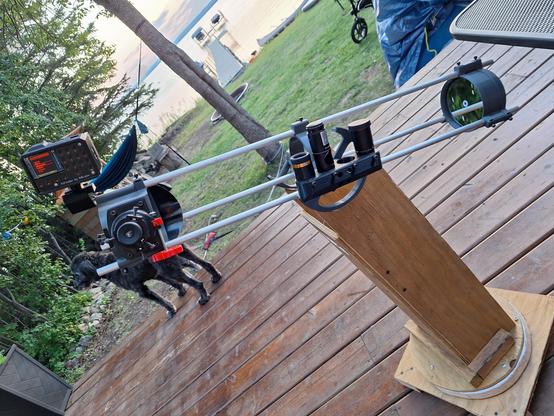

 hillexed


