 Ultimate Hacking Keyboard
A cleaner setup, built with intention. 🧩
The UHK 60 is about stripping things back to the minimal — removing what’s unnecessary, then using modularity only to add what’s truly needed.
Focus grows where distraction fades. ⌨️
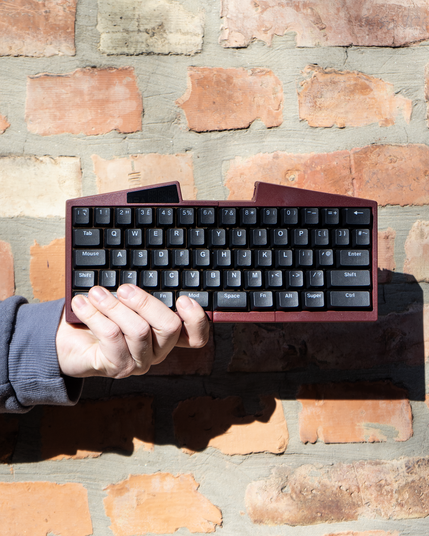

A cleaner setup, built with intention. 🧩
The UHK 60 is about stripping things back to the minimal — removing what’s unnecessary, then using modularity only to add what’s truly needed.
Focus grows where distraction fades. ⌨️
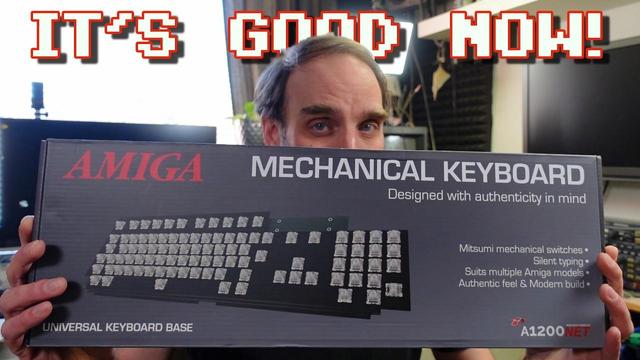
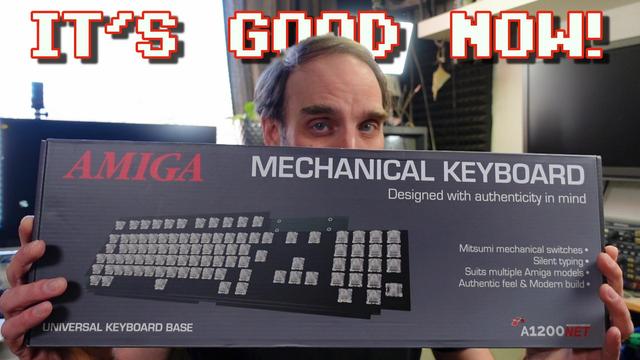
New video! Checking out the actual production version of the new A1200NET Amiga replacement keyboard.
YouTube: https://youtu.be/fB47oWn-4LY
PeerTube: https://makertube.net/w/eFhzT3rZ62rXcEjU92seHF
#Amiga #Amiga500 #Amiga1200 #Commodore #Keyboard #MechanicalKeyboard #A1200NET #Replacement #Keycaps #Mitsumi #Switches #Review
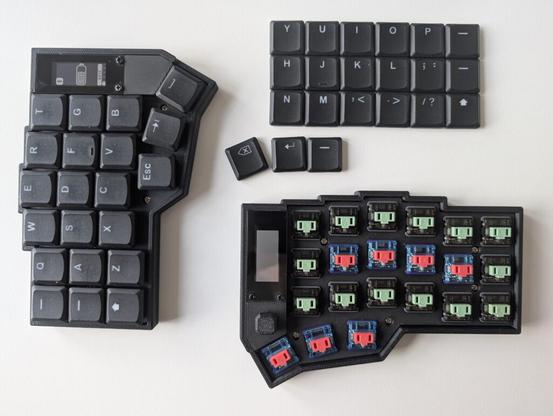
I made a thing: a tool that allows programmable keyboards to send arbitrary Unicode characters. I created this mainly for myself, but I'm curious to know if there are other persons on this planet that could use it, so here it is:
https://crates.io/crates/infinikey
Because you didn't ask, here's my story. 😉
Ever since I bought a split ergonomic keyboard (2008, Kinesis Advantage 2), I have used an English keyboard layout at work despite being German and working in Germany. I think that for my field (software development), English layouts are just superior to the German one(s).
Still, I also need German umlaut characters for emails and chats in German. Back then I only used Windows at work, so using some Microsoft tool I created a custom keyboard layout. It mapped Ctrl-Alt-A to the letter ä, for example. The problem was that (some) software would still receive the Alt key and for example open its menu. So I built a script with AutoHotkey that handled these keypresses and that worked better. I installed the script on the work and home PCs, and when I got a new keyboard (2023, MoErgo Glove80) I started using it both at work and at home.
Fast forward to last year, when I started at a new company, and my department there does not use Windows but Linux - yay! However, that meant my AutoHotkey scripts no longer worked. 😢
I could probably have fiddled with xkb and things, but I really wanted _one_ solution that works on Linux and Windows. After several experiments (different approaches with XCompose/WinCompose and 'misusing' the Espanso text expander), a few months ago I finally decided I need to write my own software. And as of this week, it's not only good enough for daily use, but also published and installable by anyone! 🎉
Thanks for reading this far. Let me know if you're one of the maybe 10 to 100 persons in the world who have some use for this software. 🙂
#MechanicalKeyboard #Keyboard #FOSS #OpenSource #Rust #Glove80 #KinesisAdvantage #Windows #Linux #ZMK
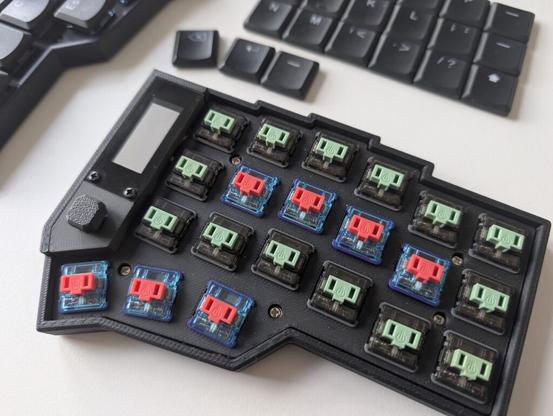
Tweaking Switch Weight for Home Row Mods
Using Home Row mods was always a challenge for me. When trying Home Row Mods on QMK-based keyboards, the problem was always timing and chords. Sadly, chords are an all-or-nothing feature unless you invest in building custom functions in the firmware, something I have yet to get into. However, the story on ZMK keyboards is very different. The behaviours in ZMK allow for greater flexibility with keyboard setup, albeit with increased complexity, at least for those just starting out. Equipped […]https://its23.eu/832/tweaking-switch-weight-for-home-row-mods/
🔊 Volume UP for those ASMR clicks! 🎧🎹
There is nothing quite like the crisp sound of a fresh mechanical keyboard build. From the sleek custom koi fish engraving on the back to those incredibly detailed artisan keycaps on the side (spot the tiny Gundam and friends! 🤖🐥), this setup is pure aesthetic perfection.
Drop a ⌨️ if you need this on your desk right now!
#MechanicalKeyboard #KeyboardASMR #CustomKeyboard #DeskSetup #TechAesthetics #ArtisanKeycaps #KeyboardBuild
If you are looking for your next cute and functional keyboard, check out the KiiBOOM81 Lite
#kiiboom #keyboard #mechanicalkeyboard #review #blog #tech #technology #computer
https://churapereviews.com/2026/05/16/kiiboom-phantom81-lite-review-cute-and-functional-keyboard/
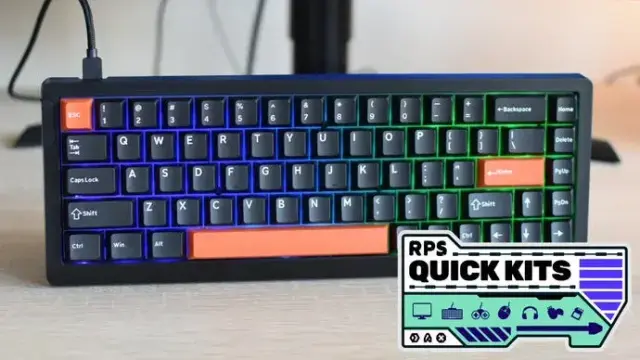
The Epomaker HE68 Lite delivers hall effect switch tech at just $50, offering impressive performance despite its plastic design.
 The Oasis BBS
 Jan Beta
 Jens Bannmann ⁂
 Jarek Rozanski
 sagwa
sagwa Erika Deals Hub
 Mickytankbank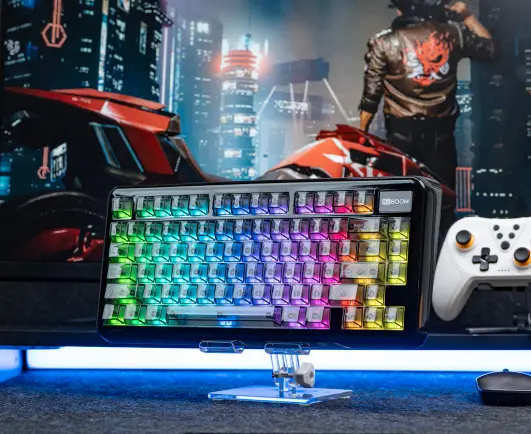
 a
a Games Briefly