I've been using MacOS since 2015. Before that I was a serious Linux user. Server, destop, everything. One thing I liked on Linux was xterm. It was really really fast and I could configure it and I was happy. Then I moved to MacOS and my friend
@wolf advised me to use
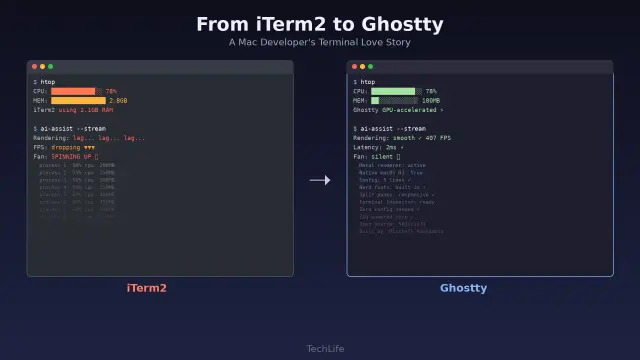
#iTerm2. That seems good. Plenty fast. Although my opinion is that it suffers from feature creep. But it held up well. Recently I started noticing it felt sluggish. I do a lot of my work on remote servers (still Linux) over SSH so I was assuming that the sluggishness was a problem with the Internet connection (good ole Xfinity). But then I noticed that it was sluggish even locally. I tried Alacritty and it was fast both locally and for remote connections. So something was up with iTerm2. I googled and found lots of people complaining about it being slow. I found a suggestion that said I should go into iTerm2 settings and disable ‘GPU Rendering’. Well guess what... That solved the problem! iTerm2 is once again fast. I don’t know exactly when it started feeling slow, but it kinda of seems like it was around the time I upgraded to MacOS Tahoe. Maybe that’s the problem, or maybe the iTerm2 guys did something. I really don’t know. But I'm happy now. At least with iTerm2. The rest of Tahoe is kind of a steamy pile of doo-doo. I'm really hoping the next version of Tahoe is something like Snow-Tahoe or something (a nod to Snow Leopard being an update to Leopard focused on performance and stability)
Anyway, I'm posting this so that if you are having an issue with iTerm2 feeling sluggish, maybe you can fix it by going to iTerm2 settings in the General tab and the Magic sub-tab. Look for ‘GPU Renderer' and un-check the box. The setting takes effect immediately.