 David Philippi - DN9DPO
 ankh_hikes
Funnyplaying FPGBC is awesome. Easy to assemble, screen is nice and speaker is so loud with a little bit of bass. #fpgbc

 LexZap
More fun with the #gameboy #camera
#gbc #retrogaming #retrogamer #lowres #modretro #analoguepocket #FPGBC #pixelart
#gbc #retrogaming #retrogamer #lowres #modretro #analoguepocket #FPGBC #pixelart
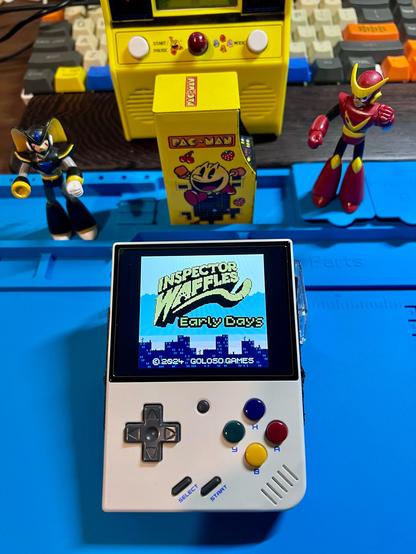
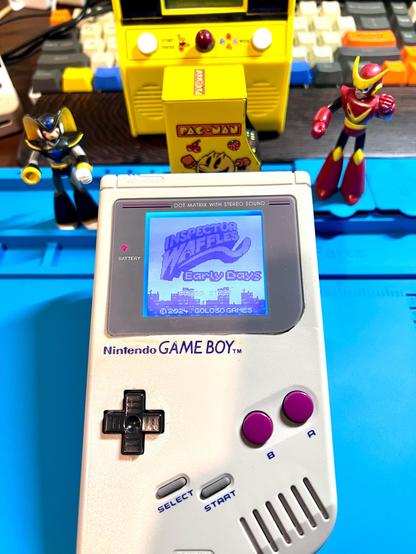
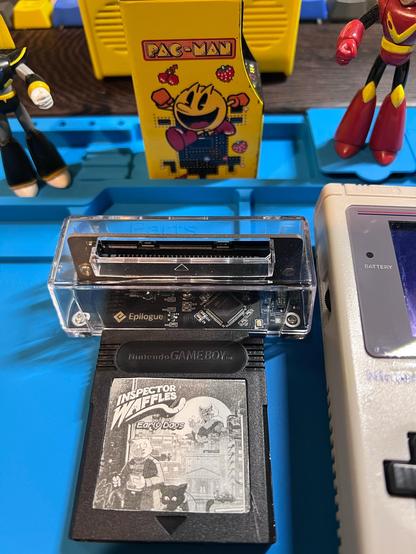
Retro GB HomeBrew Fans, how do like to play your modern GB/GBC indie games? If U paid the creator legit for their game ROM, and never share or sell, Any way you can! #PC #switch #gameboy #GBC #flashcart #GBOperator #analouguepocket #modretro #homemadecart #fpgbc #ambernic #miyoo

 deruku
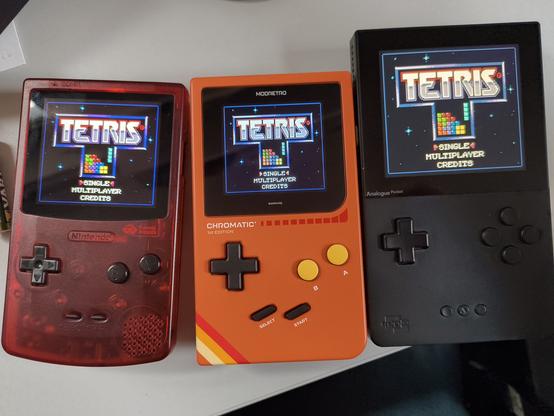
For Science!*
#retrogaming #fpgagaming #fpgbc #modretro #chromatic #analoguepocket #tetris #waytoomanytags
*no actual science involved
 ana/catarina
 ogenfald
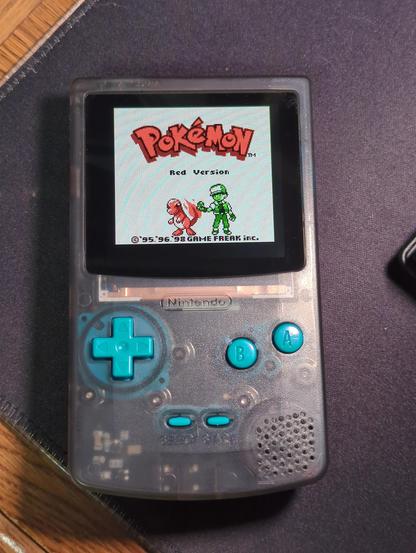
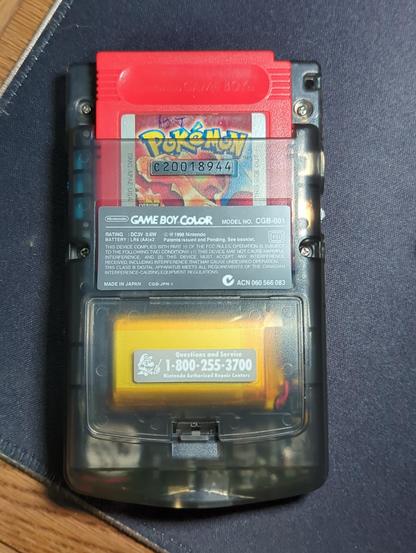
Built my #fpgbc and it turned out great! Fun to play my childhood Pokemon Red cart again.
 Game Boy Scene
new firmware 1.09 for #funnyplaying #FPGBC with version 1.1 pcbs
"- Fixed tilt sensor calibration with MBC7 based games (Kirby Tilt'n'Tumble and Command Master)
- Fixed various other game graphical and technical issues (Tetris, Pokemon Puzzle Challenge, Grandia Parallel Trippers)
- Added 12 GB Color Palettes
- Optimize mute when turning off the power amplifier
"
download:
https://github.com/makhowastaken/GWGBC_FW
or:
https://funnyplaying.com/products/fpgbc-kit


 Linh Pham
Even though I have a pair of Game Boy Color handhelds (one original and one with an IPS screen mod), a DMG Game Boy with an IPS screen mod, and an Analogue Pocket, I wanted to see what all the hubbub is with the new Funny Playing FPGA Game Boy Color. So, I picked up a kit and assembled it tonight.
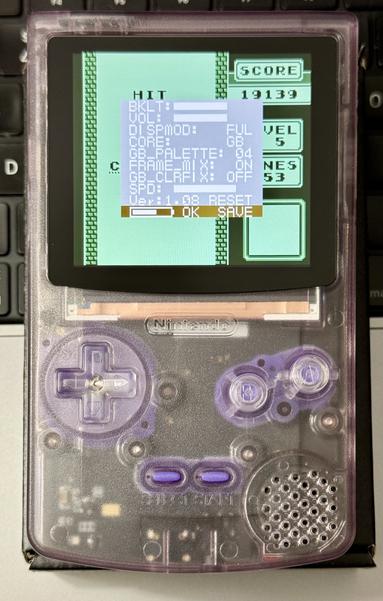
Getting the battery and screen plugged in with my stubby fingers was not fun. But, I got it all put together in a translucent purple shell with clear buttons and purple membrane pads.
Updating the firmware was easy as plugging it onto my laptop, powering it up and copying over the update.bin file.
I have only tried it with my copy of Tetris and Road Rash so far. Not sure if I'll stick with the full screen or go back to the 4X with pixel line mode. Also need to test it with my EverDrive X7 flash cart.
 tihmstar
Got an FPGBC today and man i'm disappointed.
And that with less than 30min of owning this device.
An absolute dealbreaker is the fact the the device makes a high pitch sound, which is extremely annoying. On top of that, the speaker never goes 100% mute but always has a background noise. For some reason the speaker noise and the board noise seem to amplify each other.
If you disconnect the speaker, the board noise becomes significantly more silent. It drops to a point which is "not ideal, but very acceptable".
But that basically means that you have a gameboy with no sound whatsoever. Because just having the speaker connected makes the high pitch noise (think of an old power brick) really unbearable.
You'd think that headphones would solve that issue, but no. If you connect headphones, you'll get that bigh pitch noise through headphones instead!
So unless you plan on having volume level "too loud to be comfortable" (so that you don't hear the pitch noise) every single time you're playing, you better off disconnect the speaker and have no sound at all.
TL;DR:
Constant high pitch annoying noise, which is only "fixable" by disconnecting speaker and not using headphones either, resulting in a gameboy without sound.
#FPGBC #review