Animierte Overlays mit Photoshop und Final Cut Pro X komplett selbst erstellen
Final Cut Pro X: Animiertes Overlay mit Soundeffekte erstellen {Mit Keynote und Ecamm Live)
I've been spending some time in Final Cut Pro recently, and getting increasingly frustrated with it 😩
When I add a shape element it becomes some weird viewport filling thing, I can't just drag the shape itself around to resize it?
I also can't move it around directly, this makes positioning stuff in a pixel perfect way a HUGE pain.
I'm sure there is a way to do this better, but I sure haven't found it yet 😅
Are all video editing tools like this?
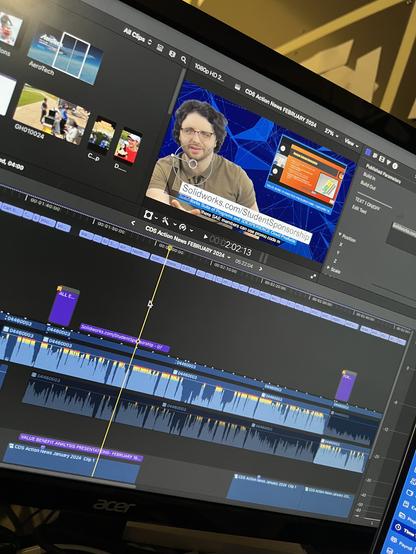
Another monthly news update for SAE International in the works!
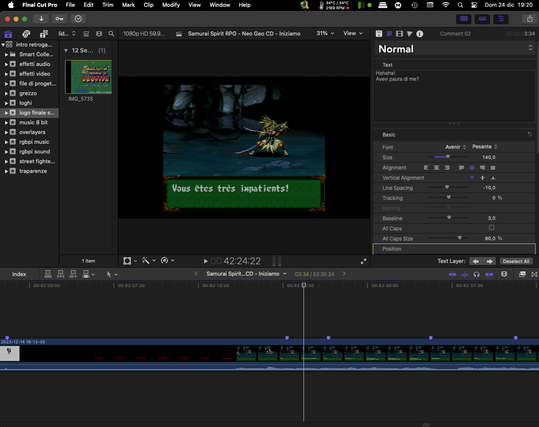
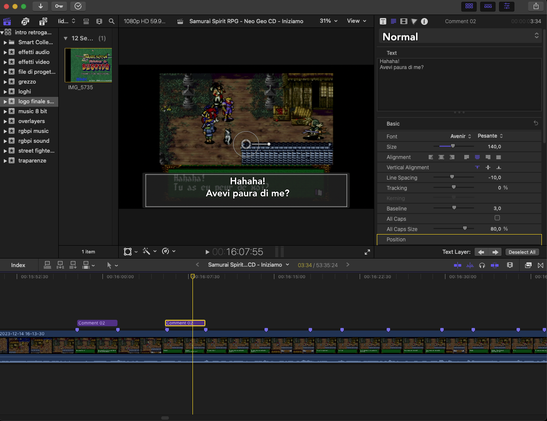
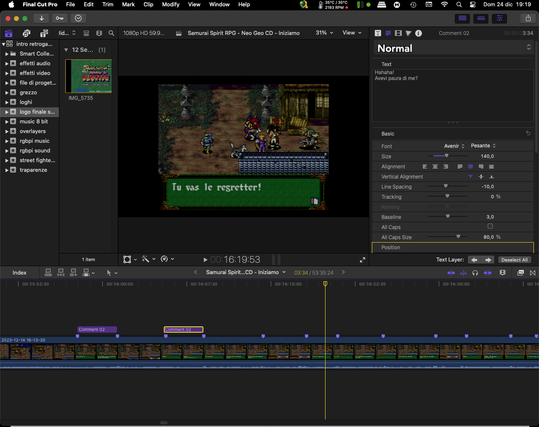
Canale dedicato sopratutto al retro game, emulazione di video giochi e hardware. Se vi appassiona il retro game in generale e vi piace pasticciare con pc, Mac e raspberry , per far girare i giochi di una volta . Magari qualcosa qui troverete. Se vuoi puoi seguirci su Telegram: https://t.me/AAAAAFjuu6Pu1otgkaTkEg Oppure partecipare alla chat 💬 di Telegram: https://t.me/retrogamesmania Da pochi giorni siamo anche qui : https://mastodon.uno/@Lele8182
https://www.youtube.com/watch?v=EiNhegscVXg
Not only is this a #review of a #Glarry #violin (which they sent me)
it's also a 35 minute example of my #VideoEditing skills 😎 and I play violin for the first time in my life so it's kinda funny.
#ElectricViolin #musician #producer #IndependentMusician #VideoEditor #FinalCutPro #FinalCutProX #Youtube #video #YoutubeVideo
Need to edit video on your Mac? Don't miss our Apple Final Cut Pro course this Thursday! https://platformtrain.co/go/Bd8NEGa
Clicking around the MotionVFX website again seeing if there are any plugins I should get. 🛒
I'd love to make my own one day but I really just don't have the capacity to learn that at the moment.
@freitag I found #davinciresolve more intuitive than #finalcutprox on my Mac, and the storage makes more sense to me. It was hard to grock the different tabs. Really I can do everything I need to in the edit tab. Casey Feris’ Crash Course hit the spot for me in terms of depth yet brevity for learning DaVinci Resolve.
I’ve got it on my iPad but haven’t tried it yet. I think it’s hilarious that DaVinci Resolve beat Apple to cloud-connected multi-device video editing.