The key switches I chose for the Datapoint 2200 keyboard required a plate so I made one up. Done as a PCB it’s not cheap but the Matt black finish works really well.

The only issue is that it slightly obstructs a couple of capacitors 🙁

I still need to source the hardware to properly mount it to the keyboard.

#datapoint #datapoint2200

Top row numbers can be shifted and keypad numbers can't. Both share an edge detector circuit and multiplexer 'line'. Top row key short to ground whereas keypad key have an SIO (or S10) signal. The keyboard logic board uses an analogue edge detector with 74121 pulse generator.

On the Pico I'm handling this by driving the SIO line low. When a keypress is detected I drive it high. If the keypress is still detectable then it's a top row key. If not then keypad.

#Datapoint2200 #Datapoint #keyboard

Moving on to the shift and shift lock keys. If a top row number is pressed the logic board can just flip a single bit to convert to the relevant symbol. For the symbols in the same ASCII block (&30 to $3f) : and ; can be treated the same, but for < to ? the bit needs to be flipped in shift is not active. There are similar issues for symbols after Z and z.

1/n

#Datapoint2200 #keyboard

...except that I only just noticed the signal names for the lower letters and numbers are swapped. Or maybe the names just have their bit ordering reversed?

And after some tweaking of the software timings for the scanner I have every multiplexed key working correctly.

The secret to doing this in software seems to be to continuously scan, then sleep briefly once a keypress have been registered. The hardware debounce is too quick for the usual 50/60Hz scan.

#Datapoint2200

I wired up a connector so I can use a Pico + breadboard to test the keyboard. At the moment I only have the wires driving and reading the multiplexers connected.

#Datapoint2200

…and assembly is complete. The original looks like it would have been deliciously clicky so I’ve chosen suitable keyswitches. However they’re only 3-pin so really need a plate to hold them properly in place.

The keycaps are standard modern layout so don’t have the correct legends. But they do look good enough to eat.

I still need to source correct bulbs for the lamp holders next to the ‘system’ keys on the right hand side.

#Datapoint2200 #MechanicalKeyboard

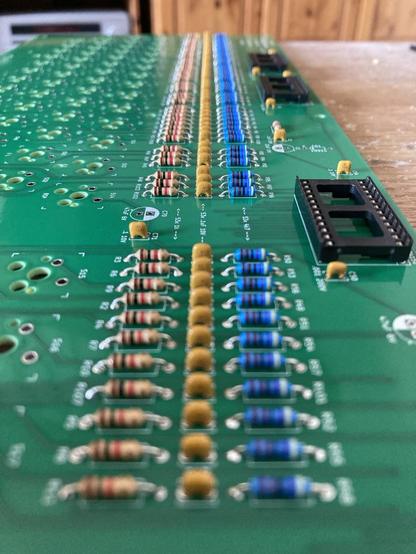
Resistors, ceramics and sockets done. I think that’s enough for today. I need to dig out the big camera to do this shot justice.

And yes, I did make sure every cap faces the same way, and rework to ensure they’re immaculately aligned. This board deserves nothing less.

#Datapoint2200

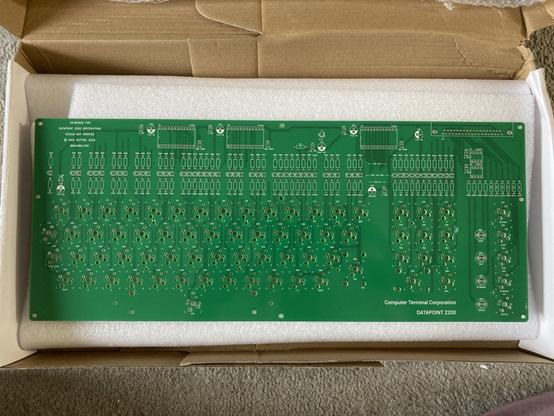
The #Datapoint2200 keyboard PCBs have arrived and they look fantastic. Somehow larger than I expected, and very imposing.

#datapoint #ttlcomputer #vintagecomputer #retroconputer #mechanicalkeyboard

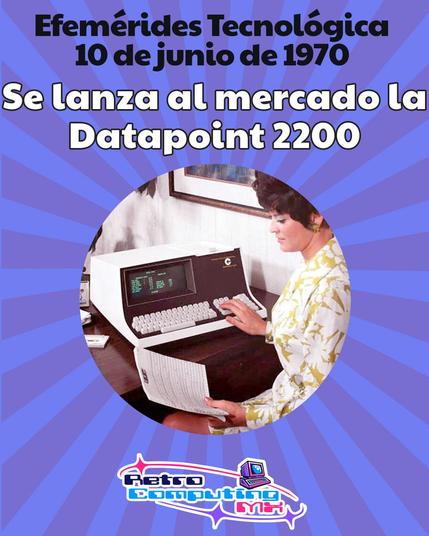
El 10 de junio de 1970 se presenta la Datapoint 2200, una "terminal programable" es el "proto-PC" que, con su conjunto de instrucciones, inspiró directamente la arquitectura x86 de Intel. Un gigante olvidado. #retrocomputingmx #datapoint2200 #historiapc #1970s #protopc

https://retrocomputingmx.com/7kwo

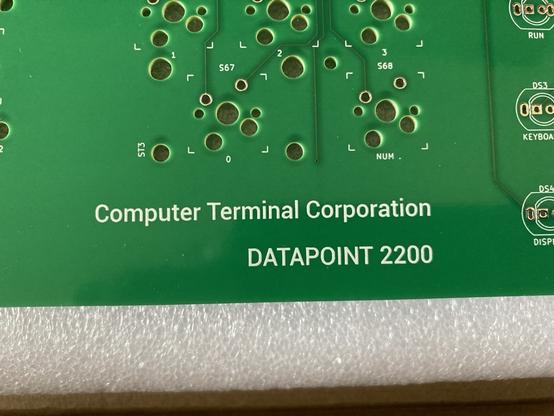
Adding some branding inspired by the original. I don't have a font I'm entirely happy with - those squared off capitals are very distinctive - but this certainly adds some gravitas to the board.

#Datapoint2200