 Glesas
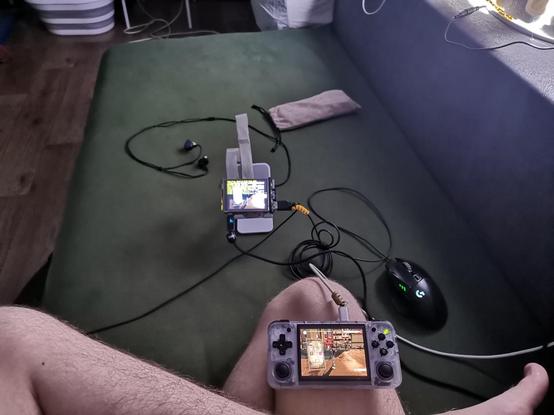
Due to work, had to move onto other end of the city, just to be closer to the job place, but I was too lazy to carry my #computer back and forth, luckily for me, I already had a #sunshineapp , the #cloudgaming solution in place, and only had to call ISP for static ip. Weeks worth of #tweaking but I finally got the #selfhosted #gaming across the internet in the acceptable state.
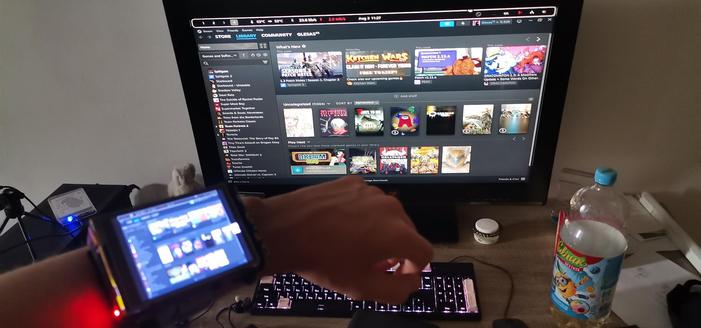
The #cyberdeck I've made before I'm using as keyboard and mouse input (if I need any), but actually using the #anbernic rg35xx h, with #moonlight as the main device, cuz the screen is way better, than on my #raspberrypi , there's a proper, not laggy sound, and OK-ish gamepad.
Idk why, or what causes it, but if my internet connection suck, it can crash the moonlight, and I would be unable to connect back to my PC, so I need to reboot the whole PC (which is across the city). So around each 2 hours, script would automatically reboot PC. I got it as systemd service, as auto startup script. I love my gizmo devices.
 La Chaine STvE