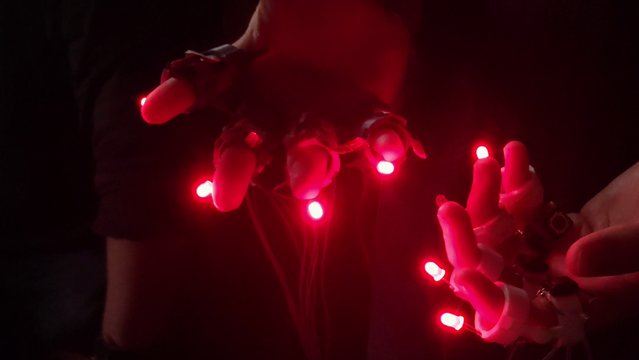
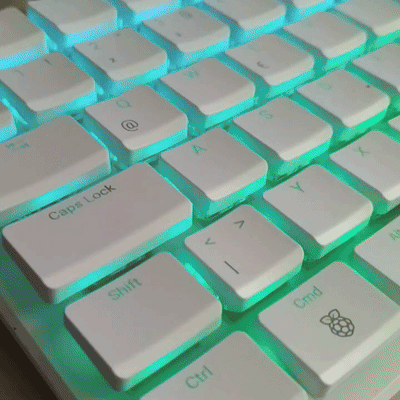
 Systemsprenger
https://www.youtube.com/watch?v=NJ5tUK07Tis
🥳  🍓 🥧
🍓 🥧
@geerlingguy @rpimag @[email protected] @RPiSpy @raspberrypi

https://www.youtube.com/watch?v=NJ5tUK07Tis
🥳 🍓 🥧
@geerlingguy @rpimag @[email protected] @RPiSpy @raspberrypi
3D Blu-Ray + Proper CRT Cadence w/ Raspberry Pi3
Serving a Website on a Raspberry Pi Zero Running Entirely in RAM
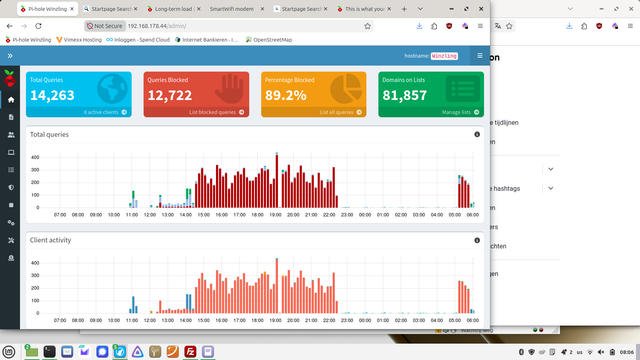
Gisteren crashte mijn Pi-Hole. Corrupte database. Oplossing eenvoudig: delete database en Pi-Hole maakt zelf een nieuwe aan. EasyPeasy.
Toen hield ik de statistics eens even in de gaten. 89% van de DNS requests wordt geblokt.12700 van de 14263.
En van die 12700 is meer dan 12000 afkomstig van.... (drumroffel)
Mijn Samsung TV!
WTF
En ik ben niet de enige blijkbaar...
https://discourse.pi-hole.net/t/this-is-what-your-dashboard-looks-like-with-a-samsung-tv/3165
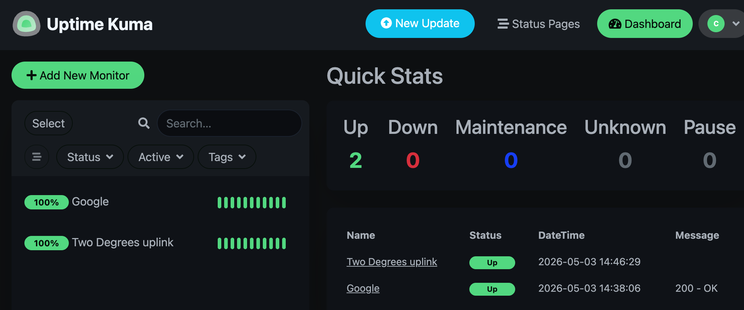
Spending the long weekend doing some #HomeLab ing. A #raspberry_pi, #pyinfra, #docker and #uptime_kuma .
Level of difficulty: the lab is in the opposite hemisphere to me.
Upgraded my Pi3B from buster to bullseye, but kernel is still 6.1.21. [SOLVED]
Edit: The solution in my case was to run these commands: sudo apt update sudo apt install linux-image-rpi-v8 linux-headers-rpi-v8 The new kernel wasn’t used after rebooting though, so I had to edit /boot/config.txt and add: # New kernel (test) kernel=vmlinuz-6.12.75+rpt-rpi-v8 initramfs initrd.img-6.12.75+rpt-rpi-v8 followkernel I’ll figure out how to make it so I don’t have to manually keep config.txt updated but for now, I’m happy to have a process to stay up to date with current kernels. /edit Reading about the latest Copy Fail security vulnerability [https://discourse.ifin.network/t/copy-fail-732-bytes-to-root-on-every-major-linux-distributions/342] I realised I was overdue a check on my system. It turns out I had even bigger problems - I was still on Debian 10/Buster. To solve it I updated my apt list to contain: deb http://archive.raspberrypi.org/debian/ [http://archive.raspberrypi.org/debian/] bookworm main But after doing this, updating and doing a full upgrade, my kernel is still 6.1.21. I’m now reading that I should not have upgraded from bullseye to bookworm, so what is the easiest way forward from here? If there is a documented set of steps for this scenario I’d appreciate a link. I have a lot of services and scripts so reinstalling from scratch is not really an option. uname -a Linux 6.1.21-v8+ #1642 SMP PREEMPT Mon Apr 3 17:24:16 BST 2023 aarch64 GNU/Linux. cat /etc/os-release PRETTY_NAME="Debian GNU/Linux 12 (bookworm)"``___
От диплома до подвала: история браузерной игры с настоящими RC-машинками
Три года я делал браузерную игру, в которой игроки управляли настоящими RC‑машинками через браузер. В итоге, у меня получилось потратить 2млн рублей и получить огромный опыт... Как же оно получилось?
https://habr.com/ru/articles/1030332/
#remote_race #remrace #remote_reality #raspberry_pi #arduino #робототехника #игры #онлайн_игры #isotopium
Wearable MIDI Controller Built With Raspberry Pi
 Geekland
 cm0002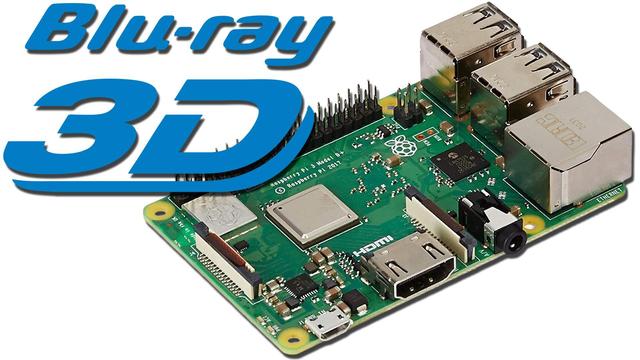
 Theo
Theo Chris Edsall
 FarraigePlaisteaċ (sé/é)
 Habr
Habr