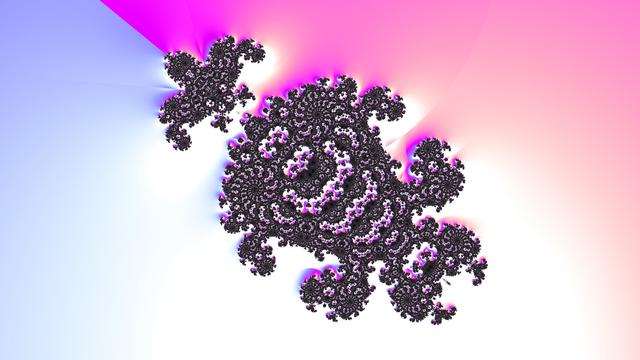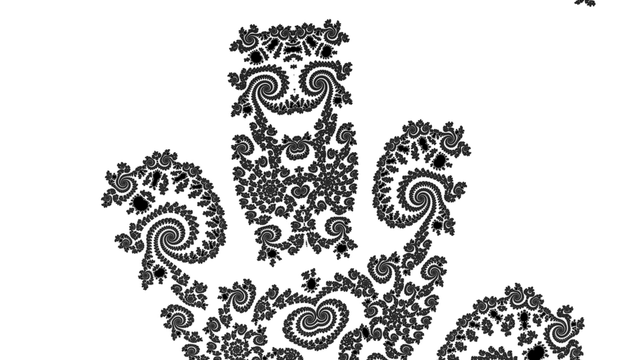
Implemented a double helix #DistanceEstimate based on an idea from #FragM's `Knot.frag` (not knighty's, the other one, based on forum posts by DarkBeam).

Not sure how to #fractal-ize it, wanted to turn it into a #helix of helices of helices etc. Nor how to make it a single helix (I only managed to colour the two halves individually...).

I think each strand is an Archimedean Serpentine, but I'm not 100% sure on terminology..

```
#version 330 compatibility

#define providesColor
#include "MathUtils.frag"
#include "Complex.frag"
#include "DE-Raytracer.frag"

#group Helix

uniform float HelixD; slider[0.0,2.0,10.0]
uniform float HelixR; slider[0.0,1.0,10.0]
uniform float Helixr; slider[0.0,0.5,10.0]

uniform float time;

float DE(vec3 q)
{
q.z += HelixD * time;
float t = (mod(q.z / HelixD + 0.5, 1.0) - 0.5) * 2.0 * PI;
q.xy *= mat2(cos(t), sin(t), -sin(t), cos(t));
q.z = 0;
float s = atan(HelixD / (2.0 * PI), HelixR);
q.yz *= mat2(cos(s), -sin(s), sin(s), cos(s));
return length(vec2(length(q.xy) - HelixR, q.z)) - Helixr;
}

vec3 baseColor(vec3 q, vec3 n)
{
q.z += HelixD * time;
float t = (mod(q.z / HelixD + 0.5, 1.0) - 0.5) * 2.0 * PI;
q.xy *= mat2(cos(t), sin(t), -sin(t), cos(t));
return vec3(0.5) + 0.5 * sign(q.x) * n;
}
```
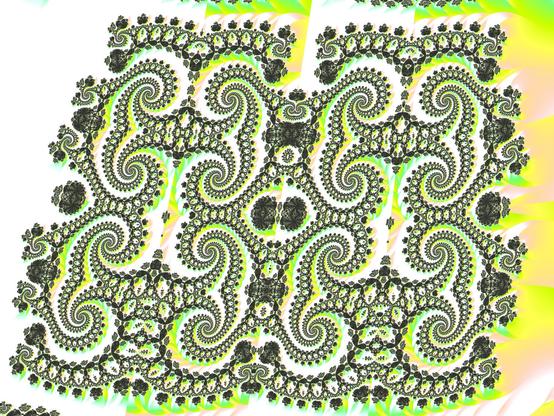
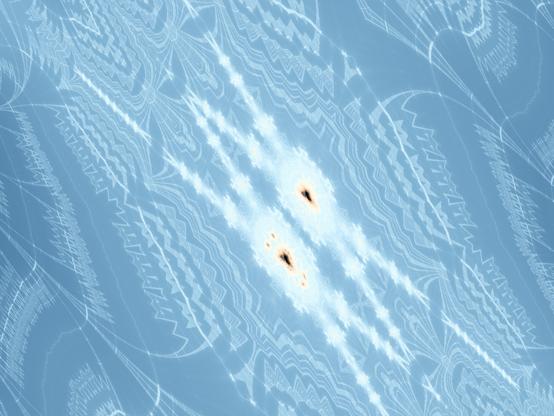
#OpenGL #GLSL #shader #ThreeD #Fragmentarium

#Magnet #Mandelbrot set #fractal mashed up with #ThreeD #Triplex algebra (a la #Mandelbulb) rendered with #DualNumber #DistanceEstimation in #FragM fork of #Fragmentarium

My highly over-engineered extravagant framework of shaders including each other multiple times with different things defined (to emulate C++ templates with #GLSL function overloading without polymorphism) takes significantly longer to link the #shader than it does to render the #animation.

First attempts with typos gave 100k lines of cascaded errors in the shader info log, which which the Qt GUI list widget was Not Happy At All. Luckily the log went to stdout too, so I could pipe to a file and see the start where I missed a return statement or two.

Hacking on #fragmentarium #fragm fork to make it possible to load arbitrary channels from #EXR image files (for example, raw fractal iteration data saved from #KF).

It mostly works, except when enabling time-based animation (seems channels reset to RGBA? investigating...). The attached GIF was done with manual stop motion instead of the animation render functionality.

I fixed it by rewriting the code with a new approach tracking Provenance (which shader(s) the uniform is active in) of widget changes, instead of having multiple VariableEditors which was causing too many headaches (and I think that was ultimately a bad approach).

#fragmentarium #cplusplus

Hacking on #fragmentarium #FragM fork, to make the Post uniforms (things like Exposure, Contrast, Hue adjustment etc) in the BufferShader really be post-rendering (the Main shader accumulates subframes for anti-aliasing, which accumulation is fed through the BufferShader for display).

Before now, adjusting Exposure would lose all accumulated subframes. After my changes (and modifying the user frag source a little; message printouts say what needs to be done), adjusting Exposure keeps the accumulated subframes, giving a much more pleasant experience.

Hopefully it will be merged into 3Dickulus' master branch soon.

#cplusplus #glsl

Added rotation and skew to FragM's Camera2D code. Doing it only in the shaders is not possible because the mouse interactions don't match up with the image.

#fragmentarium #cplusplus #glsl

#colour #cycling #loop #fractal #glsl #fragmentarium

colour according to angle of gradient (wrt image coordinates) of continuous escape time. one direction is more saturated, this direction is animated.

```
vec3 shade(float d00, float d01, float d10, float d11)
{
vec2 e = vec2(d00 - d11, d01 - d10);
float de = 1.0 / (log(2.0) * length(e));
float slope = dot(normalize(e), normalize(vec2(cos(radians(LightDirection)), sin(radians(LightDirection)))));
if (0.0 == d00 * d01 * d10 * d11 || isinf(de) || isnan(de)) return vec3(0.0);
vec3 h = hsv2rgb(vec3(degrees(atan(e.y, e.x)) / 360.0, clamp(slope, 0.0, 1.0), 1.0));
return h * tanh(clamp(4.0 * de, 0.0, 4.0));
}
```

rendered a #2D #fractal #zoom #video with #FragM version of #fragmentarium

https://media.mathr.co.uk/mathr/2019-toot-media/mathr%20-%202019-08-14%20-%20fragm%20zoom%20video%20-%20960x540p30.mp4

the trick is to replace (in your camera frag vertex block) all uses of the `Zoom` uniform by `Zoom*pow(2.0, ZoomFactor)` and add a Linear easing curve to new `ZoomFactor` uniform.

keep ZoomFactor at 0 while navigating for sanity

this toot brought to you by "Qt's InExpo easing curve is a bit rubbish" https://code.qt.io/cgit/qt/qtbase.git/tree/src/3rdparty/easing/easing.cpp#n292