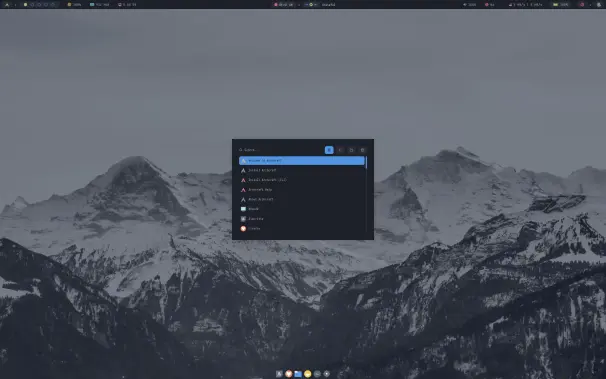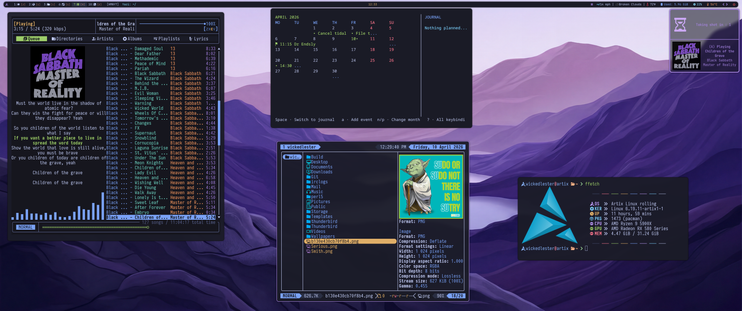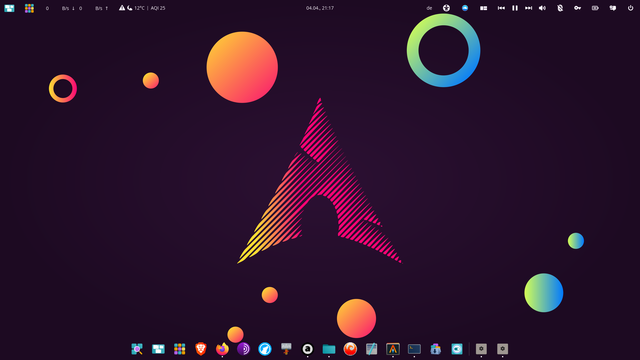
The YouTube channel "TheBlackDon" has been daily driving X11/XLibre on #CachyOS with #bspwm in 2026. He shared his experience regarding compatibility, screensharing, OBS plugins, absence of tearing, etc. at https://www.youtube.com/watch?v=hrirCxiN458 .

#XLibre #XingsDay

I have been daily driving X11/XLibre in 2026: Here is my Experience!

YouTube

Thanks to @YaLTeR, I am done wandering between window managers and desktop environments!

Linux never felt more like home since I left #bspwm 3 years ago!

Long live to #niri

Изменил диалоговое окно выбора файлов с #gtk на открытие в #yazi https://github.com/hunkyburrito/xdg-desktop-portal-termfilechooser

Но не всё так гладко прошло как в инструкции. Пришлось создать файл ~/.config/environment.d/xdg-portal.conf с содержимым:

TERMINAL=kitty XDG_CURRENT_DESKTOP=bspwm

и заблочить xdg-desktop-portal-gtk

И вроде всё заработало, включая #qt приложения.

#bspwm #termfilechooser

GitHub - hunkyburrito/xdg-desktop-portal-termfilechooser: xdg-desktop-portal backend for choosing files with your favorite file chooser

xdg-desktop-portal backend for choosing files with your favorite file chooser - hunkyburrito/xdg-desktop-portal-termfilechooser

GitHub

Window Manager: #BSPWM
Operating System: #Ubuntu 24.04.2 LTS
Programming Language: #Python 3.12

This is another one of my latest #Tkinter applications, uploaded to GitHub as "novaWebCal" and supporting different month- and year-based calendars.

Window Manager: #BSPWM
Operating System: #Ubuntu 24.04.2 LTS
Programming Language: #Python 3.12

This is one of my latest #Tkinter applications, known simply as "Toolkit" but to be uploaded to GitHub as "novaToolkit" eventually.

This application utilizes the theme and styling features of `tkinter.ttk` up to a point, and not on the text and scrolled text windows in any way.

I very briefly tried out #riverwm, technically river-classic, this weekend as a replacement for Hyprland. I'm not sold on tags and need to spend more time with it. I like having specific workspaces on specific monitors.

The new 0.4+ river is independent of WM so I could maybe do my own with workspaces if I'm feeling ambitious.

River classic has a bsp layout which is nice. It's making me just want to swap back to #bspwm.

Сделал себе всплывающий индикатор переключения раскладки на #rofi по центру экрана. Теперь вроде как удобней стало :pengu_hackerman:

#archlinux #bspwm

TIL That #BSPWM sxhkd can do chords. For instance this snippet lets you select the monitor number then the tag number that you want to focus or move the node to.

super + {_,shift + } {1,2,3} ; {1-9,0}
bspc {desktop -f, node -d} "^{1,2,3}:^{1-9,10}"
if you want to focus desktop 2 on monitor 1, you:

press super + 1 and then press 2.

Or if you want to move current node to desktop 3 on monitor 2, you:

press super + shift + 2 and then press 3.


So I've been running #herbstluftwm for a while now and it's really configurable but since getting the urge to play with #bspwm I have to say that I prefer it so much more. Why ? Well for one under herbstluftwm your tags ( workspaces ) say 1 - 10 are on all monitors. Whereas in bspwm I can have separate tags of 1 - 10 on each monitor. I'm also not keen of the way herbstluftwm swaps tags between monitors kind of like qtile. I've not deleted my herbstluftwm config yet but I am continuing on with bspwm for sure.
Fixed

Finally worked out how to toggle #polybar in #bspwm using a custom script designed for my #OpenBSD #KSH setup. There may be better ways of doing this in less code and if you know then I'd be happy to adapt but at the moment this works for me.

#!/bin/sh

get_polybar_id() {
# List monitors and extract names
monitors=$(polybar --list-monitors | cut -d":" -f1)

# Get PIDs of polybar processes
pids=$(pgrep polybar)

# Get the currently focused monitor name
focused=$(bspc query -M -m focused --names)

# Convert monitors to an array
set -- "$monitors"
mon_count=$# # Number of monitors

# Initialize index
ind=0

# Find the index of the focused monitor
for monitor in $monitors; do
ind=$((ind + 1))
if [ "$monitor" = "$focused" ]; then
break
fi
done

# Extract the correct PID based on the index
# Convert pids into an array using space as a delimiter
pid_array=$(echo "$pids" | tr ' ' '\n')
poly_id=$(echo "$pid_array" | sed -n "${ind}p")

# Check if poly_id is set; if not, exit with an error
if [ -z "$poly_id" ]; then
echo "No PID found for the focused monitor."
exit 1
fi
}

get_polybar_id

# Define the state file
STATE_FILE="/tmp/toggle_state-$poly_id.txt"

# Check if the state file exists, create it if it doesn't
if [ ! -f "$STATE_FILE" ]; then
echo "show" > "$STATE_FILE" # Default state
fi

# Read the current state
CURRENT_STATE=$(cat "$STATE_FILE")

# Toggle the state
if [ "$CURRENT_STATE" == "show" ]; then
echo "hide" > "$STATE_FILE"
polybar-msg -p "$poly_id" cmd hide | bspc config -m "$focused" top_padding 0
else
echo "show" > "$STATE_FILE"
polybar-msg -p "$poly_id" cmd show
fi
Just add the following line to your sxhkdrc script.

# Toggle Polybar
super + z
bar-toggle.sh