Anthony Castelli

@anthonycastelli
67 Followers
87 Following
60 Posts

I'm iOS, macOS and full stack software engineer. I also am a photographer as well as a touring musician!

I have been writing software since I was 11 years old. I pretty much break things and fix them for a living. If i'm not stuck in behind a computer screen, I'm most likely on tour.

GitHubhttps://github.com/anthonycastelli
Anyone have issues with Sticker Packs in Xcode? I can not get anything to show up in the simulator and device. Is this completely broken now or something?
@halide I’m sure for some people it’ll going to be a startling change but I think it’s easier to navigate once you understand where things are.
@halide I actually really like it. Its a little buggy, but its only been 2 betas, so I expect nothing less.

✨New blog post!

I recently played around with creating a custom SF symbol and couldn't find a good easy to read resource on how to get started.

So I decided to write a new article on the topic based on my experience.
https://www.danijelavrzan.com/posts/2024/06/create-custom-sf-symbols

Create Custom SF Symbols in Sketch | Danijela's blog

Symbols (or icons) are an essential part of any app. Luckily, when developing for Apple platforms, we have the amazing collection of SF symbols at our disposal. But even with over 6000 symbols already available, sometimes the one you need doesn't exist yet. We'll go over how to create a custom symbol in Sketch.

Danijela's blog
@inickt @b3ll you just saved me from disabling notifications! Thank you sir!
For those developing Control Center widgets for iOS 18, you're probably going to want to use my 'devicekill’ command to kill chronod after adding or modifying widgets, if the system is not picking up the changes 😉 (For the Simulator, 'killall -HUP chronod' should work) https://gist.github.com/insidegui/b570ec998b9e2aeb730f4e142f0593d1
Helper functions for using devicectl to kill processes on connected iOS devices

Helper functions for using devicectl to kill processes on connected iOS devices - devicectl.sh

Gist
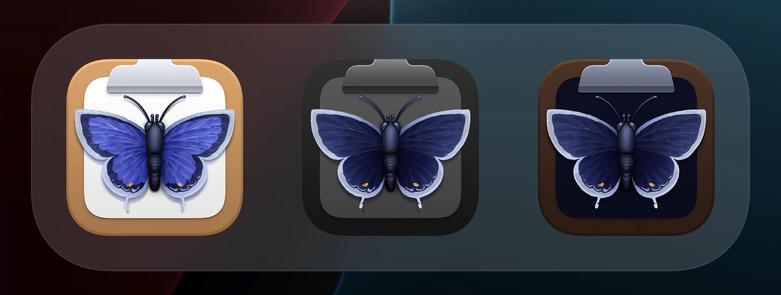
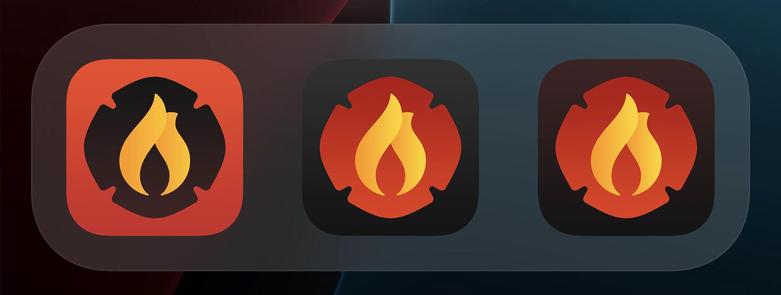
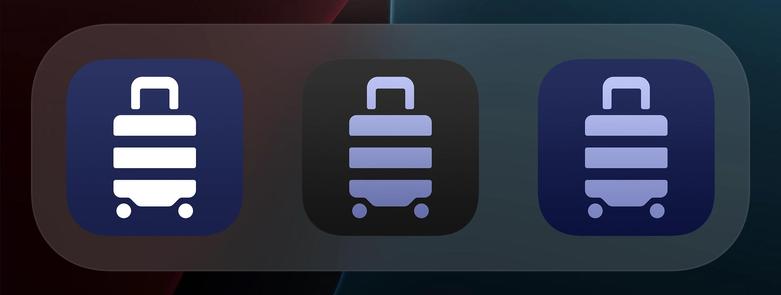
Louie @louie wrote a must-read post for any developer and designer on Dark Mode icons in iOS 18. Beautiful, well made examples and full of tons of great tips: https://lmnt.me/blog/dark-mode-app-icons.html
Dark Mode App Icons

When running an iPad app on Vision Pro in compatibility mode, does the #if os(visionOS) macro work or do I need to use the UIDevice's interface idiom to know if im on a Vision Pro or iPad?
Upgrading to macOS Sonoma 14.5 and Mountain Duck 4.16 will restore the feature to display mounted volumes on the Desktop in Finder. Choose Finder → Settings… → Show these items on the desktop: Connected servers.
The simplest tasks on iPadOS are either incredibly difficult and time-consuming, or they’re so unintuitive that even a 25-year Apple veteran can't figure them out. Frankly, neither reflects well on iPadOS.