
Linux Mint / Libre Office Help!

Is there a dictation software (🚨supporting Swedish!🚨) that I can get for LibreOffice to save my hands when I'm note-taking for granny's diaries?

Boosts appreciated!

#LinuxMint #LibreOffice #Dictation #DictationSoftware #Help #Swedish

@JenJen Handy might work for you. Not sure about the Swedish requirement; depends on the model you install.

https://handy.computer/

Handy

Handy is a cross platform, open-source, speech-to-text application for your computer

Handy
@Digital_Coolie @JenJen Handy is a good suggestion. Another is Whispering. https://github.com/EpicenterHQ/epicenter/tree/main/apps/whispering
Unfortunately, the speech recognition apps for Linux are very limited.
epicenter/apps/whispering at main · EpicenterHQ/epicenter

Open-source, local-first apps. Contribute to EpicenterHQ/epicenter development by creating an account on GitHub.

GitHub

@IzzyChambers
I will point out that both are slopcoded, but the whole STT field seem to be in the hands of slopfondlers :(

With #TheTokening comming this is additional risk, because the authors will have to learn to code (more) or the projects will be abandoned.

Not to mention the STT as a field.

https://github.com/cjpais/Handy/blob/main/AGENTS.md
https://github.com/EpicenterHQ/epicenter/blob/main/apps/whispering/AGENTS.md

@Digital_Coolie @JenJen

Handy/AGENTS.md at main · cjpais/Handy

A free, open source, and extensible speech-to-text application that works completely offline. - cjpais/Handy

GitHub

@dzwiedziu @Digital_Coolie @JenJen Good point. I hadn't noticed that.

There is also Talon, which to my knowledge is slopfree, but has a very steep learning curve.

@JenJen

Hopefully helpful:

This flatpak app does speech to text and supports Swedish, but doesn't integrate directly with Libre Office.

I imagine copying the generated text and pasting it into Libre Office would be the workflow with this option.

https://flathub.org/en/apps/net.mkiol.SpeechNote

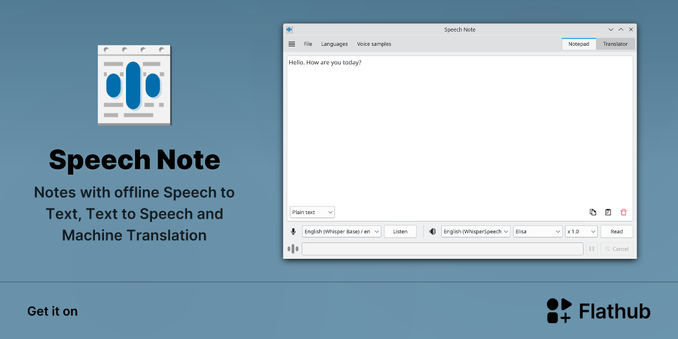
Install Speech Note on Linux | Flathub

Notes with offline Speech to Text, Text to Speech and Machine Translation

@la_rosa
I use SpeechNote, more for translations, but I made attempts to transcribe notes from a dictaphone.

It has a useful feature that you can analyse audio files ad generate subtitle files with timestamps. Which makes corrections possible with a subtitle editor.

Edit: just be aware that the UX has some quirks.

@JenJen

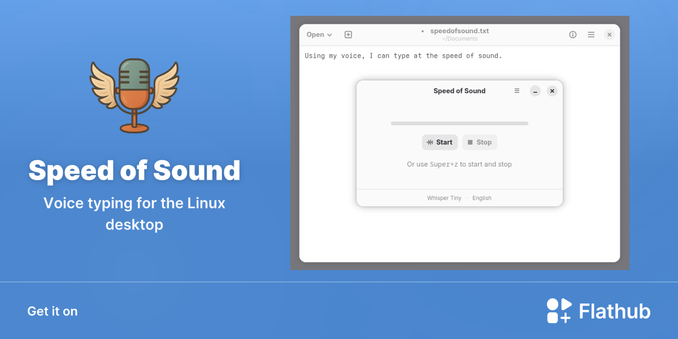
Install Speed of Sound on Linux | Flathub

Voice typing for the Linux desktop

speedofsound/CLAUDE.md at main · zugaldia/speedofsound

Voice typing for the Linux desktop. Contribute to zugaldia/speedofsound development by creating an account on GitHub.

GitHub

@JenJen i know its not exactly what you asked for, these are some of the best models trained on many swedish dialects.

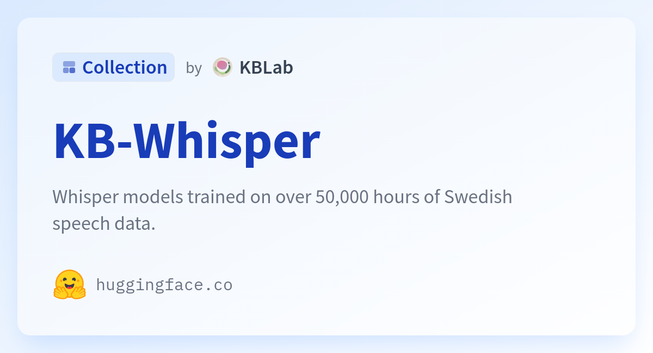
https://huggingface.co/collections/KBLab/kb-whisper

There may be some pre built interfaces for using models like those. Recording your conversations and then running them through the model with a script may be the simplest solution. Then paste into libreoffice. My friends say its great but i haven’t tried it myself.

KB-Whisper - a KBLab Collection

Whisper models trained on over 50,000 hours of Swedish speech data.

@JenJen I have heard of this app which works quite well for any text input: https://handy.computer/
Handy

Handy is a cross platform, open-source, speech-to-text application for your computer

Handy
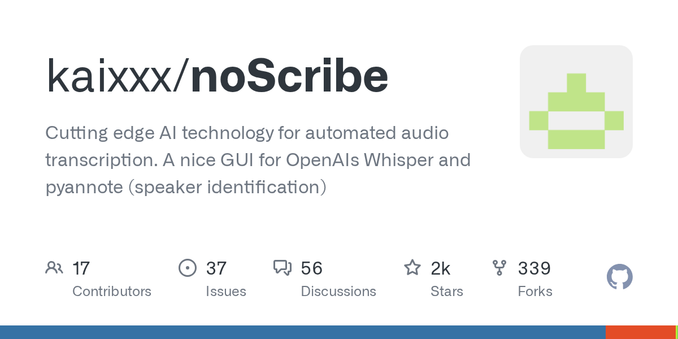
@JenJen well - not the way you prefer. you could record some kind of interview and transcribe it with noScribe? https://github.com/kaixxx/noScribe
Everything happens locally.
GitHub - kaixxx/noScribe: Cutting edge AI technology for automated audio transcription. A nice GUI for OpenAIs Whisper and pyannote (speaker identification)

Cutting edge AI technology for automated audio transcription. A nice GUI for OpenAIs Whisper and pyannote (speaker identification) - kaixxx/noScribe

GitHub

@JenJen For a project I'm just recording everything first, and then running it through whisper.cpp afterwards.

This works for French, Spanish, Dutch in my work. Swedish should perform OK I think.

Might be worth considering this split workflow. Added bonus is that if you are doing interviews you also save the original audio.

https://github.com/ggml-org/whisper.cpp

GitHub - ggml-org/whisper.cpp: Port of OpenAI's Whisper model in C/C++

Port of OpenAI's Whisper model in C/C++. Contribute to ggml-org/whisper.cpp development by creating an account on GitHub.

GitHub
@JenJen
I have no experience with LibreOffice, but this looks like an option
https://linuxvox.com/blog/how-to-enable-speechtotext-in-libra-office-linux-mint-213/
Enabling Speech-to-Text in LibreOffice on Linux Mint 21.3

Speech-to-text technology has revolutionized the way we interact with our computers. It allows users to dictate text instead of typing, which can be especially useful for those with physical disabilities, for quick note-taking, or when typing is inconvenient. LibreOffice, a popular open-source office suite, offers speech-to-text functionality on Linux Mint 21.3. In this blog post, we will explore how to enable and use this feature effectively.

linuxvox
@JenJen currently using VocaLinux + Vosk engine (see that supports Swedish language below). "It's Okay" ... but thanks for this great list of options to consider!