 Tube🌈 Time
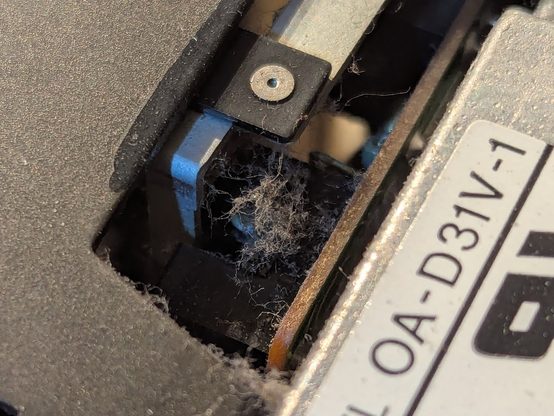
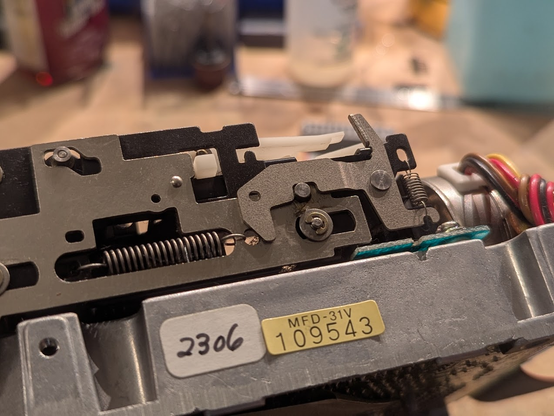
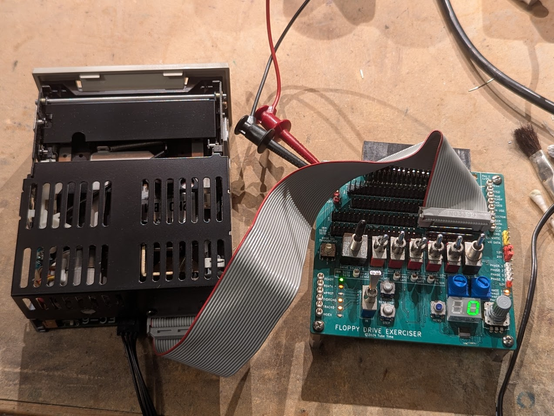
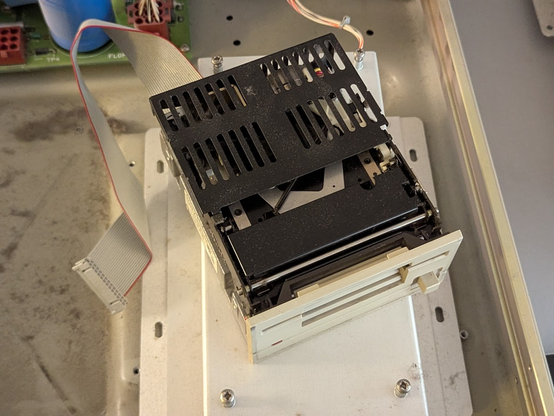
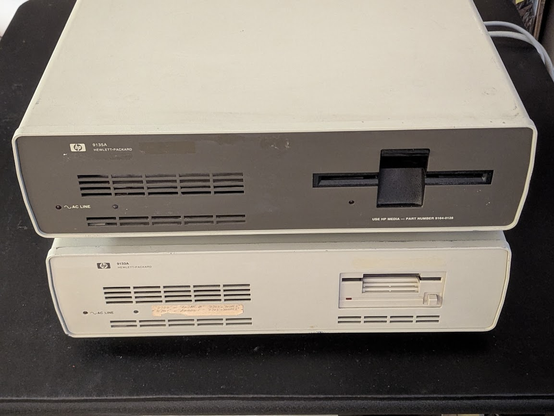
ahh, the HP 9133A - the largest and heaviest external 3 1/2" floppy drive ever built. let's get it working! 🧵
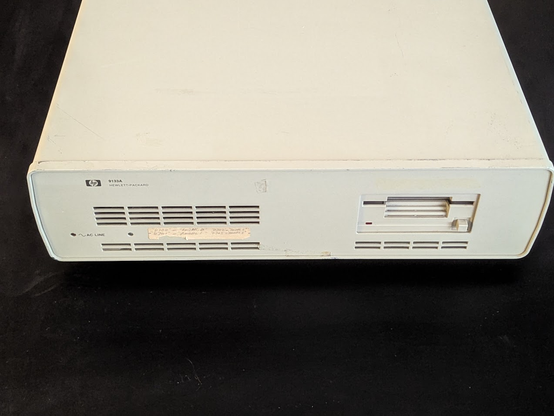
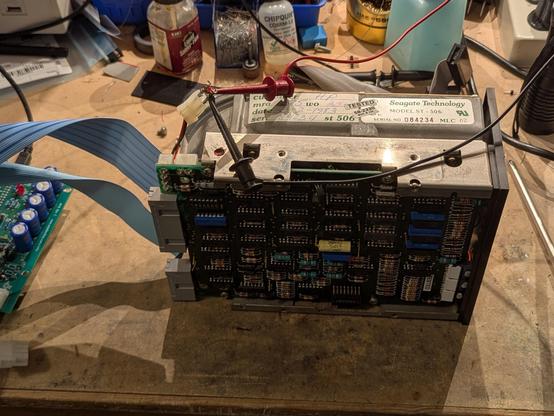
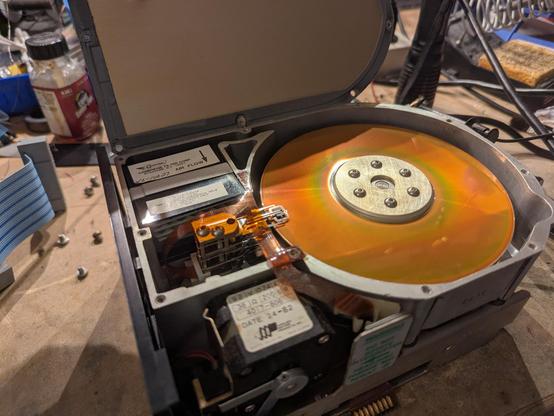
whoops, surprise hard drive inside!
this one is a Seagate ST-506, a MFM drive with a whopping 5MB capacity!
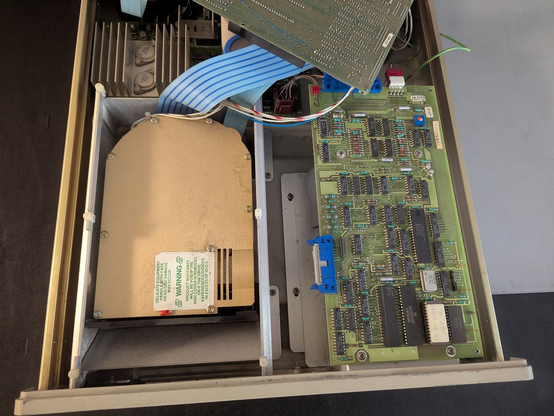
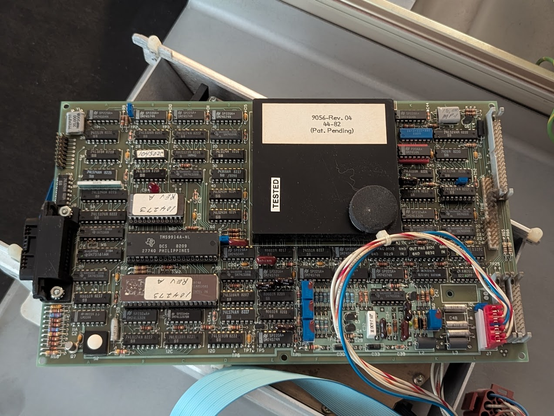
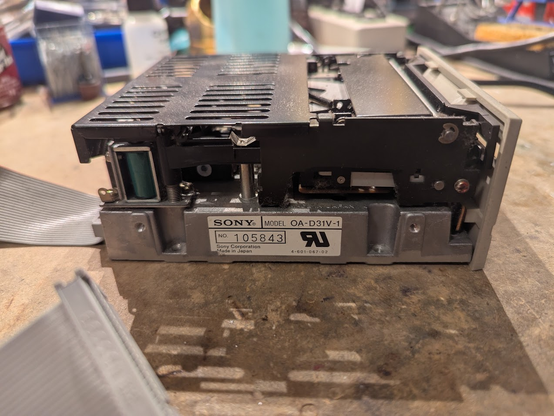

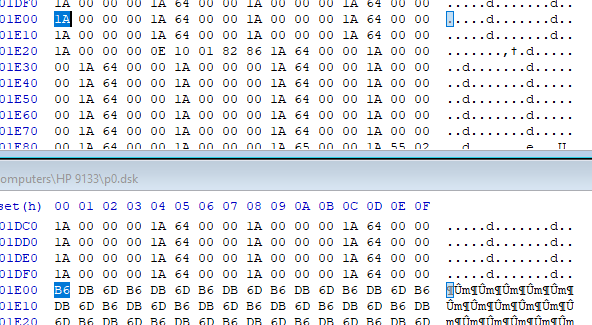
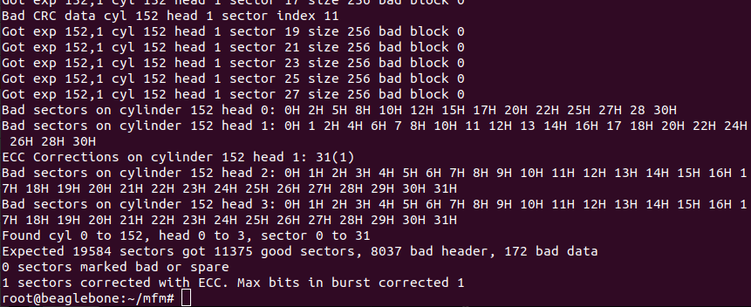
the Gesswein MFM emulator was able to capture a flux transition dump! i used their mfm_util to analyze it, and it is a very odd format: check out the command line:
--format EC1841 --sectors 32,0 --heads 4 --cylinders 153 --header_crc 0x0,0xa00805,32,4 --data_crc 0x0,0xa00805,32,4 --sector_length 256
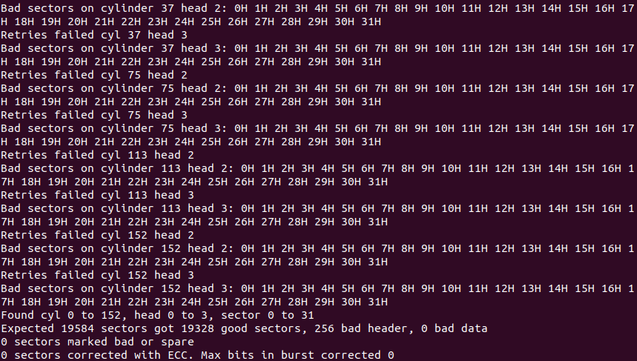
bad sectors were on tracks 37, 75, 113, and 152. the 9133a uses hardware partitioning to get four logical volumes, so these "bad sectors" are really just extra sectors at the end of each disk.
for posterity, the command i used was
./mfm_read --format Xebec_104527_C0_256B --sectors 32,0 --heads 4 --cylinders 153 --header_crc 0x0,0xa00805,32,2 --data_crc 0x0,0xa00805,32,2 --sector_length 256 --retries 50,4 --drive 1 --xebec_skew --begin_time 151000 --tran hp9133a_st506 --ext hp9133a_st506.bin

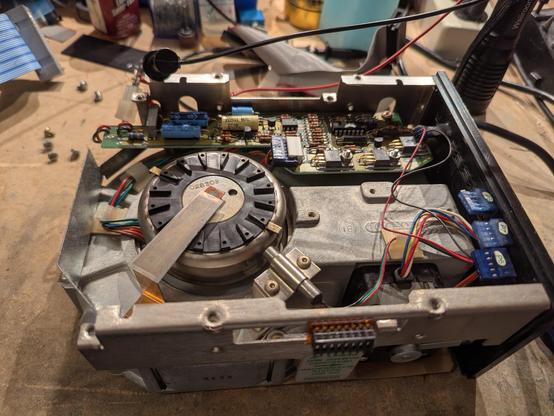
also the drive is running very smoothly now. a few days ago it was making horrible screeching sounds but i think that was the spindle bearing.
i've been running it upside down to allow the oil to warm up and drain back into the bearing.
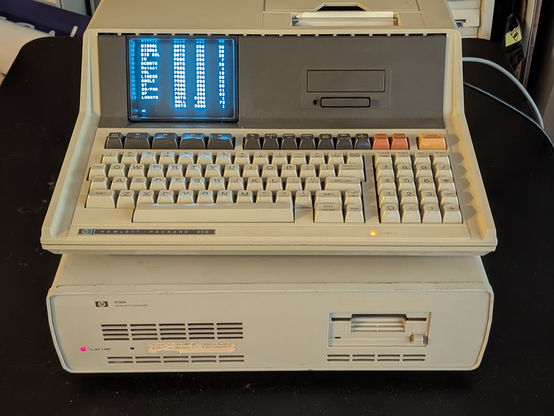
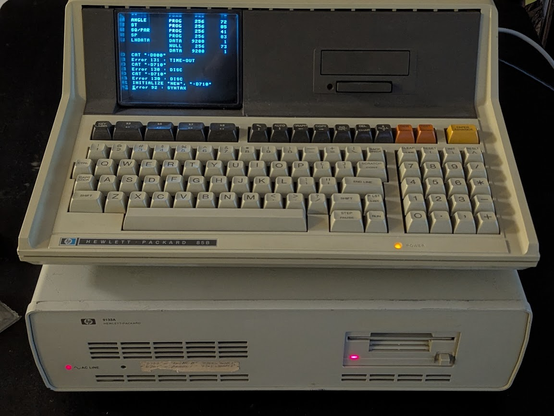
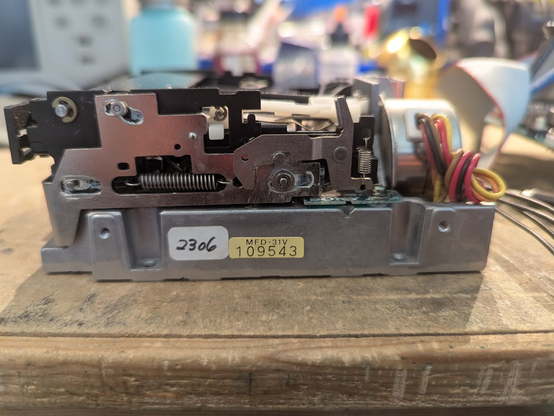
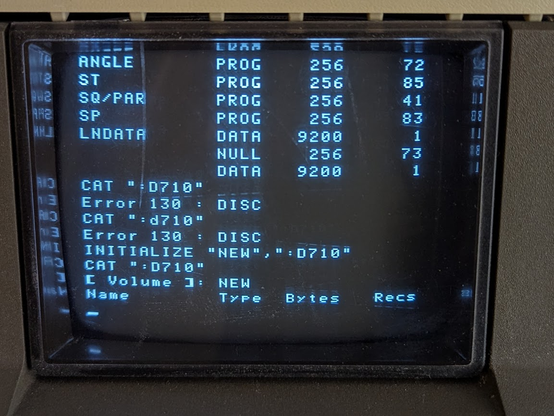

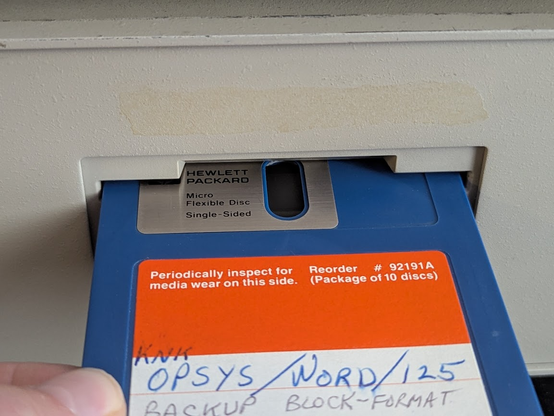
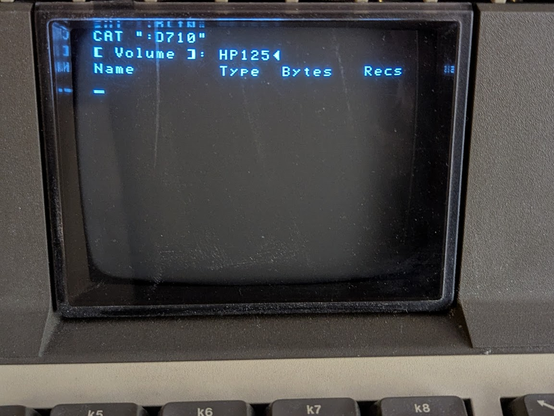
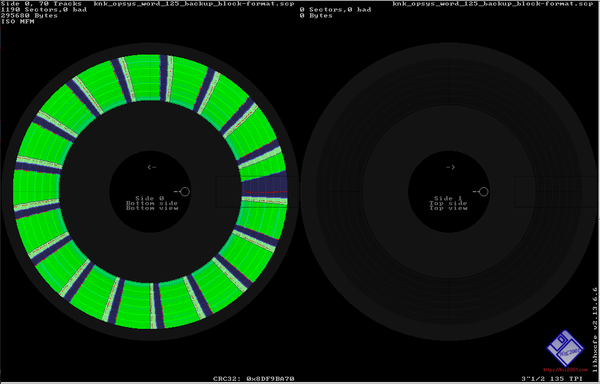
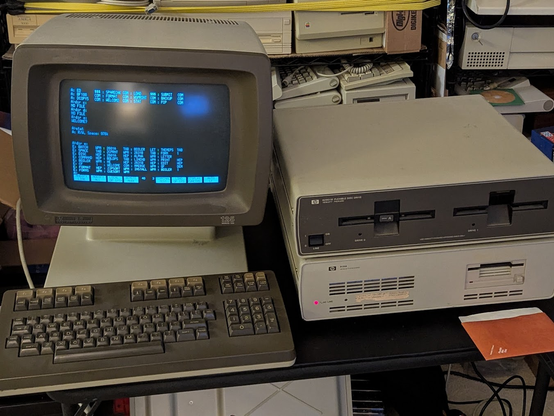
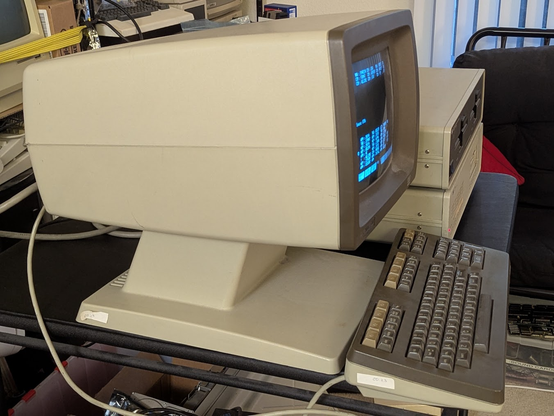
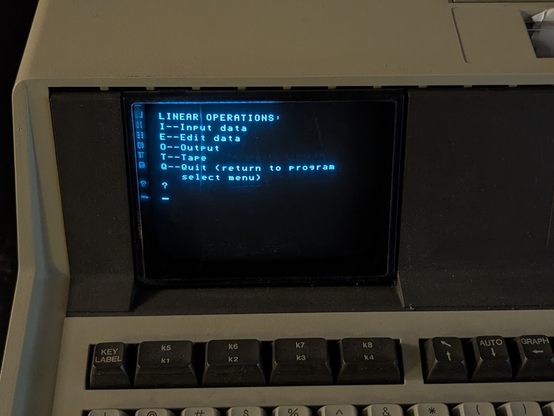
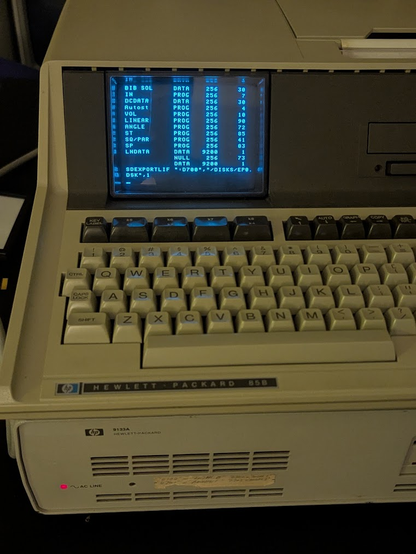
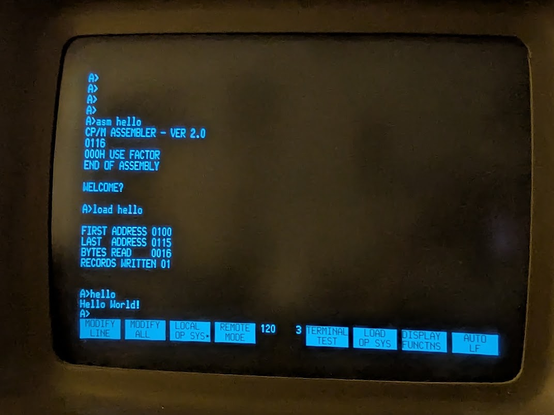
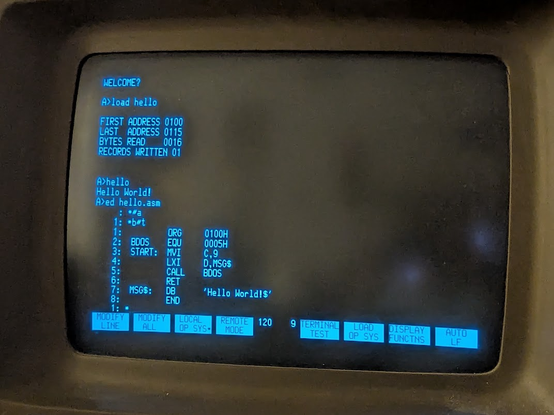
you might be wondering what those weird 3 1/2" disks were for: it is this very odd beast, the HP 125. this is a dual processor CP/M machine that uses Z80s. one of them is the main CPU and the other runs the terminal I/O!
the form factor is super weird. it, along with the 2621 terminal, were known as the "Alien Heads."
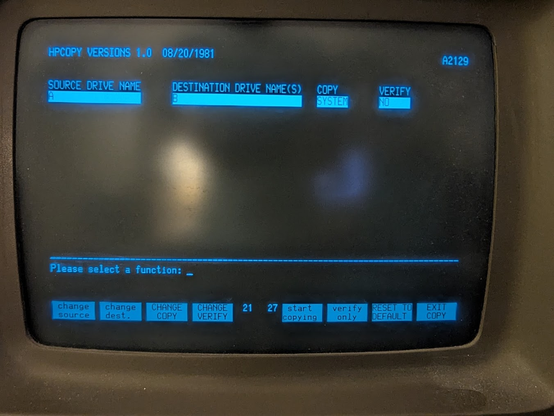
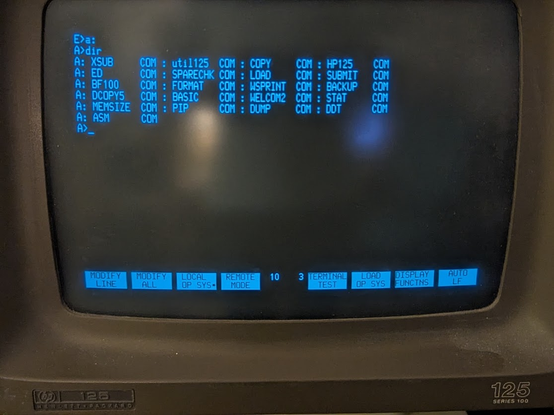
@tubetime Welcome to the wonderful world of CP/M. An OS by coders, for coders. Where you are actually expected to read the source before assembling and running stuff.
An elegant OS from a more civilized time.
@stefanie @tubetime
I used it and the derived CP/M86 and MS DOS. I wrote programs for CPM-80 and DOS.
Z80 card for Apple II, A generic S100 box and Research Machines 380Z with CP/M.
Sirius 1 (Victor 9000) CP/M 86
Many DOS 2.11 to DOS 6.22 (8088 to 80486)
It's pretty primitive and little more than a collection of I/O and file utilities.
Of course memory was limited.
Simple but not at all elegant.
@raymaccarthy @tubetime I find elegance in simplicity and minimalism. Especially CP/M 3 with the extra performance features.
And a full Z-System is even more comfortable than DOS, except for the subdirectories.
Maybe "elegance" isn't the right word. But I love that the API is so simple that I can *almost* memorize it all.
@raymaccarthy @tubetime My first "online" experience were BBSes using Terminate on DOS back in the mid 90s.
When I got my CP/M to dial a telnet BBS using ZMP was almost magical to me.
But I'm still working on my dream CP/M system, which will be an eZ80 @ 50 MHz. My first attempt only ran 36 MHz because of design mistakes, but still roughly 6x faster than a 10 MHz Z80.
That brings back memories. Not CP/M or assembling things, but:
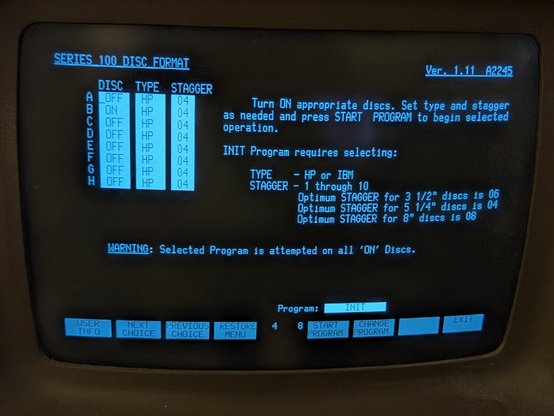
The eight function blocks at the bottom also appeared on the HP 150, where they were pervasive through most of the applications, and not only mapped to the function keys, but were also touchable with the built-in touchscreen of the machine.
@tubetime congrats.
From heren on forward things should get easier…
I suspect ed(1) and CP/M ed differ in significant ways, but I have only used one of those
@tubetime maybe only for assembler source code?
If you're at the "writing assembler by hand in a text editor" level of masochism then why not go all the way and use ed?

@0xabad1dea @tubetime @whitequark
I'll admit that 'ed' has saved the day a couple of times. Mostly when using some ancient terminal that seemed to have little support for anything but printing new lines of text to the screen..
Back around 1980 I got a job where I was working on an RSX 11 system with the only available editors were this thing called EDI, and this even worse thing called SOS, and they were so bad that I took the software tools implementation of Ed, and hand translated it from Ratfor to Fortran, because Ed was infinitely better than the typical command line text editor of the time.
@tubetime « convenient » is doing a lot of heavy lifting here…
I remember using ed on a 300 baud teletype terminal. I mean, it worked, and you *could* edit text files, but I put it close to pouring tabasco sauce in my eyes on the list of things I’d really rather not do.
fun fact that Imagedisk cannot accurately image those disks because the format only allows one sector size per track
and, as we discovered, the protocol analyzer uses one extra track to hide some information required for some of the protocol handlers to function
@tubetime
That seems to be a thing done by the 91xx drives themselves, rather than something under OS control.
I never knew what the 128 byte sector was for though. Interesting!
Teledisk on a hp 150 can make images, but i don't know if those images could be written successfully with a regular PC...
@tubetime
It's beautiful, that you for sharing your work.
It's a great pallet cleanser in this dark age
@tubetime I am wondering as the greaseweazle host software has support for it for some HP drives.
I have not seen any of these in the wild and it's something I want to eventually support in #RecoveryWhiskers

 Stumpy The Mutt
 slash
slash Ray McCarthy
 Otte Homan - remember Geordie
 Solarbird
 aceJacek
 Hugo Mills
 Netzblockierer
 Neko May
 Obot 50549535
 Eli the Bearded
 Programmer 832-529 🍅
 RevK
RevK 
 Thomas A. Frederiksen
 Chris-Evelyn
 abadidea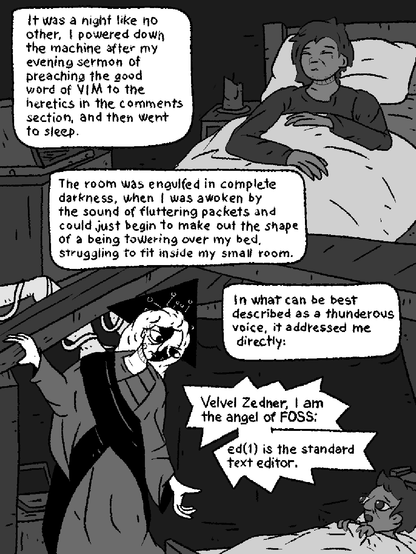
 Johan Wärlander 🦀
 Elias Mårtenson
 Dantali0n

 Bellycan
 William Smith
 Resuna
 Erik Ableson
 Lauren Weinstein
 lopta
lopta Rue Mohr
 bitsavers.org
 F4GRX Sébastien
 JennyFluff
  💾
💾 Willard Goosey
 RyeNCode 🇨🇦