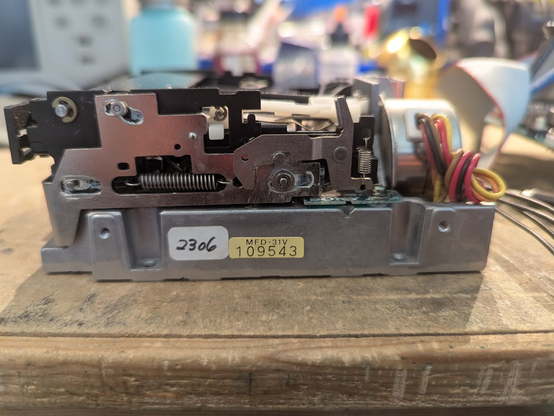
the floppy drive is the extremely ancient Sony OA-D31V-1. it's not the first one to come out. more like the second one.
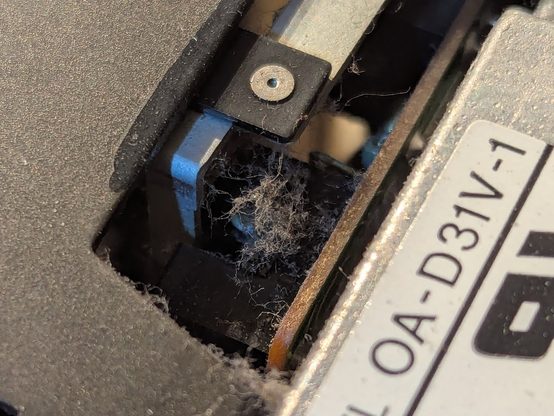
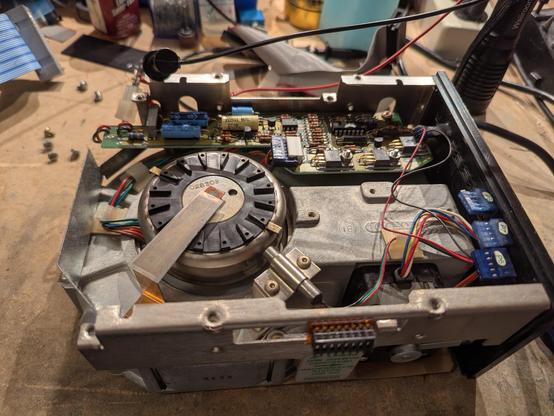
transmissive optical sensors hate dust bunnies. they'll produce false readings, so they must be cleaned!
a single-sided 3.5" drive head is something you don't see every day. they were never that common.
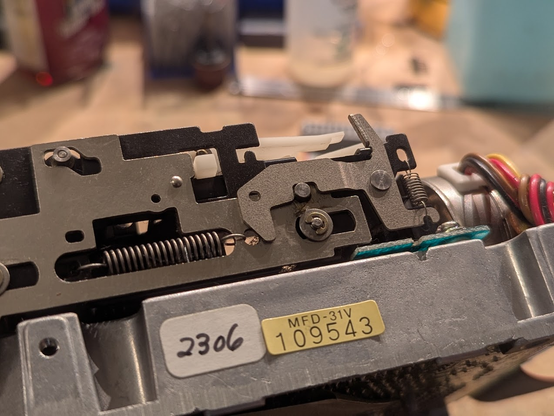
i'm taking it apart this far because the drive mech needs to be cleaned and relubricated. the old grease hardens and makes the mechanism go sticky, so you'll be able to insert a disk, but when you try to remove it, it'll tear the head right off!
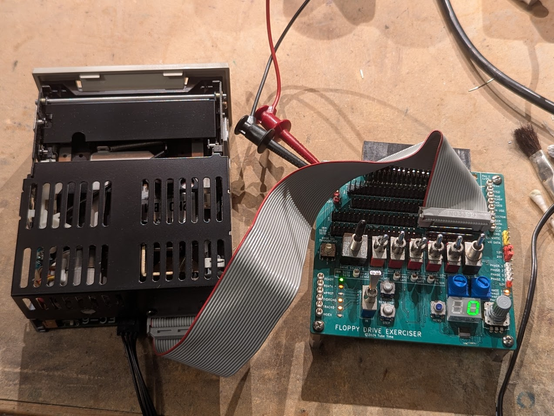
and it tests good! the weird 26-pin HP interface is natively supported by my Floppy Exerciser board (
https://github.com/schlae/FloppyExerciser)
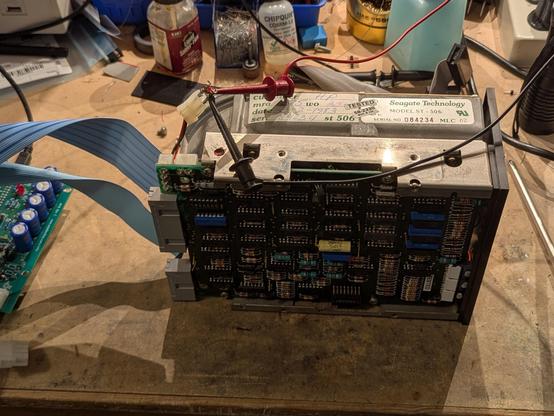
on to the surprise hard drive. but, no surprise, it won't spin up and pulls a bunch of current on 12v. hmmm.
the motor won't move. I think it is stiction. ugh.
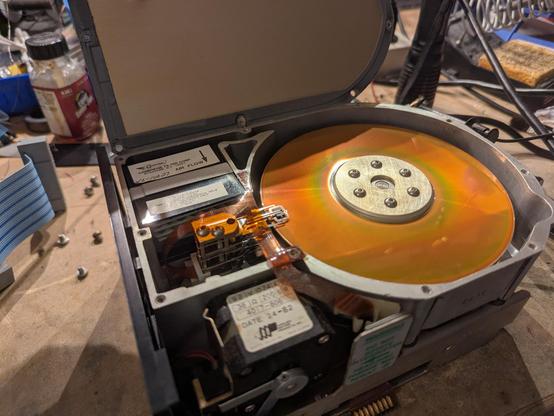
yeah all the heads are stuck. trying a heat gun now...
it spins, but it sounds bad. not much hope for this drive, unfortunately.
the Gesswein MFM emulator was able to capture a flux transition dump! i used their mfm_util to analyze it, and it is a very odd format: check out the command line:
--format EC1841 --sectors 32,0 --heads 4 --cylinders 153 --header_crc 0x0,0xa00805,32,4 --data_crc 0x0,0xa00805,32,4 --sector_length 256
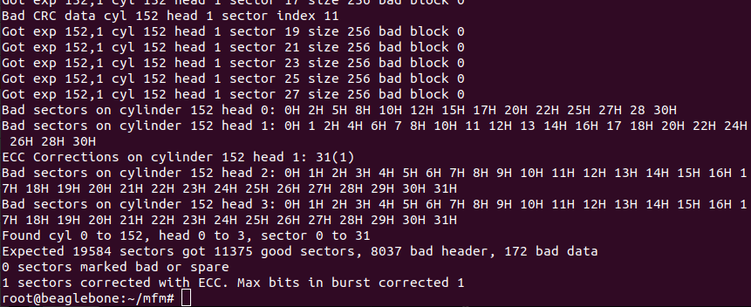
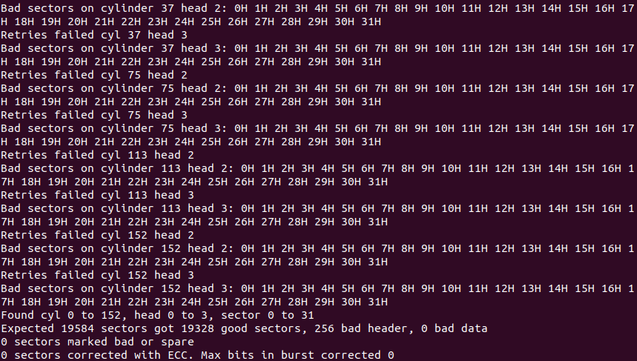
example output of the analyze command... some bad sectors, but a lot of good ones!
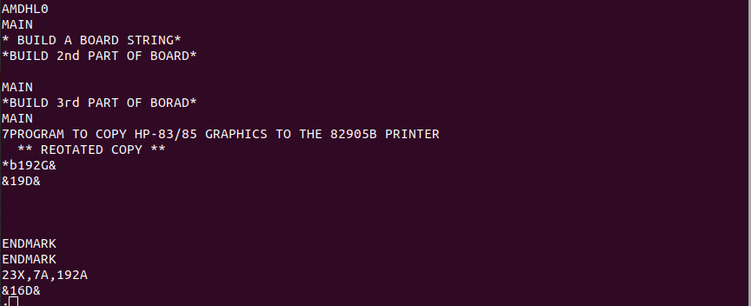
output of 'strings' shows some cool stuff!
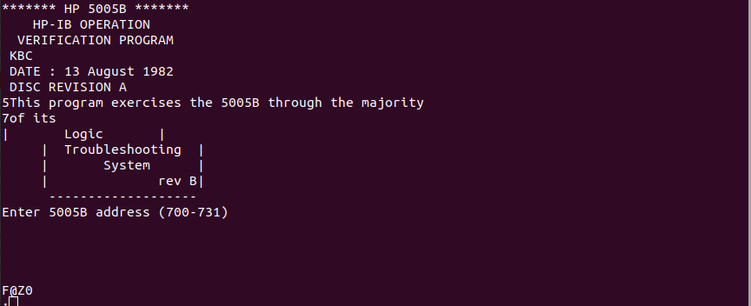
the HPIB verification program for the HP5005B signature analyzer. wild
@dgesswein , who authored the MFM emulator tool i am using for this task, reached out. i updated the software to the latest version (i was tragically out of date). got a new dump. only a few bad sectors this time, and none on track 0!
bad sectors were on tracks 37, 75, 113, and 152. the 9133a uses hardware partitioning to get four logical volumes, so these "bad sectors" are really just extra sectors at the end of each disk.
for posterity, the command i used was
./mfm_read --format Xebec_104527_C0_256B --sectors 32,0 --heads 4 --cylinders 153 --header_crc 0x0,0xa00805,32,2 --data_crc 0x0,0xa00805,32,2 --sector_length 256 --retries 50,4 --drive 1 --xebec_skew --begin_time 151000 --tran hp9133a_st506 --ext hp9133a_st506.bin
'file' is superintelligent these days. it knows about LIF disks! looks like the binary data is good!
also the drive is running very smoothly now. a few days ago it was making horrible screeching sounds but i think that was the spindle bearing.
i've been running it upside down to allow the oil to warm up and drain back into the bearing.
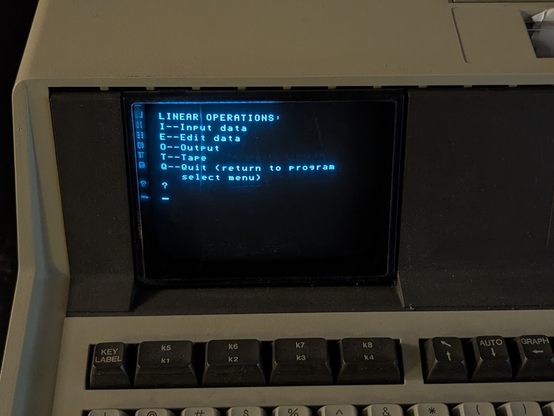
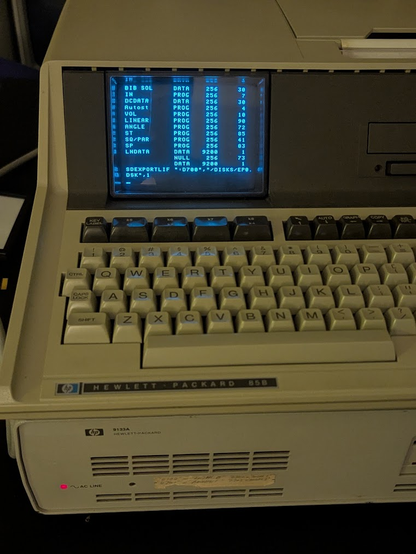
digging around on this drive, i've found a bunch of software for the HP-85, including a program designed to control the HP 5005B Signature Multimeter. presumably none of this stuff has ever been preserved before.
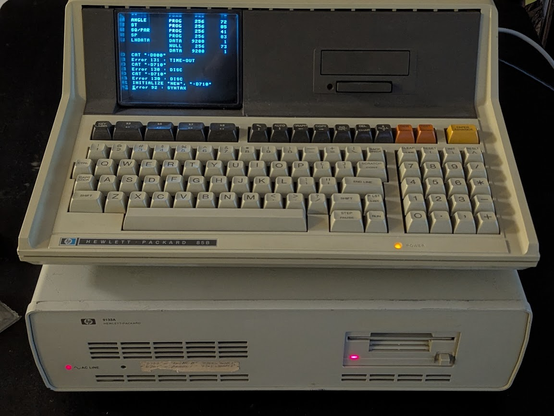
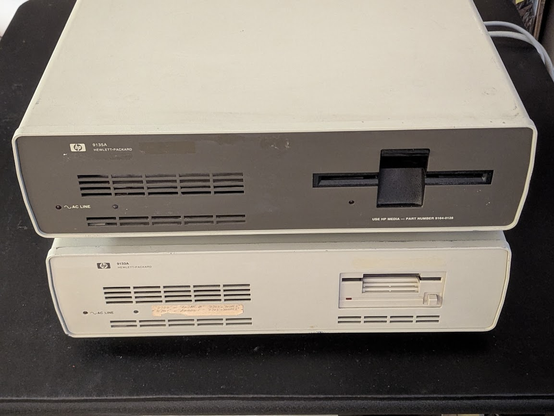
huh, i reconnected everything and plugged the drive into my HP85, and it actually works! i can read the files on it.
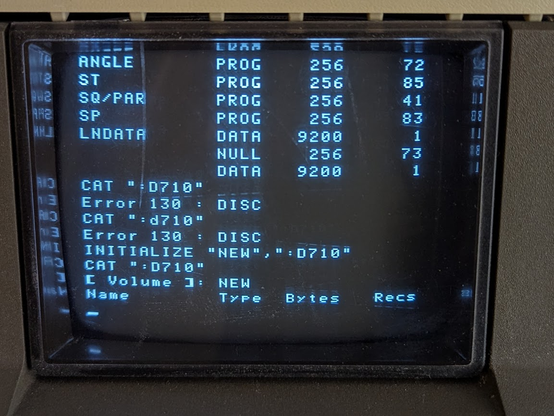
unfortunately the floppy drive isn't quite working. i can't format this new disk. the drive makes a very rattly sound, so it's probably something mechanical.
3 1/2" = light mode
5 1/4" = dark mode
got some time to take the drive out again and clean it again. i ended up having to remove this entire sliding side plate because there was still some old crusty lubricant. it is much better now. i also lubricated the head stepper worm gear.
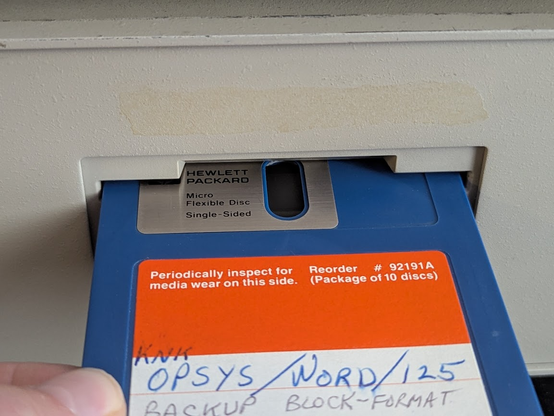
much better, it actually formats the disk! BTW this 3 1/2" format is very odd. 600 rpm, 66 tracks, 16 sectors per track, single-sided, 270K capacity, 256 byte sectors.
why all this work? i need to work with some very early 3 1/2" disks. this example has an oval window but more surprisingly, the disk shutter must be opened manually before you put the disk in the drive!
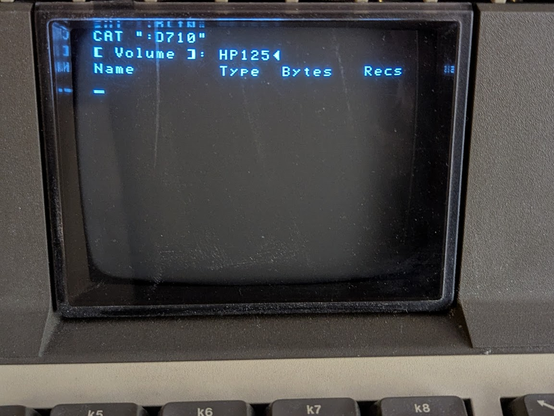
and it actually reads! at least, it recognizes the LIF volume label. the filesystem is for a different type of computer, so the HP85 doesn't show any files.
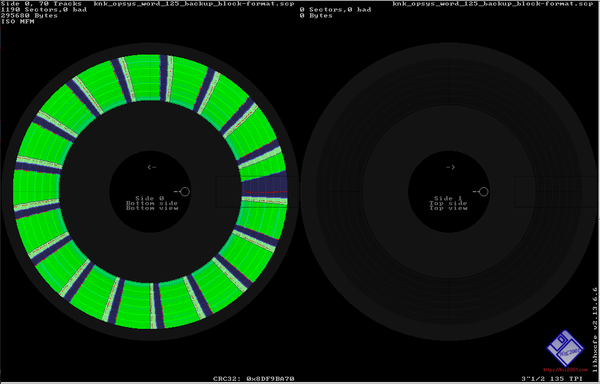
some might be curious about the format of the disk. here's the view in HxC. zero bad sectors! they are standard IBM MFM sector format, 256 bytes per sector, but there's a 17th "narrow" 128 byte sector that stores a media wear counter.
i'm dumping the original hard drive again, but this time using the EBTKS.
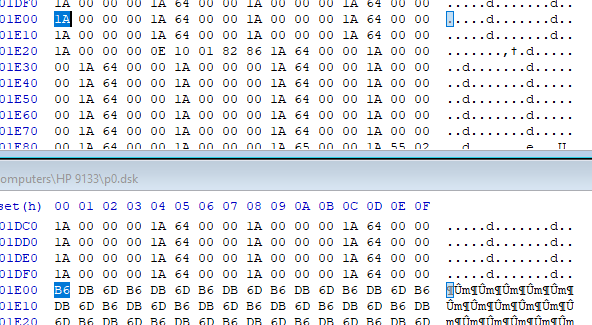
so the difference with the MFM dump is that it includes spare empty sectors that are skipped by the 9133A drive controller. looks like each track only has 31 sectors with 1 spare, totaling 32. a little confused about the initial offset of 0x1e00 for the first spare sector. the next spare sectors are at 0x3d00 and 0x5c00.
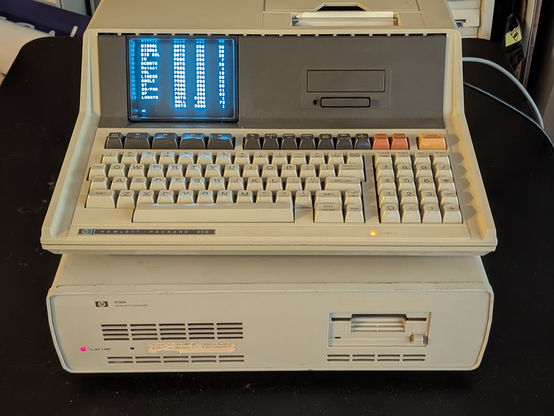
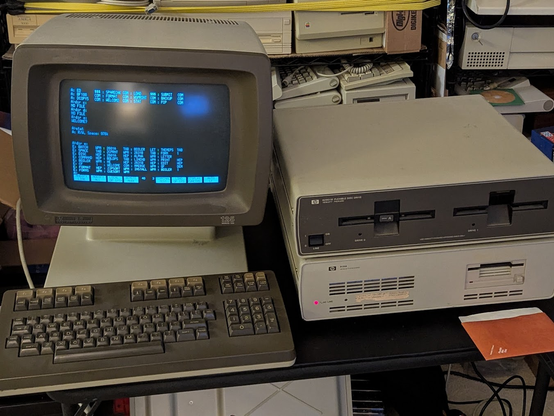
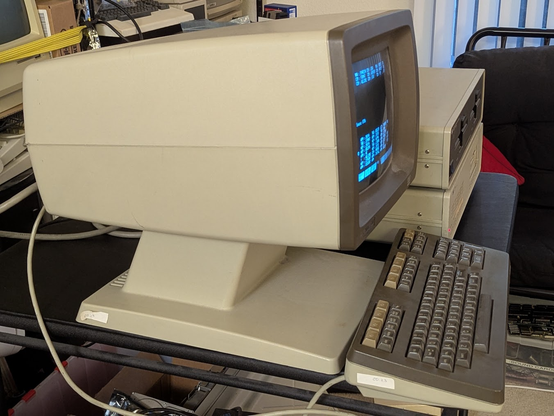
you might be wondering what those weird 3 1/2" disks were for: it is this very odd beast, the HP 125. this is a dual processor CP/M machine that uses Z80s. one of them is the main CPU and the other runs the terminal I/O!
the form factor is super weird. it, along with the 2621 terminal, were known as the "Alien Heads."
it's a bit tricky to install CP/M on the hard drive, so i will go through the process here. first, the machine always boots from HPIB drive 0, so set it up with the floppy drive at 0 and the hard drive at *2*.
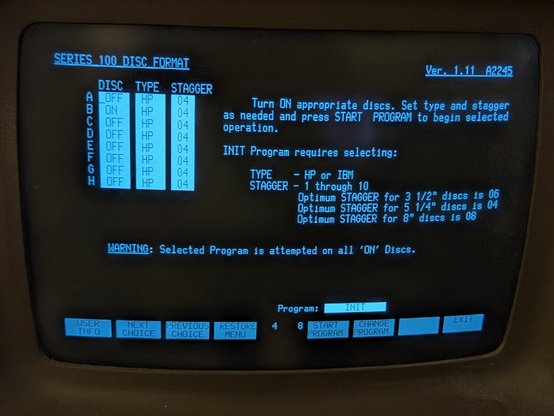
then place a CP/M boot diskette in the machine and power it up. then from the welcome screen, hit UTILITIES and then FORMAT. the hard drive will appear as drive E, F, G, and H. i had it format drive E.
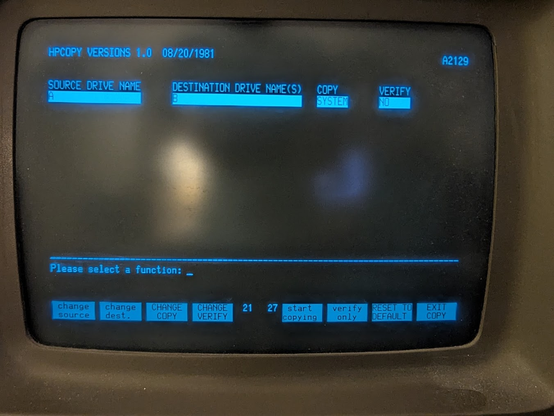
exit to the welcome screen, and then select UTILITIES and then COPY. hit CHANGE COPY until the selection says SYSTEM (not ALL or DATA). select the source drive as A and the destination drive as E. this copies the CP/M operating system to the hard drive.
now turn off the computer and swap the drive DIP switches around so the floppy disk has ID 2 and the hard drive has ID 0. when you turn the computer back on, it should automatically boot CP/M!
however, the basic install of CP/M doesn't include any utilities other than the build in commands, so you'll need to go E:PIP A:=E:PIP.COM to copy the PIP program to the hard drive, which you'll use to copy more programs. then you can repeat this for any other utilities you want on the hard drive, like FORMAT, STAT, COPY, SUBMIT, XSUB, or the other software that HP released.
HP's version of CP/M will try to run WELCOME.COM which displays the GUI. i find it annoying, so i just renamed it to WELCOM2.COM using REN.
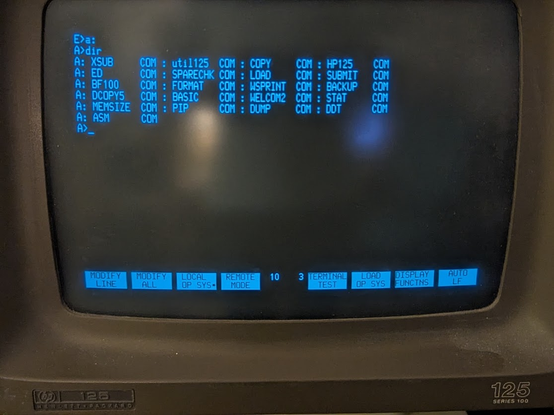
here's what i have installed so far. besides microsoft basic, there is also the CP/M assembler (ASM), editor (ED), and loader (LOAD), as well as the dump utility and the dynamic debugger (DDT).
NARRATOR: it was NOT a convenient way to edit text files.
@tubetime maybe only for assembler source code?
If you're at the "writing assembler by hand in a text editor" level of masochism then why not go all the way and use ed?
@smallsees @tubetime do it on a teletype! Ed is great for that.
@revk @tubetime yeah half duplex modem lines and similar teach you why ed is like it is.
 Tube🌈 Time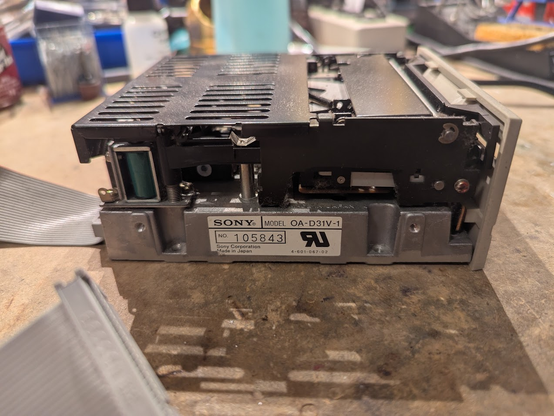




 Programmer 832-529 🍅
 RevK
RevK